Holiday photo studio
AI Christmas Photo Generator
Turn a selfie, family, couple, or pet photo into a Christmas portrait, or put your own words on a card.
or start from a style
Real results
From everyday photo to Christmas keepsake
Real edits made on ZMS AI. Pick one, then try the same style with its photo in one click.
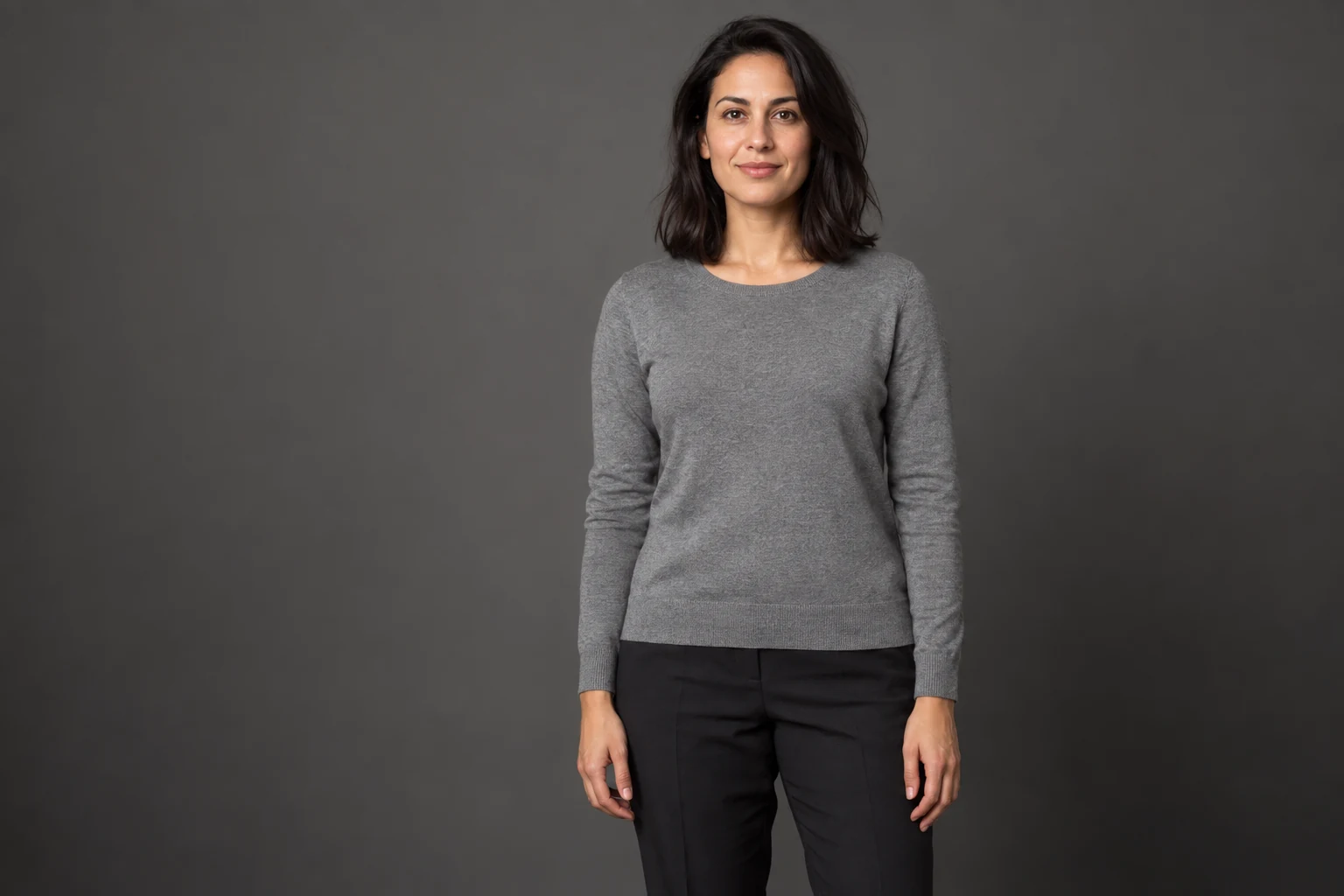
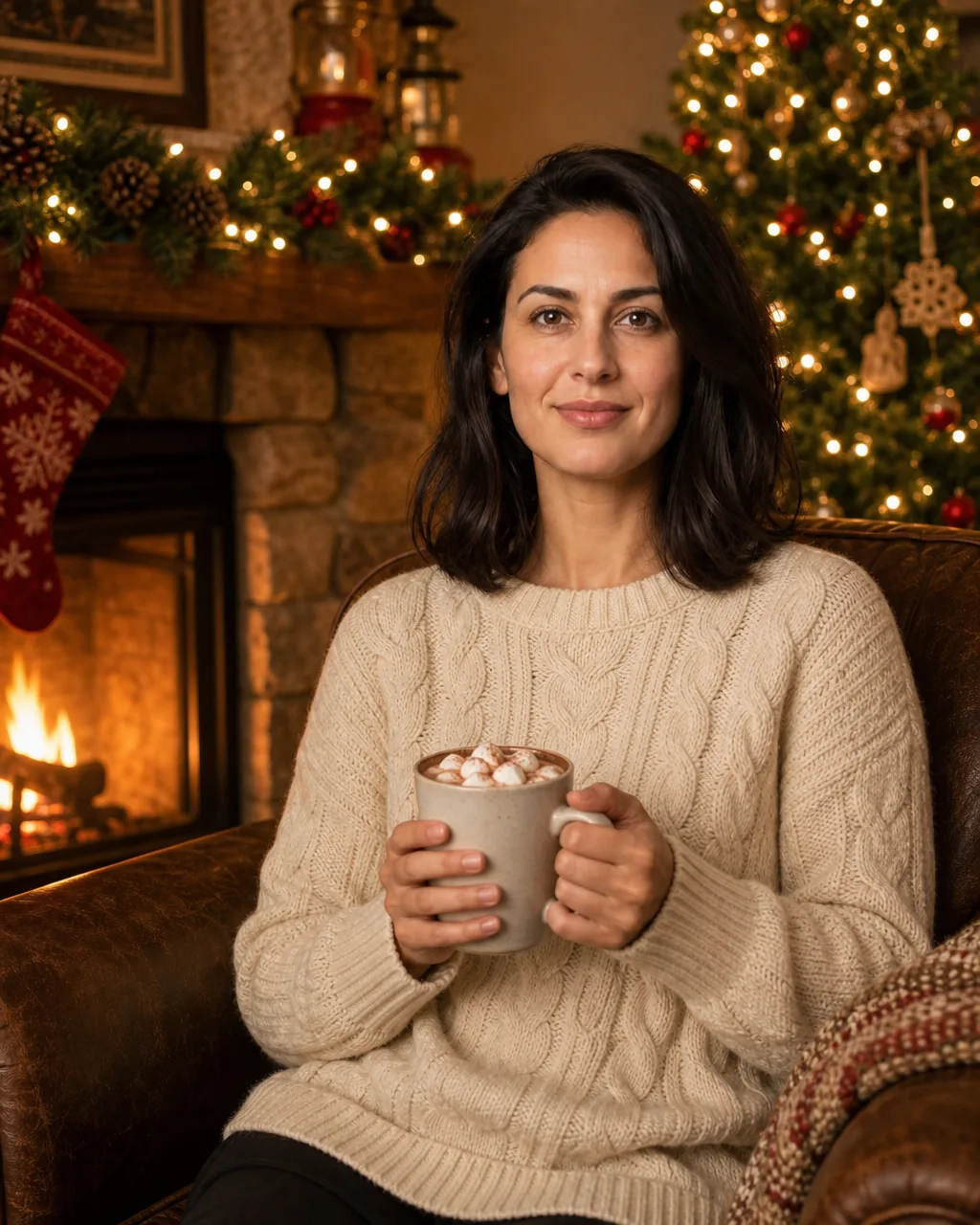
After
Cozy fireplace
“Sitting in a deep armchair beside a lit stone fireplace, wearing a cream cable-knit sweater and holding a mug of hot cocoa. A decorated Christmas tree with warm white lights stands behind her, a garland hangs on the mantel, and soft golden firelight falls on her face. Waist-up portrait.”
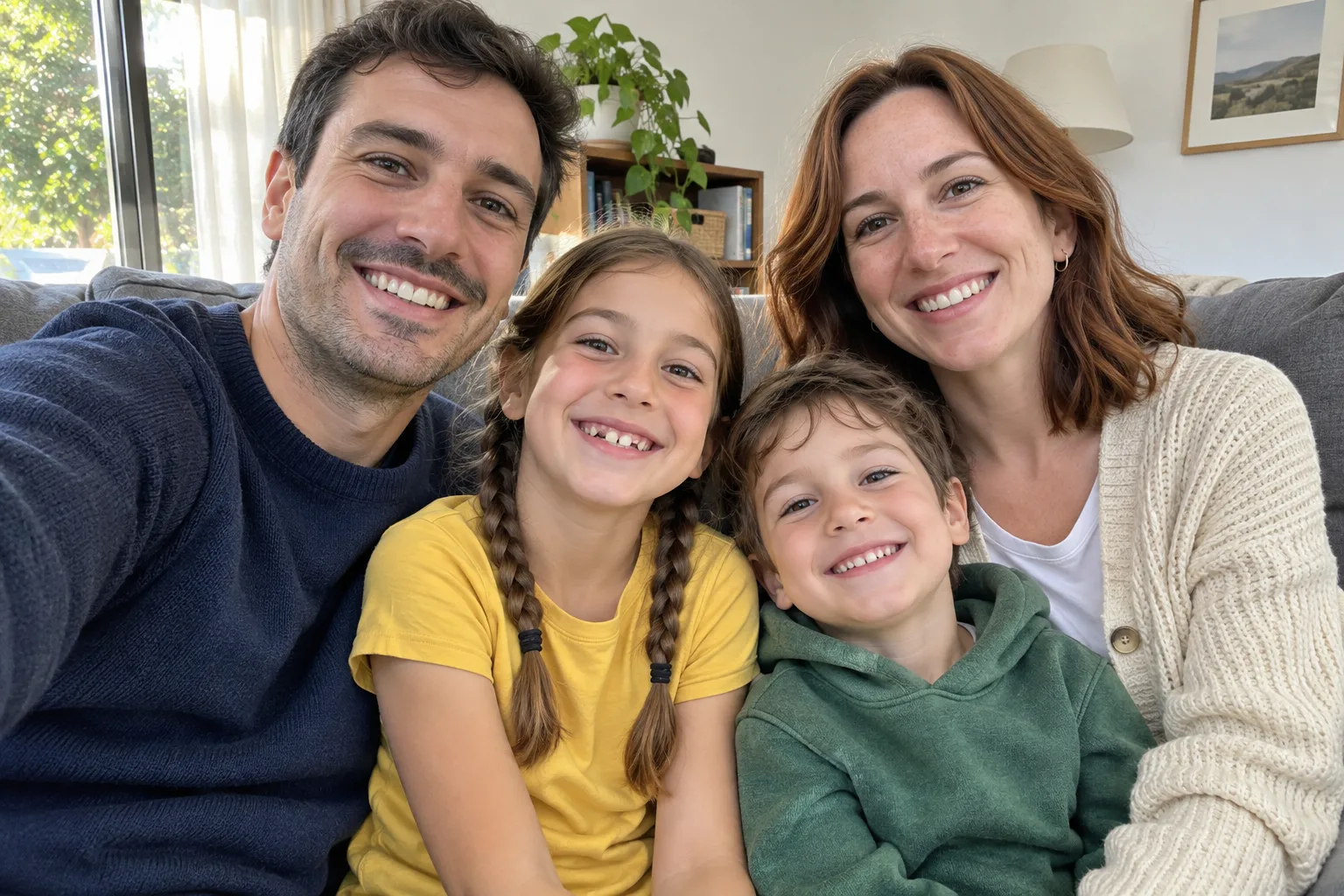
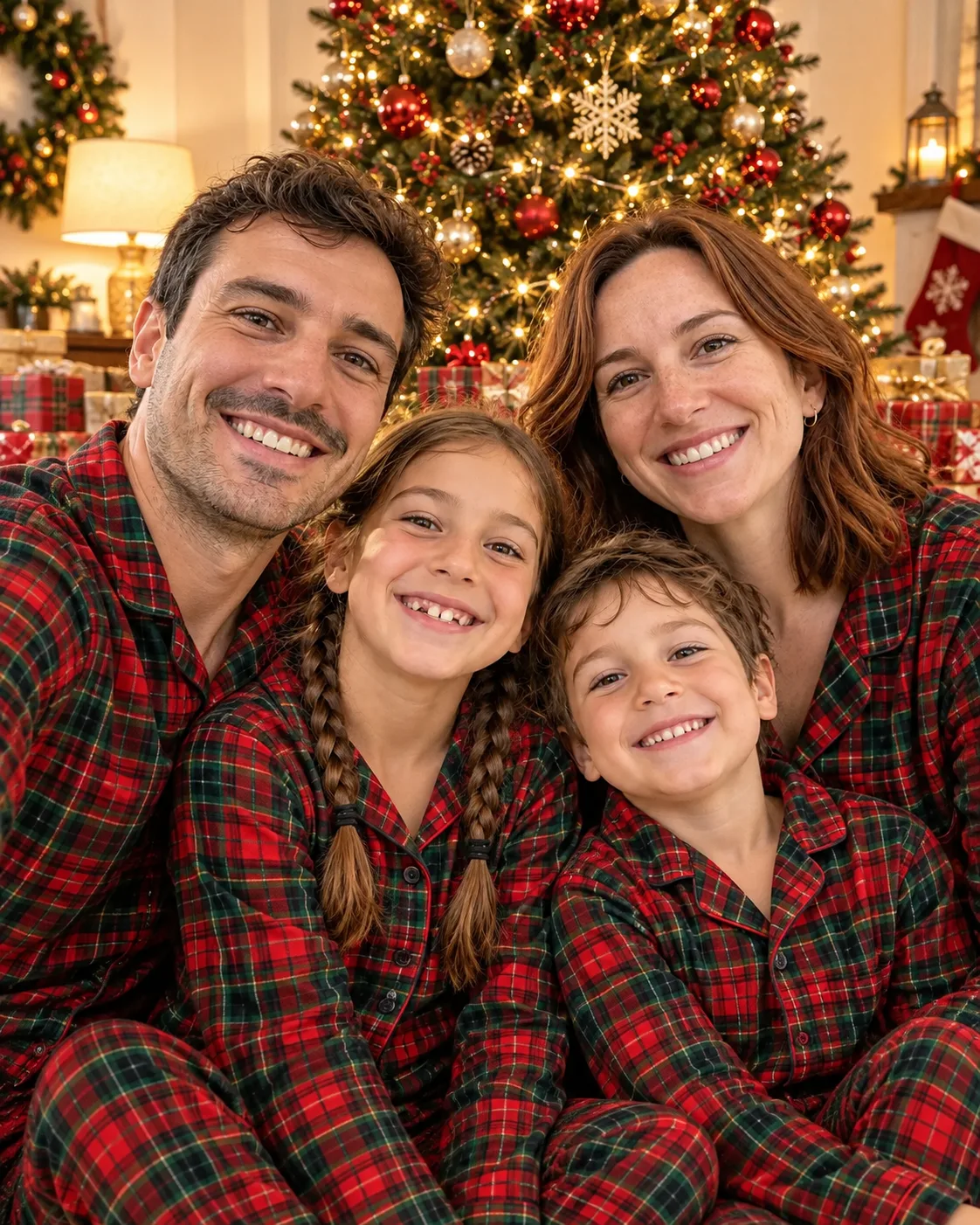
After
Matching pajamas
“Everyone wears matching red-and-green plaid Christmas pajamas, sitting together on the floor in front of a tall decorated Christmas tree with presents, in a cozy living room with warm lamplight, all smiling at the camera.”

After
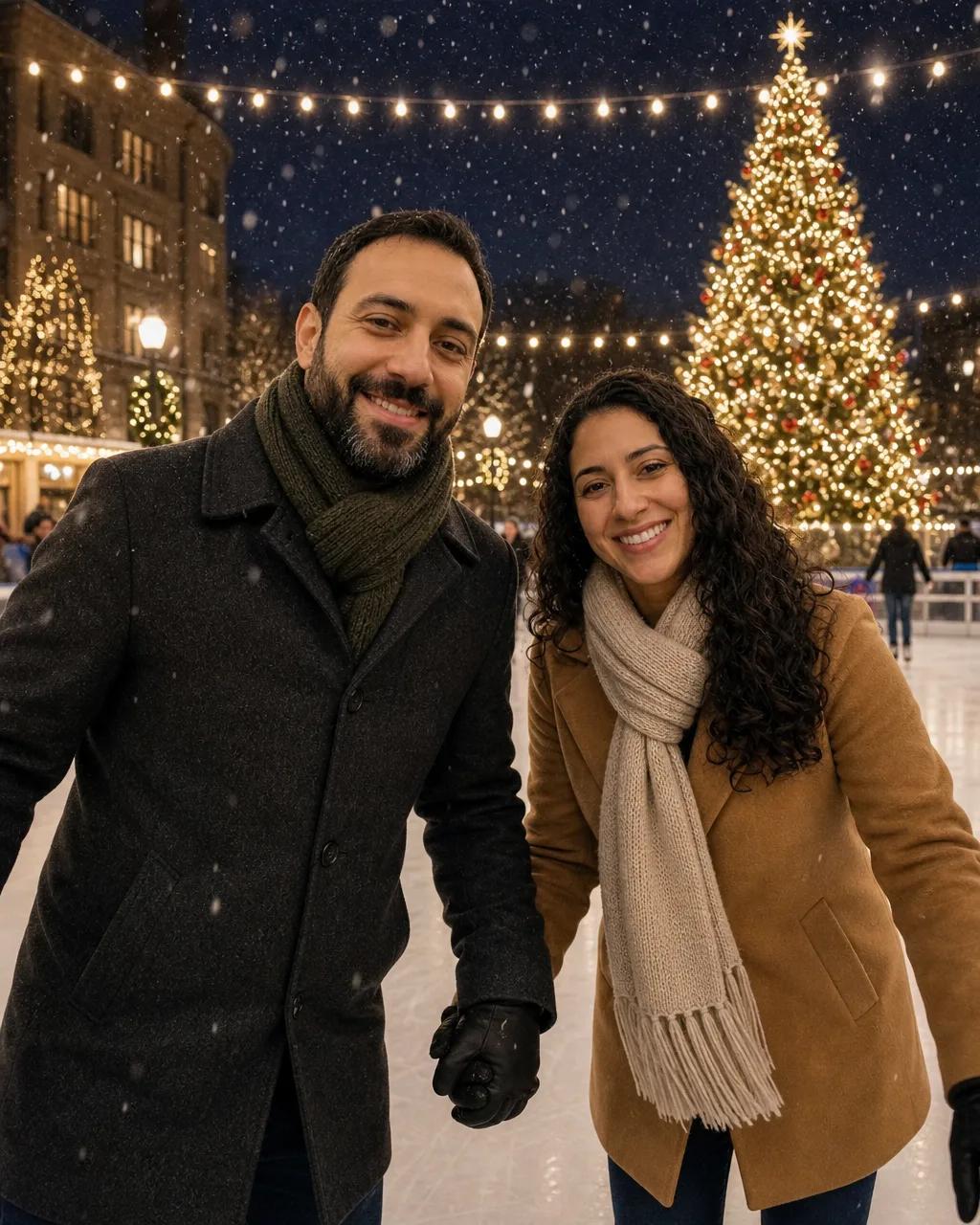
Ice rink date
“Ice skating together on an outdoor rink at night, holding hands, in winter coats and knit scarves, with a giant lit Christmas tree and string lights behind them and light snow falling. Both smiling at the camera.”

After
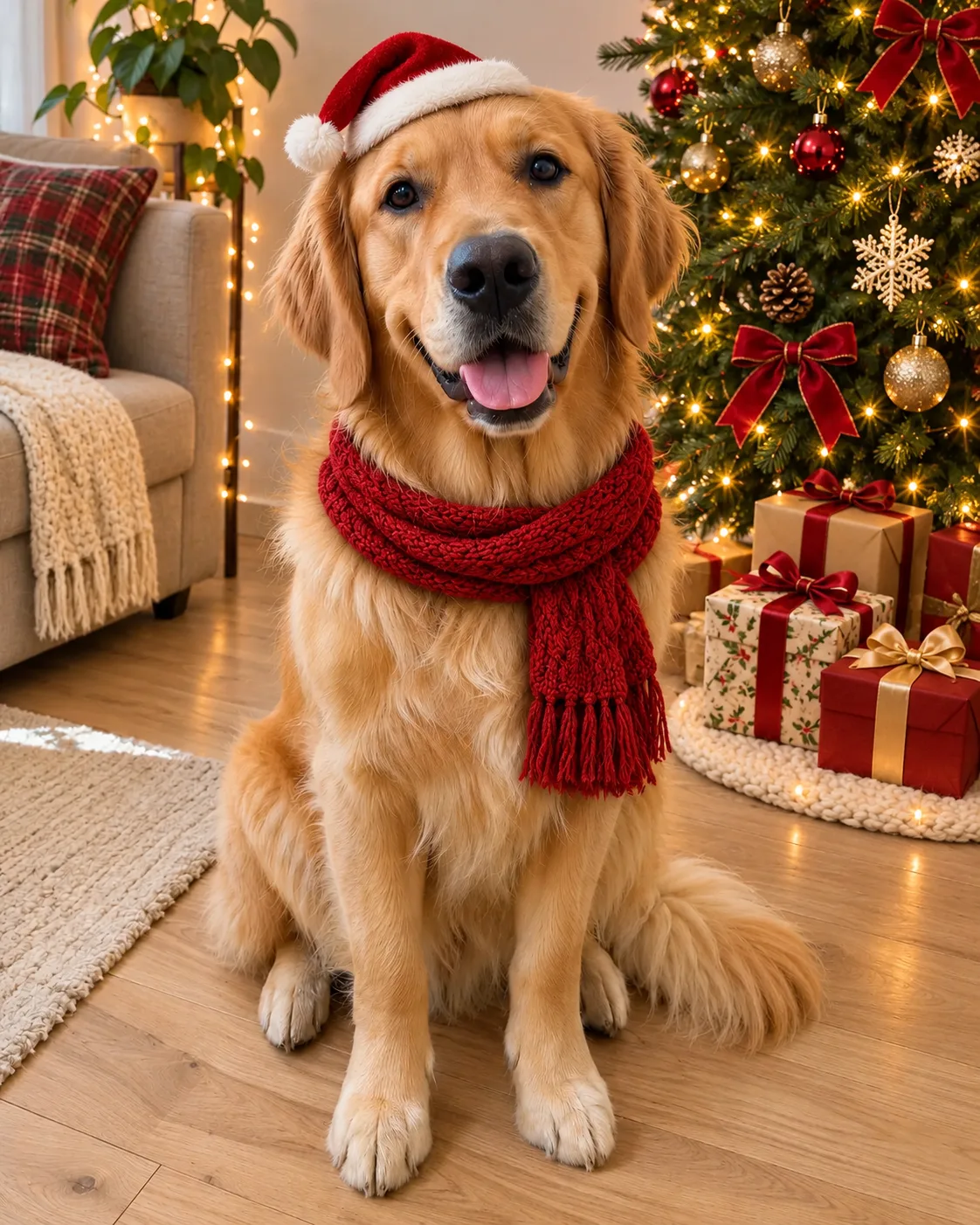
Santa pup
“The dog wears a small red Santa hat and a red knitted scarf, sitting beside a decorated Christmas tree with wrapped presents, with warm fairy lights in a cozy living room.”
Pick a style
Twelve Christmas styles to try
Each photo is the real result of the prompt on its back. Flip a card to read it, or use the style on your own photo.
Cozy fireplace
One-person photo
The prompt
Cozy fireplace
Sitting in a deep armchair beside a lit stone fireplace, wearing a cream cable-knit sweater and holding a mug of hot cocoa. A decorated Christmas tree with warm white lights stands behind her, a garland hangs on the mantel, and soft golden firelight falls on her face. Waist-up portrait.


Candy cane glam
One-person photo
The prompt
Candy cane glam
Glamorous Christmas studio portrait in a red-and-white candy-cane striped dress, holding a giant candy cane, with oversized red and silver ornaments and soft falling glitter on a pale pink backdrop. Glossy high-key lighting, three-quarter length.
Christmas market
One-person photo
The prompt
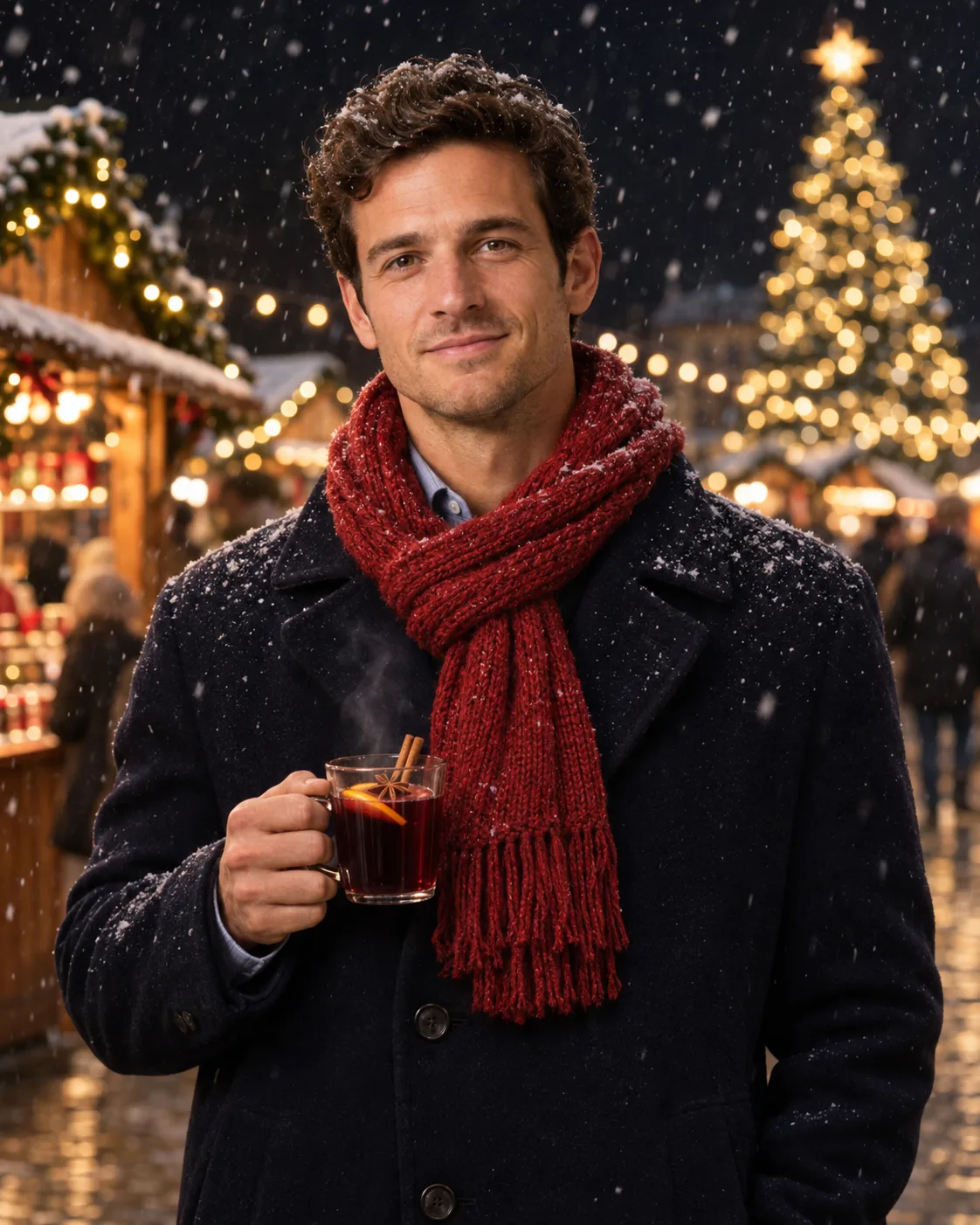
Christmas market
Standing at a Christmas market at night in a navy wool coat and a red knit scarf, holding a cup of mulled wine, with wooden stalls, string lights, and a tall lit tree softly blurred behind him. Light snow is falling. Waist-up portrait.
’90s film flash
One-person photo
The prompt
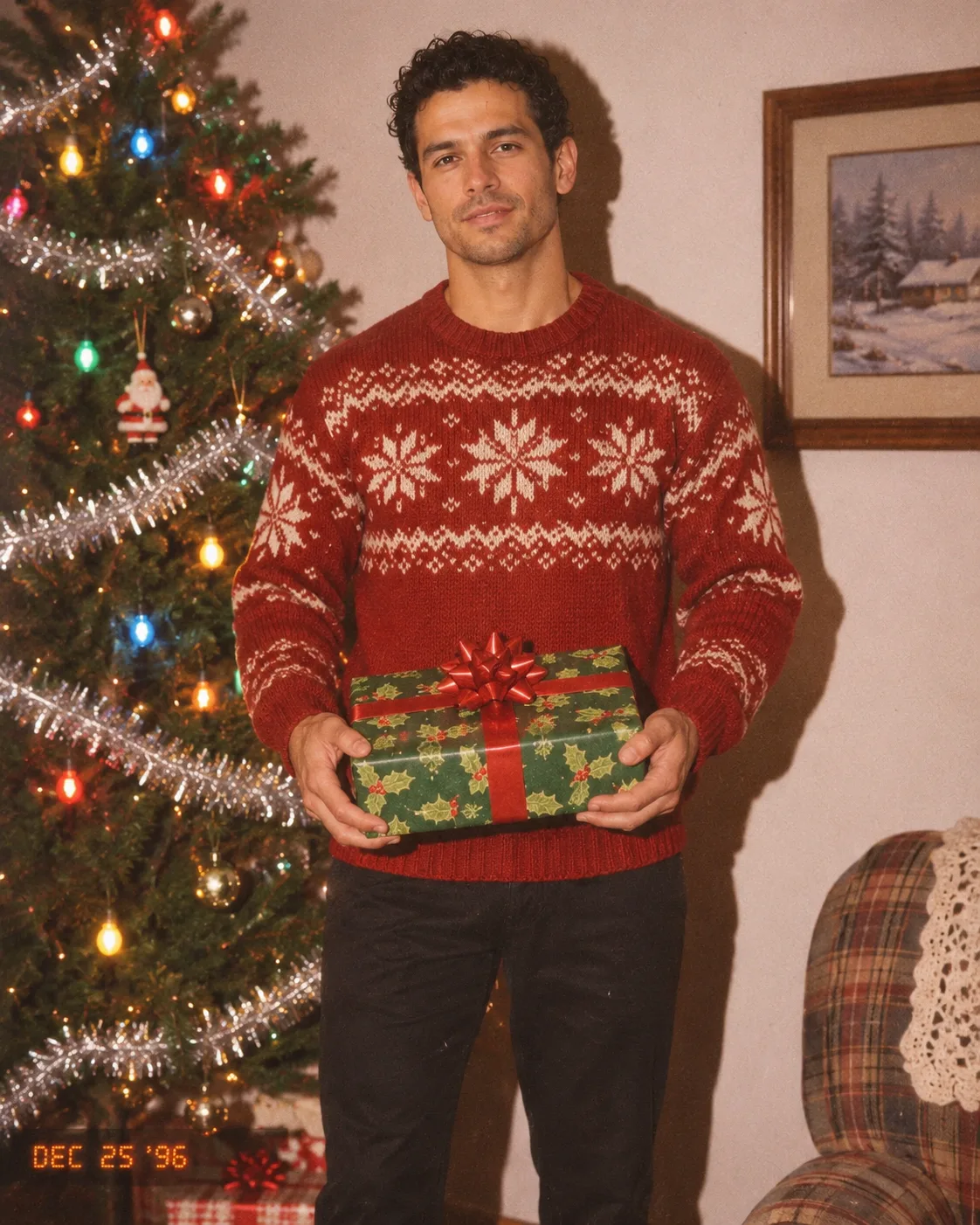
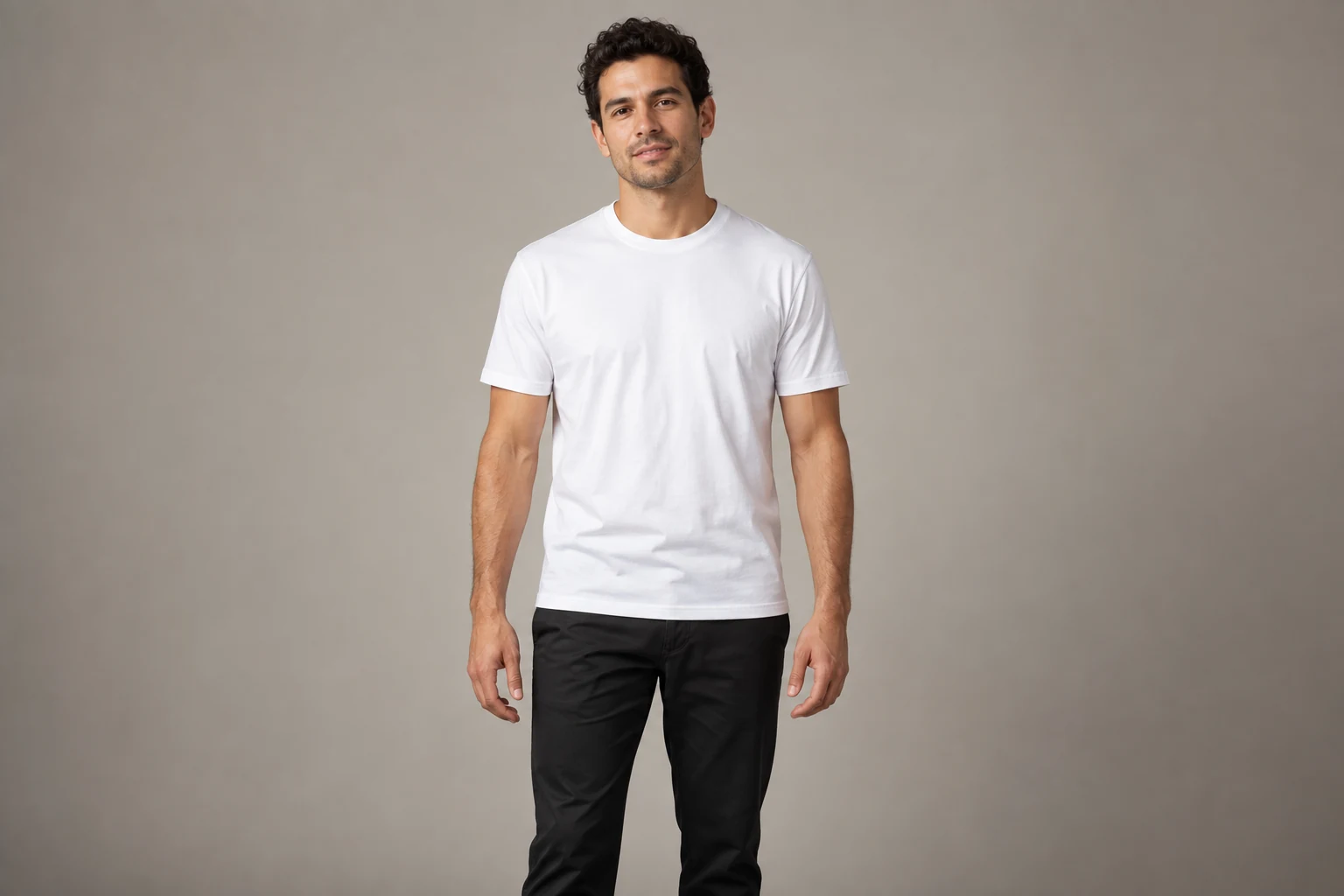
’90s film flash
A 1990s film snapshot next to a Christmas tree with tinsel and colored bulb lights, taken with direct on-camera flash and warm film grain. He wears a red knit sweater with a white snowflake pattern and holds a wrapped present.
Snowy forest walk
Full-body photo
The prompt
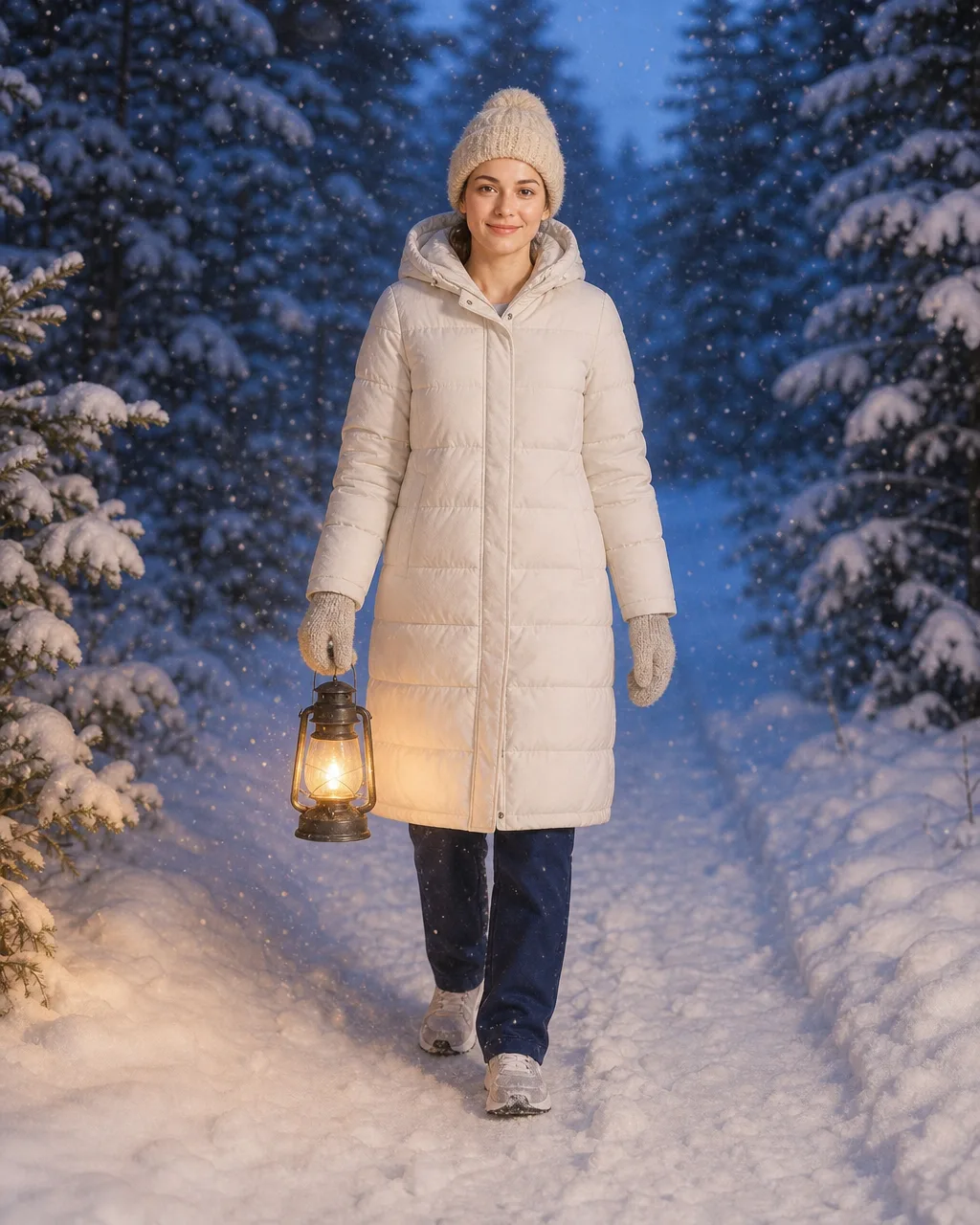
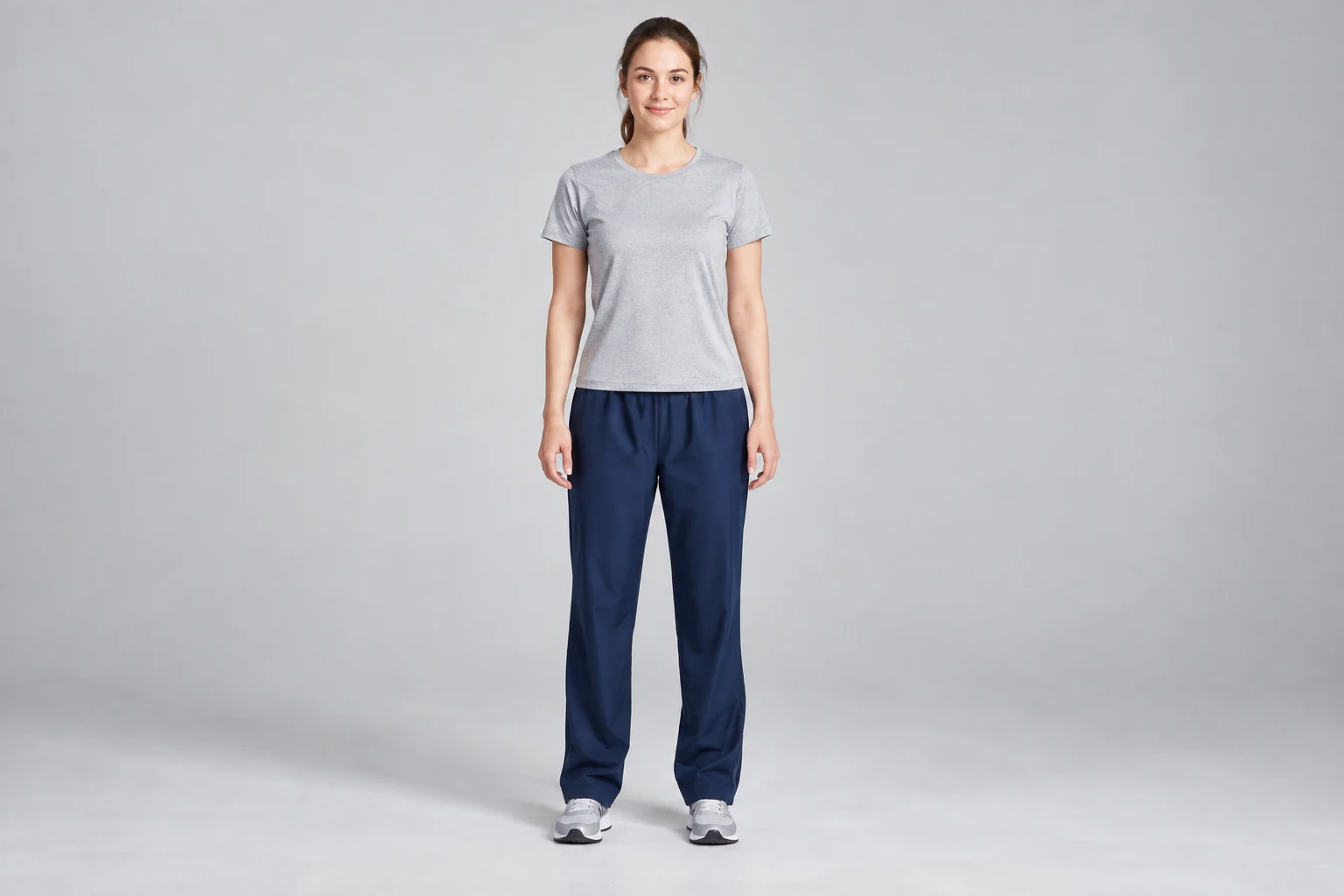
Snowy forest walk
Walking through a snowy pine forest at blue hour in a long white puffer coat, a cream knit beanie, and mittens, holding a small glowing lantern. Snowflakes drift in the air; soft cinematic light.
Ugly sweater party
One-person photo
The prompt
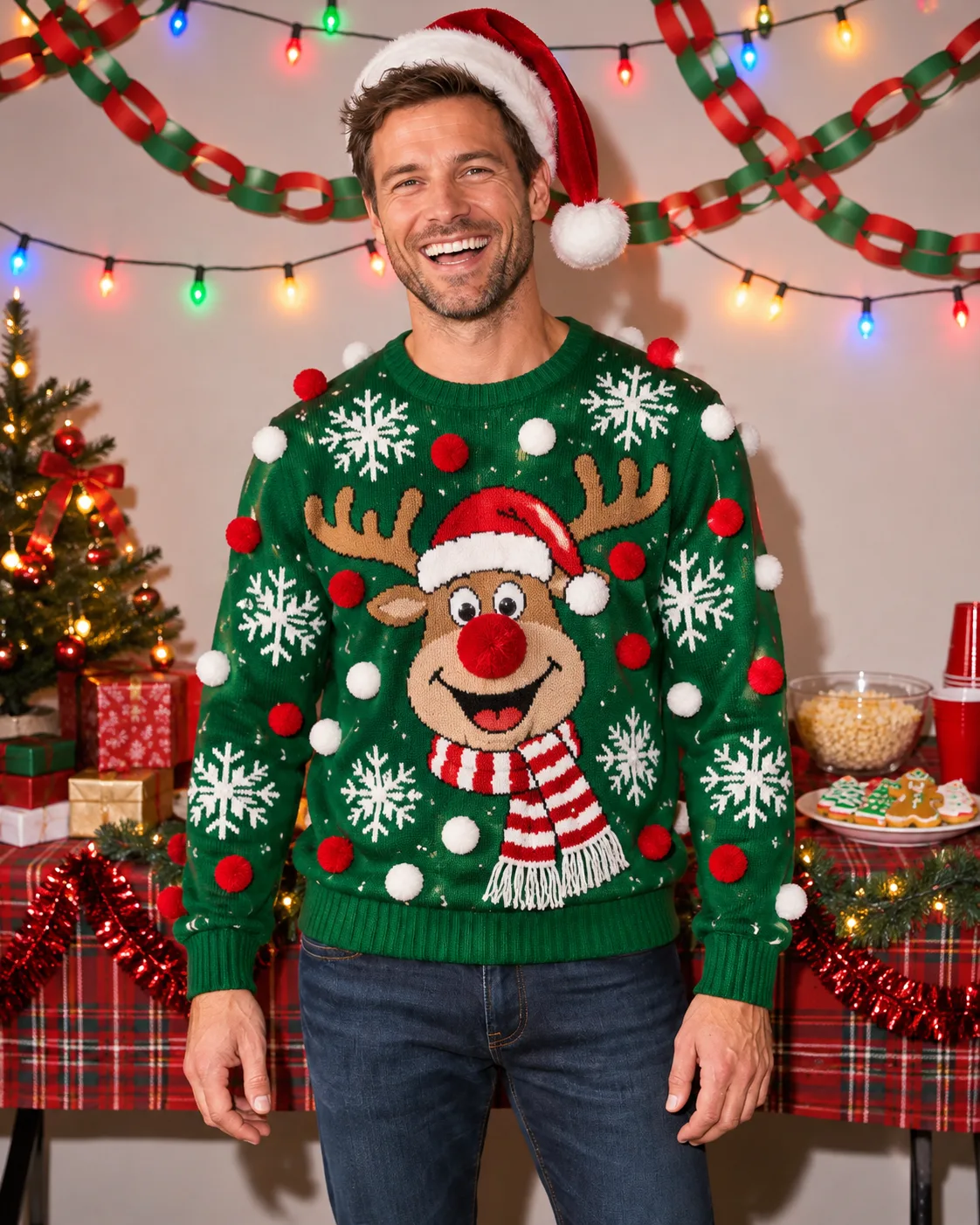
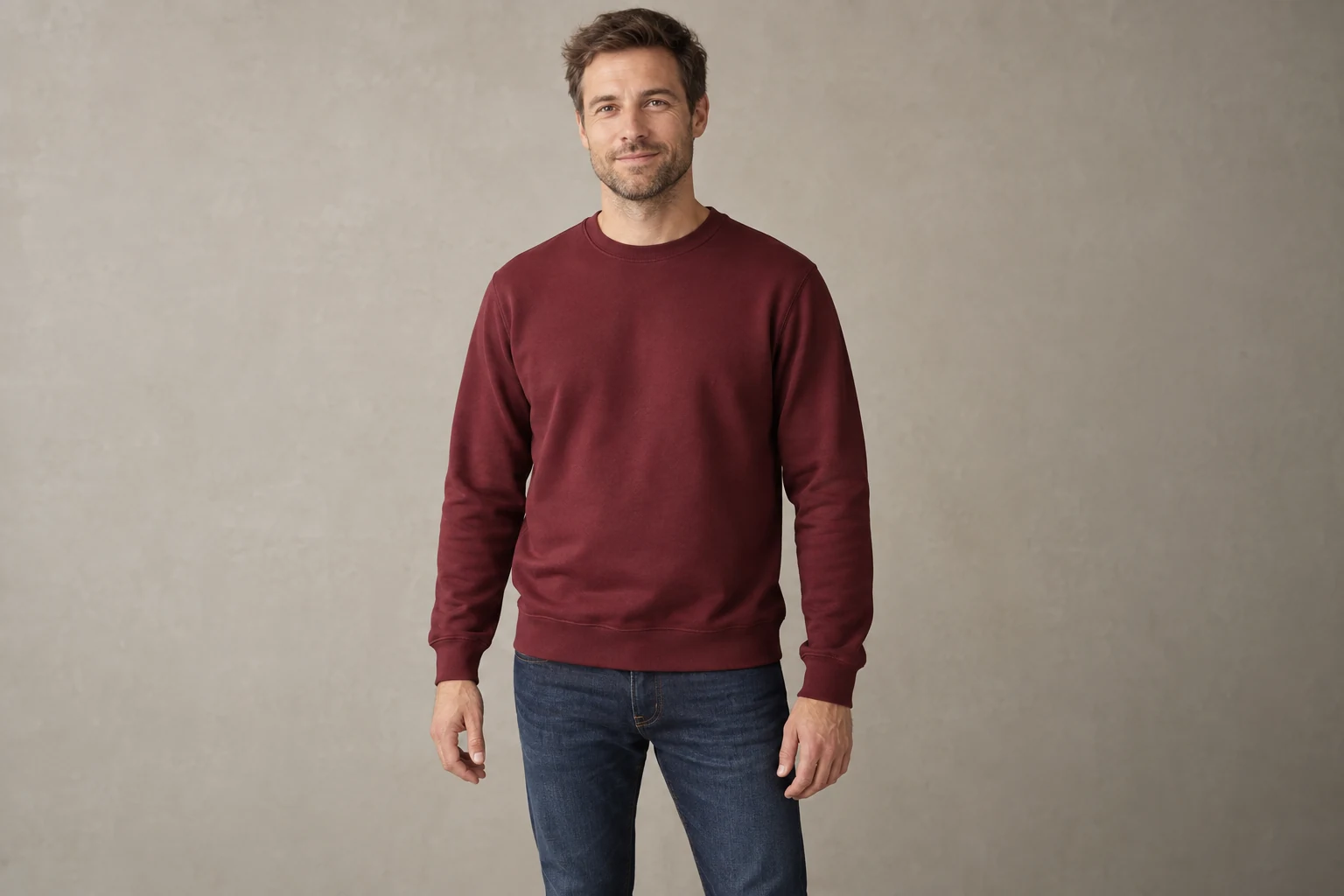
Ugly sweater party
At a cheerful holiday party in a deliberately tacky green Christmas sweater covered in snowflakes and pom-poms, wearing a Santa hat and laughing toward the camera, with paper garlands and colored lights behind. Bright flash photo.
Matching pajamas
Family photo
The prompt
Matching pajamas
Everyone wears matching red-and-green plaid Christmas pajamas, sitting together on the floor in front of a tall decorated Christmas tree with presents, in a cozy living room with warm lamplight, all smiling at the camera.
Snowy cabin porch
Family photo
The prompt
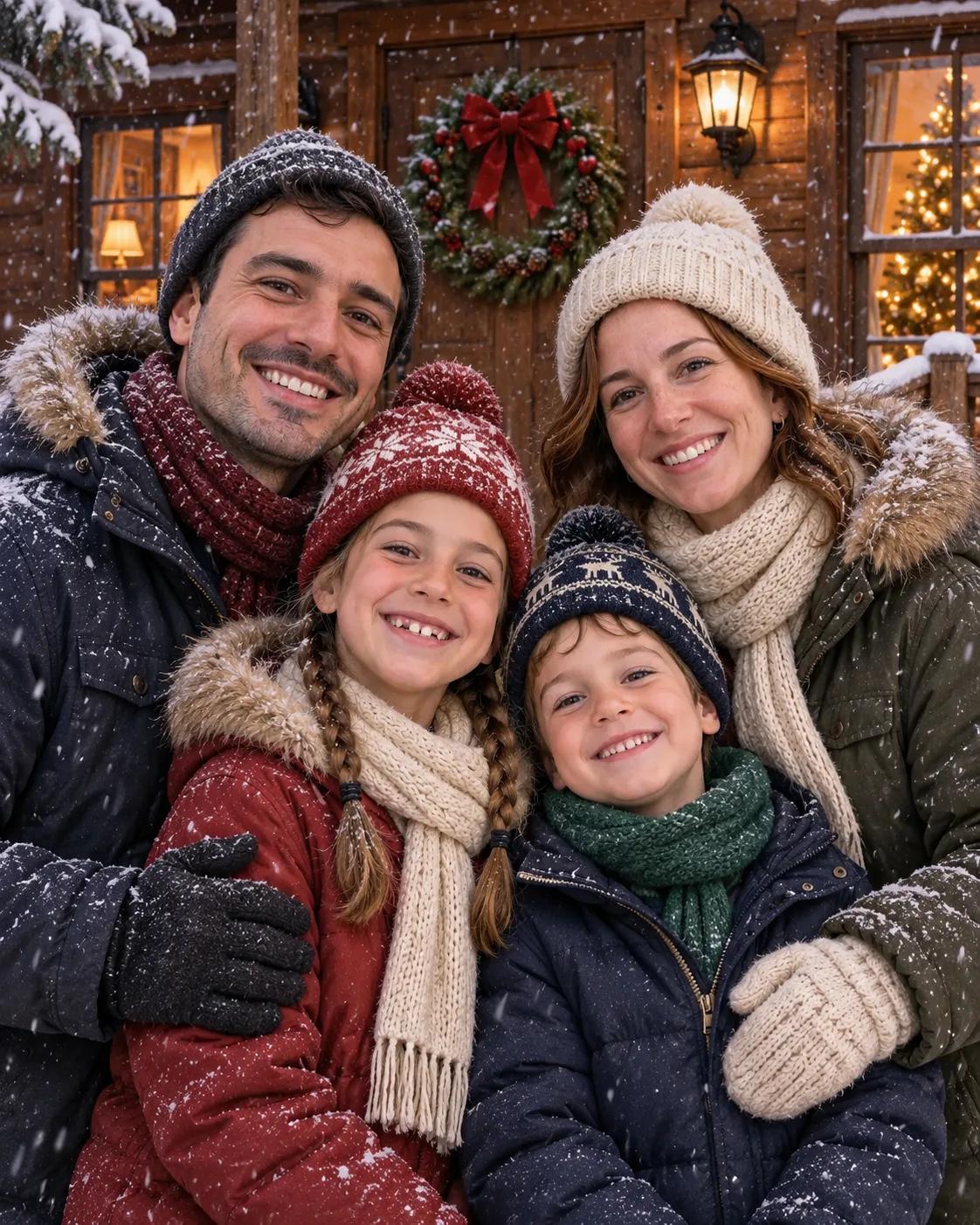
Snowy cabin porch
The family stands together on the porch of a wooden cabin in the snow, in winter coats, scarves, and knit hats, with a wreath on the door and warm light glowing in the windows. Gentle snowfall; everyone smiles at the camera.
Ice rink date
Couple photo
The prompt
Ice rink date
Ice skating together on an outdoor rink at night, holding hands, in winter coats and knit scarves, with a giant lit Christmas tree and string lights behind them and light snow falling. Both smiling at the camera.
Under the mistletoe
Couple photo
The prompt
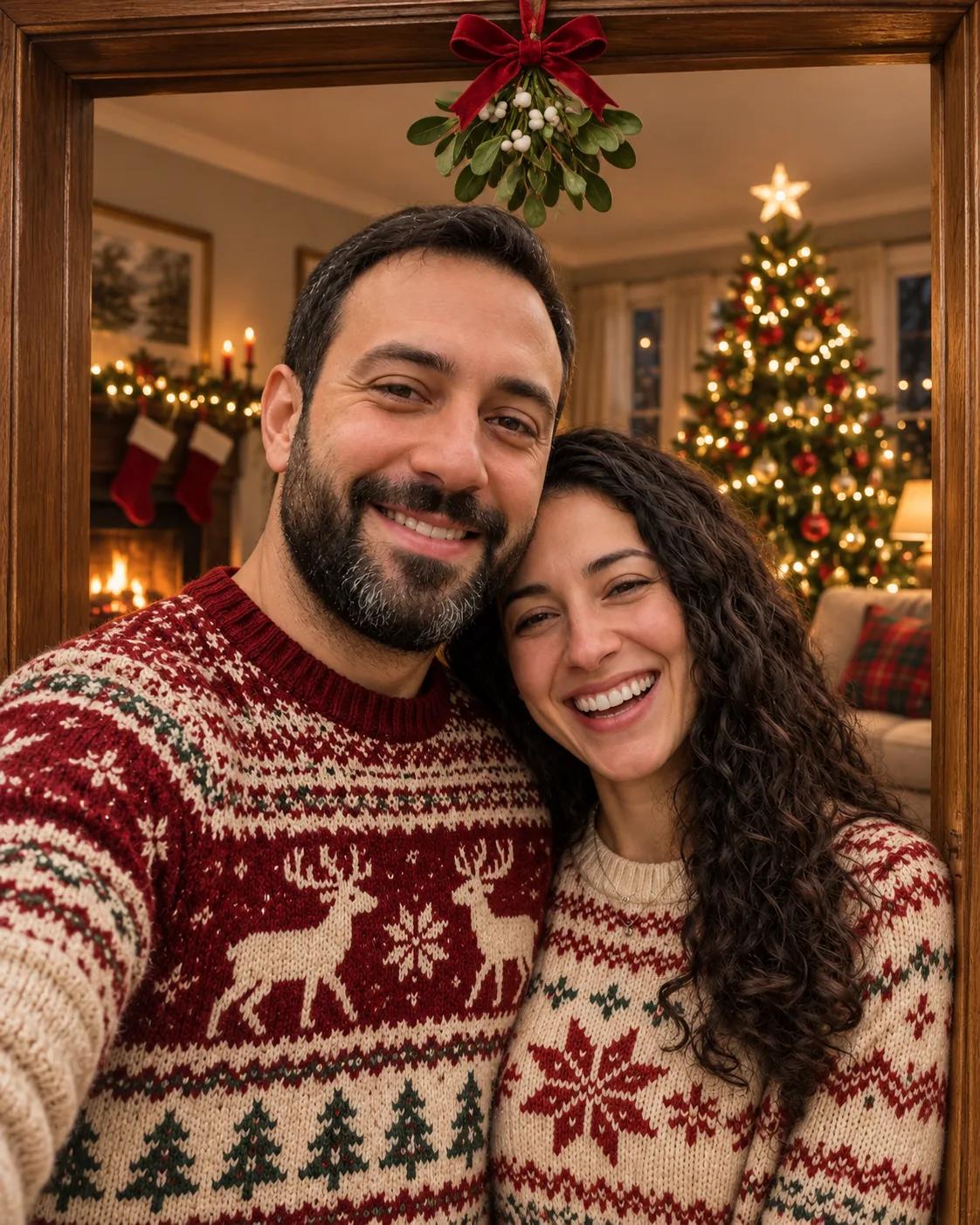
Under the mistletoe
Standing close under a sprig of mistletoe in a cozy living room doorway, both in festive knit sweaters and laughing toward the camera, with Christmas tree lights glowing behind them.
Santa pup
Pet photo
The prompt
Santa pup
The dog wears a small red Santa hat and a red knitted scarf, sitting beside a decorated Christmas tree with wrapped presents, with warm fairy lights in a cozy living room.

Gift box surprise
Pet photo
The prompt
Gift box surprise
The dog peeks out of a big open gift box tied with a red velvet bow, surrounded by wrapping paper and ribbons, with Christmas tree lights blurred behind. Playful and bright.
Christmas cards
Your words, on a card
Write the greeting in quotes and it appears on the card. Start from a photo, or from words alone.
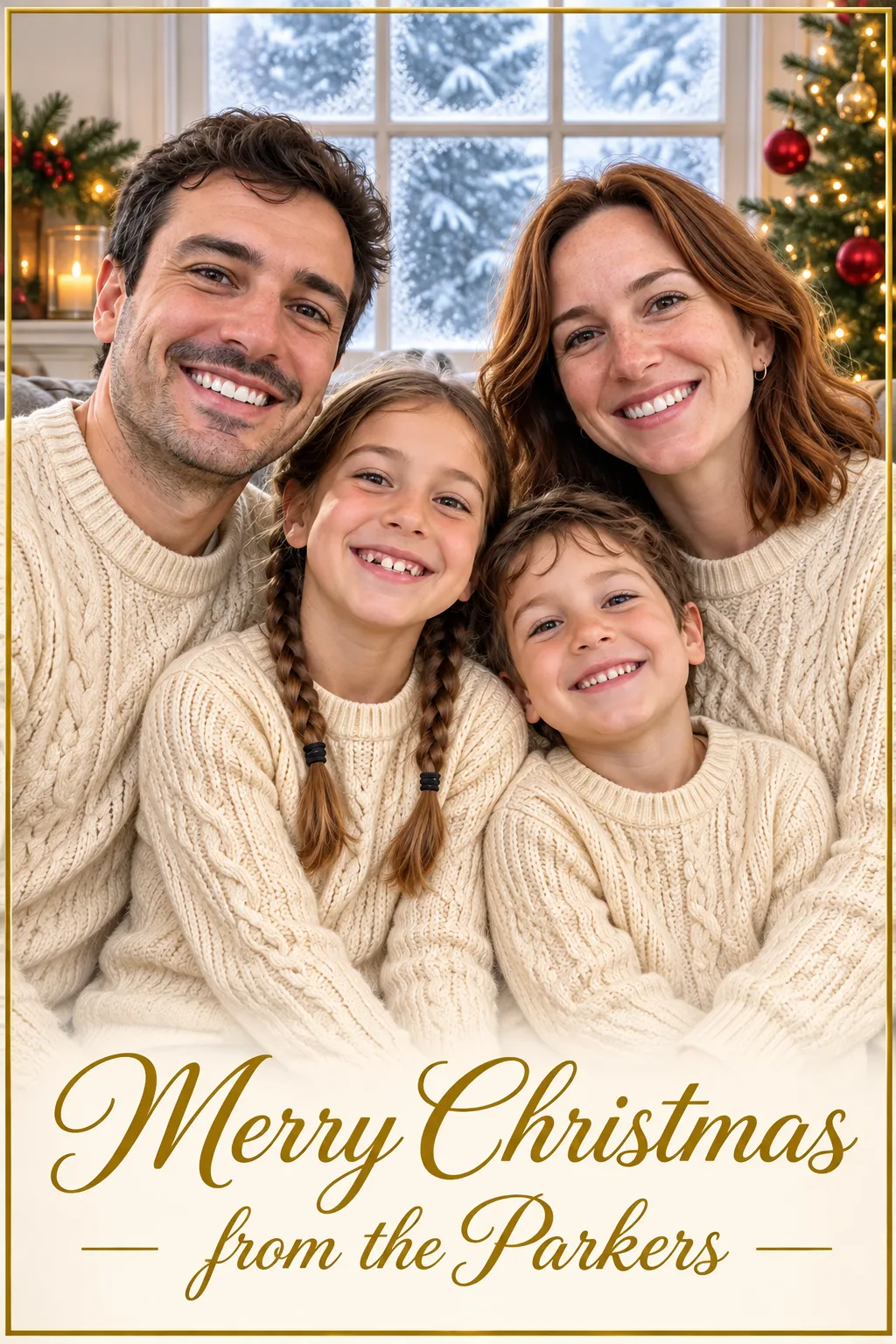
From a photo
Family photo card
Your family photo, redressed for the season, with your names in gold.
Swap “the Parkers” for your name

From a photo
Pet card
A card from your dog or cat, pun included.
Try “Meowy Christmas” for a cat

From words alone
Watercolor village
No photo needed: a painted scene with your greeting lettered in.
From words alone
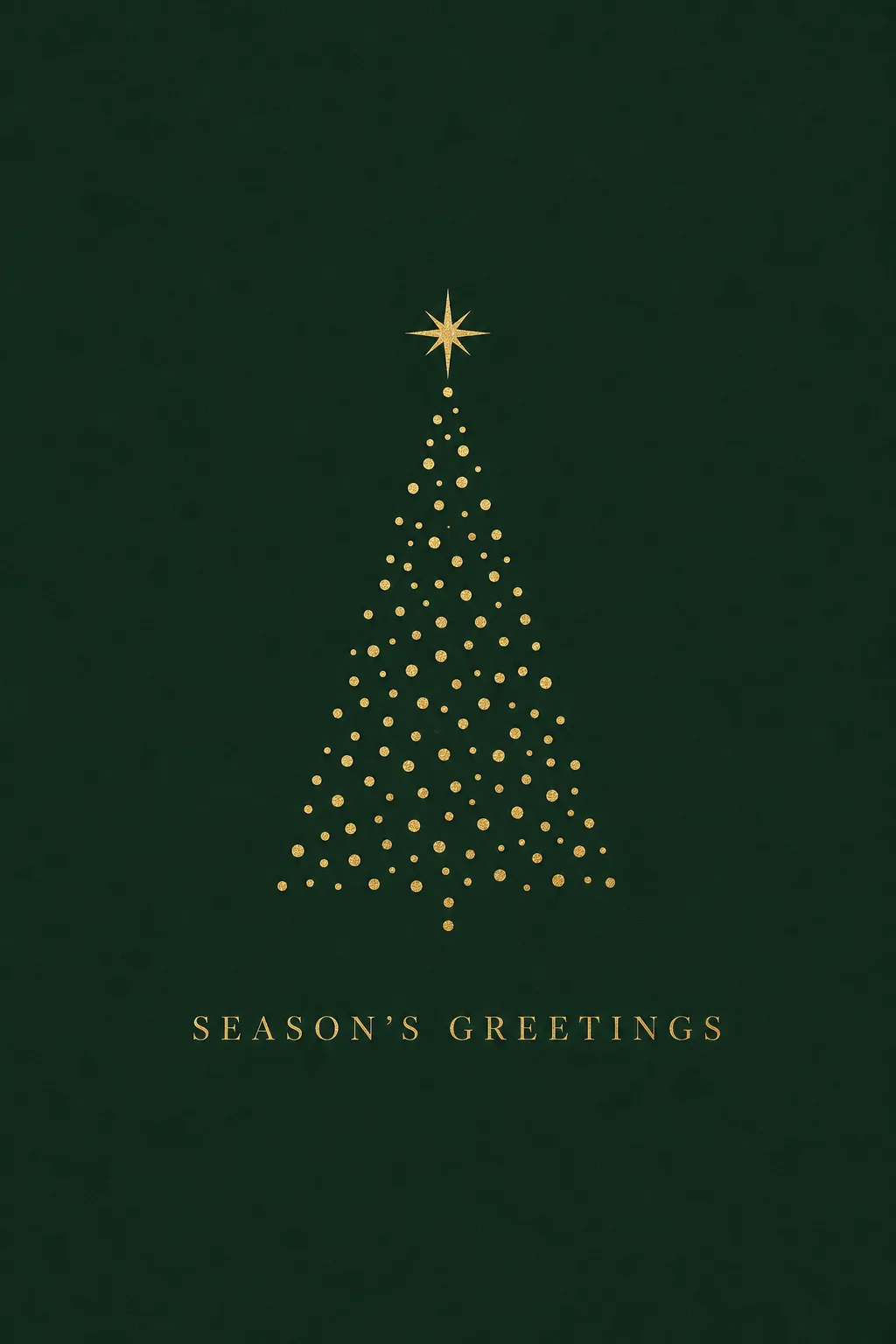
Gold minimal
A quiet, elegant design for business and formal greetings.
Add your company name under the greeting
Make it move
Turn a still into a video greeting
Both clips started from images on this page and were animated with Kling 4.0.
start frame A wave from the porch
Started from the snowy cabin photo above.
“Snow keeps falling gently. The family waves at the camera and laughs together, warm light flickers in the cabin windows, and the camera slowly pushes in.”
Animate yours with Kling 4.0start frame A card that snows
Started from the watercolor card.
“Snow begins to fall over the watercolor village, the windows glow brighter one by one, smoke curls from the chimneys, and the camera drifts gently. The hand-lettered greeting stays still and sharp.”
Animate yours with Kling 4.0
How it works
Three steps to a Christmas photo
- Your photo
Add a photo, or skip it
Upload a selfie, family, couple, or pet photo. To make a card from words alone, leave the photo empty.
Everyone wears matching red-and-green plaid Christmas pajamas, sitting together on the floor in front of a tall decorated Christmas tree with presents, in a cozy living room with warm lamplight, all smiling at the camera.
Christmas scenePick a style or describe one
Use one of the styles on this page as it is, or describe the outfits, setting, and light you want.
- Result
Get your Christmas photo
A 1K image uses 12 credits. It appears in Tasks in about a minute and is saved to My Creations.
Before you start
Pick a photo that works
A clear starting photo does most of the work.
- Every face clear
- Soft daylight
- Everyone in frame
Works well
- A sharp photo where every face is visible
- One person, a couple, a family of up to five, or one pet
- Even light, such as daylight from a window
- Short greetings of a few words on cards
Harder
- Faces hidden by hats, sunglasses, or hands
- Big groups, or tiny faces far from the camera
- Very dark, blurry, or heavily filtered photos
- Long messages on a card; keep them short
Made for the season
Where your Christmas photos go
About the AI Christmas Photo Generator
The AI Christmas Photo Generator on ZMS AI turns an ordinary photo into a Christmas portrait, a holiday card, or a festive scene. Upload a selfie, a family photo, a couple photo, or a picture of your pet, pick one of the styles above or describe your own, and the scene is built around the people and animals in your photo.
Without a photo, it works as a Christmas card maker: describe the design, write your greeting in quotes, and the words appear on the card. Every image runs on GPT Image 2 at 1K or 2K in the aspect ratio you choose, from 12 credits.
To change only the outfit in an existing photo, such as adding a Christmas sweater, use AI Clothes Changer. To animate a finished Christmas photo or card, use Kling 4.0.
Questions
Christmas photo FAQ
How much does a Christmas photo cost?
A 1K image uses 12 credits. At 2K, an image made from a photo uses 20 credits and one made from words alone uses 18. The Generate button shows the total before you start. See Pricing for credit packs.
Do I need to upload a photo?
No. Add a photo to put yourself, your family, or your pet into a Christmas scene, or leave it empty to create a card or scene from your description alone.
Will the result still look like me?
The generator is asked to keep every face, hairstyle, and skin tone from your photo. Small details can change, so compare the result with your photo; a clear, front-facing photo gives the closest likeness.
Can I use a family or group photo?
Yes. Photos of up to four or five people work best when every face is visible. In very large groups, faces can lose detail.
Can I make a Christmas photo of my pet?
Yes. Upload a clear photo of your dog or cat and describe the outfit or scene, such as a Santa hat by the tree.
How do I put my own words on a card?
Write the exact words in quotes in your description, for example “Merry Christmas from the Parkers”. Short greetings come out most reliably; check the spelling before you share.
Which size should I pick for a printed card?
Choose 2:3 for a portrait card or 3:2 for a landscape card, and 2K for printing. Both are in the settings menu under the description.
Can I turn my Christmas photo into a video?
Yes. Download your image, open Kling 4.0, add it as the first frame, and describe the motion, such as falling snow or a wave.
Whose photos can I upload?
Only photos of yourself, or of people who have agreed to it. Don't upload photos of public figures or of anyone who hasn't given permission.
Where do I find my results?
Each image appears in the Tasks panel while it runs and is saved to My Creations when it finishes.
Keep creating
More ways to create
Your Christmas photo is one prompt away
Add a photo, pick a style, and see it in about a minute.
Start creating