MiniMax H3 Image
Generate and edit images in up to 4K.
Made with H3 Image
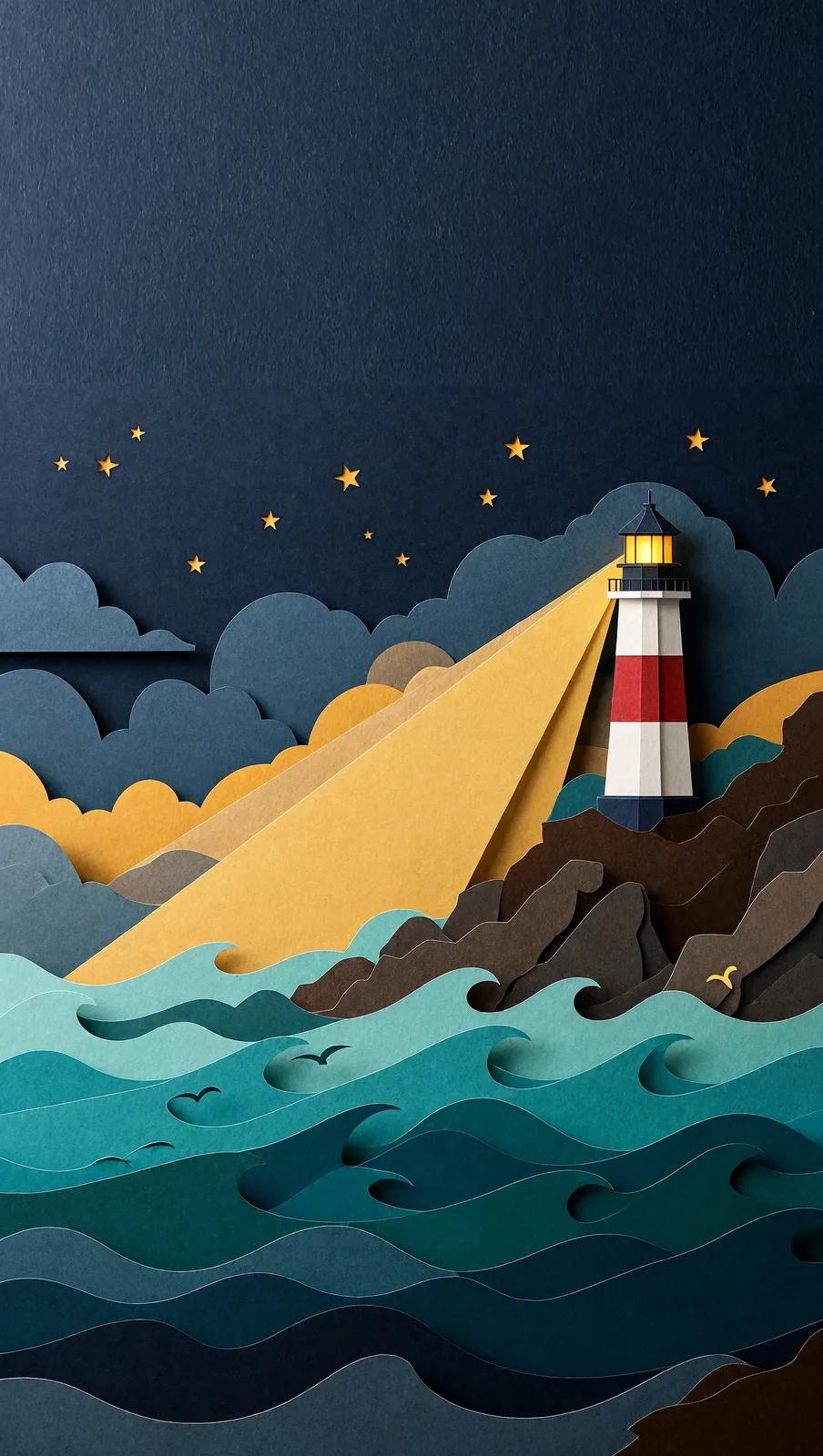
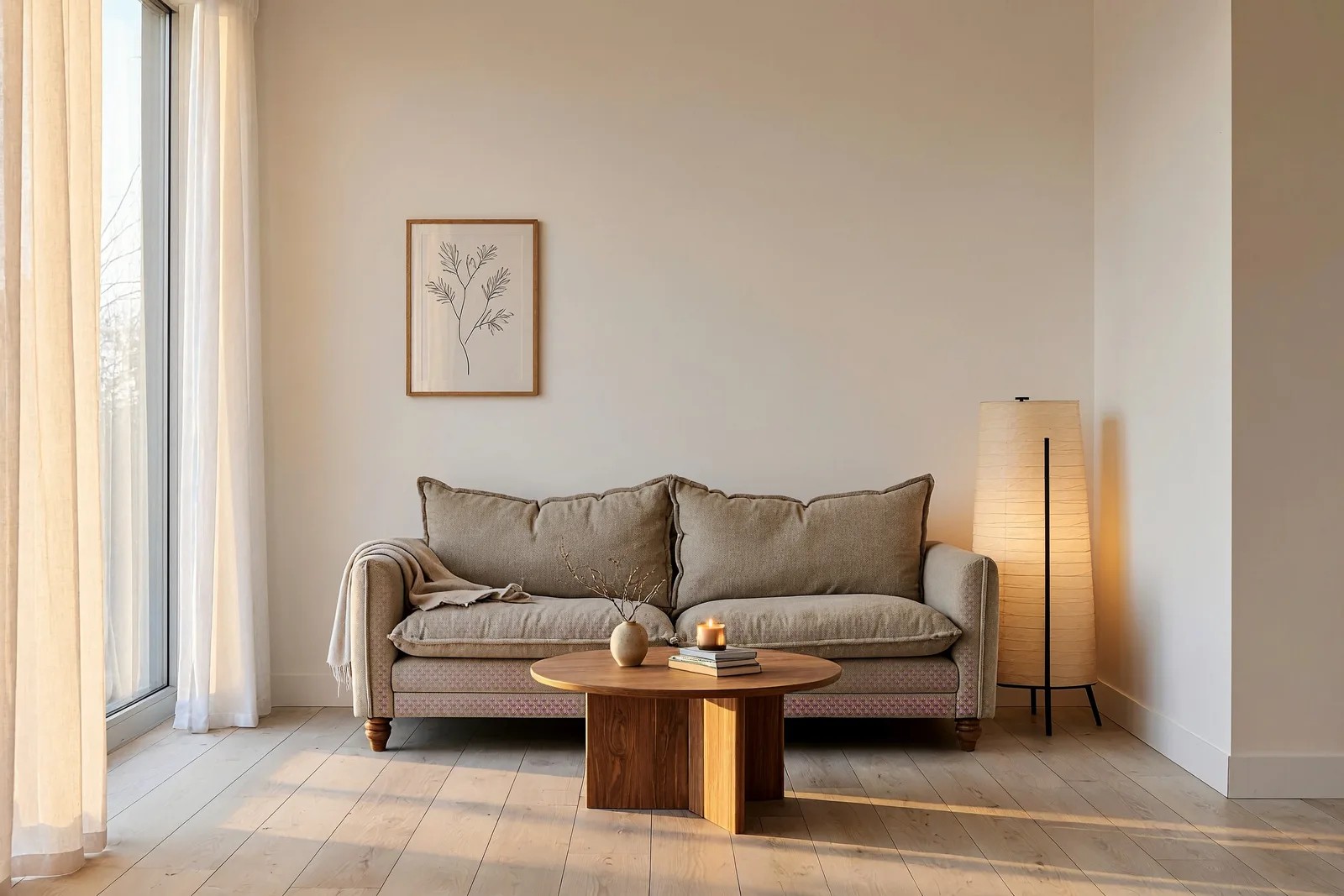
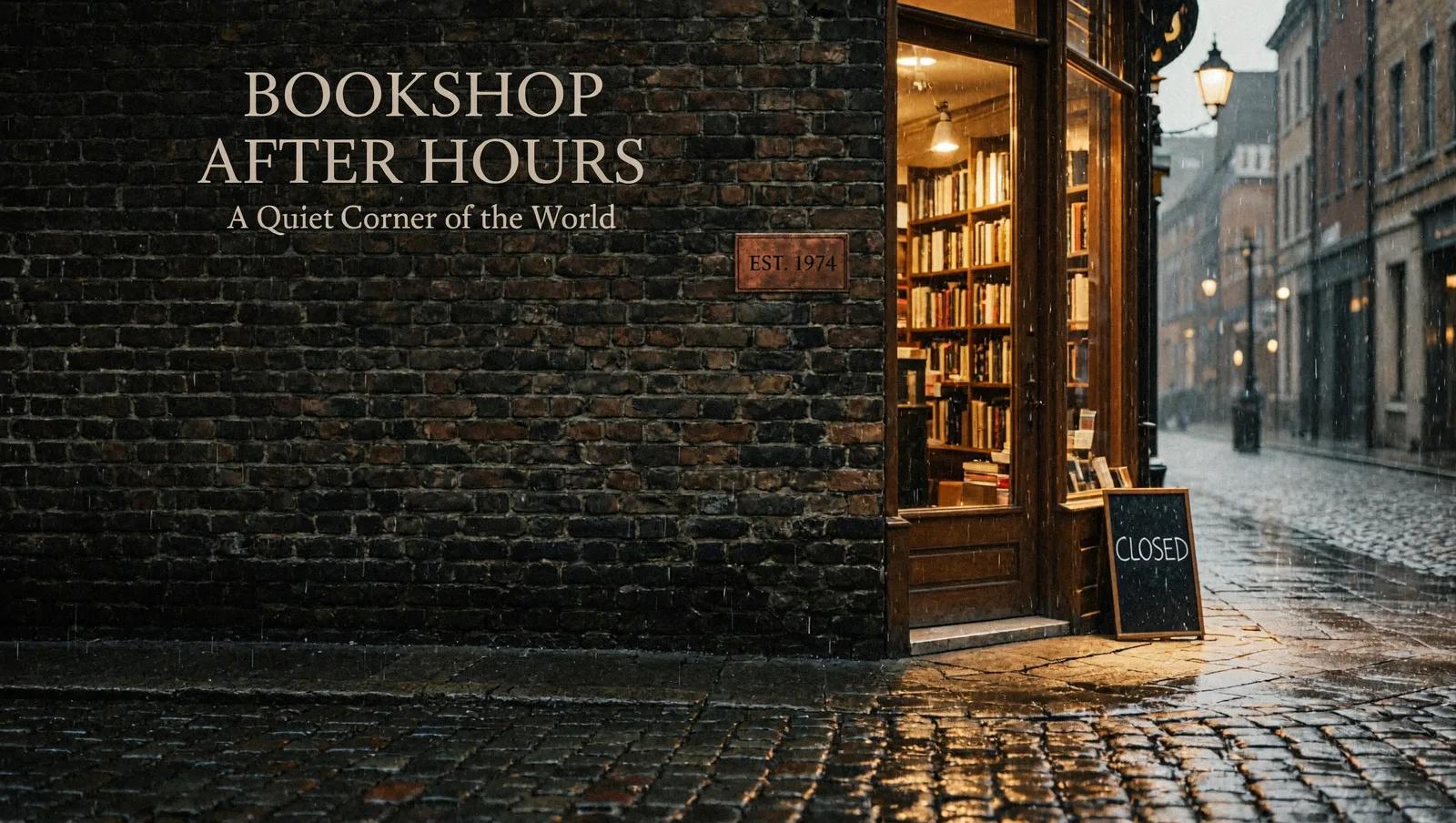
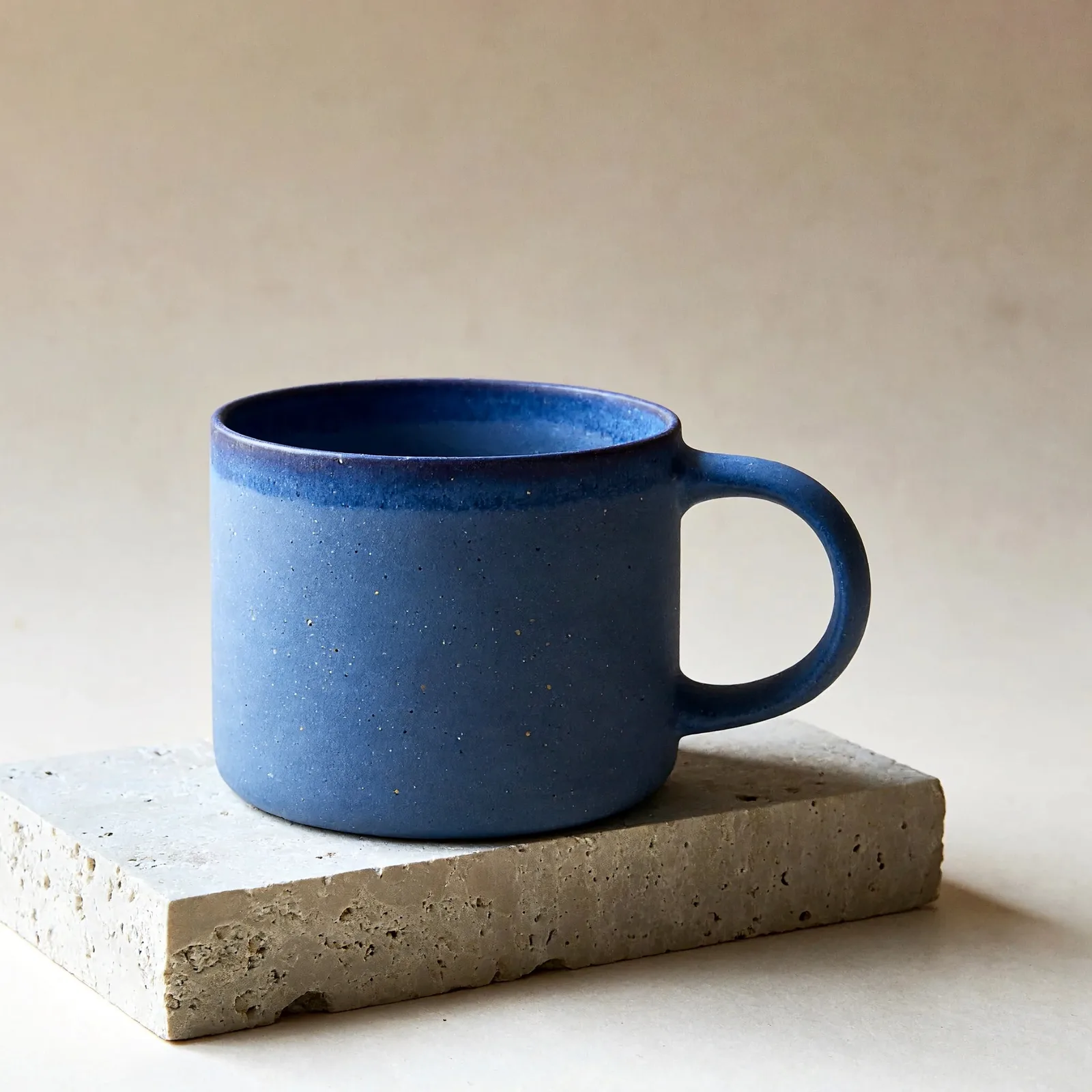
Real results from ZMS AI. Open any image to see its prompt and settings, or reuse them in one click.
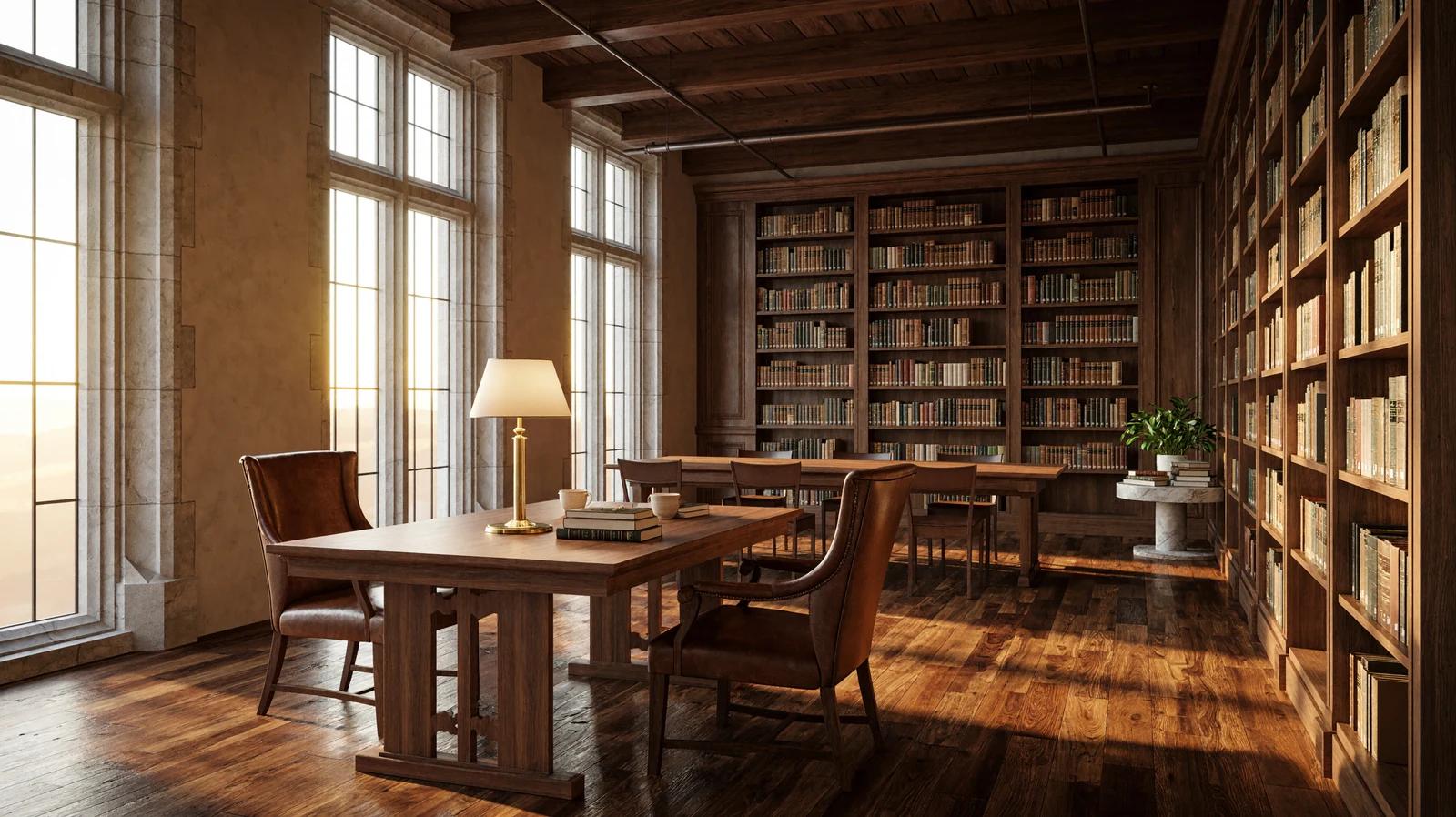
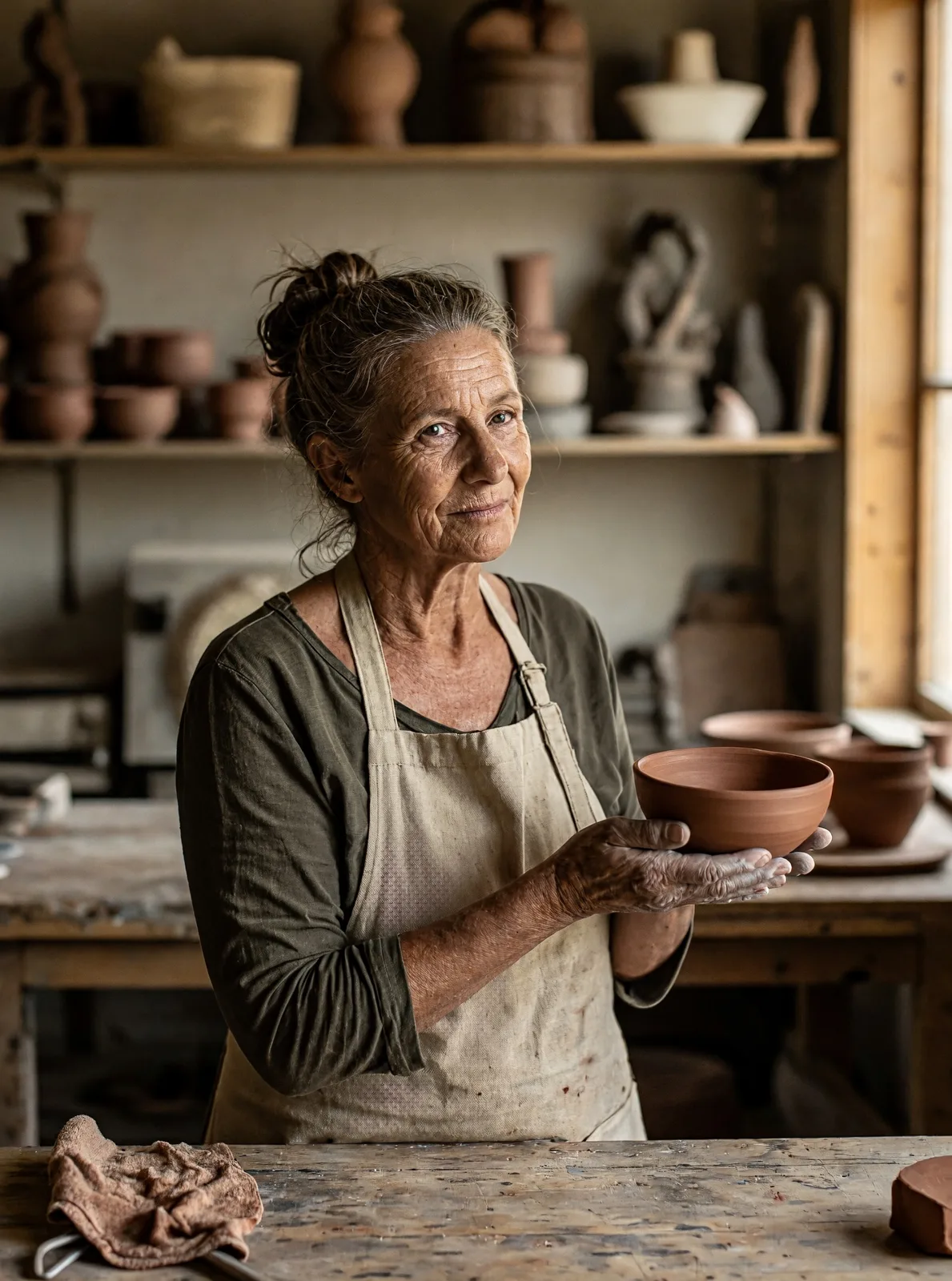
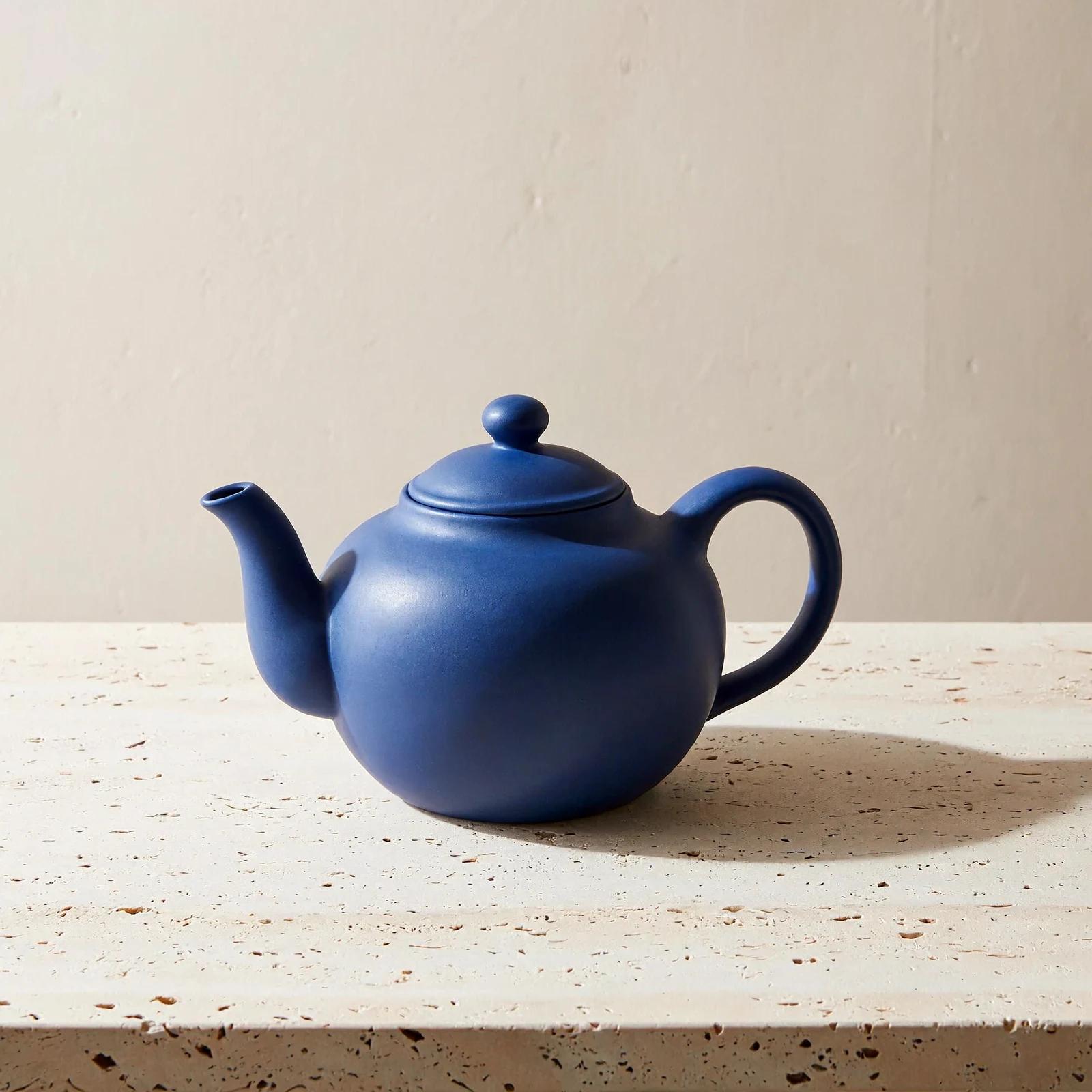
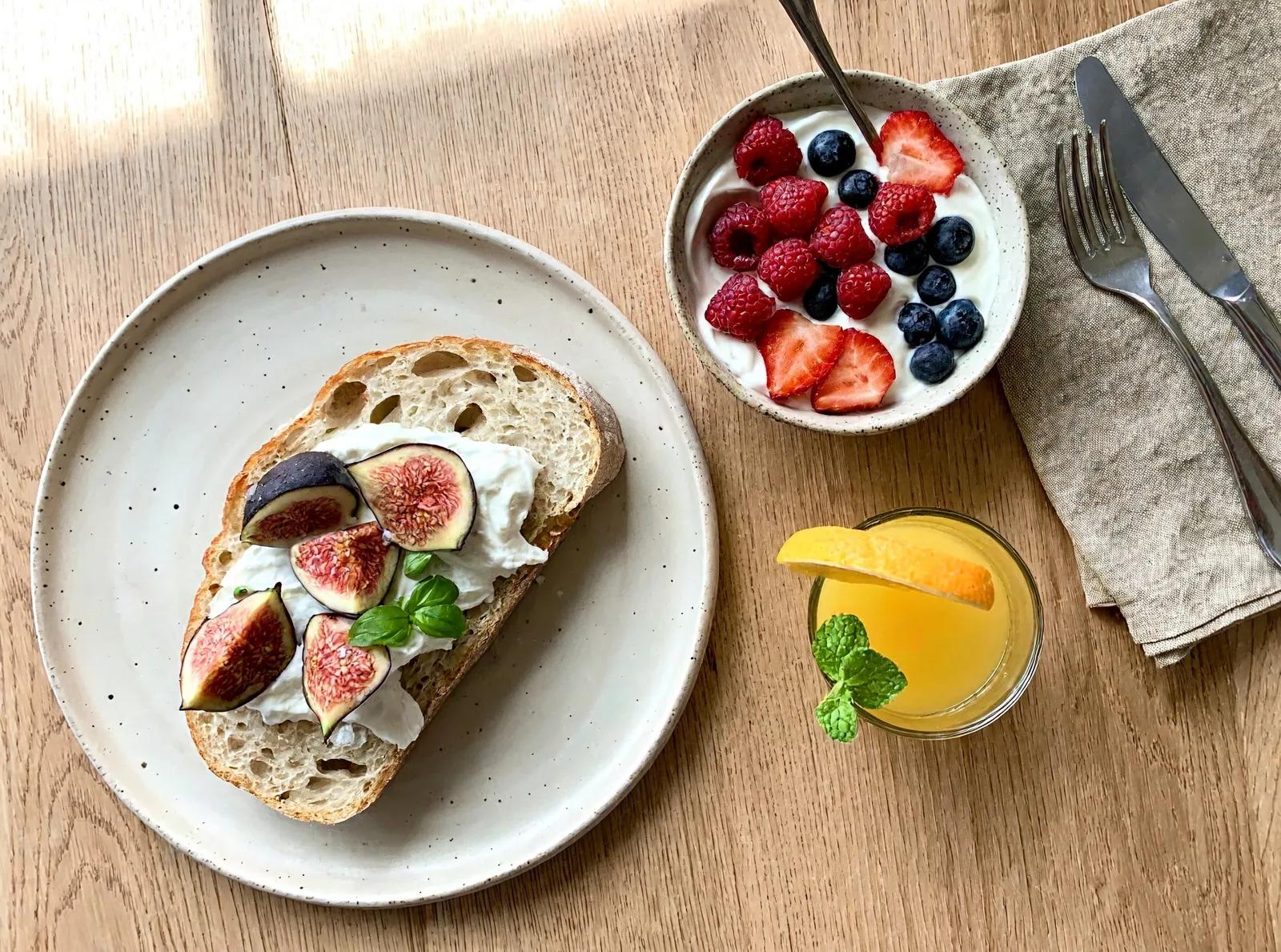
Your idea next
Edit with reference images
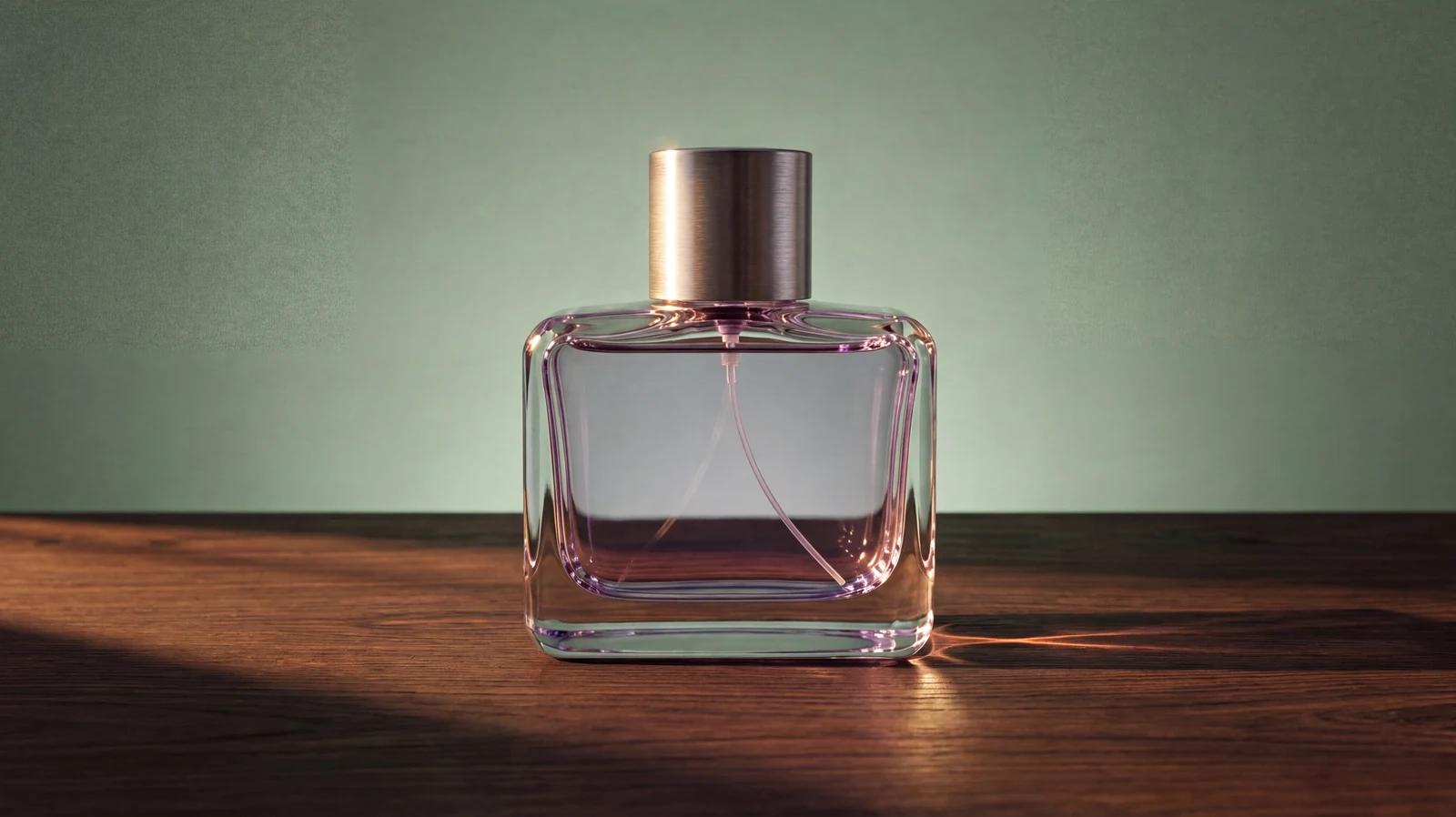
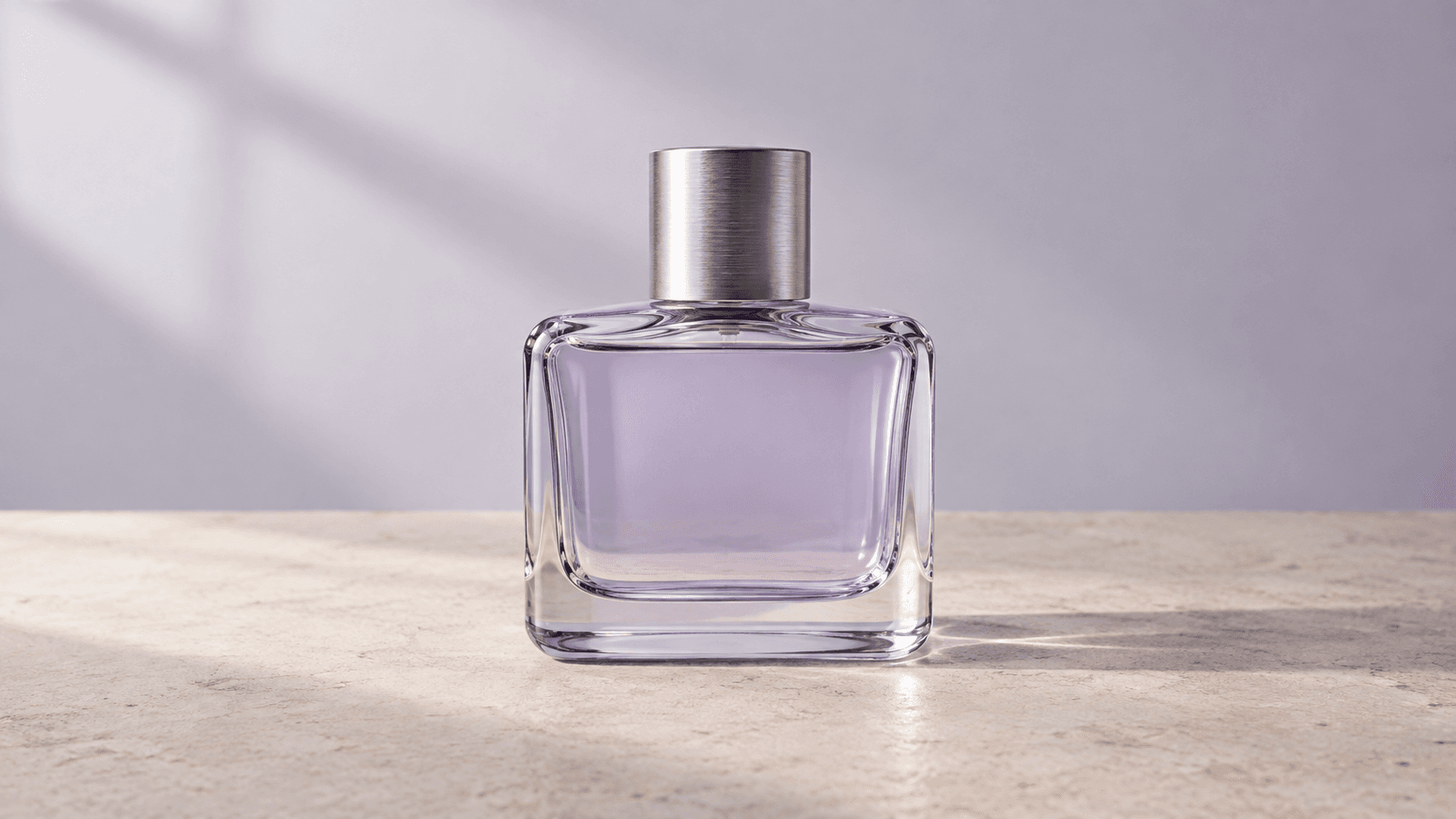
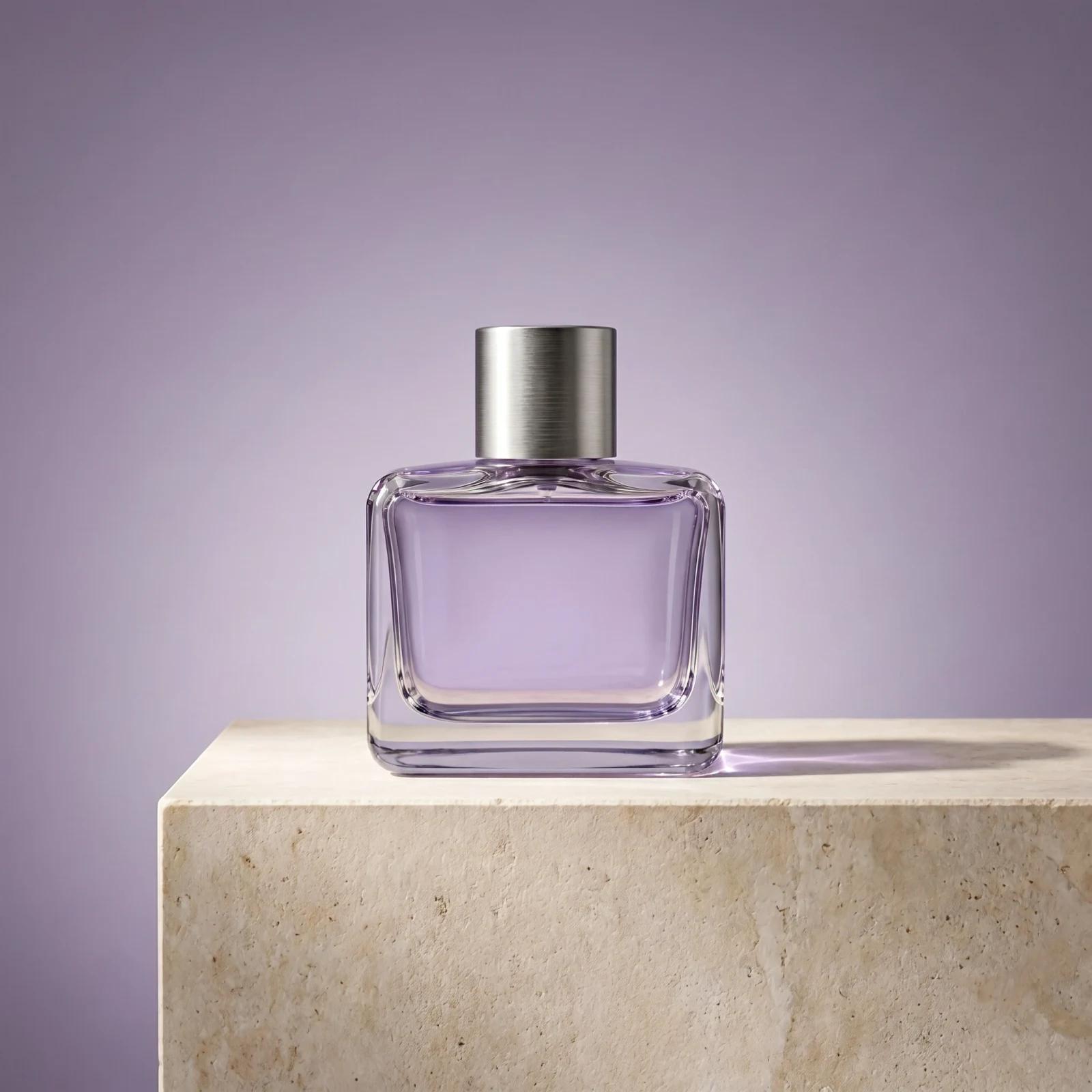
Add up to 16 photos and describe the change. Here, one product shot became two new scenes.
H3 Image at a glance
- Max resolution
- 4K
- Reference images
- 16
- Images per run
- 10
- Aspect ratios, plus Auto
- 10
- Versions
- 2
Credits per image
| Resolution | Standard | Highspeed |
|---|---|---|
| 1K or 2K | 8credits | 12credits |
| 4K | 25credits | 45credits |
Each reference image adds 2 credits. Buy credits
About MiniMax H3 Image
MiniMax H3 Image is an open-weight image model released by MiniMax on 11 November 2026. Built on the H3 model family, it creates images from a text prompt, follows up to 16 reference images, and edits existing pictures. MiniMax reports native 4K output and says a 4096 × 4096 image can take under 10 seconds.
On ZMS AI it runs in the browser: choose Standard or Highspeed, 1K to 4K output, Auto or one of 10 aspect ratios, JPEG, PNG or WebP files, and up to 10 images per run. For video, use MiniMax H3; to compare image models, open the AI Image Generator.
MiniMax H3 Image FAQ
Is MiniMax H3 Image open-weight?
Yes. MiniMax published the weights on Hugging Face when it released H3 Image on 11 November 2026. On ZMS AI you use a hosted version in the browser, so there is nothing to download or install.
What is the difference between Standard and Highspeed?
Both versions offer the same settings, and MiniMax positions Highspeed as the faster one. On ZMS AI, Standard costs 8 credits per 1K or 2K image and 25 at 4K; Highspeed costs 12 and 45.
How do reference images work?
Add up to 16 images and say what each one supplies, such as the product, the style or the layout, plus anything that must stay unchanged. Each reference adds 2 credits.
What sizes and file formats can I export?
Choose 1K, 2K or 4K, and Auto or one of 10 aspect ratios from 1:3 to 3:1. In the examples above, a 2K square measured 2048 × 2048 and a 4K 16:9 image 5472 × 3072. Downloads are JPEG, PNG or WebP.
Can H3 Image add text to an image?
Yes, sometimes without being asked: in the bookshop example it wrote its own title into the space left for a headline. Quote the exact words you want, write “no text” to keep an area empty, and check every letter before publishing.
How many images can I make at once?
Up to 10 per run. Each image is billed at the chosen version and resolution, so ten Standard 2K images cost 80 credits before reference charges.
Is H3 Image the same as MiniMax H3?
No. MiniMax H3 makes video; H3 Image makes still images. Both come from MiniMax's H3 model family.