Fast or Pro
Select a registered variant; ZMS does not claim an unverified speed, quality, or cost advantage.
Prepare a Veo 3 video task from text or one start image with explicit controls for version, format, duration, negative direction, and audio intent.
Loading generator…
Model overview
The Veo 3 AI Video Generator on ZMS AI prepares one short task from text or a start image with visible format, duration, resolution, negative, and audio controls.
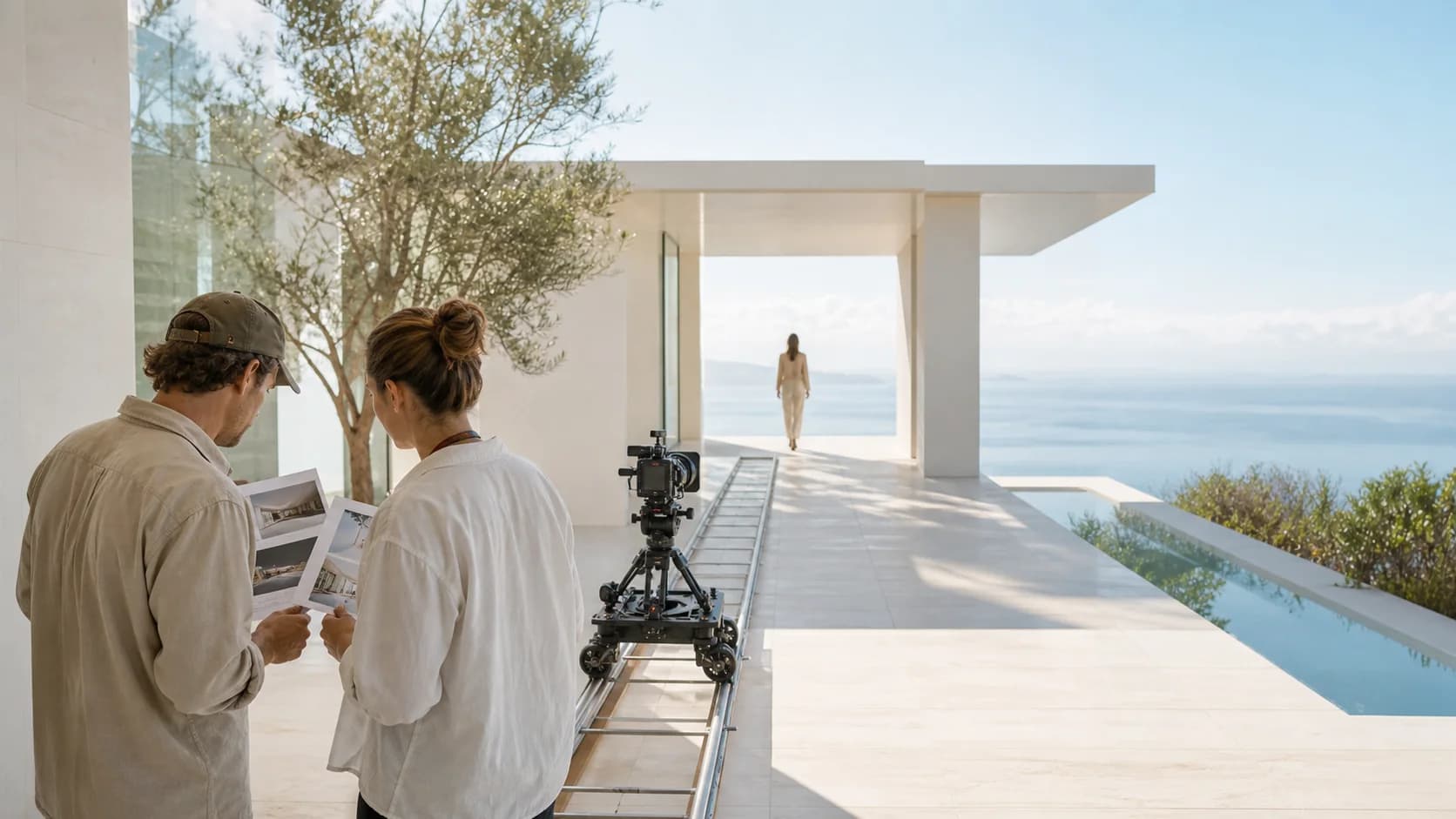
ZMS exposes Fast and Pro, two input modes, two ratios, 720p/1080p, 4/6/8 seconds, negative direction, and audio. Google’s broader model identity does not prove this independent route’s delivery.
The adapter and estimate are configured, but signed-in delivery and debit remain unverified. Compare the Veo model family and confirm controls at submission.
Current ZMS controls
Choose controls from the final placement and keep them stable during comparisons.
Select a registered variant; ZMS does not claim an unverified speed, quality, or cost advantage.
Use text for an open brief or one image to anchor composition. This route has no end frame or multi-reference mode.
Choose 16:9 or 9:16, 720p or 1080p, and 4, 6, or 8 seconds before composing.
Name visible exclusions and set audio intentionally; inspect both picture and sound after return.
Fast and Pro recipes
These original suggested recipes are not Veo 3 results or Veo 3.1 evidence. Try preserves mode; confirm version and settings.
Two silent composition tests and two audio-aware briefs
4 starter recipesTest one subject, tracking move, and stable ending with Fast.
Wide morning view of a florist pushing one green handcart through a covered market aisle. The camera tracks backward at walking speed, centered at waist height, while the florist passes three closed stalls and stops beneath a skylight. Preserve the same cart, flower buckets, coat, aisle width, stall shutters, and cool daylight direction. No speech, music, extra people, cut, camera roll, speed ramp, duplicate cart, floating wheels, or changing flower count. End with the cart fully stopped and the florist still holding both handles.
Check wheels, cart, tracking, stalls, flowers, hands, and the still ending.
Protect hands and geometry through one portrait action and tilt.
Vertical medium shot in a quiet bakery kitchen. An adult baker lifts one round loaf from a cooling rack, turns it once to inspect the crust, and places it on a wooden board. The camera makes one slow tilt from the rack to the board while preserving the same face, hands, apron, loaf scoring, rack bars, and table edge. Soft side light from the left, warm neutral palette, shallow but stable focus. No speech, cut, zoom, extra loaf, duplicate fingers, changing apron, warped rack, or invented text. End after both hands leave the loaf on the board.
Inspect fingers, loaf, rack, tilt, object count, focus, and final release.
Match a short list of visible events to distinct sounds.
Locked medium close shot of a bicycle mechanic at a clean workbench. The mechanic spins the front wheel once, presses the brake lever, and lets the wheel stop. Preserve hand count, spokes, hub, brake pads, tools, bench lines, and the camera position. Synchronize exactly three sounds: soft freewheel clicks during the spin, one brief pad rub as the brake closes, then quiet workshop room tone. No speech, music, extra impact, camera move, cut, wheel redesign, duplicated tools, or background person. End after the wheel is fully still and the lever is released.
Verify wheel geometry and synchronize clicks, pad rub, and room tone.
Protect the start frame while one motion and ambient sound evolve.
Use the uploaded first frame as the exact opening composition of one red bicycle beneath a stone arcade. Preserve the bicycle frame, basket, wheel size, paving joints, arch count, shopfronts, and overcast light. Over eight seconds, a brief gust moves loose leaves across the paving while the camera makes a slow ten-centimeter push toward the bicycle. Add only light wind and dry leaf movement; no dialogue or music. No rider, duplicate bicycle, bending wheel, changing architecture, rain, cut, orbit, focus jump, or new sign. End with the bicycle still fully visible and the leaves settled near the right arch.
Compare geometry, arches, paving, camera distance, leaves, and ambient sound.
Version guide
This table compares ZMS interfaces, not model quality or live acceptance.
| Workspace | Current modes | Current controls | Verification note |
|---|---|---|---|
| Veo 3 Fast | Text or one start image | 720p/1080p, 4/6/8s, two ratios, audio toggle | Adapter implemented; rates and signed-in live task pending |
| Veo 3 Pro | Text or one start image | Same visible task controls as Fast | No quality or speed comparison claimed here |
| Veo 3.1 | Use its dedicated version workspace | Controls differ by Lite, Fast, Pro, and mode | Review that page before moving a production brief |
ZMS planning illustration
Plan subject, action, camera, environment, and sound as separate review layers.
Original neutral planning artwork created for ZMS AI. It is not presented as a Veo output, benchmark, or live generation result.Practical workflow
Build one controlled shot before expanding the sequence.
Name subject, action, environment, and placement; split multiple scenes into tasks.
Use text for open creation or one start image to anchor the frame.
Lock version, ratio, resolution, duration, audio, and negative direction.
Review the full clip for action, stability, camera, geometry, timing, artifacts, and sound.
Endpoint lifecycle and review
Veo model identity, retired Vertex endpoints, and ZMS delivery are separate facts. Use this ledger to verify the selected variant, applicable lifecycle statement, returned picture and sound, rights, service acceptance, and final debit before production.
| Decision | Current fact | Review action |
|---|---|---|
| Choose Fast or Pro | Both variants share text or one image, 720p/1080p, 4/6/8 seconds, two ratios, negative direction, and audio; no speed or quality advantage is verified. | Keep one variant fixed for comparison; use the Veo family or Veo 3.1 when its controls fit better. |
| Interpret lifecycle | Google Cloud lists two Veo 3.0 Vertex IDs retiring June 30, 2026; that statement does not identify the independent ZMS adapter endpoint. | Do not claim continued access to a retired endpoint; confirm the visible model, adapter behavior, and service acceptance at submission. |
| Approve a video task | Driver and estimate are configured, while signed-in completion, returned picture and audio, and final debit remain unverified. The image is decor. | Retain prompt and settings, inspect motion and sound, confirm rights, and check ZMS AI pricing or AI video. |
FAQ
Answers about inputs, controls, audio, lifecycle, and independence.
Veo 3 is a Google DeepMind video model with native audio. ZMS provides an independent registered workspace.
ZMS accepts text or one start image; this route has no multi-reference or end-frame workflow.
It lists Fast/Pro, 16:9/9:16, 720p/1080p, 4/6/8 seconds, negative prompt, and audio.
The toggle maps into the request, but returned audio has not been verified and is not guaranteed.
Google Cloud retired two named Veo 3.0 Vertex IDs on June 30, 2026; that does not cover every independent Veo workflow.
ZMS uses its own adapter and does not claim either retired Vertex ID. Live completion and debit remain unverified.
No. ZMS AI is independent and not affiliated with Google or Google DeepMind.