Text-to-image generation
Describe subject, environment, composition, light, treatment, and output in a clear hierarchy.
Generate new images or edit existing visuals with text and references in a focused Nano Banana 2 workspace built around documented model controls.
Loading generator…
Model overview
The Nano Banana 2 AI Image Generator in ZMS AI prepares image creation and edits with Gemini 3.1 Flash Image (gemini-3.1-flash-image).
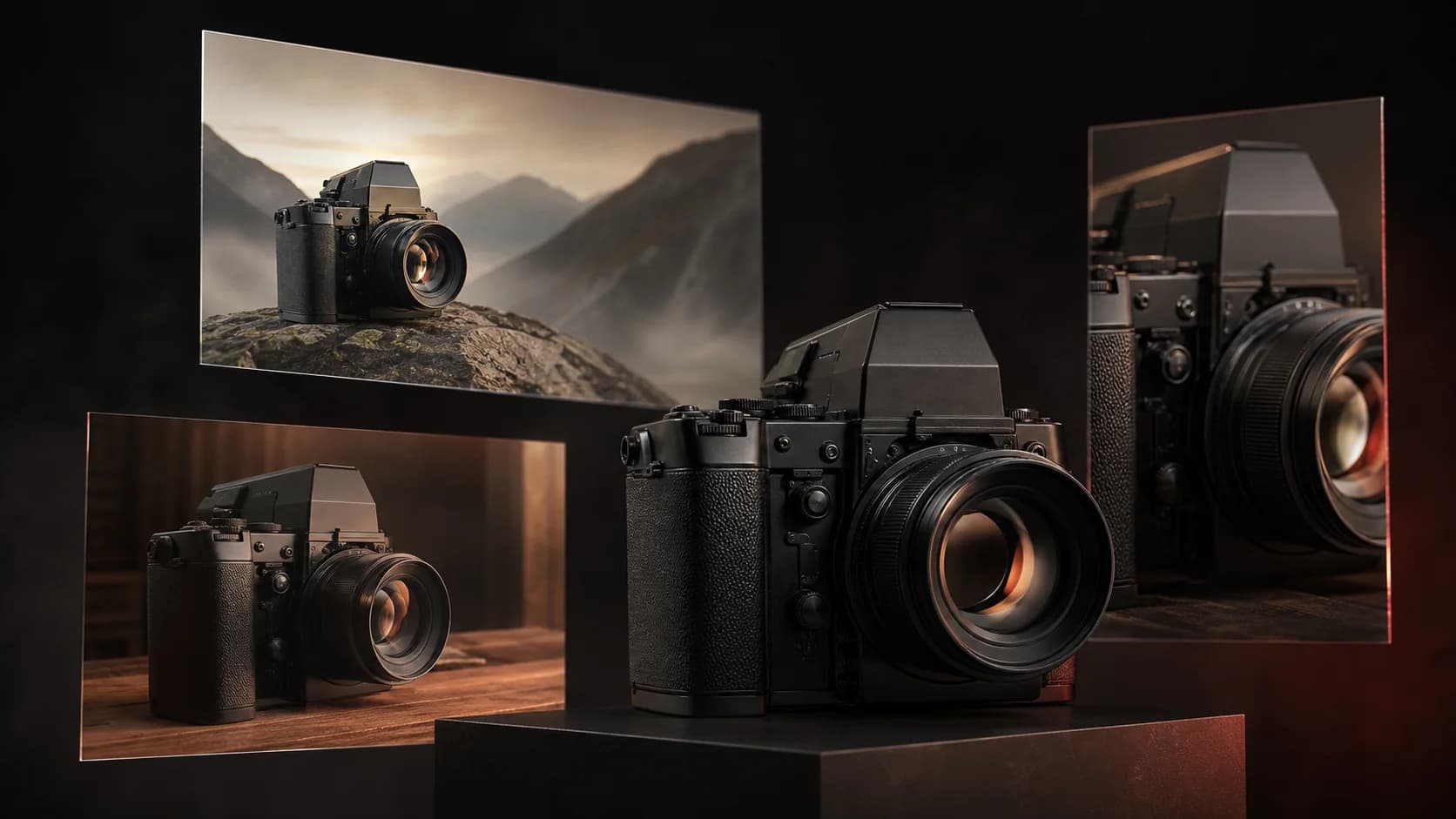
ZMS organizes prompts, references, ratio, resolution, format, and optional grounding. Live delivery still depends on account access and the connected service.
Compare the Nano Banana model family for naming and family context; documented capabilities are not a guarantee of publishable results.
Creation modes
Start from a brief or selected references, state the change, and review against that brief.
Describe subject, environment, composition, light, treatment, and output in a clear hierarchy.
State what changes, what stays stable, and where the edit belongs; check untouched regions too.
Label each reference role for identity, form, palette, material, layout, or mood.
Revise one variable at a time and restate approved details.
Generated-pair prompt review
These exact prompts belong to four generated pairs on the family page. Here they become settings and acceptance checks; Try preserves image mode.
Generated-pair prompts from the Nano Banana family ledger
4 starter recipesTest market detail, mixed light, scales, cards, and wet surfaces.
A fishmonger in a rubber apron arranges silver mackerel on crushed ice at a covered market stall, price cards handwritten in chalk. Overhead fluorescent light mixed with daylight from a high window, wet concrete floor, documentary photography, sharp detail on the ice and scales.
Inspect hands, fish, scales, ice, cards, light, reflections, and depth.
Test overhead geometry, materials, shadows, and requested proof text.
An overhead flat lay of a letterpress workbench: composing stick, scattered lead type, an ink-stained brayer, and a freshly pulled proof reading OPEN TUESDAYS in bold slab serif. Warm tungsten light raking across the wood grain, deep shadows, tactile texture, editorial product photography.
Check tools, proof edges and words, type structure, light, and object boundaries.
Test a human action, glass structure, condensation, foliage, labels, and focus.
A botanist in a linen shirt labels seedling trays inside a Victorian glasshouse, condensation beading on the panes behind her. Soft overcast light diffused through glass, palms and ferns receding into humid haze, muted green palette, shallow depth of field on the handwritten labels.
Inspect face, hands, labels, trays, structure, condensation, depth, and focus.
Test steam, hands, steel, mixed color temperature, menus, and spatial order.
A narrow late-night noodle counter seen from the customer side: steam rising off a bowl, the cook's hands lifting noodles from boiling water, hand-painted menu strips on the tiled wall. Warm amber bulbs against cool night blue outside the doorway, reflective steel counter, cinematic still.
Check hands, noodles, steam origin, reflections, doorway, tiles, and menu treatment.
Output controls
Set controls from placement and delivery needs instead of defaulting to the largest file.
| Control | Documented range | Workspace use | Review note |
|---|---|---|---|
| 0.5K to 4K resolution | 0.5K, 1K, 2K, and 4K output sizes | Use lower settings for exploration and higher settings for selected finals | Exact pixel dimensions vary by aspect ratio |
| Fourteen listed ratios | Square, portrait, landscape, panoramic, and extreme ratios including 1:4, 4:1, 1:8, and 8:1 | Match the final placement early to avoid destructive cropping later | Choose before refining composition details |
| PNG or JPEG | Lossless PNG or smaller JPEG delivery | Select PNG when a lossless production file is useful and JPEG when a smaller delivery file is preferred | Confirm transparency and compression behavior in the returned file |
| Search grounding | Web Search and Image Search grounding | The current workspace lists both controls | Live behavior depends on the connected service; factual claims still require independent verification |
Original workflow illustration
Keep subject and geometry stable while changing one decision; compare every variation with its reference.
Original artwork produced for ZMS AI to explain a reference-led workflow. It is an editorial illustration, not a claimed live Nano Banana 2 test result.Practical workflow
Move from brief to reviewed output in four deliberate steps. The full Nano Banana 2 workflow guide includes more prompt examples and production checks.
Write the placement, audience, subject, purpose, and required dimensions first. Decide whether the task is a new generation, a controlled edit, or a reference-led variation.
Describe the desired image in concrete visual language. Upload only the references that serve named roles and note what must remain unchanged.
Choose aspect ratio, resolution, and format for the final channel. Enable grounding only when it serves the brief, and plan to verify any facts it introduces.
Check composition, identity, anatomy, text, factual details, and unexpected edits. Change one major variable per revision, then compare the next result with the last approved version.
Reference planning
Google lists up to 14 references. Each one should answer a named question in the prompt.
Name which image controls subject, product, composition, environment, color, or style.
Put the main identity or product first and list its protected traits.
Separate required content from visual treatment so style does not replace objects.
Compare faces, hands, labels, geometry, background, and negative space at full size.
Publishing checks
The family gallery, upstream model documentation, and a new reference-led task support different claims. This ledger keeps those sources separate, turns known text and consistency risks into review actions, and preserves the account, rights, watermark, and debit checks required before production use.
| Decision | Current fact | Review action |
|---|---|---|
| Read the evidence | The Nano Banana family page retains four current generated pairs with exact prompts and 1K 16:9 records. They prove those runs, not every edit or reference workflow. | Compare prompt, output, geometry, text, and composition on the Nano Banana family; keep the gallery there instead of treating repeated text cards as new results. |
| Prepare references | Google documents up to 14 references plus text and image editing. More inputs can introduce conflicting identity, product, palette, layout, or material authority. | Assign one role per authorized image, remove conflicts, separate change from preserve instructions, and inspect all untouched regions at full size after return. |
| Approve publication | Small text, factual diagrams, complex edits, and character consistency can fail. Google states Nano Banana images include SynthID; ZMS is an independent service. | Proofread, validate facts externally, confirm consent and rights, test one live account task, and check ZMS AI pricing or another route in the AI image workspace. |
FAQ
Short answers about the official model identity, editing, references, output controls, watermarking, and the relationship between ZMS AI and Google.
Google identifies Nano Banana 2 as Gemini 3.1 Flash Image, with the stable Gemini API model code gemini-3.1-flash-image. Nano Banana is the broader name Google uses for Gemini’s native image-generation capabilities.
Yes at the model level. Google documents both text-to-image generation and editing from text plus input images. In ZMS AI, add a reference image when the connected service exposes uploads, describe the specific change, and review every revised region before publishing.
Google’s Gemini API documentation lists support for up to 14 reference images for Gemini 3.1 Flash Image. Treat that as a model-level maximum: upload only useful references, assign each one a clear role, and verify the current ZMS service connection before a production task.
The documented model supports 0.5K, 1K, 2K, and 4K output sizes. The ZMS workspace lists square, portrait, landscape, panoramic, and extreme ratios, including 1:4, 4:1, 1:8, and 8:1. Actual pixel dimensions vary with the selected ratio.
Google states that images generated by Nano Banana models include SynthID. DeepMind describes SynthID as an invisible digital watermark embedded in the image, not a visible corner logo. Do not describe these outputs as watermark-free.
No. ZMS AI is an independent creative service and is not affiliated with, endorsed by, or operated by Google. Google, Gemini, and Nano Banana are names associated with Google and its products.