480p or 720p
Seedance 2.5 offers no 1080p or 4K.
Create Seedance 2.5 video from text, frames, or references. Inspect two real folding attempts and reuse their prompts.
Loading workspace…
Model overview
Create Seedance 2.5 video in ZMS AI from text, frames, or references, with 480p/720p, 4–30 seconds, and audio.
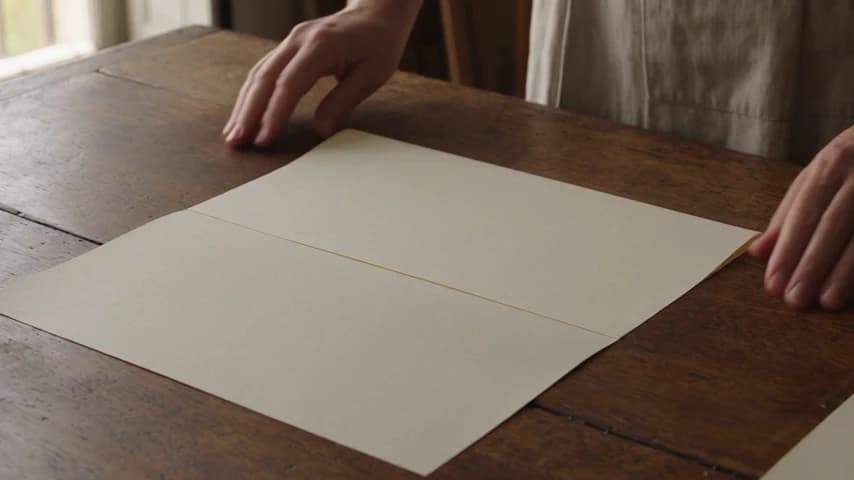
Both six-second scenes remain steady. The first sheet stays open; the second closes too narrowly and adds a tool.
Before submitting
Choose settings for the intended shot.
Seedance 2.5 offers no 1080p or 4K.
Set whole seconds; both tests requested six.
Text: six ratios plus adaptive. Frames: adaptive.
Audio On. Six-second estimates/debits: 480p, 150 credits; 720p, 300.
Two credited ZMS AI folding runs, then ten supplied recordings. Those notes request 720p; the files measure about 854×480.
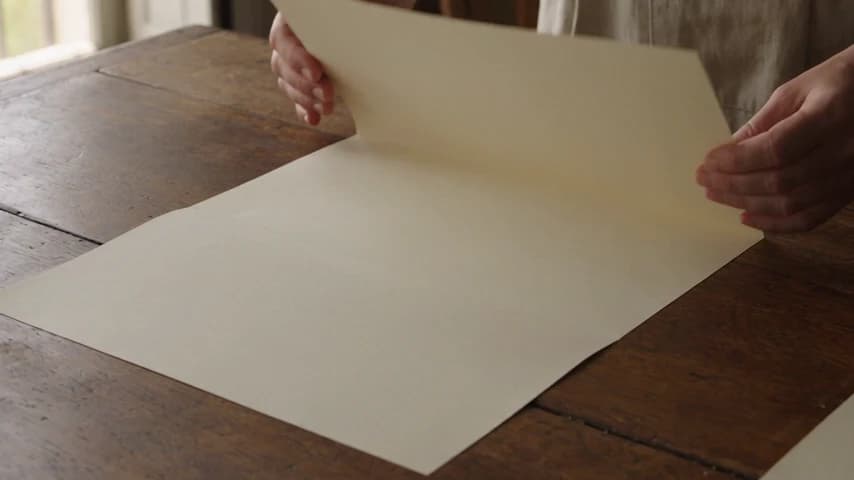
Create one continuous six-second shot in a bright bookbinding studio. An adult binder in a linen apron slowly folds one cream sheet of paper once along its center crease on a wooden table, presses the fold flat with both hands, then lifts both hands clear. Keep the camera locked in a close three-quarter view. Preserve the same hands, apron, paper size, table edge, and daylight direction throughout. Include only quiet paper rustle and room tone; no speech or music. No sewing, needle, thread, press, cut, extra sheet, extra fingers, logo, or text. End with one neatly folded sheet resting still on the table.
Replaces your current prompt, settings, and inputs. Review the estimate before generating; a new result may differ.
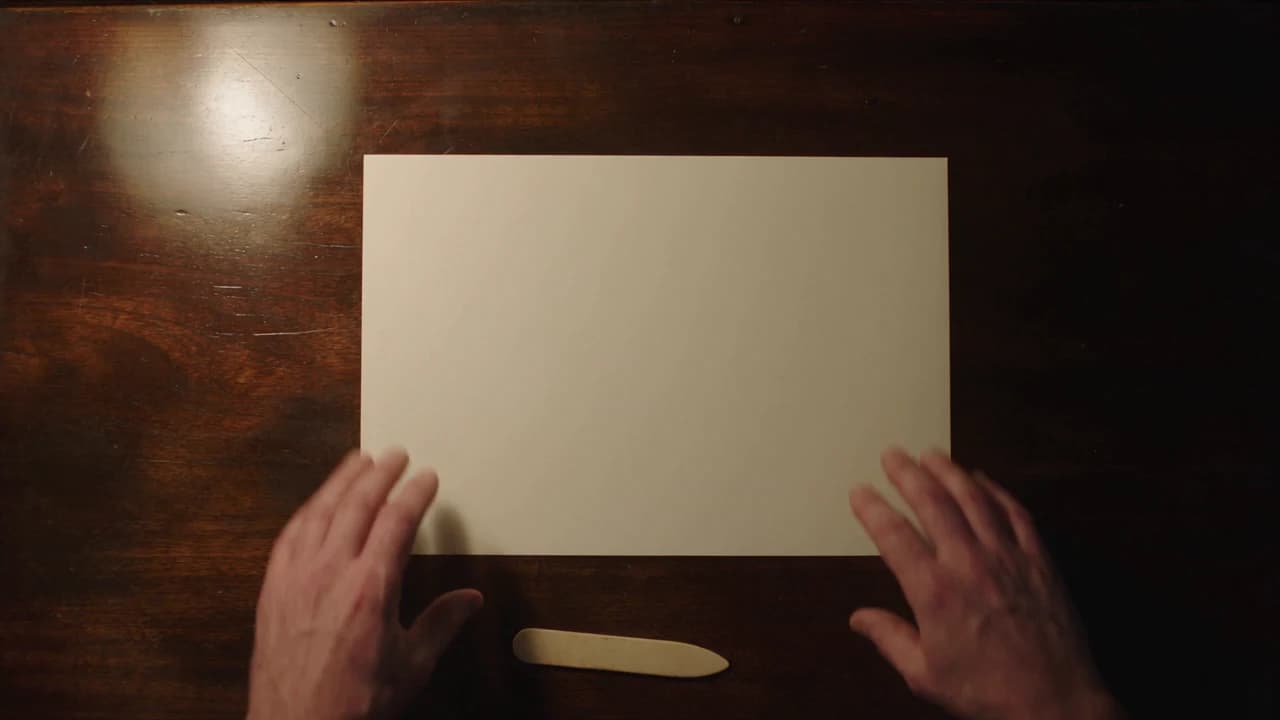
A single locked overhead shot of a bookbinder in a dark apron at a wooden workbench. 0–1s: one unmarked cream A4 sheet lies flat in landscape, both hands touch its far corners. 1–4s: lift the far half of the sheet and swing it toward the camera in one motion until the far edge meets the near edge. 4–5s: press along the center crease. 5–6s: both hands leave the frame, showing only a folded, half-size rectangle. Do not unfold the paper or reopen it at the end. Keep the same hands, apron, table, and camera throughout. Sound: soft paper rustle, no dialogue or music.
Replaces your current prompt, settings, and inputs. Review the estimate before generating; a new result may differ.
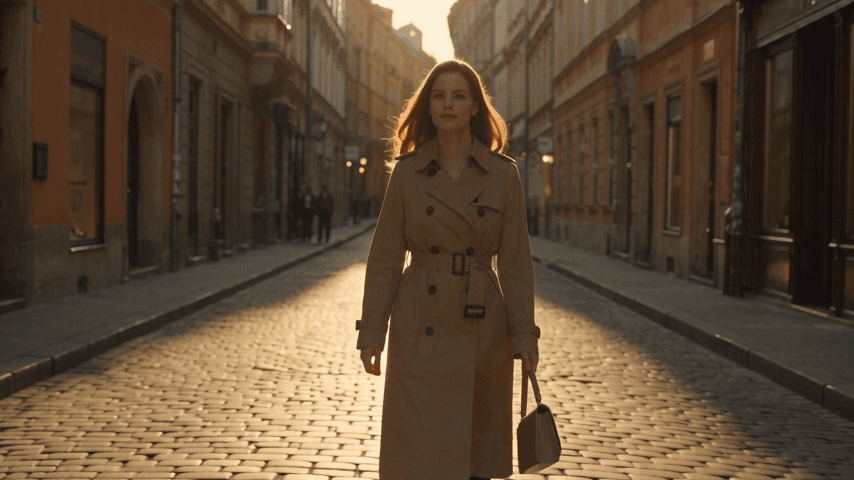
A cinematic medium-wide shot of a young woman walking slowly through a quiet European street at golden hour. She wears a beige trench coat and carries a small leather handbag. Warm sunlight passes between the historic buildings, creating soft highlights on her hair and clothing. The camera smoothly tracks backward in front of her while she walks naturally toward the camera. Her coat moves gently in the breeze, pedestrians remain softly blurred in the distant background, realistic body movement, natural facial expression, shallow depth of field, premium cinematic photography, subtle film grain, realistic lighting, smooth stable camera motion.
Replaces your current prompt, settings, and inputs. Review the estimate before generating; a new result may differ.
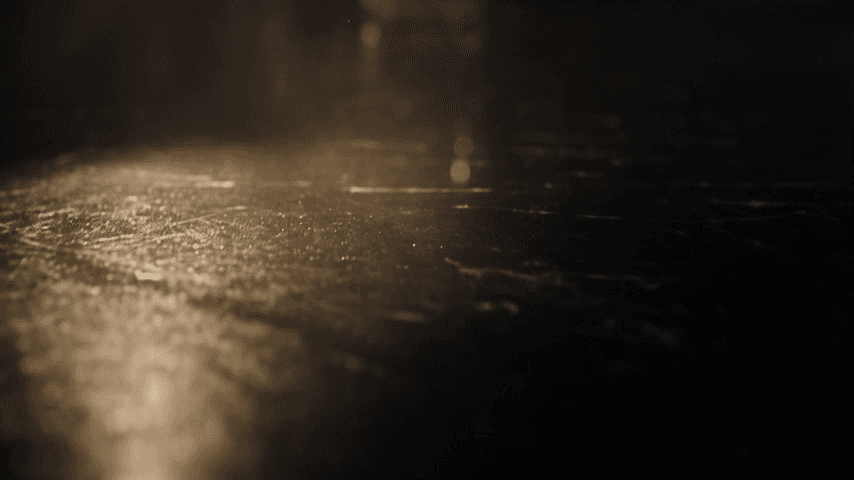
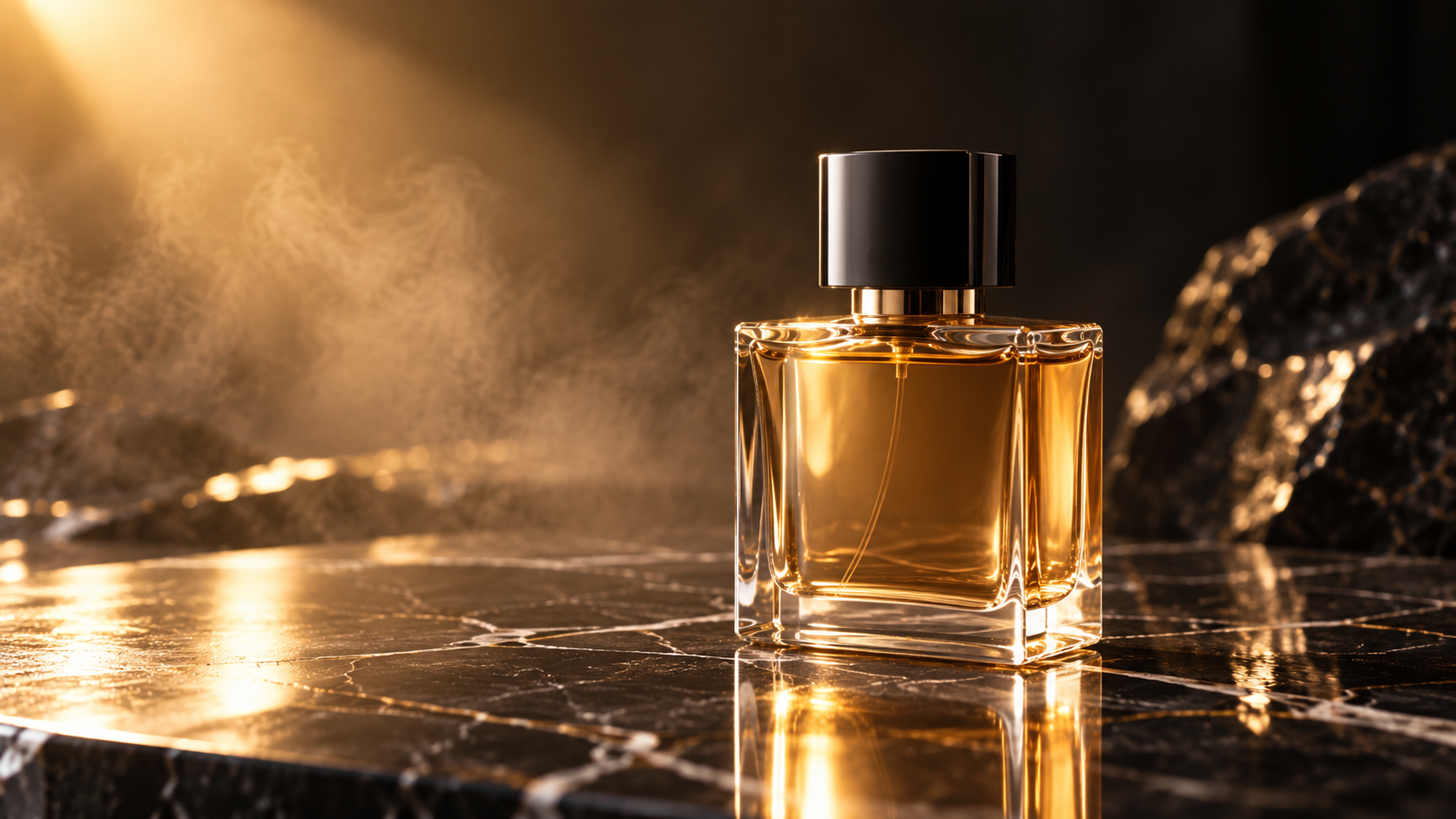
A luxury perfume bottle stands on polished black marble in a dark premium studio. Soft golden light moves slowly across the glass bottle, creating elegant reflections and highlights. Fine mist drifts through the background while subtle particles float in the air. The camera performs a slow cinematic push-in toward the perfume bottle, followed by a gentle orbit to reveal the shape and glass details. Keep the bottle stable and physically realistic. Premium fragrance commercial, dramatic studio lighting, realistic glass reflections, shallow depth of field, smooth controlled camera movement, high-end advertising cinematography.
Replaces your current prompt, settings, and inputs. Review the estimate before generating; a new result may differ.
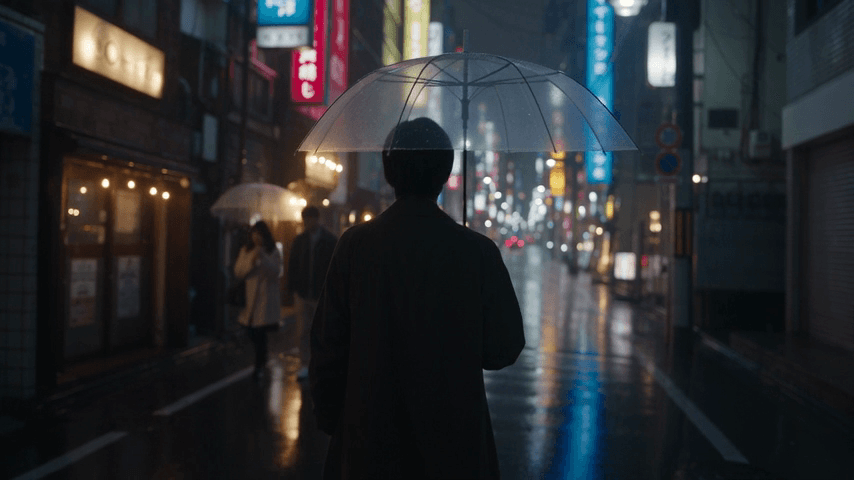
A cinematic rainy night on a narrow Tokyo street filled with glowing storefronts and colorful neon signs. A young man holding a transparent umbrella walks slowly along the wet pavement. Neon red, blue, and warm yellow reflections shimmer naturally across the road as rain continues falling. The camera follows behind him with a slow handheld tracking movement, then gently moves to his side. Passing pedestrians and distant cars create subtle background motion. Photorealistic rain, realistic reflections, atmospheric mist, cinematic depth of field, natural human movement, moody urban cinematography.
Replaces your current prompt, settings, and inputs. Review the estimate before generating; a new result may differ.
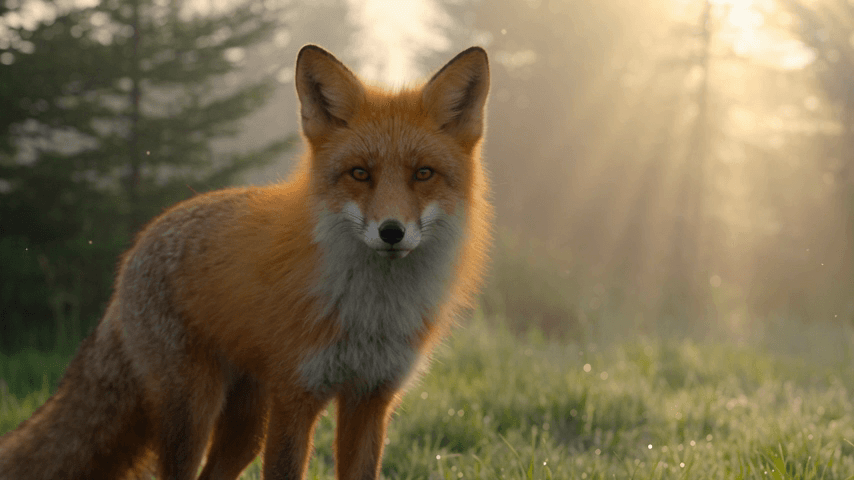
A majestic red fox stands in a misty forest during early morning. Soft golden sunlight passes through tall pine trees while tiny particles float in the air. The fox looks toward the camera, slowly turns its head, then begins walking naturally through the grass. The camera gently tracks alongside the fox at eye level. Its fur moves subtly in the morning breeze. Photorealistic wildlife cinematography, realistic animal anatomy and movement, soft volumetric sunlight, natural forest atmosphere, shallow depth of field, smooth documentary-style camera motion.
Replaces your current prompt, settings, and inputs. Review the estimate before generating; a new result may differ.
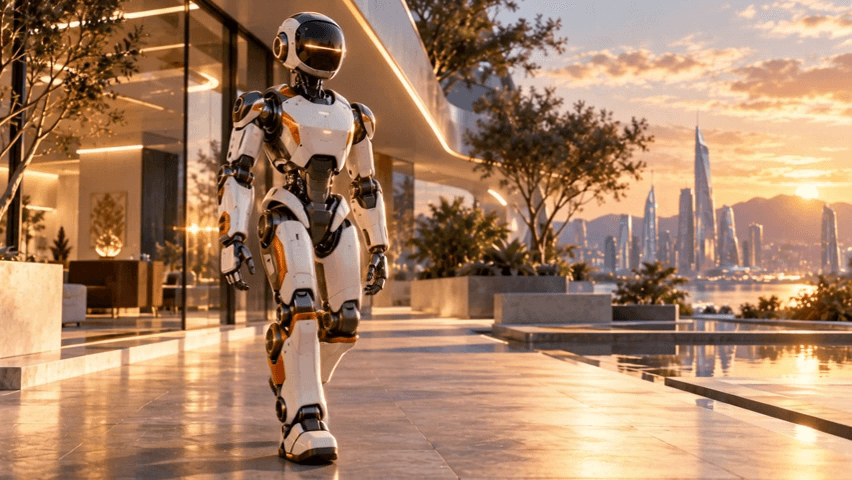
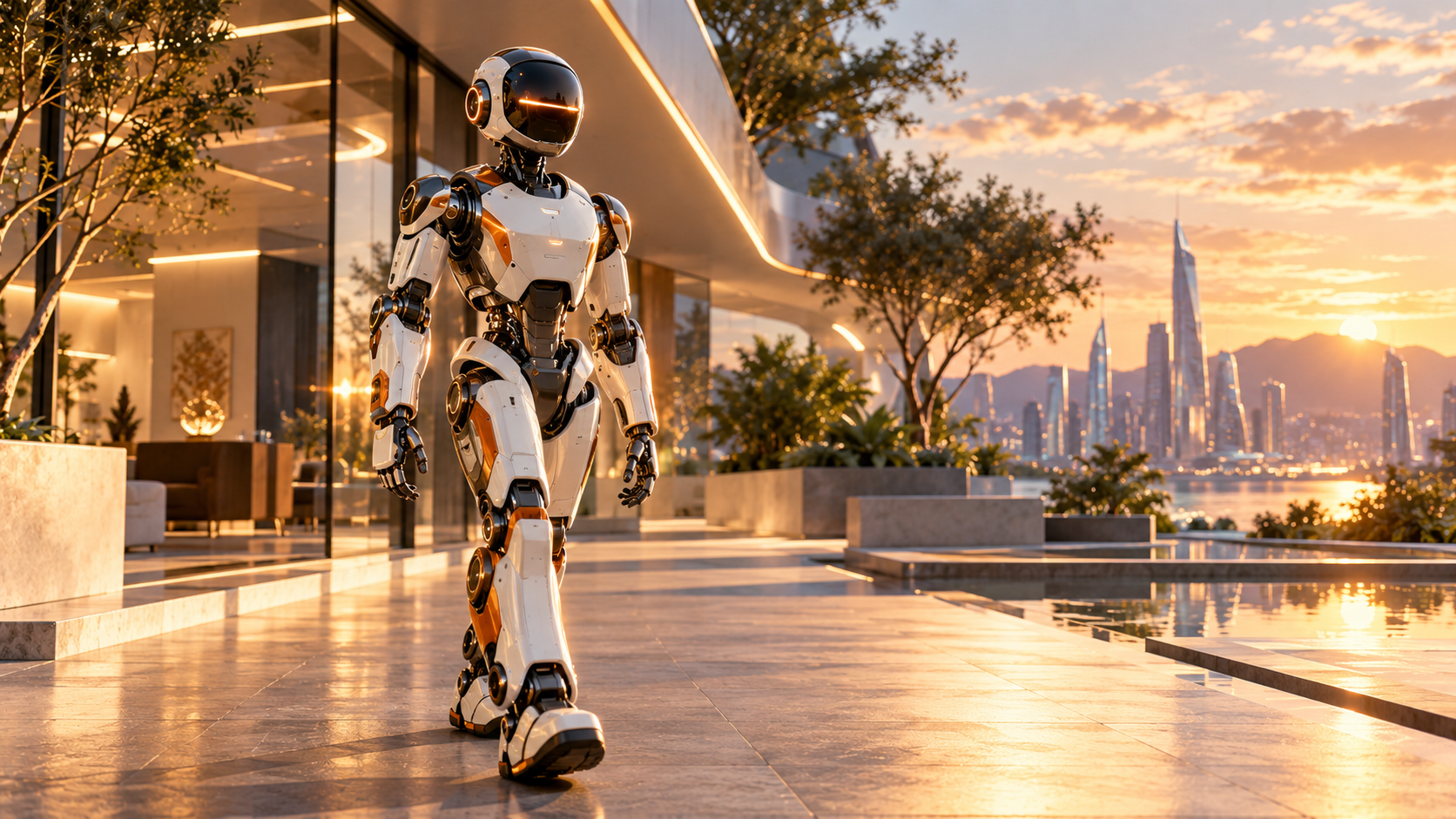
The robot begins walking naturally toward the camera. Preserve exactly the robot's white and orange body design, dark glass face panel, mechanical joints, proportions, and materials. Its arms move naturally with each step while the mechanical joints articulate smoothly. The camera slowly tracks backward in front of the robot. Warm sunlight remains consistent and subtle reflections move naturally across the robot's body. Smooth walking motion, stable character design, realistic mechanical articulation, cinematic camera movement. Do not transform the robot into a human or change its design.
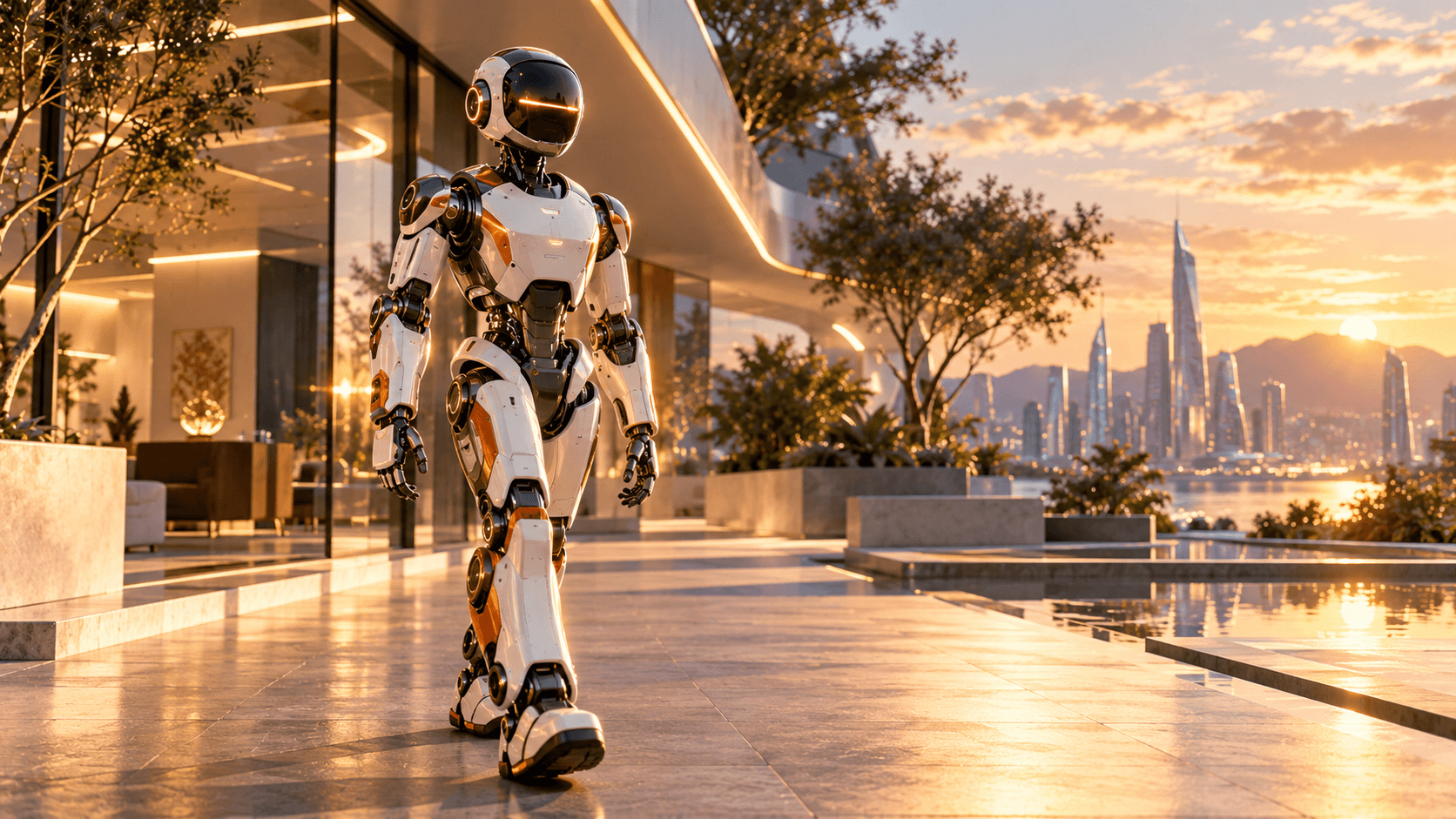
Replaces your current prompt, settings, and inputs. Review the estimate before generating; a new result may differ.
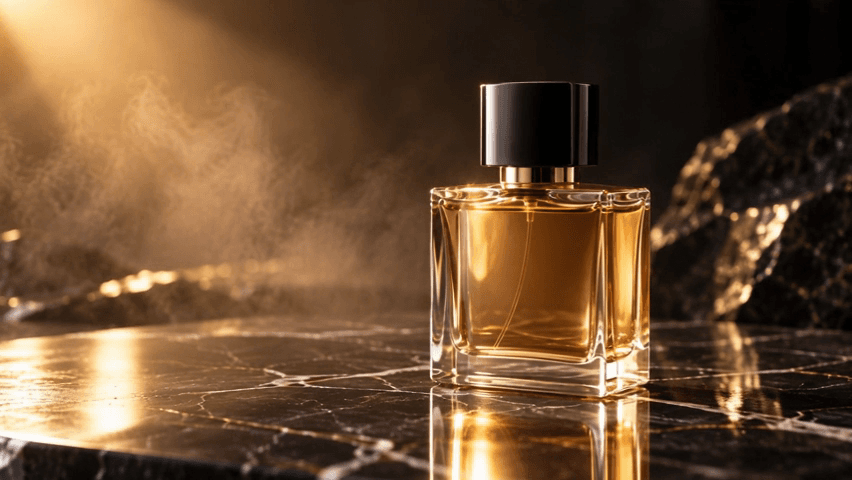
Keep the perfume bottle's shape, proportions, glass material, cap, liquid color, and overall design consistent with the reference image. The perfume bottle remains stationary on the polished black marble surface. The camera slowly moves from the front toward the right side in a smooth cinematic orbit around the bottle while gradually pushing closer. Soft golden light travels subtly across the glass surface, producing realistic highlights, reflections, and refraction. Fine atmospheric mist moves slowly in the dark background. Do not deform, rotate, resize, replace, or redesign the bottle. Smooth controlled camera movement, realistic glass physics, premium luxury fragrance commercial, cinematic studio lighting, shallow depth of field, photorealistic product cinematography.
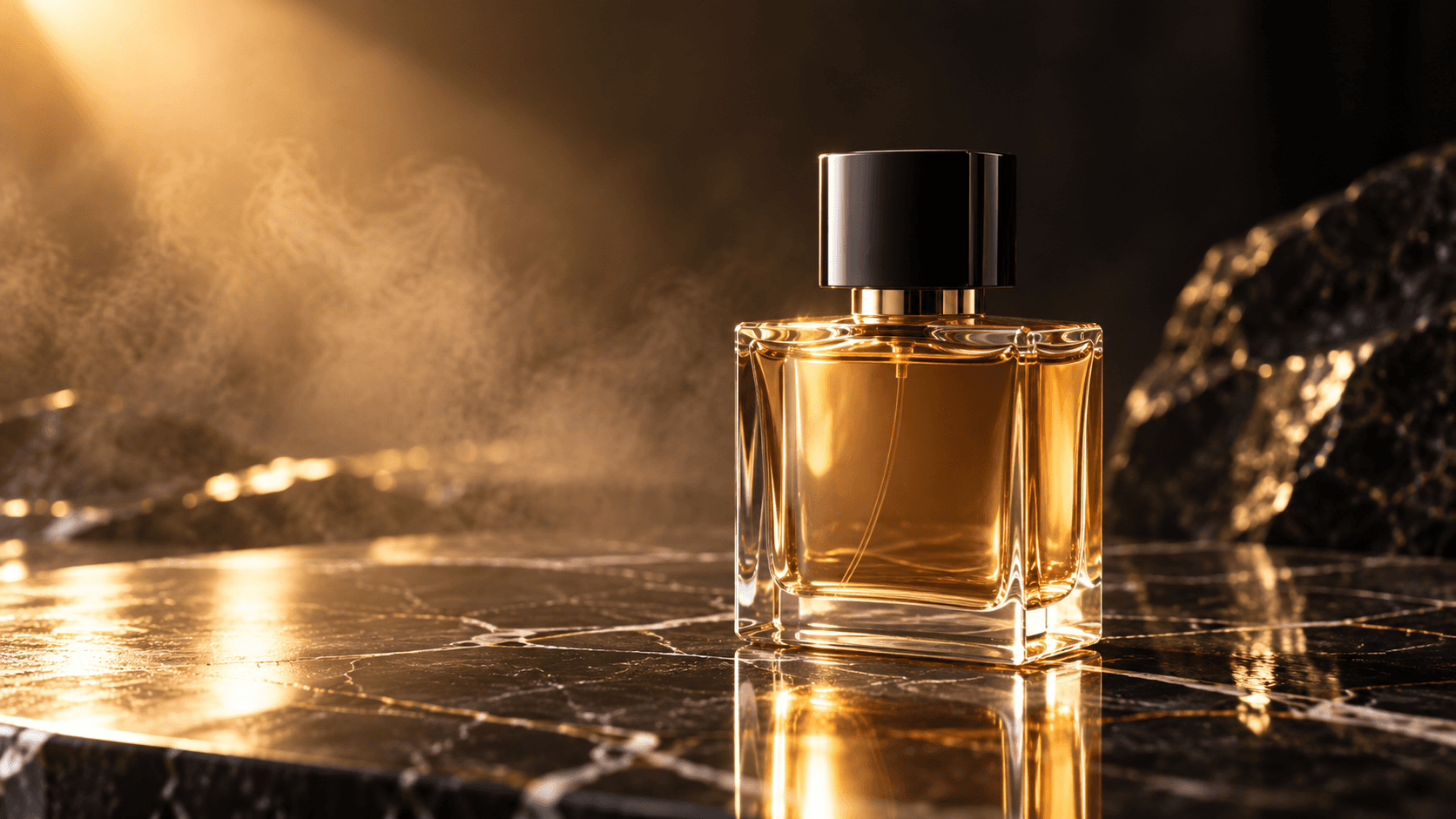
Replaces your current prompt, settings, and inputs. Review the estimate before generating; a new result may differ.
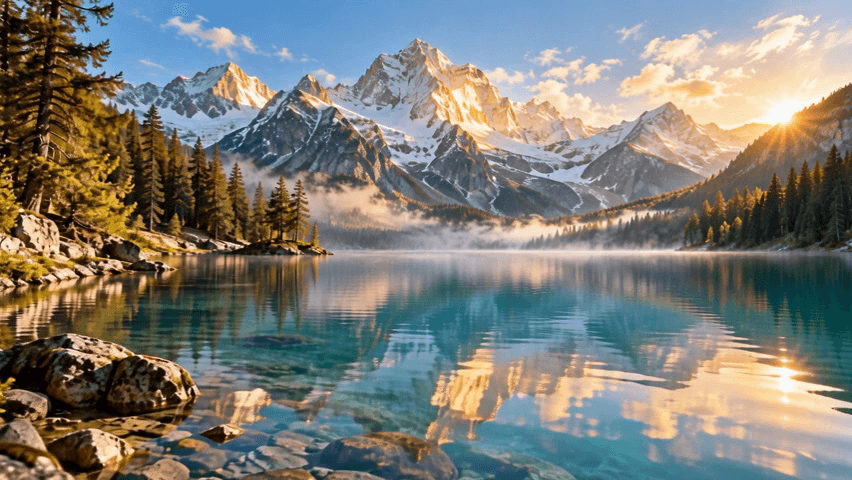
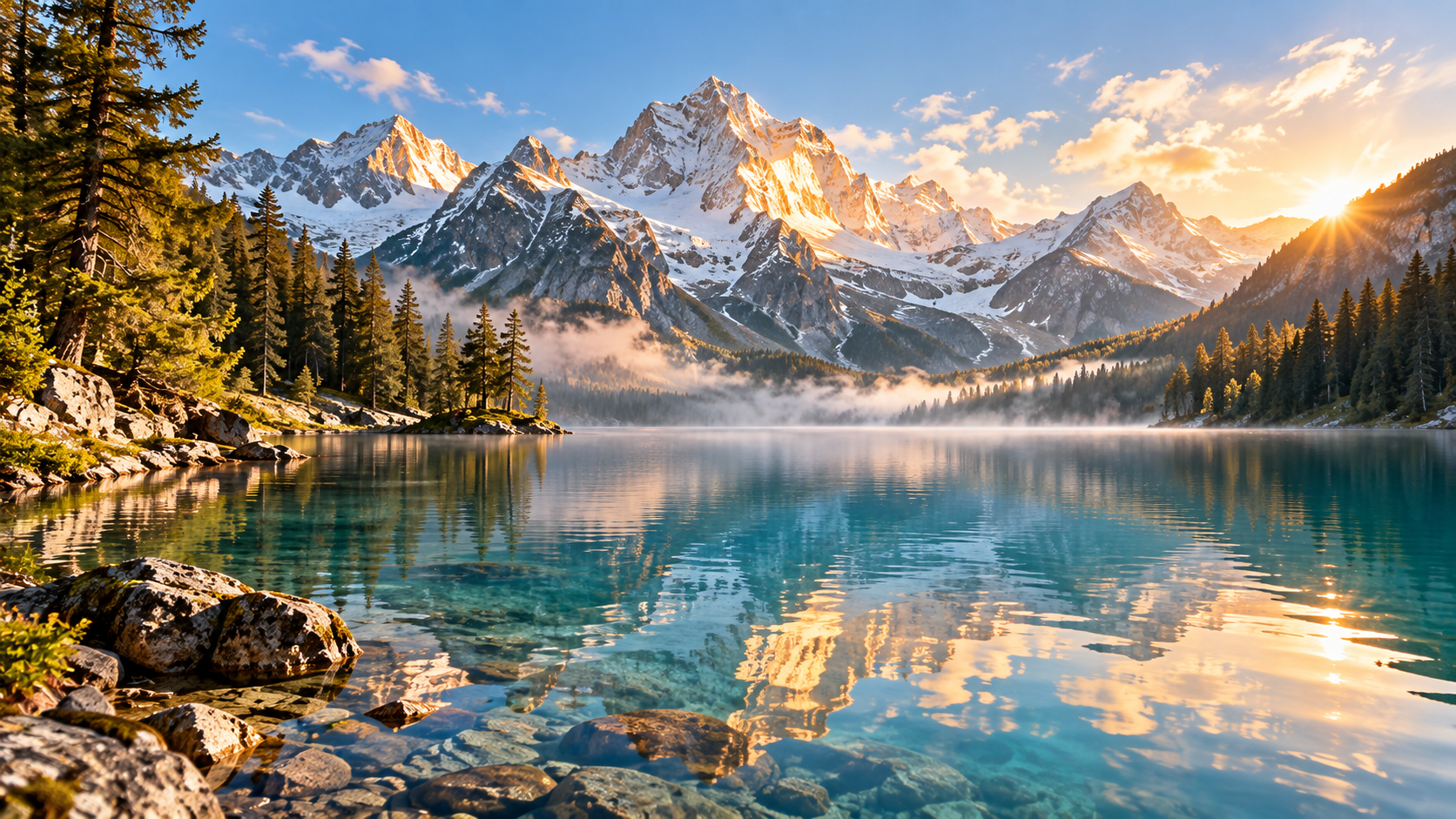
The camera slowly glides forward from the shoreline across the surface of the alpine lake toward the distant snow-capped mountains. Maintain the exact geography, mountain shapes, shoreline, pine trees, and overall composition established in the reference image. Create subtle natural movement throughout the environment: gentle ripples spread across the clear water, thin morning mist slowly drifts above the lake, pine branches move slightly in the breeze, and soft clouds gradually travel across the distant sky. As the camera moves forward, realistic parallax appears between the foreground shoreline, side trees, lake, and distant mountains. The golden sunrise gradually illuminates more of the mountain peaks while maintaining realistic exposure and natural lighting. Smooth cinematic forward camera movement, realistic environmental physics, stable landscape geometry, natural atmospheric motion, photorealistic travel cinematography. Do not introduce people, animals, boats, buildings, or new objects.
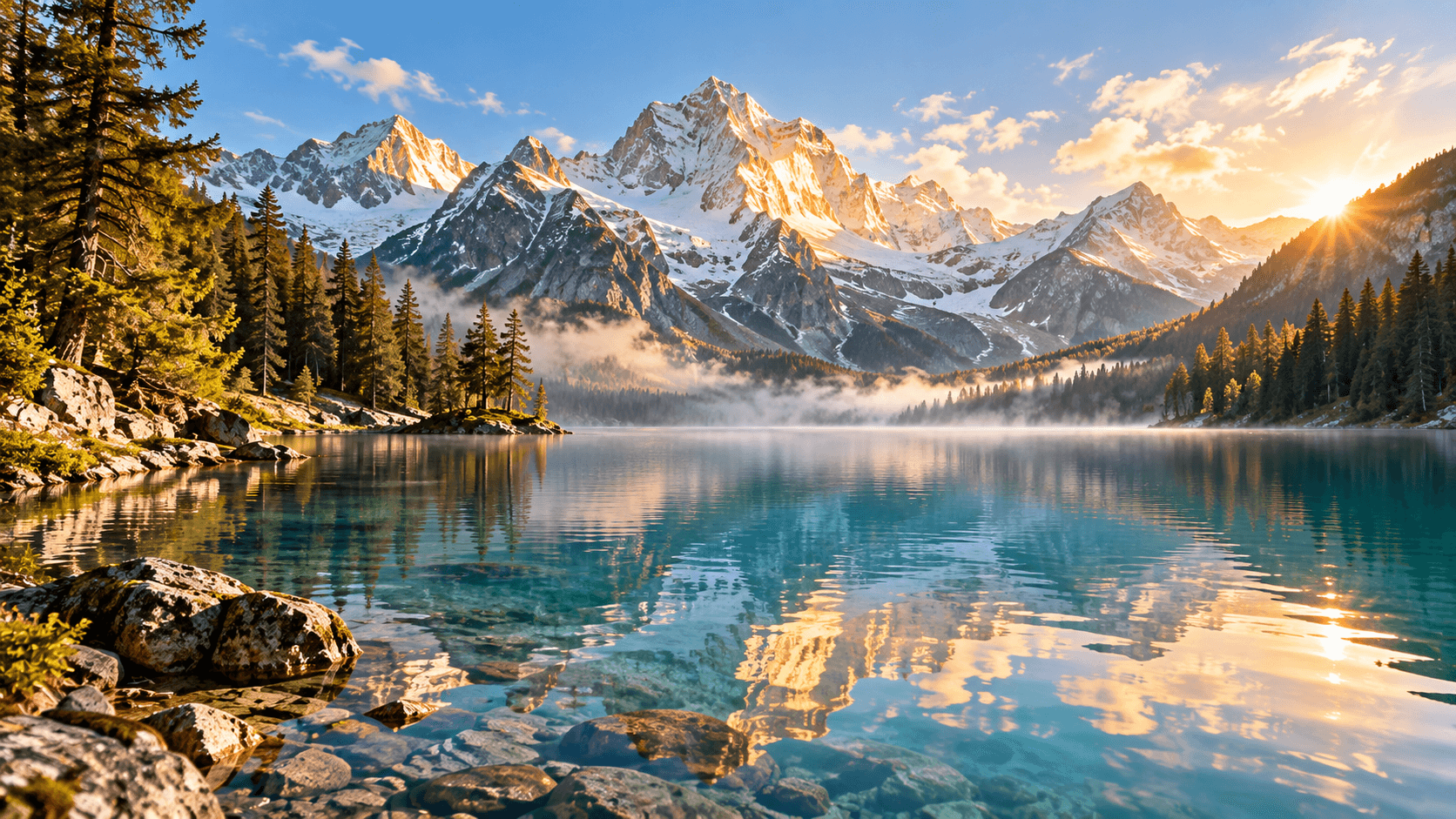
Replaces your current prompt, settings, and inputs. Review the estimate before generating; a new result may differ.
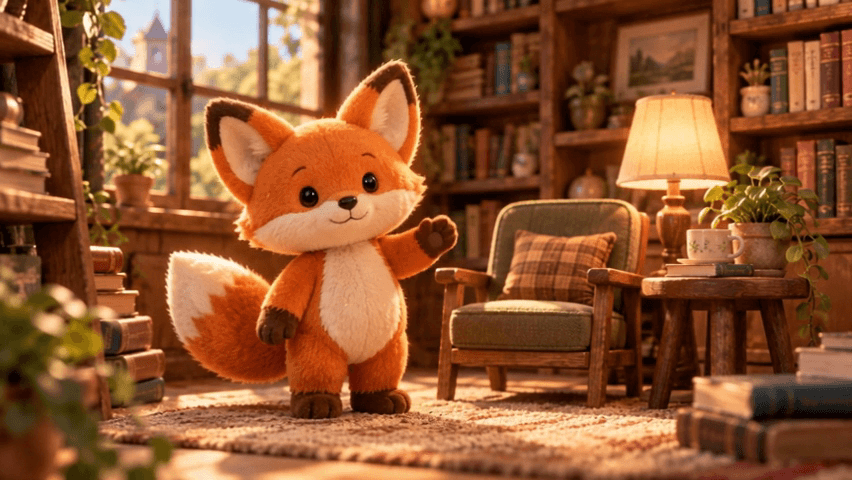
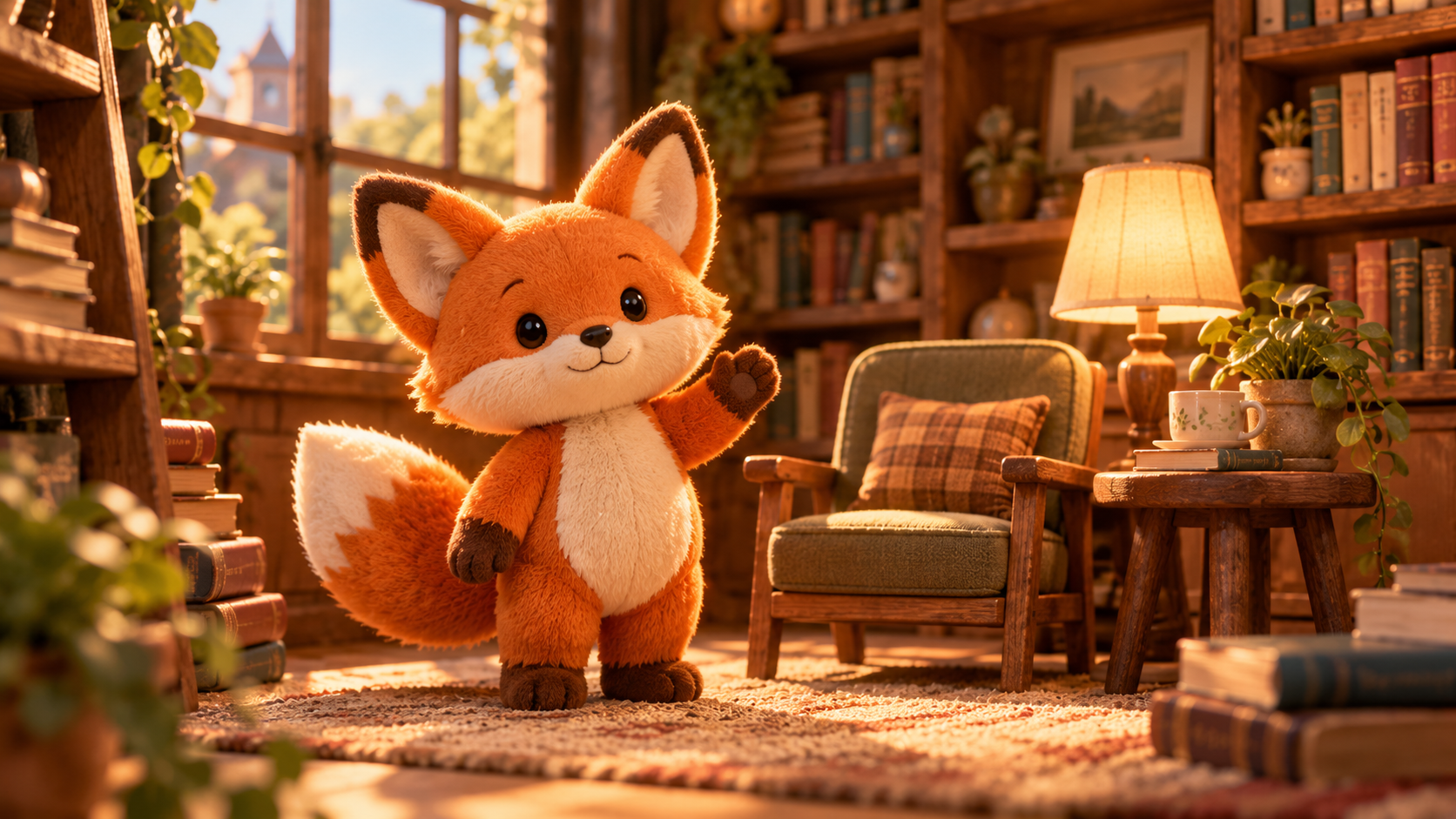
Preserve the exact appearance and design of the orange fox plush character from the input image. The fox takes three small steps forward, pauses beside the tiny wooden chair, gently turns its body toward the camera, and raises one arm in a small friendly wave. Its large ears make a subtle natural movement and its fluffy tail gently sways as the character moves. Keep the orange fabric, cream belly and muzzle, black button-like eyes, ears, limbs, tail, proportions, stitching, and plush texture consistent throughout the entire video. The camera performs a very slow cinematic push-in toward the character. Maintain the same miniature reading room, bookshelves, chair, table lamp, rug, lighting, and warm atmosphere. Smooth stylized character animation, realistic plush fabric physics, stable character identity, cinematic depth of field. Do not transform the character into a real animal or human. Do not change its colors, facial design, clothing, proportions, or number of limbs.
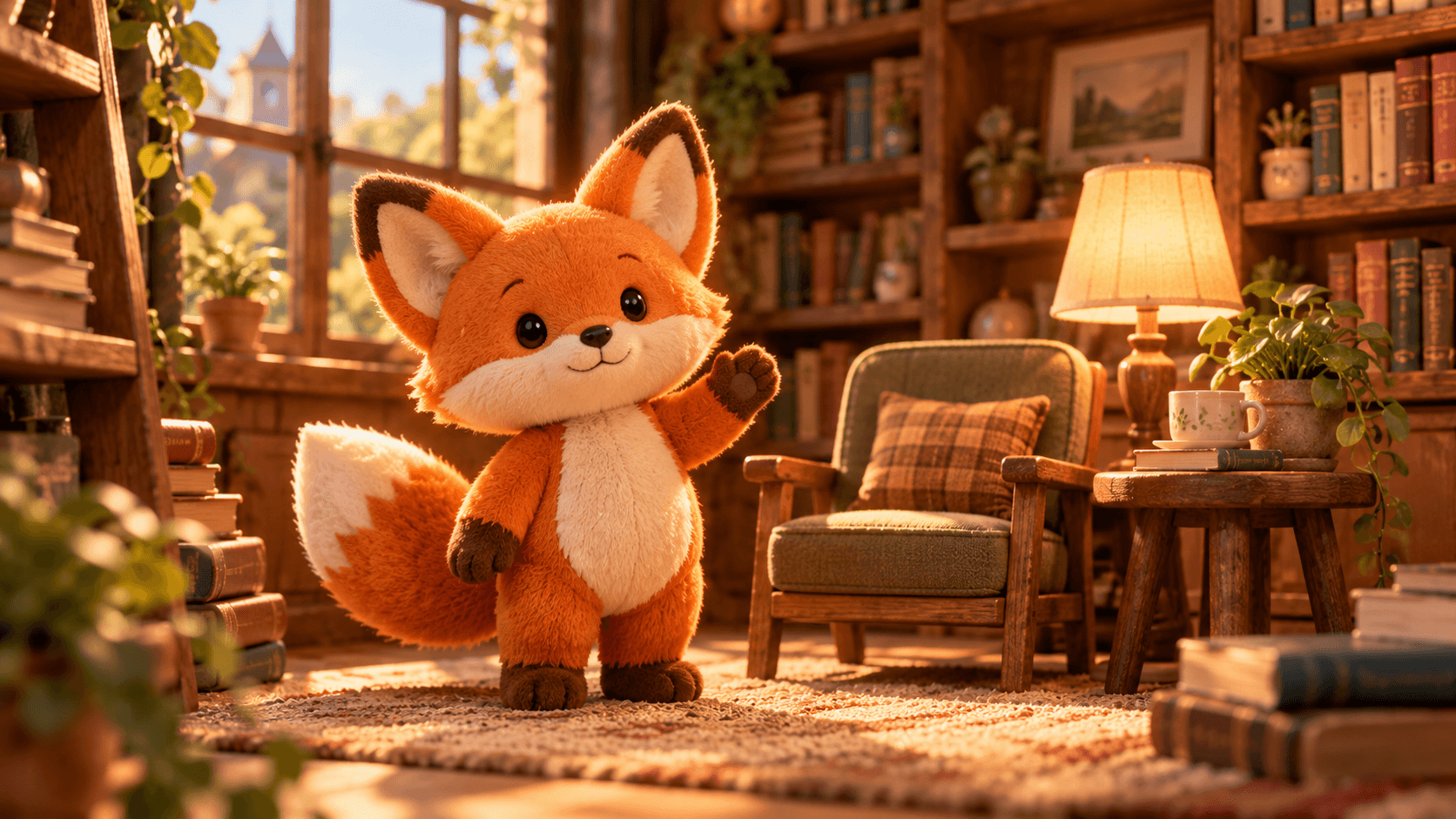
Replaces your current prompt, settings, and inputs. Review the estimate before generating; a new result may differ.
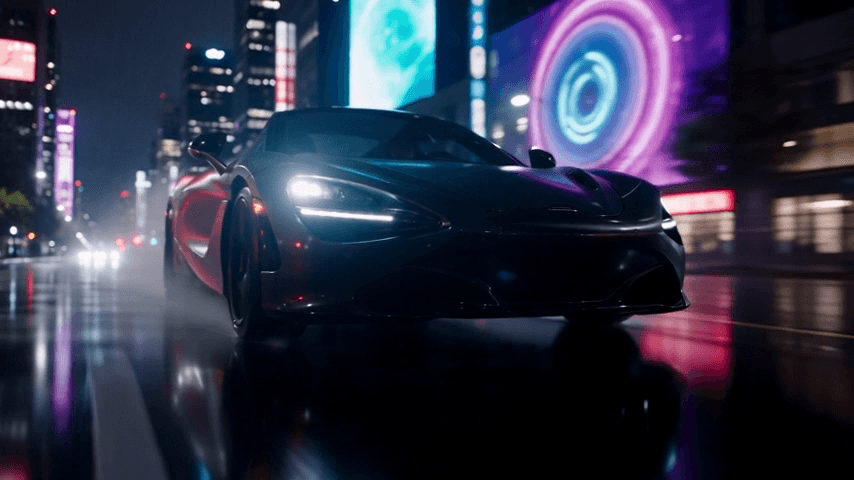
Create a cinematic automotive sequence featuring a futuristic unbranded black sports car driving through a neon-lit Tokyo-inspired city street at night. Use the uploaded reference video as the motion and camera reference. Follow the same overall camera movement, tracking direction, camera speed, framing progression, and motion rhythm shown in the reference video. The black sports car accelerates smoothly along the rain-soaked road. Blue, cyan, magenta, and warm amber neon lights reflect naturally across the glossy black body and wet pavement. Light rain falls continuously and water sprays naturally from the rotating tires. Maintain a consistent black sports car design throughout the shot, including its body shape, wheels, headlights, proportions, and metallic finish. Photorealistic vehicle physics, realistic wheel rotation, natural motion blur, cinematic reflections, premium automotive commercial cinematography. Continuous cinematic shot, no sudden cuts. Do not add logos, readable text, or additional foreground vehicles.
Replaces your current prompt, settings, and inputs. Review the estimate before generating; a new result may differ.
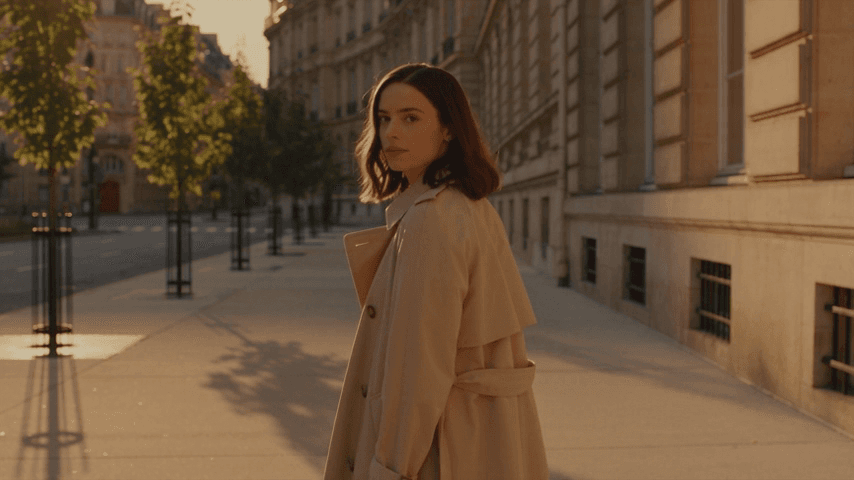
Create a cinematic sequence featuring a young woman walking through a quiet European street during golden hour. She has shoulder-length dark brown hair and wears a beige trench coat, white top, black tailored trousers, and simple black shoes. Use the uploaded reference video as the action and motion reference. Follow the reference video's overall body movement, action sequence, walking rhythm, timing, camera direction, and framing progression. The woman begins standing slightly turned away from the camera. She naturally turns her upper body and head, then starts walking forward along the street. After several steps, she gently looks back over her shoulder toward the camera while continuing to walk. Her arms move naturally and her trench coat and hair respond subtly to the breeze and walking motion. The camera smoothly follows behind her, matching the tracking movement and motion rhythm of the reference video. Warm golden sunlight passes between historic European buildings, creating soft highlights and long natural shadows. Maintain consistent facial identity, hairstyle, outfit and body proportions throughout the entire shot. Natural human anatomy, realistic walking motion, realistic fabric physics, smooth cinematic tracking, photorealistic lighting. Continuous single shot, no sudden cuts. Do not introduce additional foreground characters, text, logos or watermarks.
Replaces your current prompt, settings, and inputs. Review the estimate before generating; a new result may differ.
Input paths
Compare versions in the Seedance family.
| Mode | Prepare | Boundary |
|---|---|---|
| Text | One written shot brief | No uploads required |
| First / last frames | Required first, optional last image | Adaptive framing |
| Image references | Up to 30 images | Do not mix video references |
| Video references | Up to 10 videos | Do not mix image references |
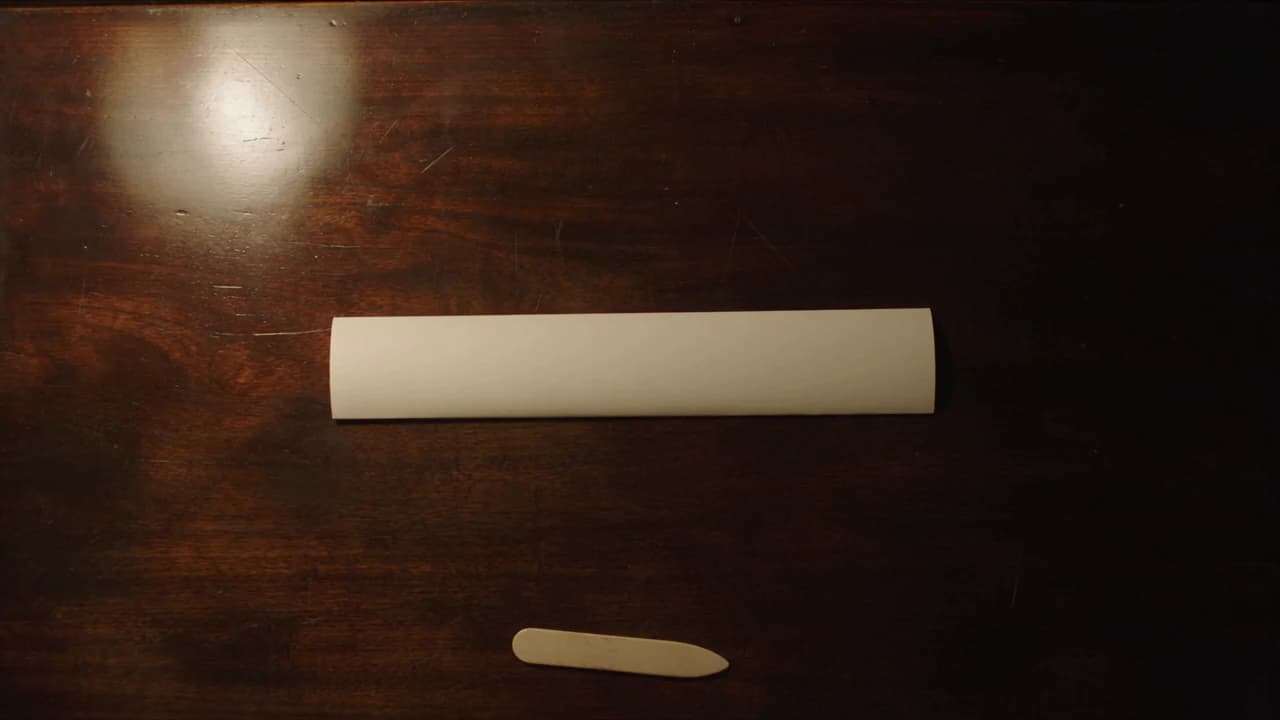
Observed ending
The second sheet closes; hands leave. Its narrow strip and extra bone folder miss the brief.
SD-02 at 5.7s · 6.08s output · 1280 × 720 · 300 creditsFour steps
For different output options, check Seedance 2.0.
Name action, camera, and ending.
Select one input path.
Set output and audio; check credits.
Watch the ending and listen.
Two limited samples
Check credit plans before another attempt.
| Observed result | Limitation in these tests | Practical next step |
|---|---|---|
| Steady scenes and hands | Sampled hands, aprons, tables, light, and framing stay consistent. | Watch both clips; inspect hand contact. |
| Different ending outcomes | SD-01 stays open. SD-02 becomes a narrow strip with an extra bone folder. | Specify dimensions and exclude tools. |
| Audio tracks present | AAC stereo exists, unassessed by listening. Prompt, camera, and resolution all changed. | Listen before use. No isolated 720p benefit or general reliability claim. |
FAQ
Answers about controls and the recorded examples.
Text, frames, images, or videos. Do not mix image and video references.
No. A first frame is required; the last is optional.
480p/720p, 4–30 whole seconds, and audio. Text has six ratios plus adaptive.
The two folding clips are audio-enabled ZMS text runs from 28 September 2026. Both requested six seconds and returned 6.08. Ten more clips are supplied recordings with prompts and inputs; their notes request 720p, and the files measure about 854×480.
Neither fully did: open paper first, then an overly narrow fold with an extra tool.
Explore the AI video workspace with a shared brief.