Comparable text benchmarks
All three routes can begin from text, making one subject, action, camera path, environment, and ending useful as a family benchmark. Keep settings aligned before attributing a difference to the version.
Compare Wan 3.0, Wan 2.7, and Wan 2.6, review their current ZMS control boundaries, and prepare a video task in one consistent workspace.
Loading generator…
Model family overview
The Wan AI video generator family covers prompt-led, frame-led, and reference-led motion tasks. ZMS AI compares Wan 3.0, Wan 2.7, and Wan 2.6 here while preserving a separate route, model identifier, adapter, and control set for every version.
Wan 3.0 has the broadest current input set; Wan 2.7 stays compact; Wan 2.6 adds a reference-video path alongside text and one start image. This family page selects among them instead of repeating the cross-family AI video generator tutorial. Registered drivers still require signed-in generation, polling, returned-media, and debit verification.
Creative fit
Wan is useful when the input route determines the test: a clean text benchmark, a frame-led transition, a prior-video motion reference, or a mixed-media constraint set.
All three routes can begin from text, making one subject, action, camera path, environment, and ending useful as a family benchmark. Keep settings aligned before attributing a difference to the version.
All current routes accept a start image; Wan 3.0 can add an optional last frame. Use supplied frames for identity and composition, then use the prompt for motion, camera, timing, and continuity.
Wan 2.6 can prepare a task with up to two reference videos. Assign a precise motion or camera behavior to each clip, and keep appearance instructions separate from the movement evidence.
Wan 3.0 can prepare one mixed-reference request containing images, videos, and audio. Give each medium a distinct role, remove contradictions, and do not interpret reference support as proof of a current Wan 3.0 result.
Version guide
All three Wan AI workspaces use the shared ZMS creation structure, but their model routes remain independent. Choose from the current control set and the kind of test you need to run.
| Version | Best for | Workspace inputs | Planning note |
|---|---|---|---|
| Wan 3.0 | Text, first-and-last-frame, or mixed image/video/audio reference tasks | Text; first frame with optional last frame; or mixed references | 480p–1080p, 2–30 seconds, six ratios including adaptive |
| Wan 2.7 | A compact text or one-start-image workflow | Text prompt or one start image in the current ZMS workspace | 5, 10, or 15 seconds at 720p or 1080p |
| Wan 2.6 | Text, one-start-image, or reference-video tasks with continuous duration control | Text, one start image, or up to two reference videos | 2–15 seconds at 720p or 1080p; reference video has its own route |
Need prompt examples, model notes, or a deeper workflow?
Read Wan guides →Creation process
Use these checks to select the input contract before opening a version page. They keep a Wan family decision separate from detailed shot craft.
List text, start or end frames, prior videos, images, and audio already approved for the task. Eliminate any Wan route whose visible input mode cannot accept those materials.
Choose 2.7 for a compact text or start-image path, 2.6 for reference-video preparation, or 3.0 for first-to-last frames and mixed image, video, and audio references.
Set duration, resolution, ratio, and one review rubric before a benchmark. When two versions overlap, keep those variables aligned so the input route and version remain the meaningful difference.
Use the version page for exact fields, reference limits, settings, evidence, and current status. Confirm signed-in submission, returned media, and debit before moving from a benchmark to a production batch.
Prompt framework
Keep one visible subject, motion arc, camera path, world, and ending across the family. Adapt the brief only where a version changes what the workspace accepts as authoritative input. Use the planning artwork to connect those choices to one reviewable frame; it prepares input and review decisions rather than claiming model output quality or live delivery.
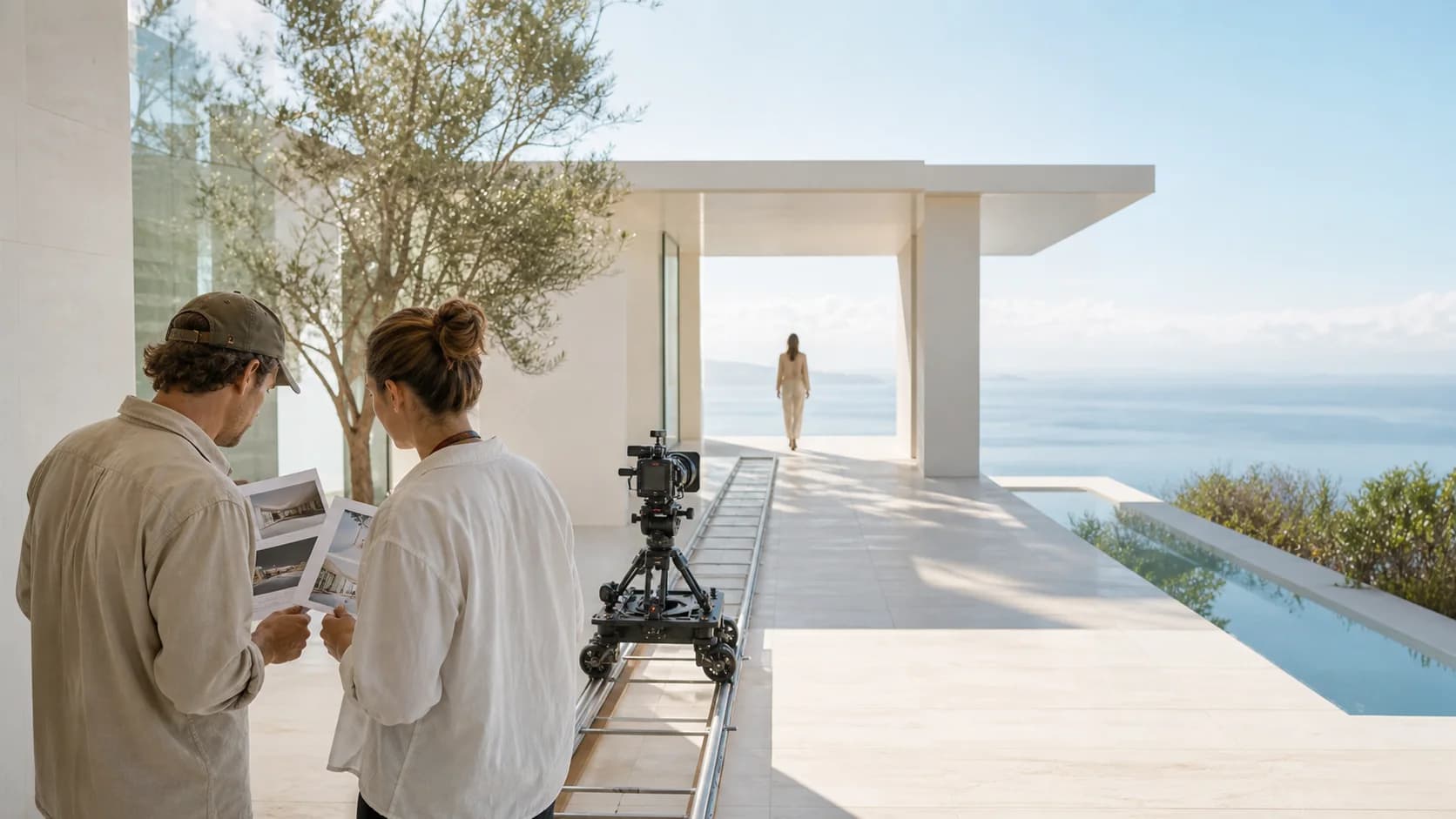
Use text or one start image with a direct motion brief. The four current gallery clips document only Wan 2.7 and do not establish 2.6 or 3.0 behavior.
On Wan 2.6, use each reference video for one named motion, timing, or camera constraint. Keep target subject, environment, and protected details explicit.
With first and optional last frames, describe the causal transition between fixed endpoints: action order, camera path, continuity, and final state. Do not redesign the supplied frames.
Assign identity, appearance, motion, camera, or sound authority to each image, video, and audio source. Remove redundant or conflicting media before submission; current 3.0 output evidence is unavailable.
Wan 2.7 starter clips
Every card in this evidence lane is a current Wan 2.7 generated pair with its recorded prompt. It does not cover Wan 2.6 or Wan 3.0, and it must not be read as a three-version comparison.
Close shot of hands pouring tea from a clay pot into a small cup on a bamboo terrace, steam curling in the light. The camera holds steady at table height as the cup fills. Dappled afternoon sun through leaves, warm earth tones, shallow depth of field, no camera shake.
A dust-covered pickup truck drives away down an empty desert highway as heat shimmer distorts the horizon. The camera tracks slowly from behind at low height, sand drifting across the asphalt. Late afternoon sun, ochre and pale blue palette, long shadows, steady motion.
A welder in a leather apron lowers a helmet visor and strikes an arc against steel tubing in a dim workshop, sparks scattering across the concrete floor. The camera pushes in slowly from a three-quarter angle. High contrast between the arc light and deep shadow, no camera shake.
Rain runs down a cafe window as blurred traffic lights pass on the street beyond, a half-full glass of water on the sill catching the light. The camera holds a locked medium shot, focus on the droplets. Cool evening blues with warm interior spill, quiet atmosphere, no camera shake.
Selection notes
Known now: the input and setting differences are visible, and the four current result cards above all belong to Wan 2.7. Wan 2.6 retains archived evidence on its version page; Wan 3.0 has recipes and controls but no current result here.
| Decision | Current fact | Review action |
|---|---|---|
| Choose the route | Wan 2.7, 2.6, and 3.0 expose different frame, reference-video, mixed-media, duration, resolution, ratio, and audio paths in the current workspaces. | Select from the assets already approved, then open Wan 2.6, Wan 2.7, or Wan 3.0 for its exact fields and limits. |
| Read the evidence | The four current family results all belong to Wan 2.7. Wan 2.6 has archived evidence elsewhere, while this family page has no current Wan 3.0 result. | Review each evidence lane by its disclosed version and provenance. Do not use Wan 2.7 clips to claim Wan 2.6 or Wan 3.0 performance. |
| Approve production | Registered controls do not prove signed-in acceptance, returned media, reference handling, final debit, downloads, rights clearance, or production consistency. | Run one representative task on the chosen route, retain request and result records, inspect the full clip, then check current ZMS AI pricing before batching. |
FAQ
Practical answers for choosing a version, preparing inputs, and reviewing a first generation.
No. All four are current Wan 2.7 generated pairs. They prove that recorded 2.7 text-to-video path only and do not demonstrate Wan 2.6 reference-video or Wan 3.0 mixed-reference output.
No. Wan 3.0 has registered controls and complete prompt recipes on its version page, but the family page has no current Wan 3.0 output ledger and does not infer results from Wan 2.7 media.
Choose Wan 2.6 when the task needs its reference-video preparation path or its continuous duration control. The current catalog allows text, one start image, or up to two reference videos.
No. References provide constraints, not guarantees. Assign each source one authority, remove conflicts, then inspect identity, object geometry, motion path, camera behavior, timing, and ending state in the returned clip.
Use a text or start-image mode supported by both, align duration, resolution, and ratio where possible, and keep one review rubric. A mixed-reference-only task cannot produce a fair three-version comparison.
No. ZMS AI is an independent creative workspace. Wan model names and trademarks belong to their respective owners.