Text-to-video
Describe one concrete scene, primary action, camera direction, environment, light, and a small set of visible constraints that create a clear review target.
Prepare a short video task from a text prompt or one start image with practical controls for duration, resolution, and aspect ratio.
Loading generator…
Model overview
The Seedance 1.5 Pro AI Video Generator on ZMS AI prepares one short task from a written brief or one start image. Prompt, mode, ratio, resolution, duration, and review stay together so text-led creation and frame-led animation can be compared without changing every variable at once.
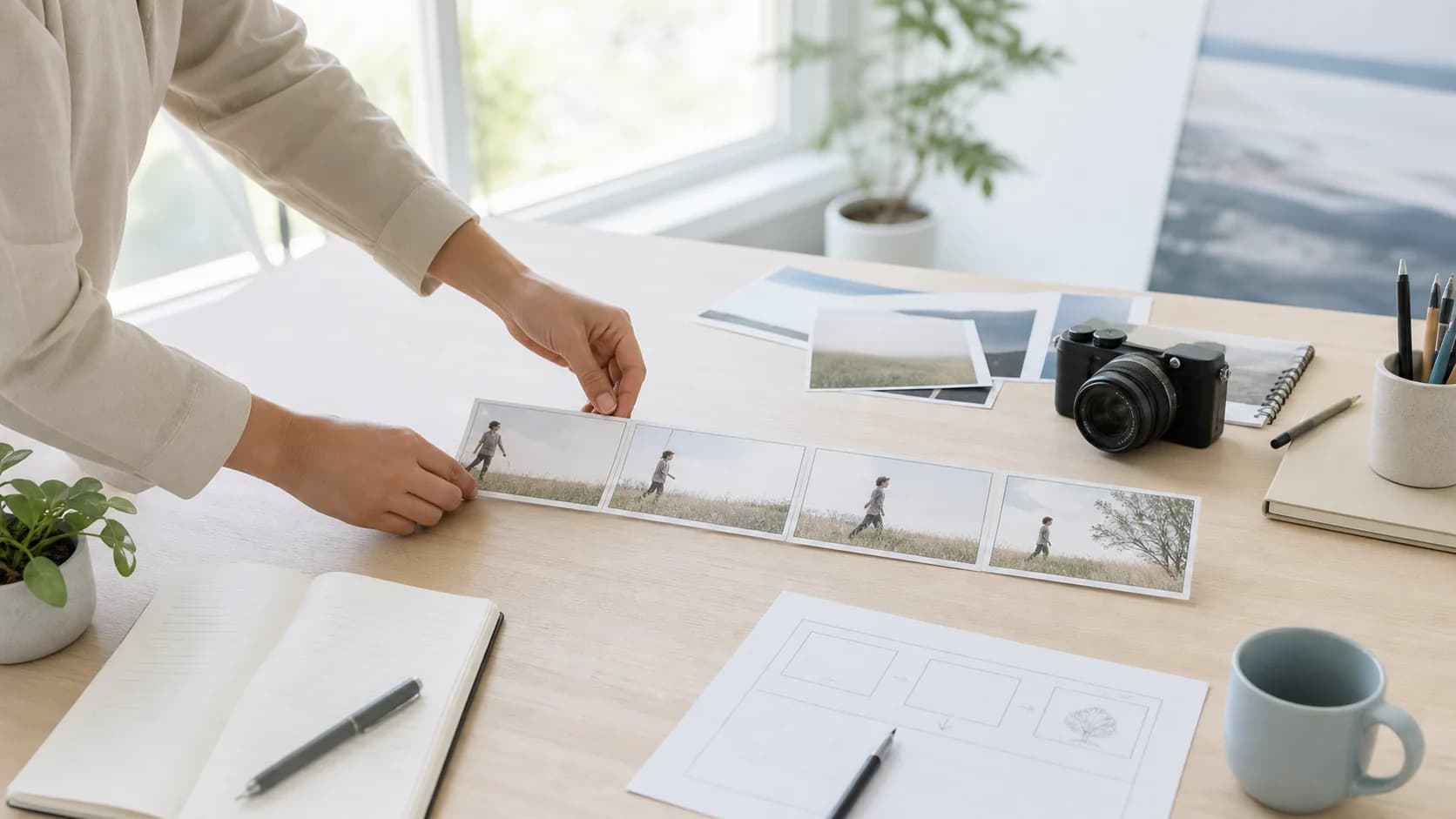
The current independent workspace exposes text or one start image, 480p–1080p, 5 or 10 seconds, and six ratios; it does not expose a separate audio switch. Use the Seedance AI model family for version choice, then test one signed-in task before treating the implemented driver as verified production delivery.
Current controls
The Seedance 1.5 Pro AI Video Generator keeps the main choices for a short clip together. Set them from the delivery brief, then hold them steady while testing the prompt or reference.
Describe one concrete scene, primary action, camera direction, environment, light, and a small set of visible constraints that create a clear review target.
Upload one start frame when identity, product shape, wardrobe, or composition already exists. Use text for motion and timing instead of repeating the image.
Choose 480p, 720p, or 1080p. Use lower settings for direction checks and increase resolution only after the motion idea earns another pass.
Select 5 or 10 seconds and match the delivery frame. Ratios are 16:9, 9:16, 1:1, 4:3, 3:4, and 21:9.
Text versus start frame
The first two recipes reuse family-ledger prompts; the last two are suggested start-frame briefs, not recovered outputs. Try inserts the text; choose the named mode and add any frame yourself.
Two text-led and two frame-led recipes
4 starter recipesUse an exact generated-pair prompt to test one rear tracking move, wet-surface reflections, and subject stability in changing city light.
A cyclist in a dark wool coat rides away down a rain-wet cobblestone street at blue hour, neon shop signs reflecting in puddles. The camera tracks slowly from behind at chest height. Cool cyan sky, warm window light, shallow depth of field.
Check the rider, bicycle frame, wheel contact, tracking distance, and reflected signs across all frames; reject identity changes or a camera that overtakes the subject.
Use a second exact prompt to isolate small-object geometry, steam behavior, warm sidelight, and one slow forward camera move.
A copper kettle sits on a lit gas stove in a quiet kitchen as steam curls upward. The camera slowly dollies in. Warm sidelight across dark wood counters, shallow focus, soft morning atmosphere, no camera shake.
Inspect the kettle body, handle, burner, steam origin, and counter lines before judging mood; reject changing metal geometry, detached steam, or a late camera wobble.
Begin from an approved product frame when silhouette, controls, material, label position, and opening composition must remain authoritative.
Use the uploaded first frame as the exact opening composition. Keep the compact table lamp's curved brass stem, cream shade, black switch, cable position, and proportions unchanged. Over five seconds, let the lamp turn on gradually while the camera makes a very slow eight-centimeter push-in at shade height. Preserve the desk edge, wall color, and soft afternoon shadow direction. No hands, no new objects, no logo, no cut, no orbit, no shape change. End with the full lamp still inside frame.
Compare the first frame with the final frame for lamp geometry, switch, cable, desk edge, and crop; only brightness and the specified push-in should change.
Use a consented portrait frame when identity, wardrobe, pose, background layout, and light direction must survive one small human action.
Animate the supplied portrait as one continuous five-second medium shot. Preserve the adult subject's face, hair, blue linen shirt, seated posture, hand count, chair, window position, and neutral daylight. The subject takes one quiet breath, looks from the open notebook toward the window, and rests the right hand beside the page. Keep the camera locked and the background unchanged. No speech, lip movement, extra gesture, wardrobe change, focus jump, cut, zoom, or added person. End after the gaze settles at the window.
Check face, fingers, shirt folds, notebook, gaze path, and seated alignment throughout; reject identity drift, extra motion, or a final pose that jumps from the approved frame.
Version guide
This is a comparison of controls and connection state inside ZMS AI, not a universal quality ranking. Run your own repeatable brief before choosing a model for production.
| Version | Current ZMS inputs | Output controls | Availability note |
|---|---|---|---|
| Seedance 1.5 Pro | Text prompt or one start image | 480p–1080p, 5 or 10 seconds, six ratios | Driver implemented; live verification pending |
| Seedance 2.0 | Text prompt or one start image | 480p–4K, 4–15 seconds, six ratios | Driver implemented; live verification pending |
| Seedance 2.5 | Text, image or video references, or first-and-last-frame | 480p or 720p, 4–30 seconds; text ratios include 21:9 and adaptive; first-last-frame is adaptive | Driver implemented; live verification pending |
Need more shot-planning notes, prompt structure, and model workflow guidance?
Read Seedance guides →Generated-pair deep review
This ZMS-generated pair ran from the complete prompt: “A barista in a white apron reaches across a marble counter to place a ceramic cup, steam rising briefly. Slow side-tracking medium shot at counter height. Warm cafe interior, soft window light, shallow depth of field, no camera shake.” Review the hand-to-cup contact, cup geometry, steam timing, side track, counter edge, and whether the action resolves within five seconds.
Generated through the ZMS Seedance 1.5 Pro route on August 14, 2026 at 720p, 16:9, and PT5.042S with no audio. Reused from the video-hub evidence ledger for a version-specific deep review; it is not a new run or proof of current live delivery.Practical workflow
Move from intent to comparison without rewriting every variable at once. This process keeps each Seedance 1.5 Pro AI Video Generator task useful even when the first result is not ready to publish.
Write the audience, placement, subject, action, and intended response. Split multiple locations or camera setups into separate tasks.
Use text for an open scene. Add one clean frame when visual facts matter, then describe only movement, camera, pacing, and constraints.
Set ratio, duration, and resolution from the destination. Hold them across the first comparison so prompt and format changes do not mix.
Watch beginning, middle, and end. Check action, subject stability, camera path, geometry, light, and the final frame before fine texture.
Review and provenance
A text-only task, a start-frame task, and a previously generated evidence pair answer different questions. Keep their inputs and claims separate, then save the full request record so reviewers can reproduce the acceptance decision instead of judging a poster alone.
| Decision | Current fact | Review action |
|---|---|---|
| Choose the input path | Text mode leaves the opening composition open. One start image can anchor identity, product geometry, wardrobe, palette, and placement while the prompt assigns motion. | Use the smallest sufficient input, confirm the selected mode, and change only one major variable between tests. Compare versions first on the Seedance family page. |
| Judge a returned clip | The barista pair has a recorded prompt, model, date, 720p frame, PT5.042S duration, and silent output. It proves that historical run, not present service health. | Inspect identity, hands, object geometry, contact, camera path, background, and ending across the complete clip. Keep poster appeal separate from motion acceptance. |
| Approve production use | The driver is implemented, but signed-in task completion and final debit still require verification. ZMS is independent from ByteDance, and no audio switch is exposed here. | Retain prompt, start frame, settings, output, and acceptance note; confirm rights and consent, check ZMS AI pricing, or choose another path in the AI video workspace. |
FAQ
Practical answers about model identity, current ZMS controls, output settings, audio boundaries, version comparison, and product independence.
Seedance 1.5 Pro is a ByteDance Seed model. This independent ZMS page exposes its currently connected text-to-video and one-start-image controls.
Yes. Choose text or one uploaded start frame, then describe action, camera, environment, and constraints. Completion still depends on sign-in and service acceptance.
The interface lists 5/10 seconds, 480p/720p/1080p, and 16:9, 9:16, 1:1, 4:3, 3:4, or 21:9. Submission-time controls remain authoritative.
No separate audio switch is exposed. ByteDance describes joint audio-video generation, but this page does not promise a control or result users cannot configure here.
Run one shared brief with aligned settings. Compare action, subject stability, camera, composition, and delivery fit without changing every variable together.
No. ZMS AI is independent and is not affiliated with, endorsed by, or operated by ByteDance.