Wan 2.7 AI Video Generator

Use the Wan 2.7 AI Video Generator to prepare a text-to-video or one-image-to-video task with current ZMS controls.

Model
Wan 2.7
Input
Text · one start image
Output
5 · 10 · 15 seconds

Loading generator…

What is the Wan 2.7 AI Video Generator?

The Wan 2.7 AI Video Generator in ZMS AI prepares one short task from text or one start image. It keeps prompt, resolution, duration, and text-mode framing visible so the same brief can be reviewed against the exact settings used for a test.

Bright video planning illustration with a camera path and storyboard frames

The current driver exposes 720p or 1080p and 5, 10, or 15 seconds; text mode also sends 16:9, 9:16, 4:3, or 3:4. Image mode does not currently send ratio. Compare versions on the Wan AI model family, and verify one signed-in task before treating the registered adapter or credit estimate as delivered production behavior.

What the Wan 2.7 AI Video Generator currently prepares

Read the active controls as a request definition, not a guarantee of a completed generation. The four boundaries below describe the local ZMS implementation rather than every capability documented for the upstream Wan model.

01

Text-to-video direction

Start from a written brief when the composition is open. Describe one subject, one primary action, the setting, camera behavior, and a clear ending state. Text mode sends the selected ratio, resolution, and duration with the prompt.

02

One-image starting point

Upload one start image when identity, product shape, layout, or art direction must be anchored. The prompt should explain how that still evolves over time. There is no current end frame or multi-image reference control on this ZMS page.

03

Two resolutions, three lengths

Choose 720p or 1080p and design the action for 5, 10, or 15 seconds. A longer setting gives a camera move more time to resolve, but it also creates more frames in which identity, geometry, or background continuity can drift.

04

No hidden advanced controls

The current Wan 2.7 interface does not expose an end frame, reference video, audio switch, or visible negative-prompt field. Upstream documentation may describe broader modes; those features are not promises about this independent ZMS integration.

Review the four proven Wan 2.7 prompts with fixed settings

The Wan family page retains the four generated videos and their full evidence cards. This version page reuses those exact prompts without copying the gallery, pairing each one with the 720p, 5-second, 16:9 run settings and a shot-specific acceptance check.

Generated-pair prompts from the Wan family ledger

4 starter recipes
Text to Video · generated pair

Terrace tea pour

Protect small-object geometry while hands, liquid, steam, and a restrained camera remain readable in one product-scale action.

Duration
5s
Frame
16:9
Resolution
720p
Audio
No UI control
Prompt used

Close shot of hands pouring tea from a clay pot into a small cup on a bamboo terrace, steam curling in the light. The camera holds steady at table height as the cup fills. Dappled afternoon sun through leaves, warm earth tones, shallow depth of field, no camera shake.

Review checkpoint

Inspect pot, cup, fingers, liquid path, and fill level across the whole clip; reject fused handles, changing vessel shapes, or a late camera wobble.
Text to Video · generated pair

Desert highway drift

Use one receding vehicle and a low tracking move to test spatial continuity, horizon stability, and the behavior of dust over time.

Duration
5s
Frame
16:9
Resolution
720p
Audio
No UI control
Prompt used

A dust-covered pickup truck drives away down an empty desert highway as heat shimmer distorts the horizon. The camera tracks slowly from behind at low height, sand drifting across the asphalt. Late afternoon sun, ochre and pale blue palette, long shadows, steady motion.

Review checkpoint

Check vehicle proportions, lane position, wheel contact, horizon level, and dust direction; the truck should recede continuously without duplicating or jumping in scale.

Text to Video · generated pair

Workshop welding sparks

Separate the worker's deliberate action from fast sparks while preserving protective equipment, steel geometry, and one motivated push-in.

Duration
5s
Frame
16:9
Resolution
720p
Audio
No UI control
Prompt used

A welder in a leather apron lowers a helmet visor and strikes an arc against steel tubing in a dim workshop, sparks scattering across the concrete floor. The camera pushes in slowly from a three-quarter angle. High contrast between the arc light and deep shadow, no camera shake.

Review checkpoint

Review visor, hands, torch contact, tubing lines, and spark origin frame by frame; reject bent steel, exposed facial drift, or sparks that detach from the arc.

Text to Video · generated pair

Rainy cafe window

Hold a locked composition while independent foreground droplets, distant traffic, reflections, and a glass remain spatially coherent.

Duration
5s
Frame
16:9
Resolution
720p
Audio
No UI control
Prompt used

Rain runs down a cafe window as blurred traffic lights pass on the street beyond, a half-full glass of water on the sill catching the light. The camera holds a locked medium shot, focus on the droplets. Cool evening blues with warm interior spill, quiet atmosphere, no camera shake.

Review checkpoint

Confirm the camera stays locked, droplets move on the glass plane, traffic remains behind it, and the water glass keeps one stable rim and fill level.

Use the Wan 2.7 AI Video Generator in four controlled steps

Build one reviewable shot before planning a sequence. Holding the mode and output settings steady makes it easier to tell whether a prompt revision actually improved motion, continuity, or composition.

  1. 01

    Define the shot’s job

    State where the clip will be used, what the viewer must notice, and which single event should happen. Separate unrelated locations, time jumps, or actions into different tasks instead of forcing a full story into one generation.

  2. 02

    Choose text or a start image

    Use text when the model can interpret the initial composition. Use one start image when a visual fact must remain authoritative. Upload only assets you are authorized to use, and avoid implying that a still can control details never stated in the prompt.

  3. 03

    Match format to the delivery

    In text mode, select landscape, portrait, 4:3, or 3:4 before submitting. Choose 720p for a lighter test or 1080p when the review needs more output detail. Pick 5, 10, or 15 seconds based on the action’s real timing.

  4. 04

    Verify the returned task

    After a signed-in submission is accepted, record task status, final media, duration, resolution, framing, and account charge. Until that full path is tested, describe the workspace as configured and avoid making claims about speed, reliability, or output quality.

Review motion across the complete eight-second clip

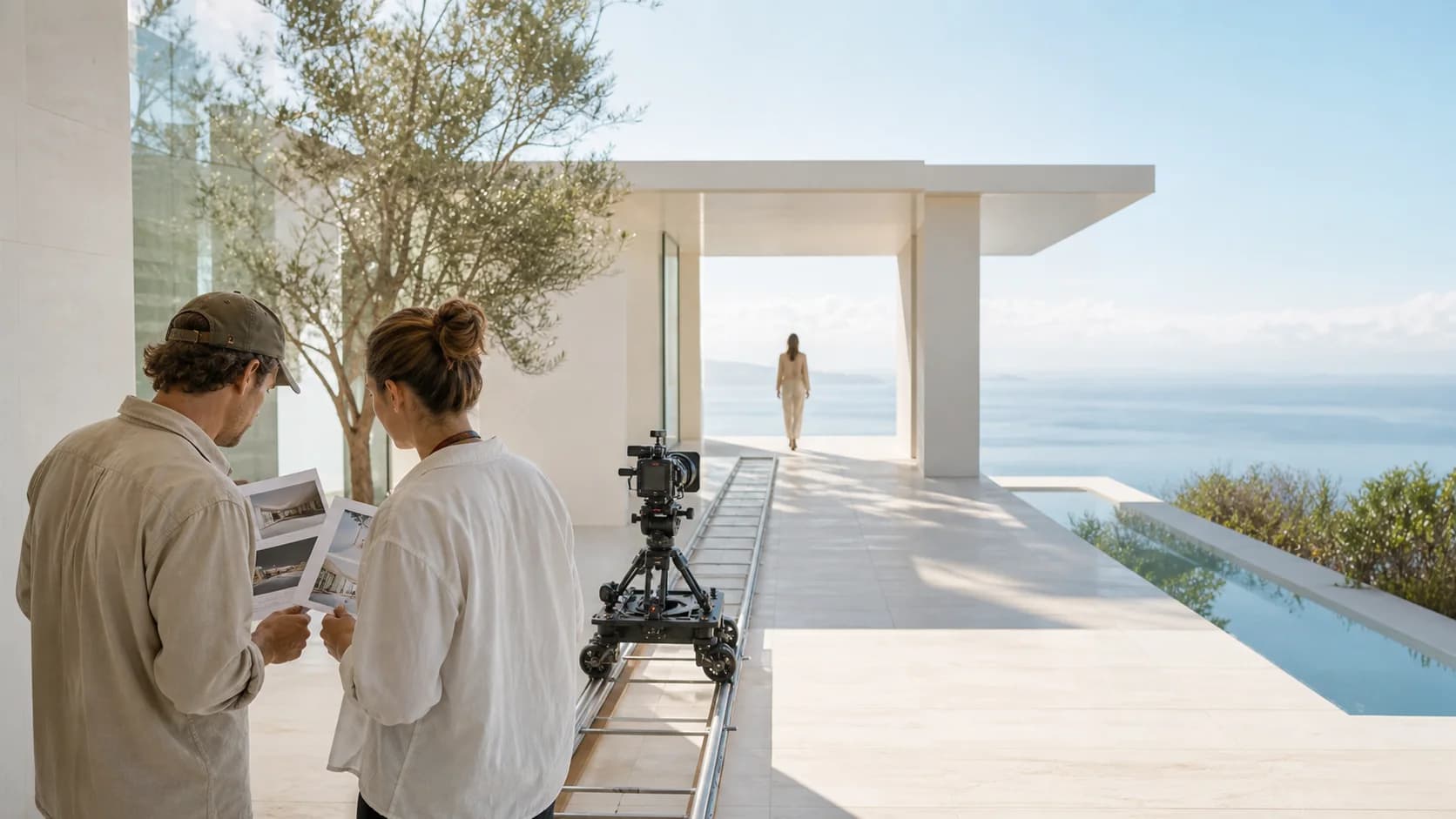
Watch the whole shot before revising the prompt. Check whether the subject remains recognizable, physical forms stay stable, movement follows a readable path, the camera has a clear purpose, and the final beat resolves instead of stopping abruptly.

Prior internal archived Wan 2.7 example, not a current ZMS AI live-generation test. The source project does not include a separate license or rights-clearance ledger.

Separate upstream Wan 2.7 documentation from ZMS evidence

Keep upstream documentation, the current ZMS request surface, and the two published evidence lanes separate. The family gallery proves four prompt-to-video pairs; this page's archived clip supports motion review but does not prove current service delivery.

DecisionCurrent factReview action
Set the requestZMS exposes text or one start image, 720p or 1080p, and 5, 10, or 15 seconds. Only text mode currently submits the selected aspect ratio.Confirm the active mode and visible controls, keep the format stable, and use the Wan 2.7 workflow guide when the shot needs a fuller preparation sequence.
Read the evidenceThe family page holds four current Wan 2.7 prompt-to-video pairs. This page separately retains an eight-second archived example with incomplete original task and rights records.Use current pairs to compare prompt, settings, and result. Use the archived clip only to inspect motion continuity; do not infer current latency, reliability, or commercial clearance.
Approve a batchThe client estimates 20 credits per second at 720p and 30 at 1080p, while signed-in completion and final account deduction remain unverified.Run one account task, retain the request record, inspect the full clip, check ZMS AI pricing, and move to the AI video generator if another input path fits better.

Wan 2.7 AI Video Generator questions

Clear answers about inputs, output controls, image-mode framing, credits, live verification, and the archived example shown on this page.

What is the Wan 2.7 AI Video Generator?

The Wan 2.7 AI Video Generator is ZMS AI’s focused workspace for preparing a Wan 2.7 task from text or one starting image. The local driver is registered, but a signed-in live task has not yet been verified.

Which inputs does ZMS AI currently expose for Wan 2.7?

The current ZMS interface exposes text-to-video and image-to-video with one start image. It does not expose an end frame, reference video, audio control, or visible negative-prompt field for Wan 2.7.

Which aspect ratios can I select?

Text mode lists 16:9, 9:16, 4:3, and 3:4. The image-to-video request currently does not submit an aspect-ratio value, even though the shared interface can display ratio controls, so ZMS does not claim reliable image-mode ratio control.

What resolution and duration options are available?

The Wan 2.7 workspace lists 720p and 1080p plus 5, 10, and 15 second durations. Those options are confirmed in the local request configuration; successful delivery still depends on a signed-in live task being accepted and completed.

How are Wan 2.7 credits represented in ZMS AI?

The client estimates 20 credits per second at 720p and 30 credits per second at 1080p. The resulting account charge has not been verified through a signed-in live task, so the service remains authoritative for the final debit.

Is the video on this page a current ZMS AI generation test?

No. It is a prior internal archived Wan 2.7 example, not evidence of current ZMS quality, latency, reliability, or task completion. The source project has no separate license or rights-clearance ledger, so reuse still needs project-level review.