Video workflow
How to Use Wan 2.7: A Practical AI Video Workflow
Prepare a reviewable Wan 2.7 task with the inputs and settings exposed by the current ZMS AI client, then verify the live service before relying on an output.
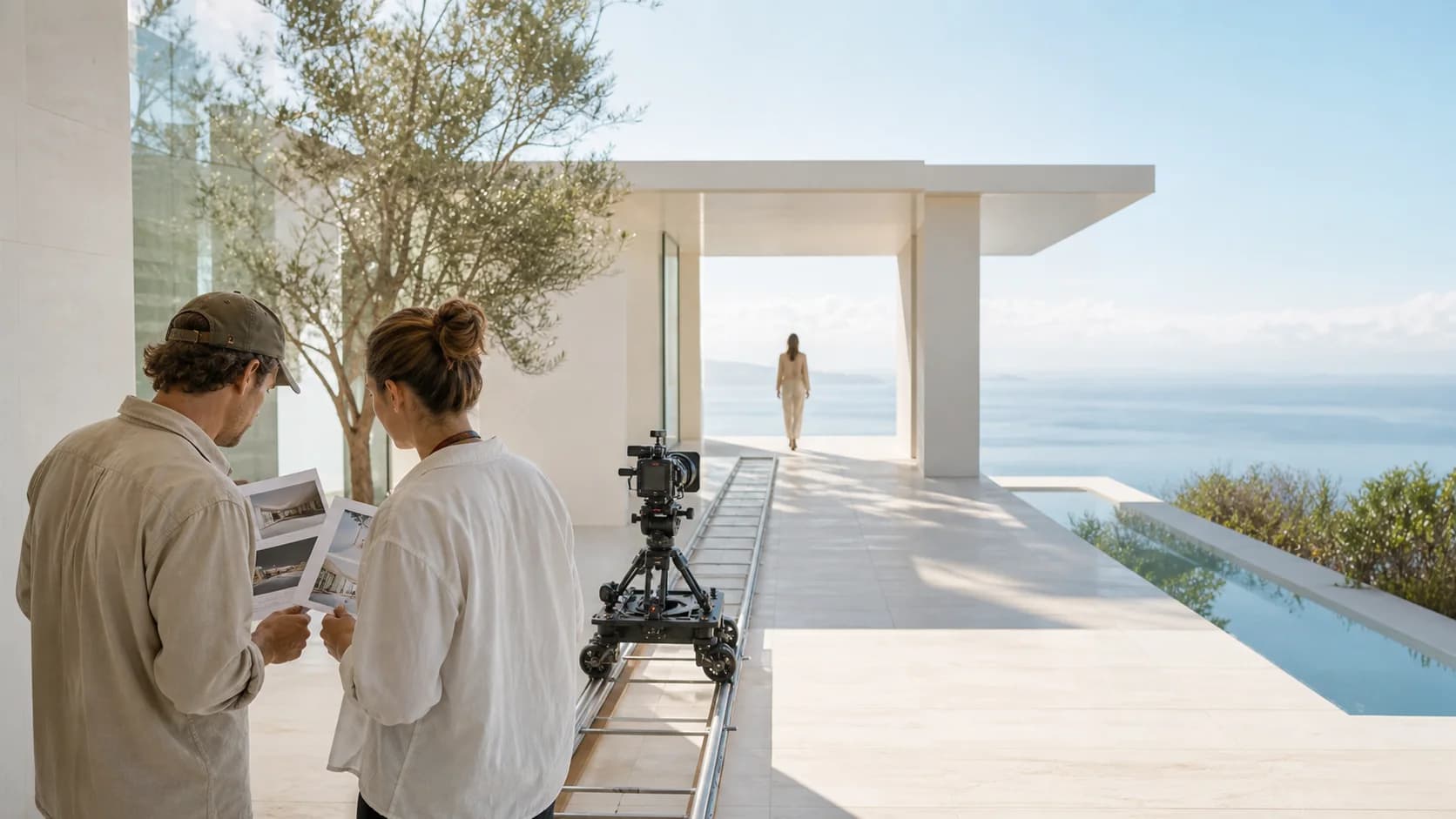
Editorial workflow illustration for planning and review. It is not a Wan 2.7 output or a current ZMS AI live-generation test.
Confirm what the Wan 2.7 workspace can prepare
Begin on ZMS AI by treating the Wan 2.7 screen as a task-preparation surface. The client exposes text or one start image, 720p or 1080p, and 5-, 10-, or 15-second durations. These controls describe what the client can assemble; they do not prove that a signed-in provider task will complete.
The interface shows 3 credits per second. Live deduction, provider acceptance, task status, and returned media have not been verified in a complete session. Before production use, confirm the current account estimate, submit a low-risk test, and wait for playable media.
- Available inputs: text alone or text with one start image.
- Available output settings: 720p or 1080p, for 5, 10, or 15 seconds.
- Displayed client rate: 3 credits per second; live charging is unverified.
- Required proof before reliance: an accepted task and returned playable media.
Choose text or one start image
Use text-to-video when the prompt should establish the subject, setting, light, action, and camera. This path offers 16:9, 9:16, 4:3, and 3:4. Choose the delivery frame first so the composition is written for the space the subject will occupy.
Use the Wan 2.7 workspace with one start image when appearance or composition must begin from a visual fact. The adapter sends the image without an aspect-ratio value. Do not promise a text-selected ratio for image-to-video; inspect the returned frame.
This workspace exposes no end frame, reference video, audio control, or visible negative prompt. If the brief depends on one, revise the plan or compare another workflow.
Set duration and resolution from the delivery need
Select 5 seconds for one compact movement or a quick visual reveal. Use 10 seconds when the subject needs a readable setup and completion. Reserve 15 seconds for an action that can remain coherent across a longer shot. More time is not automatically more cinematic: it increases the amount of motion, geometry, lighting, and identity that must stay stable.
Choose 720p for an exploratory pass and 1080p when review depends on finer texture. Because live credits are unverified, do not calculate a guaranteed charge from the displayed rate. Confirm the current account estimate before submission.
Match action to time. Five seconds may cover one placement; 15 seconds can include an approach and settled final beat, but should still describe one continuous shot.
Compose the text path for its selected frame
For text-to-video, write for the chosen ratio. In 16:9, describe how the subject relates to surrounding space. In 9:16, protect headroom and the central vertical corridor. Use 4:3 for a balanced editorial frame and 3:4 for portrait composition with more side room.
Ratio is a text-path control in the current implementation. The image path does not send it, so the start image becomes the most important composition reference. Crop that image deliberately before upload and leave enough margin for the intended movement. Do not rely on a ratio selector to repair a cramped source.
- 16:9: plan horizontal relationships.
- 9:16: protect the vertical safe area.
- 4:3 or 3:4: balance editorial or portrait framing.
- Start image: crop the source because ratio is not submitted.
Write one observable shot in a fixed order
Build the prompt in five layers: subject, environment, visible action, camera behavior, and continuity constraints. Keep each phrase observable. “A ceramic cup on a pale oak counter” establishes the subject and place. “A hand enters from frame left and turns the cup once” defines the event. “Locked medium shot, soft window light remains constant” controls presentation and stability.
Do not compress a storyboard into one prompt. Entering a room, crossing a city, and reaching a rooftop are separate shots. Split them into separate tasks so one clear event can be judged.
Use one justified camera intention: a push-in for discovery, a lateral track for scale, or a locked frame for comparison. Stacking several camera terms makes the direction competitive rather than precise.
Protect continuity with positive constraints
State what should remain stable in direct language: the same subject identity, unchanged wardrobe, one lighting direction, fixed object count, stable background geometry, and no cut. Positive constraints are especially useful here because the current Wan 2.7 screen does not expose a visible negative-prompt field.
With a start image, separate the visual facts already present from the motion you want to add. Do not redescribe every object unless a fact needs protection. Tell the prompt what changes over time and what must not change. This keeps the image responsible for appearance while the text carries action, camera, pacing, and continuity.
Visit the Wan model family when the brief requires reference-video behavior or a different input structure. Model-family comparison is more productive than repeatedly forcing an unavailable control into the Wan 2.7 prompt.
Verify the task before spending credits
Before Generate, reread the task as a production specification. Confirm that the selected mode matches the input, the source image opens correctly, the duration is intentional, the resolution suits this pass, and the text-path ratio matches the delivery frame. Save the exact prompt and settings outside the transient form.
Check the signed-in account and current estimate. The configured 3 credits per second is not evidence of a completed charge. Submit a small validation task and record provider acceptance, status changes, actual deduction, and whether the returned URL plays.
If the request fails or remains pending, preserve the error and task identifier. Separate authentication, validation, provider processing, storage, and playback before judging availability.
Review the whole clip against the brief
A strong poster frame does not prove a strong video. Watch the first, middle, and final moments, then inspect motion, identity, object shape, light, geometry, and camera behavior. Confirm that the action begins clearly and resolves within the selected duration.
Compare the output with the brief. Mark the largest failure: composition, action, camera, continuity, timing, or delivery. Missing media is a service-path issue, not a prompt-quality judgment.
Use the broader video workspace when the project needs unavailable controls. Changing tools may be correct; prompt inflation cannot replace an end frame, reference video, audio setting, or visible negative prompt.
- Action: can a reviewer name what visibly happened?
- Continuity: did identity, materials, light, and geometry remain stable?
- Camera: did the movement support rather than compete with the event?
- Delivery: is the complete returned file playable at the expected dimensions?
Revise one failure category at a time
Keep the best output as a baseline and change one prompt layer or one setting for the next pass. If motion is weak, make the action more visible without changing the environment. If the camera overwhelms the scene, simplify the camera phrase. If the subject drifts, strengthen identity and wardrobe constraints while keeping duration and resolution fixed.
Do not change prompt, input image, duration, resolution, and frame together unless the concept itself has changed. Controlled revisions make two results comparable. They also prevent an accidental improvement from becoming an unexplained recipe that the team cannot repeat.
For every pass, record the task identifier, prompt, source image name, settings, returned file, and one review sentence. That small shot log separates creative iteration from service debugging and helps another reviewer understand why one version was approved.
Save the approved recipe and its limits
An approved Wan 2.7 clip should travel with its evidence. Save the accepted prompt, input, duration, resolution, text-path ratio when applicable, actual credit behavior, task status history, output dimensions, and the review note. Name the file with the project, shot, version, and approval state instead of leaving an anonymous download.
Return to the Wan guide library for related workflow notes, but treat every model or service update as something to recheck. The durable part of this guide is the review method: define one shot, use only supported controls, verify the live task, diagnose the largest failure, and preserve the decisions that produced the accepted result.
This process separates creative readiness from operational proof, so future live validation can update pricing, availability, and output behavior without rewriting the production practice.