Text to Video
Use text when composition is open. Define one subject, one action, one camera move, the environment, and an ending state; avoid competing events in the same short shot.
Build a Wan 3.0 video task from text, a required first frame with an optional last frame, or mixed references, with 2–30 second controls and credit estimates.
Loading generator…
Model workspace
The Wan 3.0 AI Video Generator on ZMS AI turns one shot idea into a structured task with its prompt, input mode, frame, duration, resolution, audio choice, and credit estimate in one workspace.
It supports text, a required first frame with an optional last frame, and mixed image, video, and audio references. Choose the smallest mode that protects the facts your shot cannot lose.
Use the Wan model family page if the version is undecided. ZMS has implemented the controls and adapter, but has not yet verified a complete signed-in generation, debit, and download path.
Ten supplied recordings with their prompts and inputs. They are not ZMS task records. Where a note and the file disagree, the card shows both and the reusable settings follow the file.
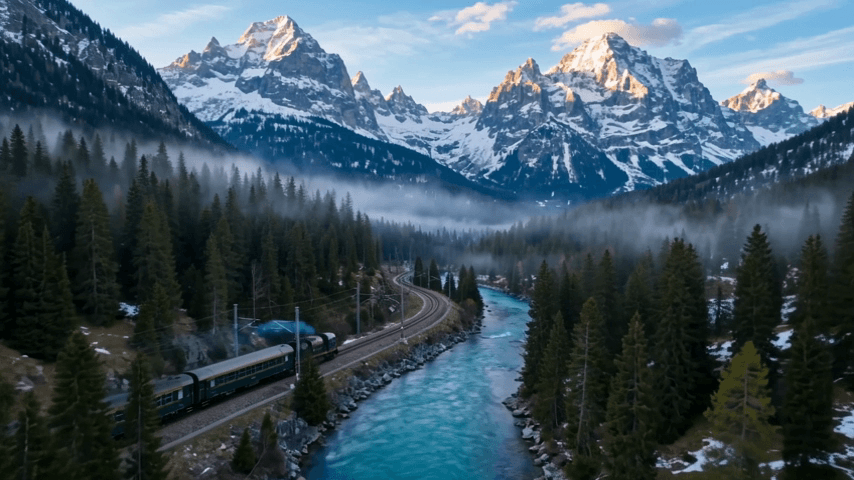
A cinematic passenger train travels along a winding railway through a dramatic alpine mountain valley during early morning. The dark green train moves steadily from left to right beside a crystal-clear turquoise river. Towering snow-capped mountains rise in the distance while dense pine forests cover the lower slopes. Thin morning mist drifts naturally through the valley and between the trees. The camera begins with a wide aerial view above the river, then smoothly descends and moves closer toward the train while tracking alongside it. The train maintains realistic forward motion along the curved railway. Its wheels remain aligned with the tracks. Soft golden sunrise gradually illuminates the mountain peaks while the valley remains slightly cool and atmospheric. Subtle smoke and vapor trail naturally behind the moving train. The river surface shows gentle realistic movement and reflections. Continuous cinematic shot, realistic train physics, strong environmental depth, natural atmospheric perspective, smooth drone camera movement, photorealistic travel cinematography. No people in foreground, no text, no logos, no watermark.
Replaces your current prompt, settings, and inputs. Review the estimate before generating; a new result may differ.
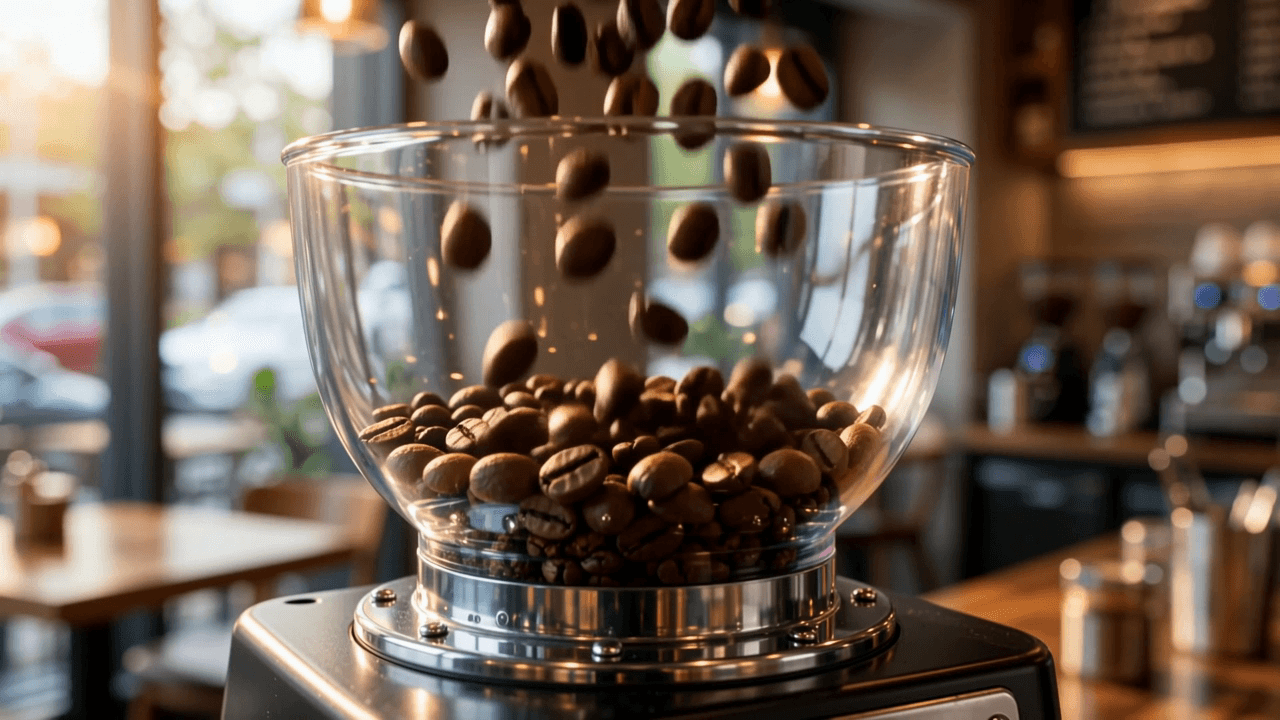
A cinematic close-up coffee commercial inside a premium modern café during the early morning. Freshly roasted coffee beans fall slowly into a professional coffee grinder. The grinder starts and the beans are ground into fresh coffee. Cut to an extreme close-up of an espresso machine as rich dark espresso flows smoothly into a clean ceramic cup. Golden crema gradually forms on the surface. Soft steam rises naturally from the hot coffee while warm morning sunlight enters through a nearby window. The camera performs slow macro movements around the cup, revealing realistic ceramic texture, glossy coffee reflections, delicate steam, and tiny droplets near the espresso machine. Create synchronized natural audio for the scene: coffee beans falling, the short mechanical sound of the grinder, the espresso machine operating, liquid coffee pouring into the cup, soft steam, and subtle quiet café ambience in the background. No music and no spoken dialogue. Premium coffee advertisement, photorealistic liquid physics, realistic steam, warm cinematic lighting, shallow depth of field, high-end commercial cinematography. No people in the foreground, no readable brand names, no logos, no text, no watermark.
Replaces your current prompt, settings, and inputs. Review the estimate before generating; a new result may differ.
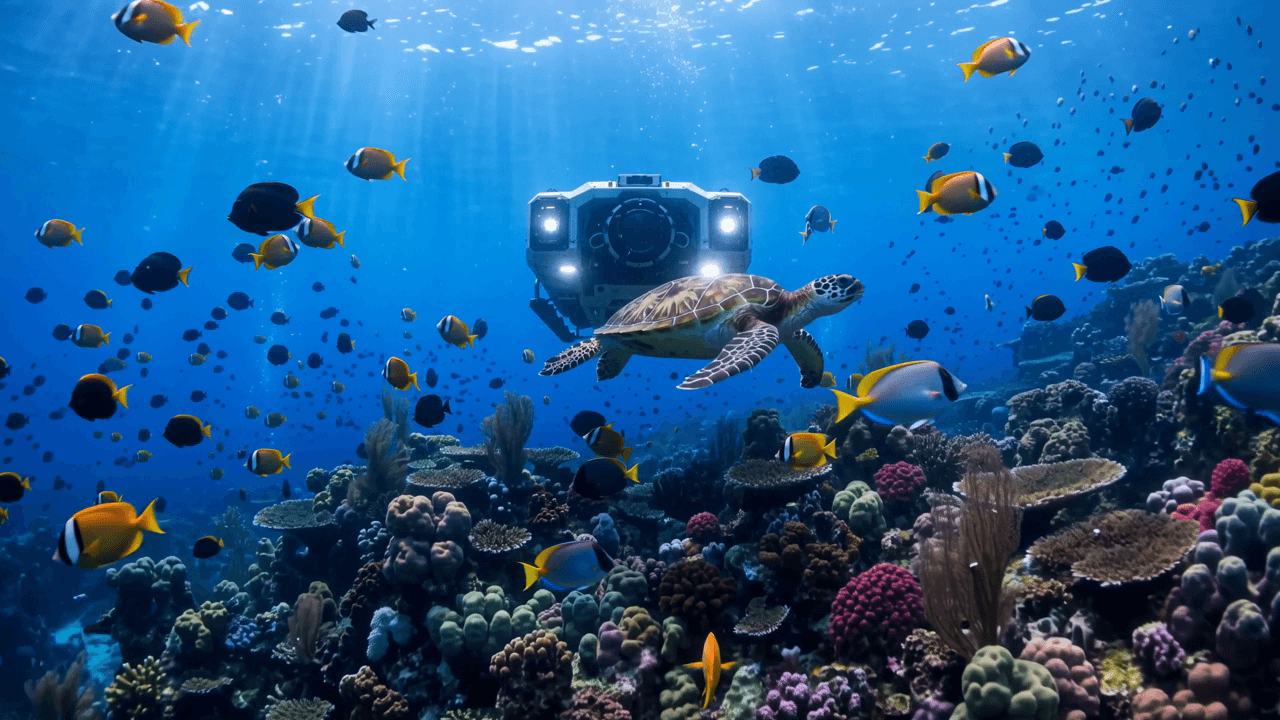
A cinematic deep-sea exploration sequence in a vast blue underwater environment. A small futuristic research submersible slowly travels above a colorful coral reef while schools of tropical fish move naturally around it. The camera begins with a wide underwater view, then slowly follows behind and slightly below the submersible as it moves deeper into the ocean. Soft rays of sunlight penetrate the water from far above, creating realistic volumetric light beams. Tiny suspended particles drift naturally through the water. A large sea turtle calmly swims across the middle distance while smaller fish change direction naturally around the coral formations. The submersible's lights illuminate sections of the reef as it passes, revealing detailed coral textures and underwater vegetation. Small streams of bubbles rise naturally toward the surface. Create synchronized environmental audio: deep underwater ambience, subtle low-frequency water movement, gentle bubbles, soft mechanical hum from the submersible, and subtle movement sounds associated with the vehicle. No music, no narration, no spoken dialogue. Smooth underwater camera movement, realistic aquatic animal motion, physically believable water environment, cinematic volumetric lighting, photorealistic marine documentary cinematography. No text, no logos, no watermark.
Replaces your current prompt, settings, and inputs. Review the estimate before generating; a new result may differ.
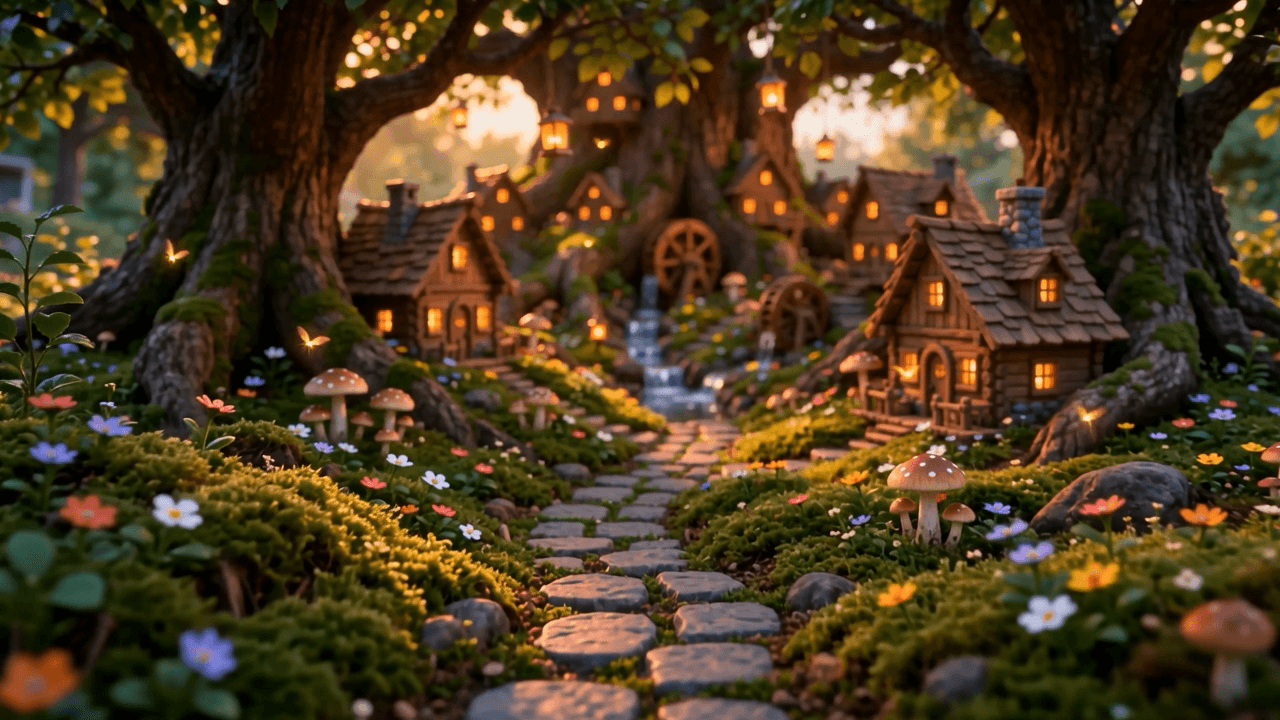
A cinematic miniature fantasy village hidden inside an enormous ancient tree at sunset. Tiny wooden houses with warm glowing windows are built between the massive roots and inside small openings in the tree trunk. Miniature stone pathways wind through patches of moss, tiny flowers, mushrooms, and small streams of clear water. Several tiny glowing lanterns slowly float upward between the branches. A miniature wooden waterwheel turns gently beside a narrow stream, while tiny leaves move naturally in the evening breeze. Small firefly-like lights drift through the scene. The camera begins very close to a patch of moss and slowly glides forward along the miniature pathway. It gradually rises to reveal the entire hidden village built around the enormous tree roots. Warm golden sunset light passes through the leaves above, creating soft volumetric rays and beautiful miniature shadows. Maintain consistent scale between the giant tree, miniature houses, pathways, vegetation, lanterns, and environmental details. Continuous cinematic shot, smooth macro camera movement, realistic miniature materials, detailed moss and wood textures, shallow depth of field, whimsical but photorealistic fantasy world, premium cinematic macro photography. No humans, no readable text, no logos, no watermark.
Replaces your current prompt, settings, and inputs. Review the estimate before generating; a new result may differ.
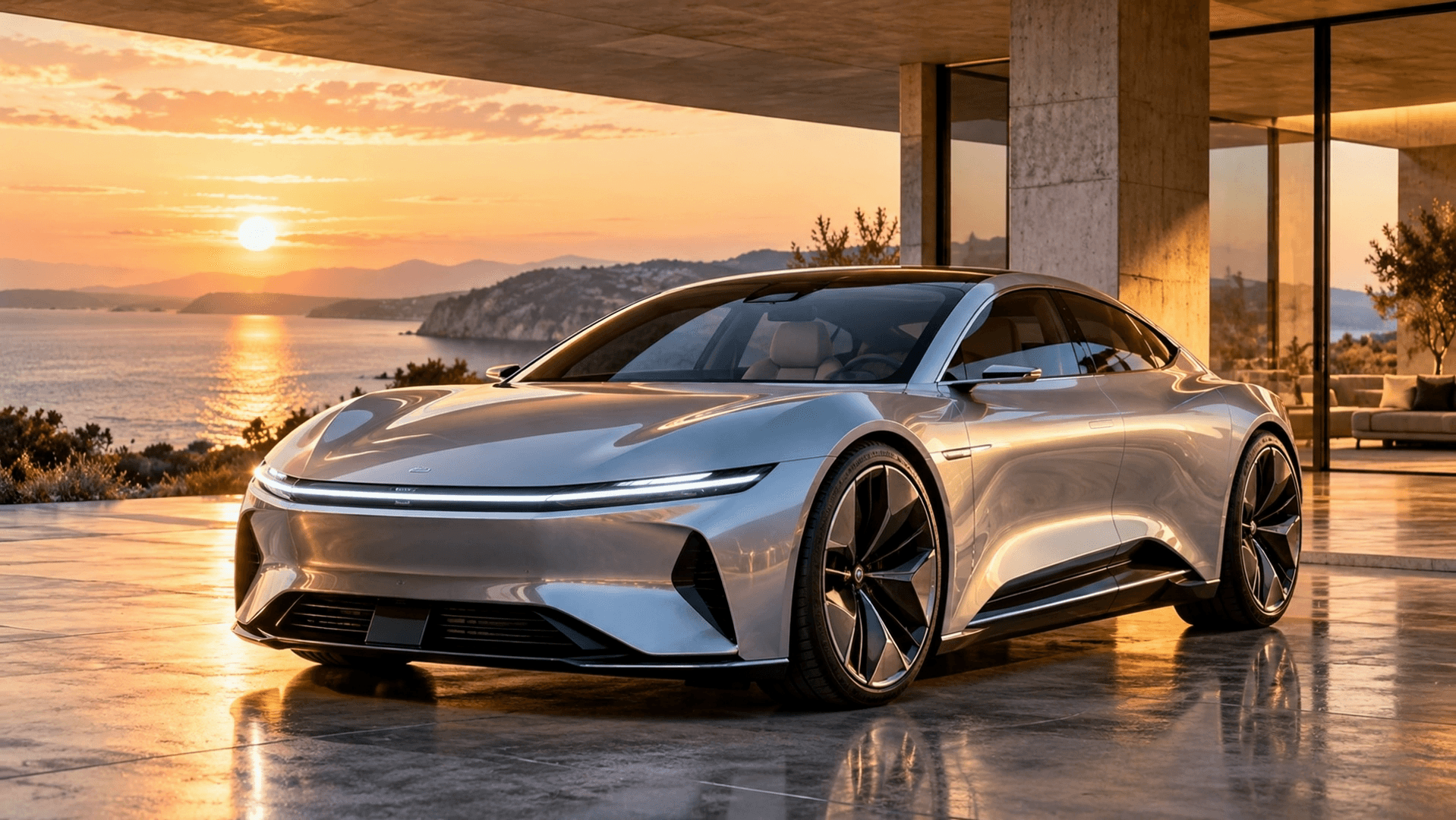
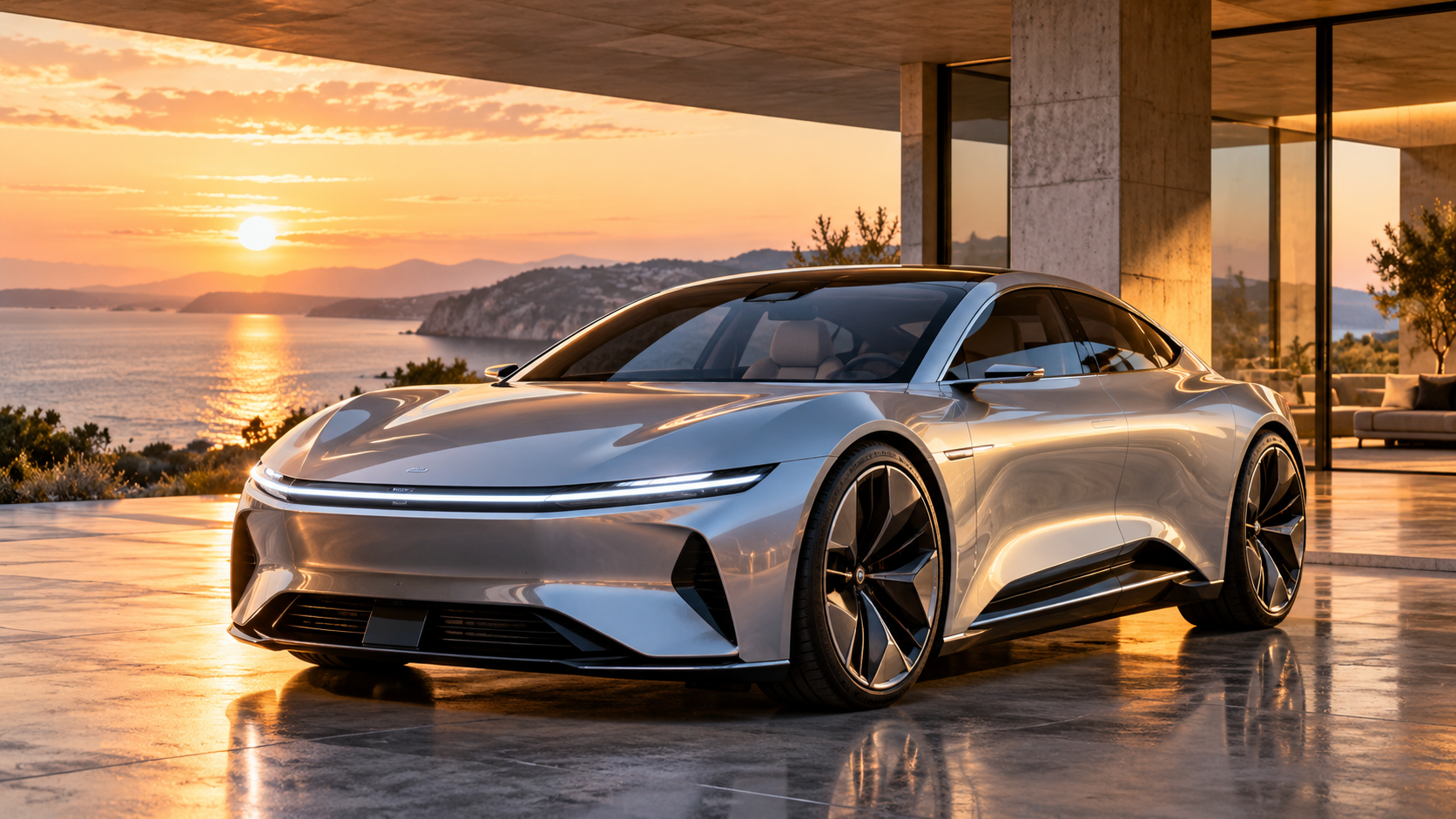
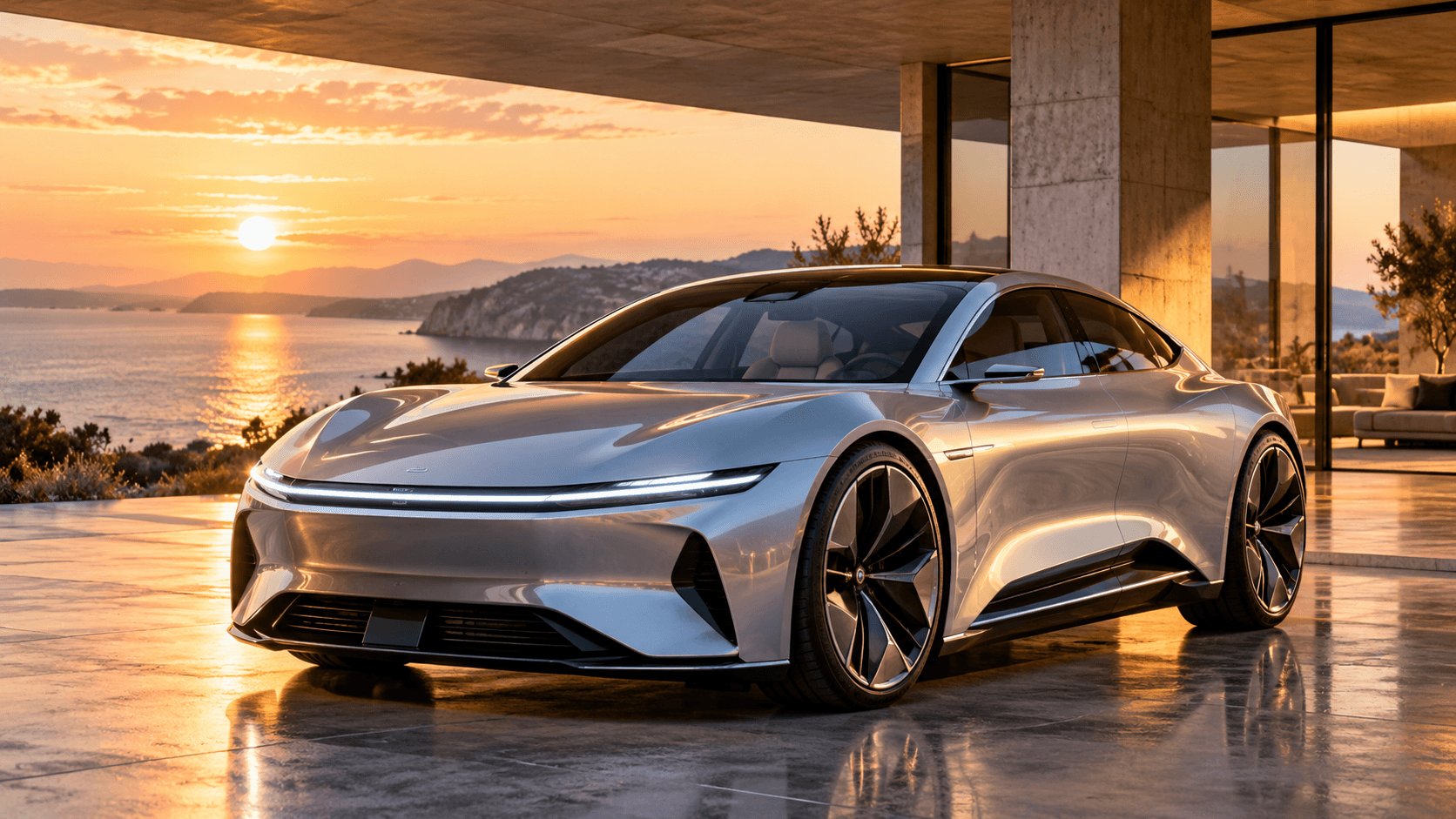
Preserve the exact design of the silver concept car from the input image, including its body shape, metallic silver finish, LED lights, wheels, glass roof, proportions, and overall appearance. The car's LED lights smoothly turn on. After a brief pause, the vehicle begins moving forward naturally through the architectural pavilion. The camera starts from the original three-quarter front perspective and smoothly tracks backward while keeping the car centered. As the car gains speed, the camera gradually moves lower and toward the driver's side, creating a premium automotive tracking shot. The wheels rotate accurately according to the vehicle's movement. Warm sunset reflections travel naturally across the metallic body and glass surfaces as the car passes the pavilion columns. Maintain consistent vehicle geometry throughout the entire sequence. Realistic tire movement, physically accurate reflections, natural vehicle suspension, smooth acceleration, cinematic automotive camera movement, premium photorealistic car commercial. Do not redesign or deform the vehicle. Do not change its color, wheels, lights, body proportions, or surrounding architectural style. No people, no text, no logos.
Replaces your current prompt, settings, and inputs. Review the estimate before generating; a new result may differ.
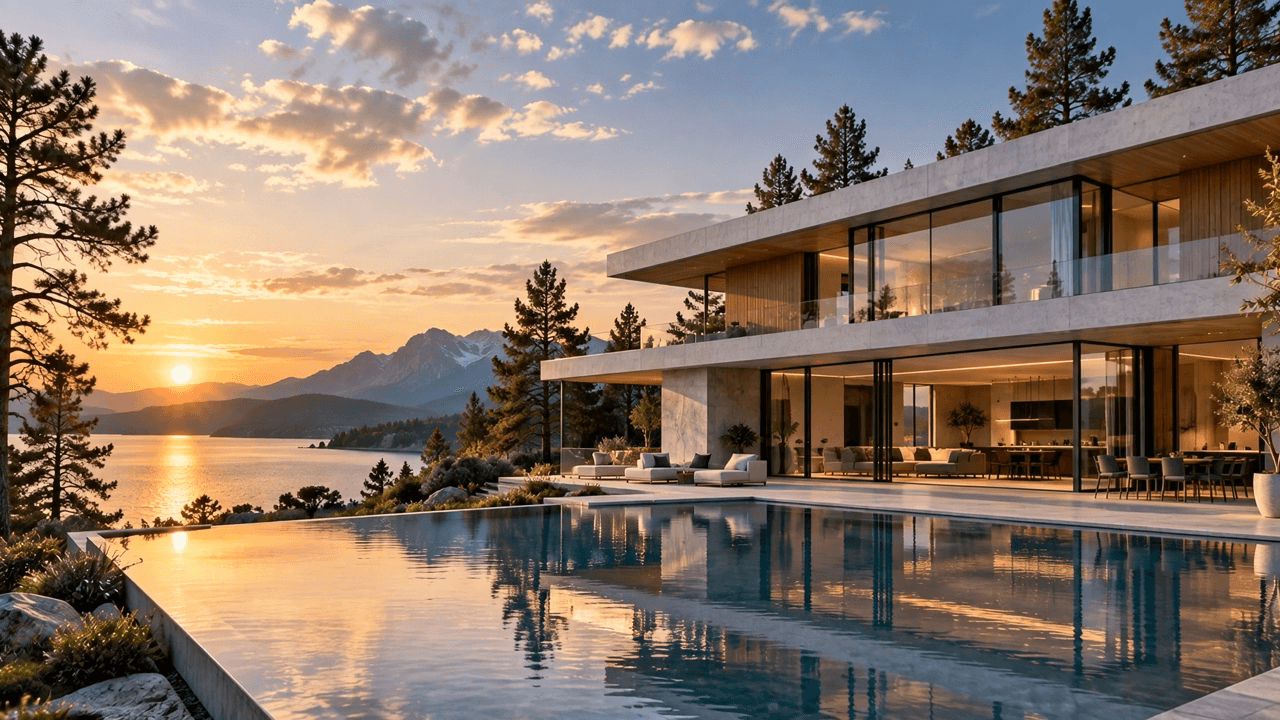
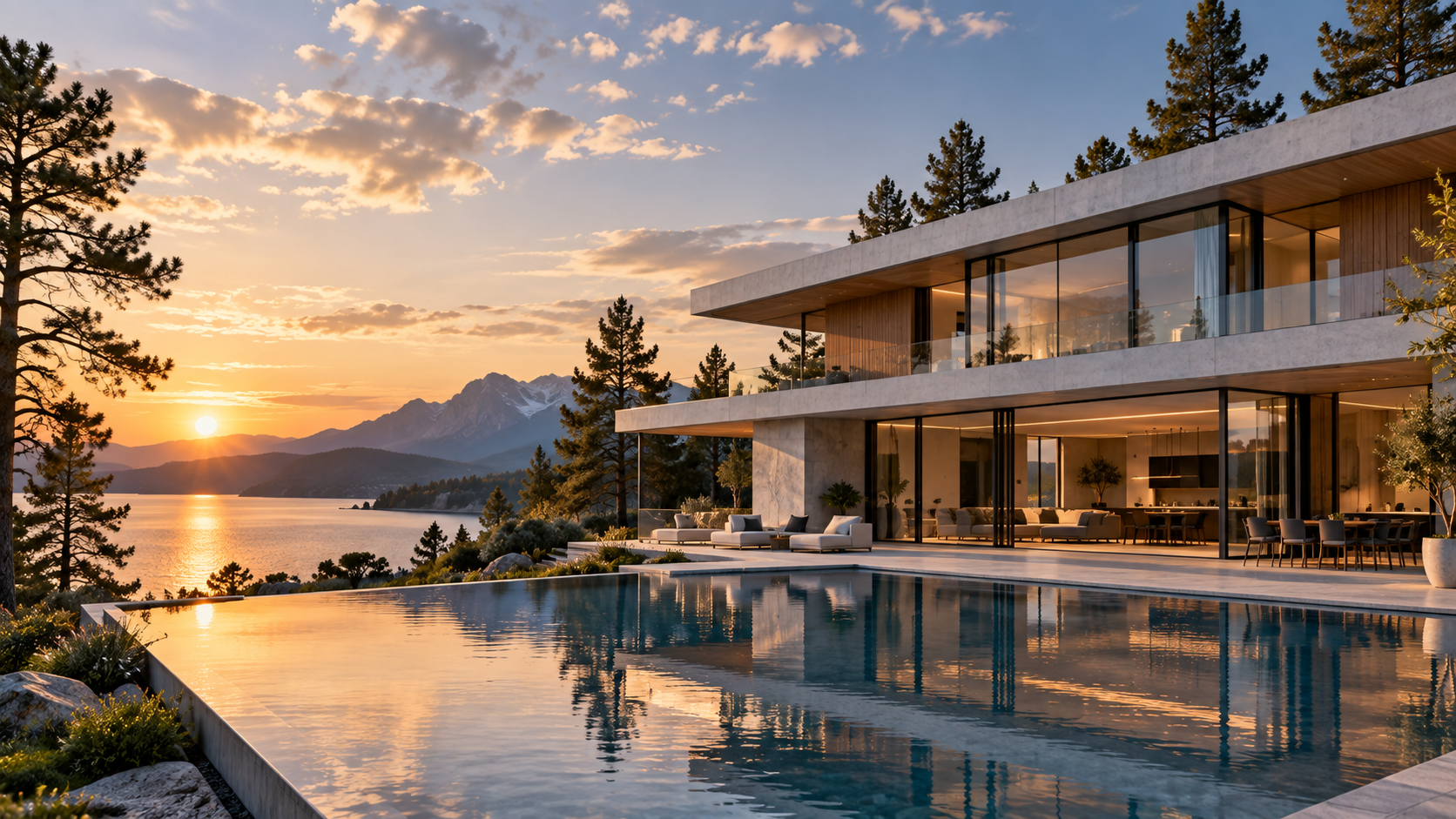
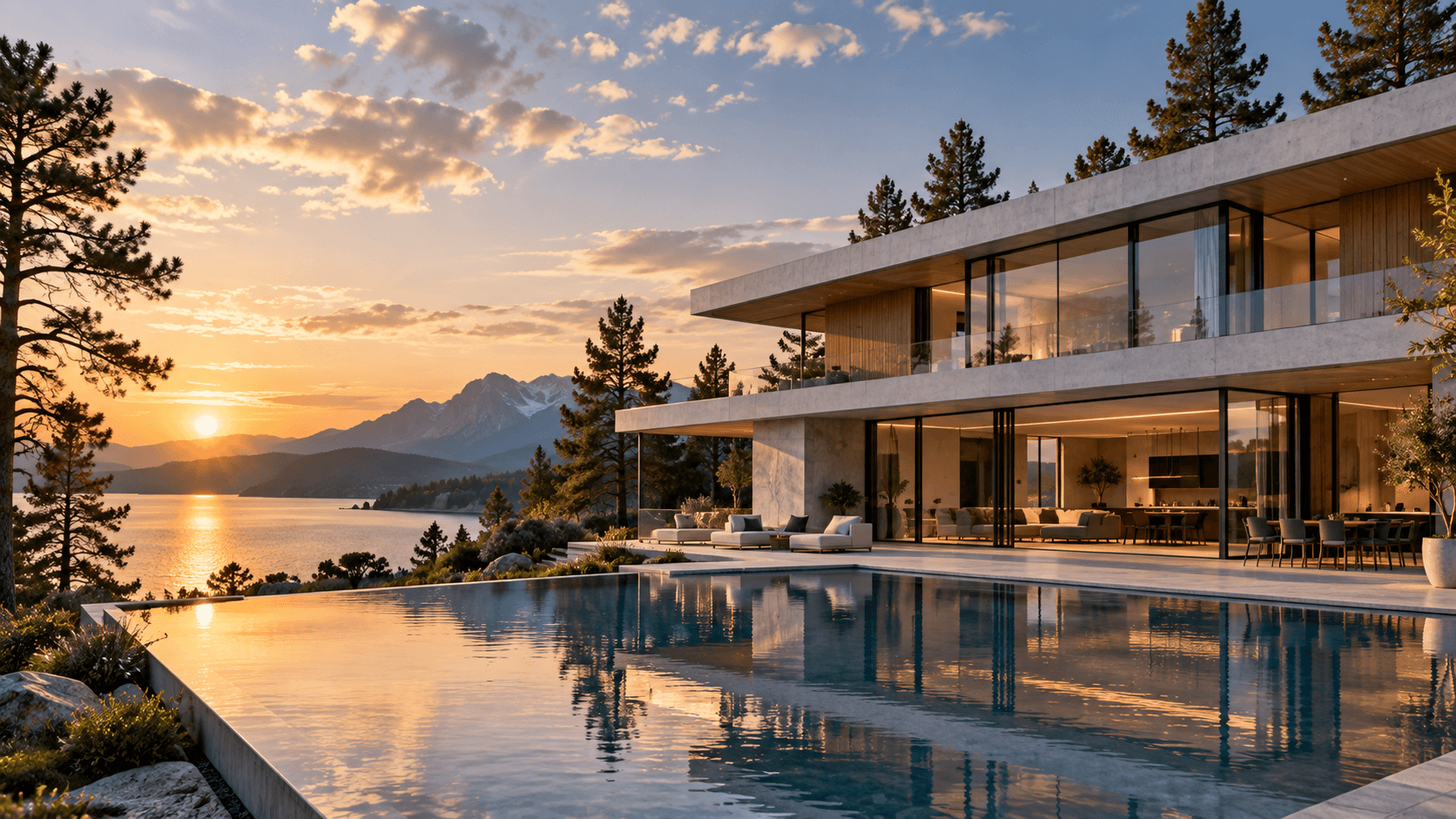
Preserve the exact architecture, proportions, windows, concrete structures, wood panels, reflecting pool, surrounding trees, mountains, and landscape from the input image. Create a smooth cinematic transition from late afternoon into blue hour and early evening. The sunlight gradually becomes warmer and lower before slowly disappearing behind the distant mountains. The bright sky transitions naturally into deep blue twilight. As the environment becomes darker, warm interior lights gradually turn on inside the house, followed by subtle exterior architectural lighting. Warm light becomes visible through the floor-to-ceiling windows and creates realistic reflections across the glass and reflecting pool. Subtle clouds move slowly across the sky. A gentle breeze creates slight movement in the surrounding trees. Small natural ripples move across the reflecting pool and distant lake. The camera performs an extremely slow cinematic push-in toward the house throughout the entire sequence. Maintain completely stable building geometry. Do not redesign, distort, expand, remove, or add architectural elements. Create subtle synchronized environmental audio: gentle evening wind, soft water movement, distant natural outdoor ambience, and subtle nighttime insects appearing near the end. No music and no dialogue. Photorealistic architectural cinematography, physically realistic lighting transition, accurate reflections, smooth temporal change, premium luxury real-estate film. No people, no text, no logos.
Replaces your current prompt, settings, and inputs. Review the estimate before generating; a new result may differ.
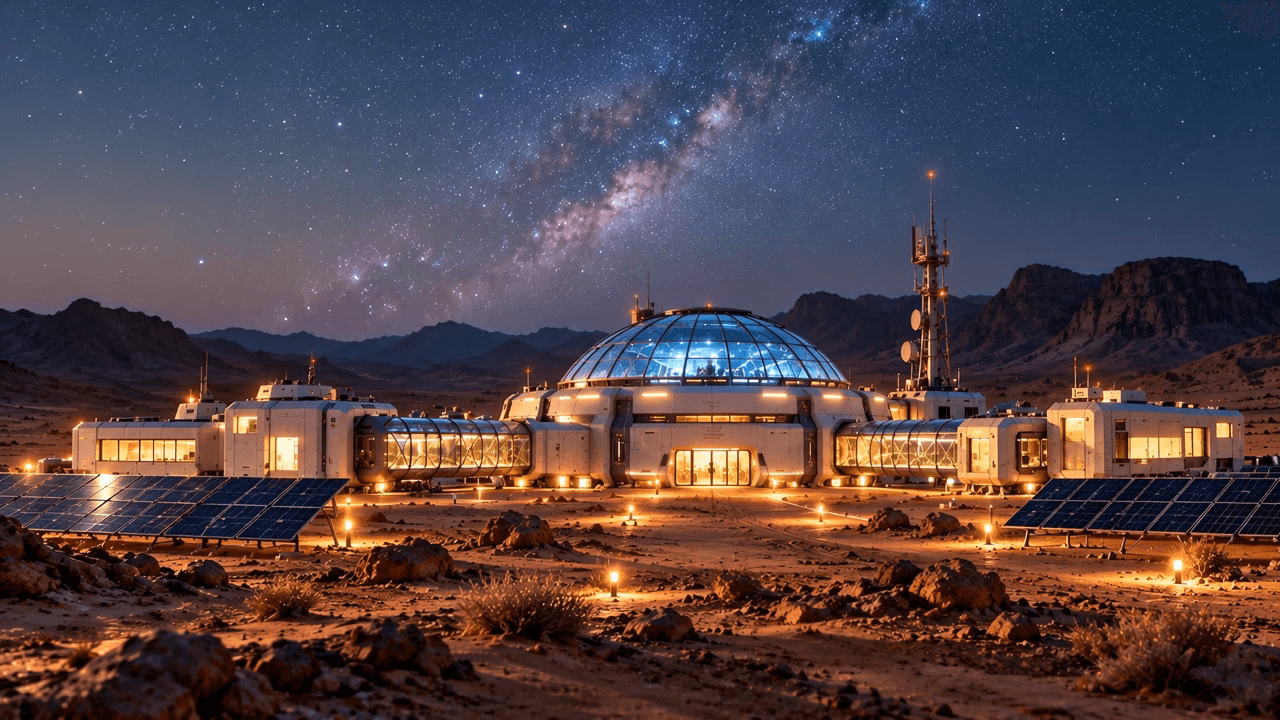
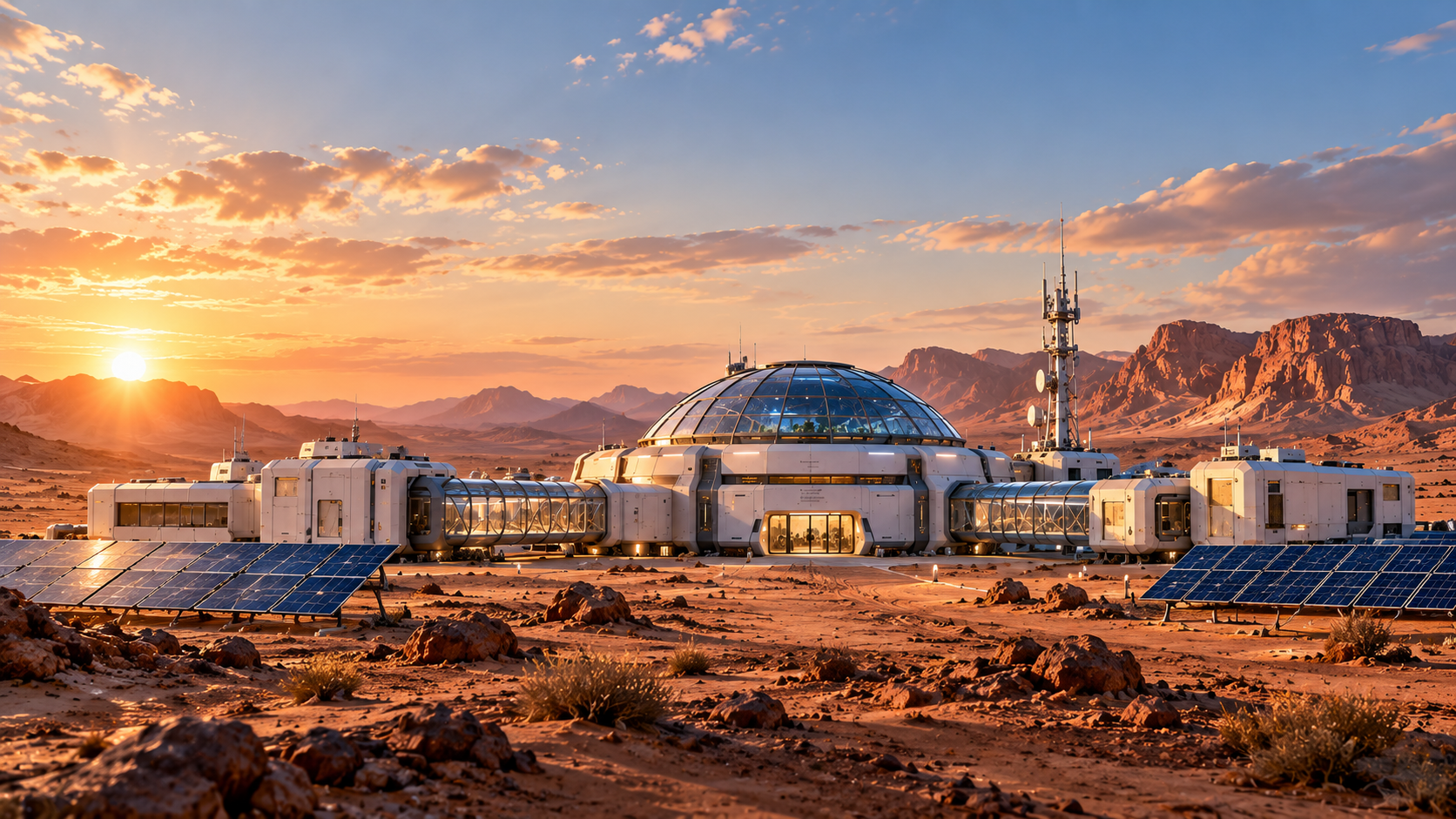
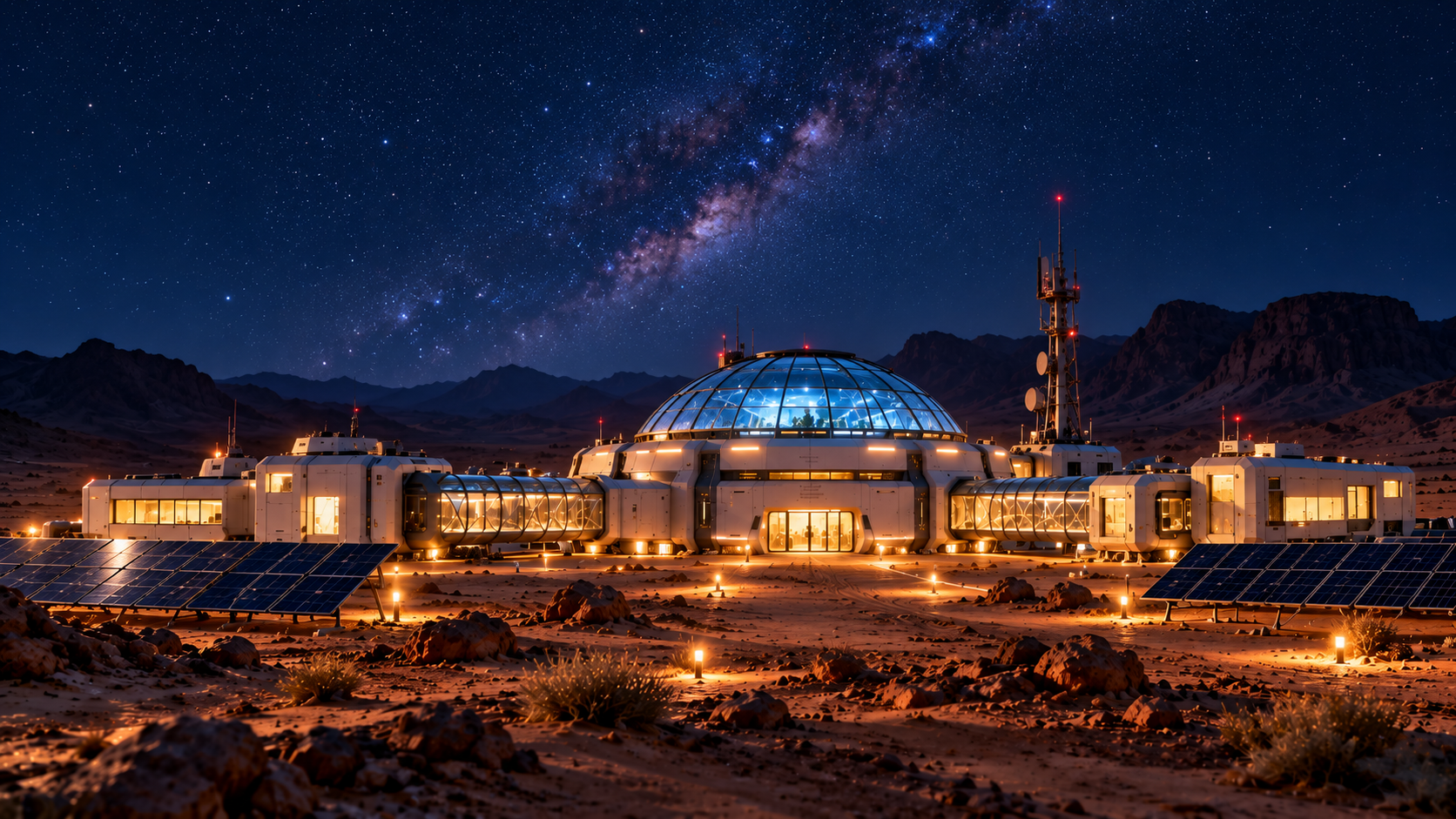
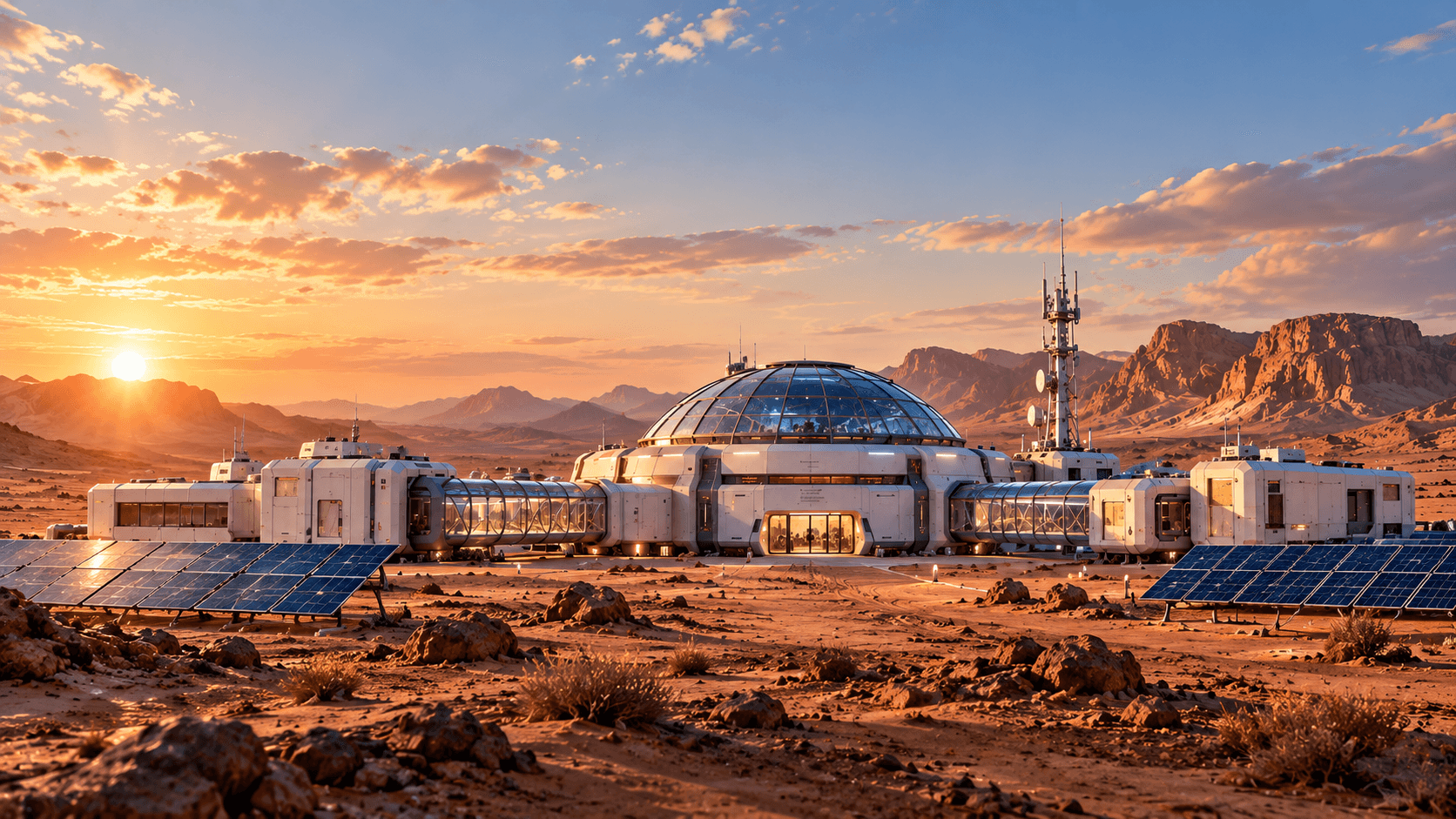
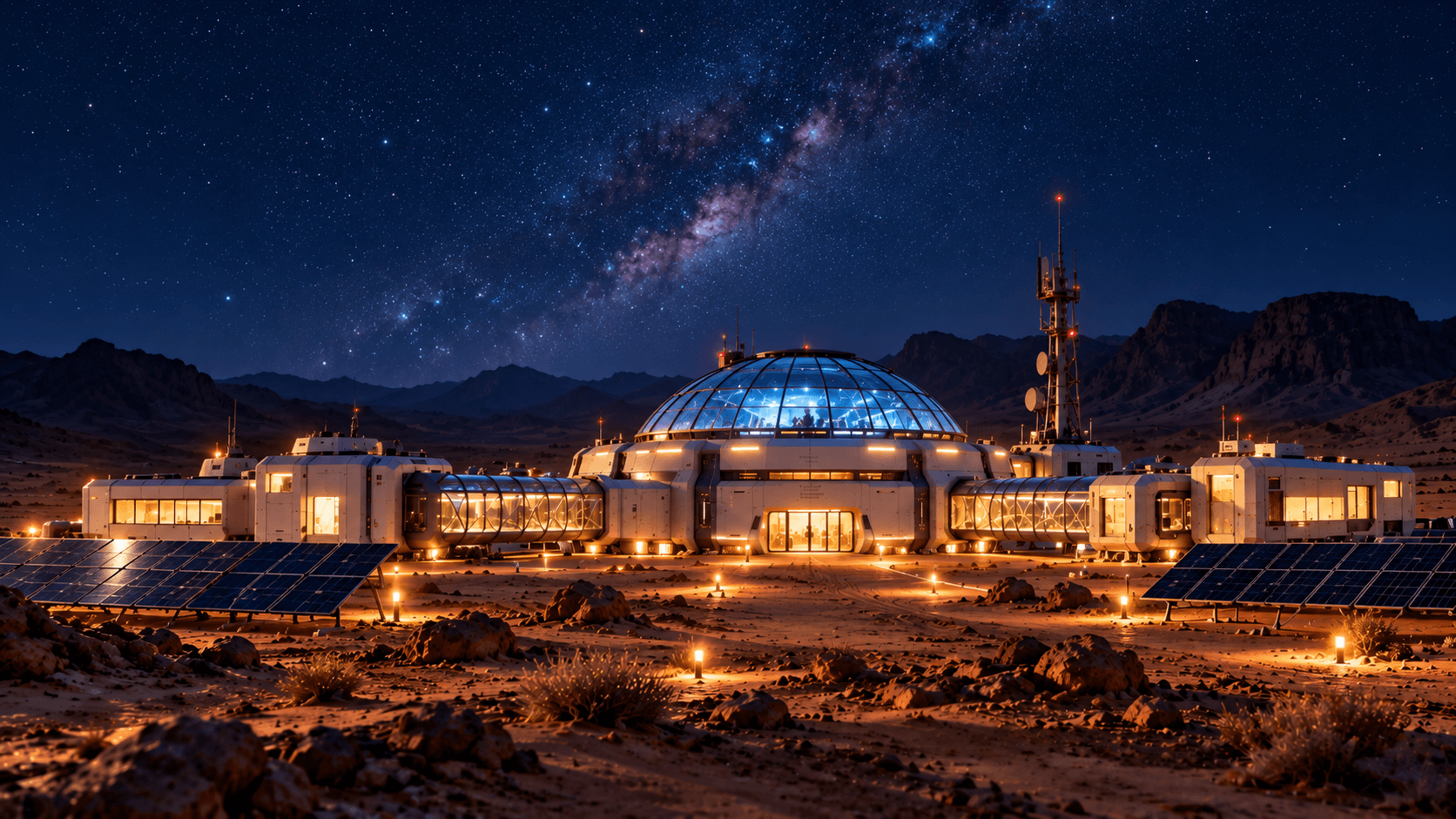
Create a smooth continuous cinematic transition from the supplied first frame to the supplied last frame. Preserve the exact research station architecture, observation dome, glass corridors, solar panels, communications tower, desert terrain, mountains, and camera composition throughout the entire sequence. Time gradually progresses from late afternoon through sunset, blue hour, and finally into night. The warm sunlight slowly lowers and fades across the desert. The sky transitions naturally from bright daylight to warm sunset, then deep blue twilight and finally a clear star-filled night sky. As darkness increases, exterior pathway lights gradually turn on. Warm interior lights become visible through the station windows and glass corridors. The central observation dome develops a subtle cool-blue interior glow. Maintain completely stable architecture and landscape geometry throughout the transition. The camera remains nearly locked in position with only an extremely subtle cinematic push-in. Smooth temporal progression, physically realistic lighting, natural exposure changes, stable scene geometry, photorealistic science-fiction cinematography. Do not add new buildings, vehicles, people or objects. No text or logos.
Replaces your current prompt, settings, and inputs. Review the estimate before generating; a new result may differ.
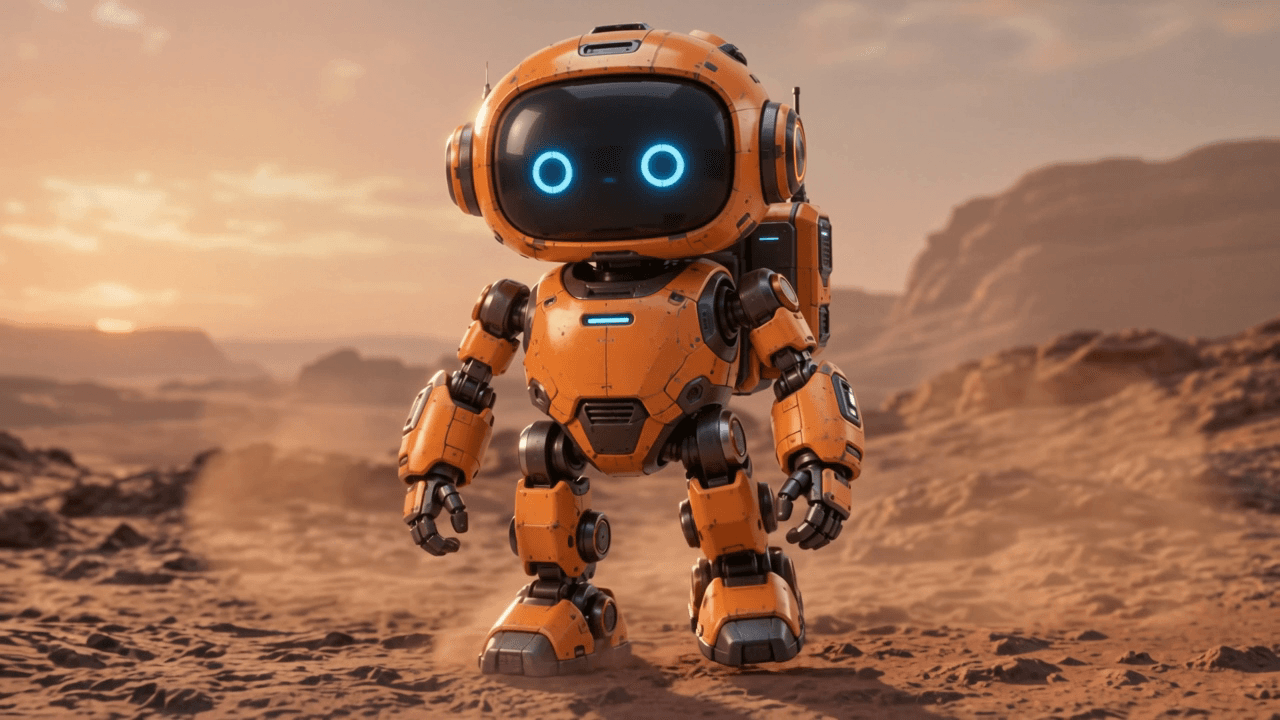
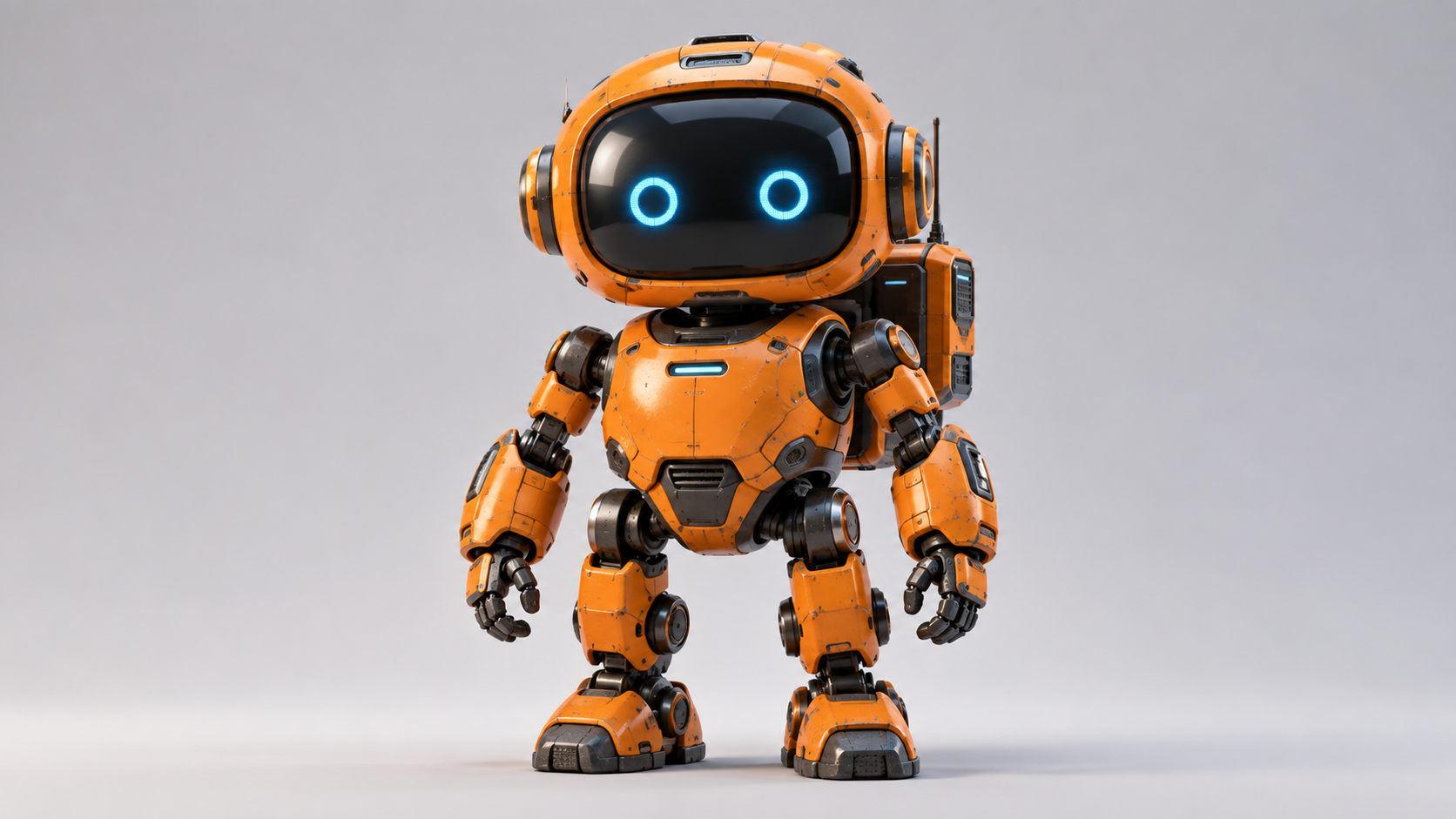
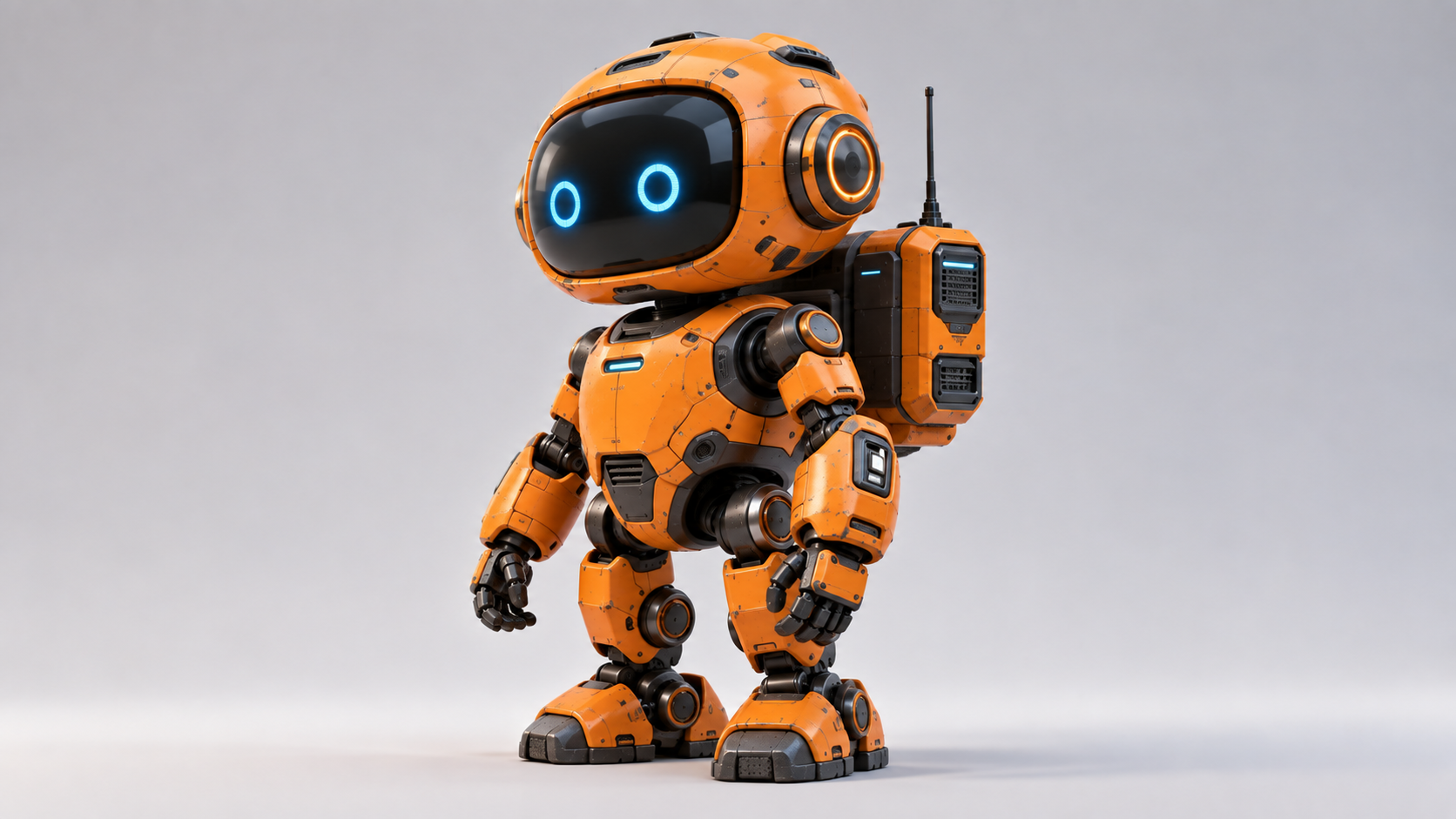
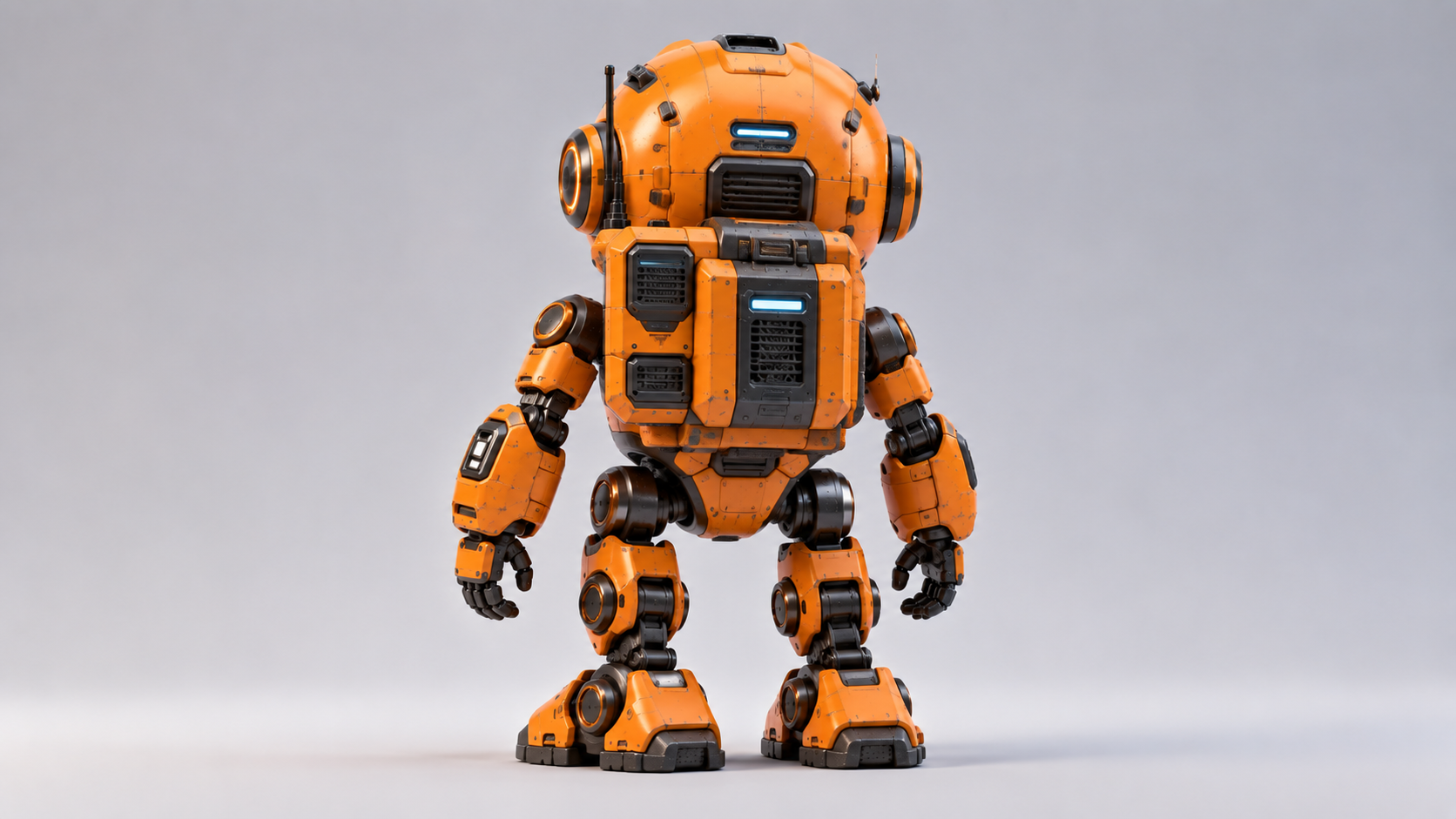
Use the supplied reference images to preserve the exact identity and design of the orange exploration robot. Create a cinematic sequence of the same robot exploring the surface of an alien desert planet during sunset. The robot walks slowly across reddish rocky terrain toward a small glowing blue mineral formation. It stops beside the formation, carefully bends forward to inspect it, then raises one mechanical arm and scans the object. Preserve the robot's orange rounded body shell, graphite joints, black oval face screen, cyan eyes, backpack module, limbs, proportions and materials throughout the entire sequence. The camera begins with a medium-wide three-quarter front view and slowly moves around the robot toward its side. As the camera angle changes, use the supplied references to maintain consistent front, side and rear character details.
Replaces your current prompt, settings, and inputs. Review the estimate before generating; a new result may differ.
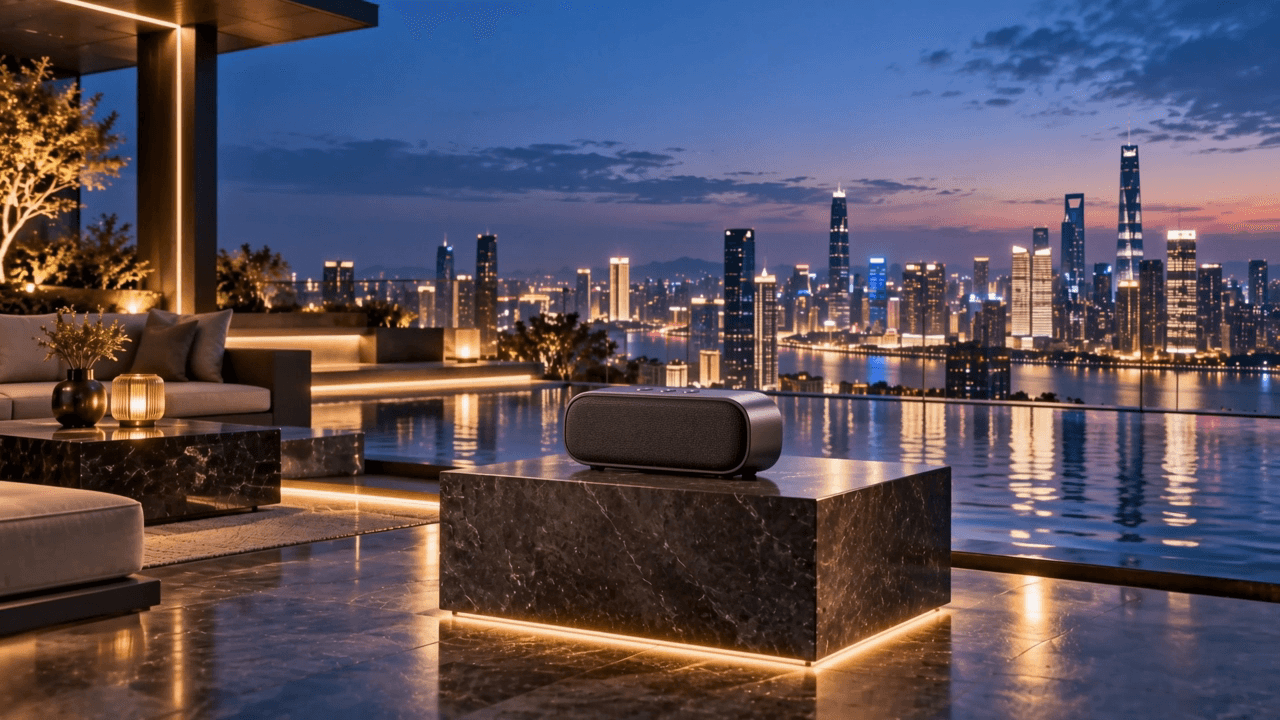
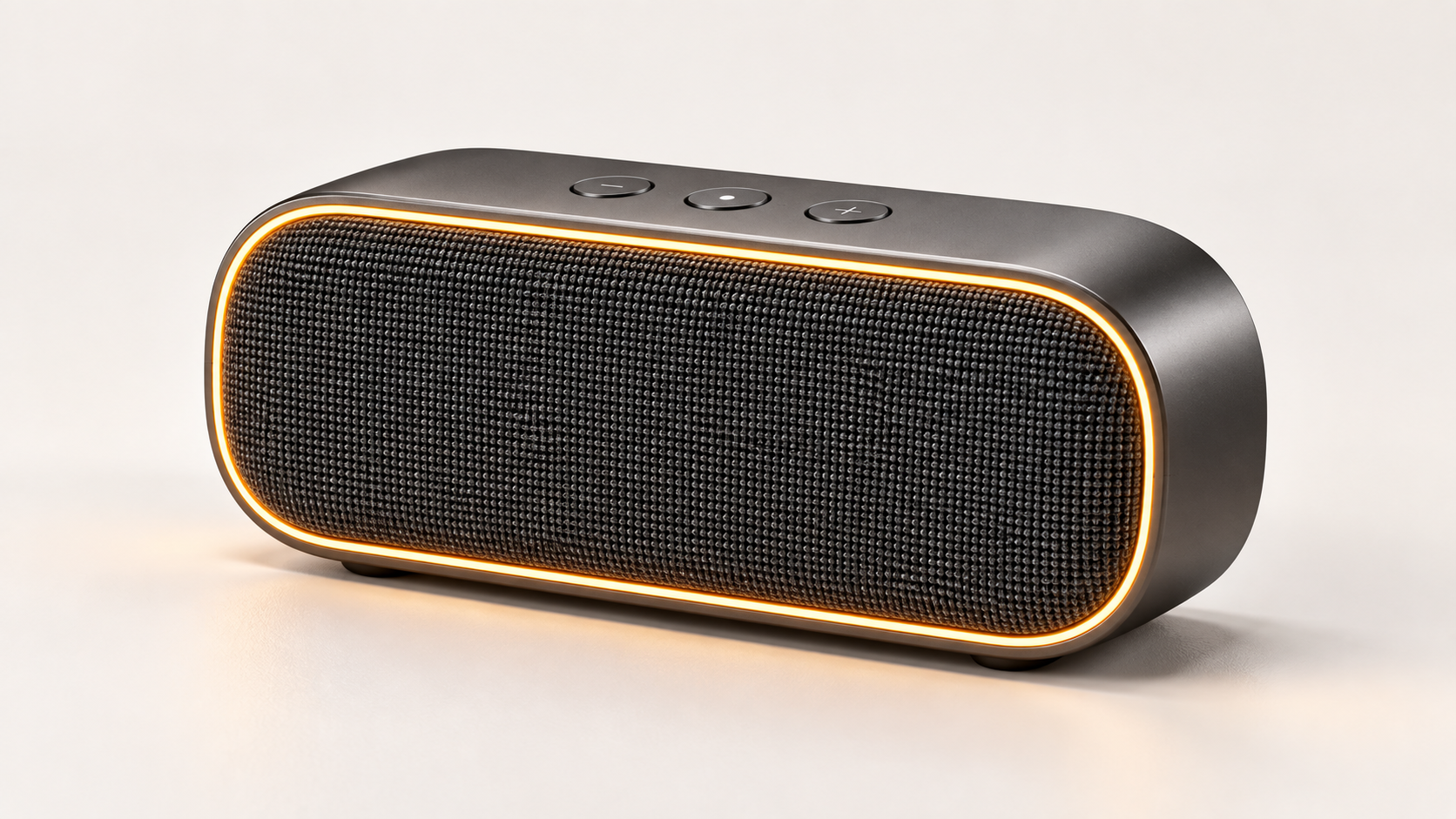
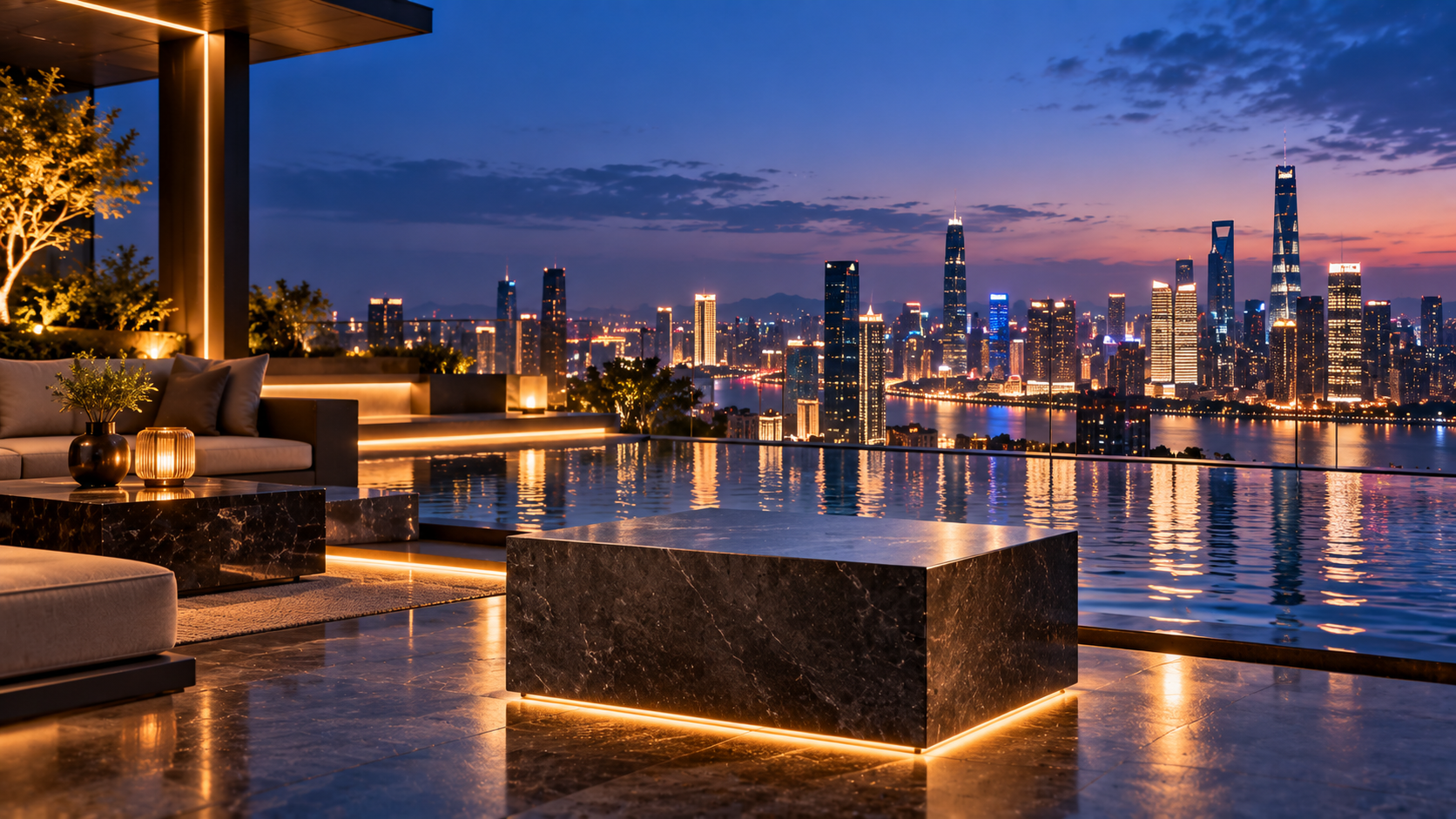
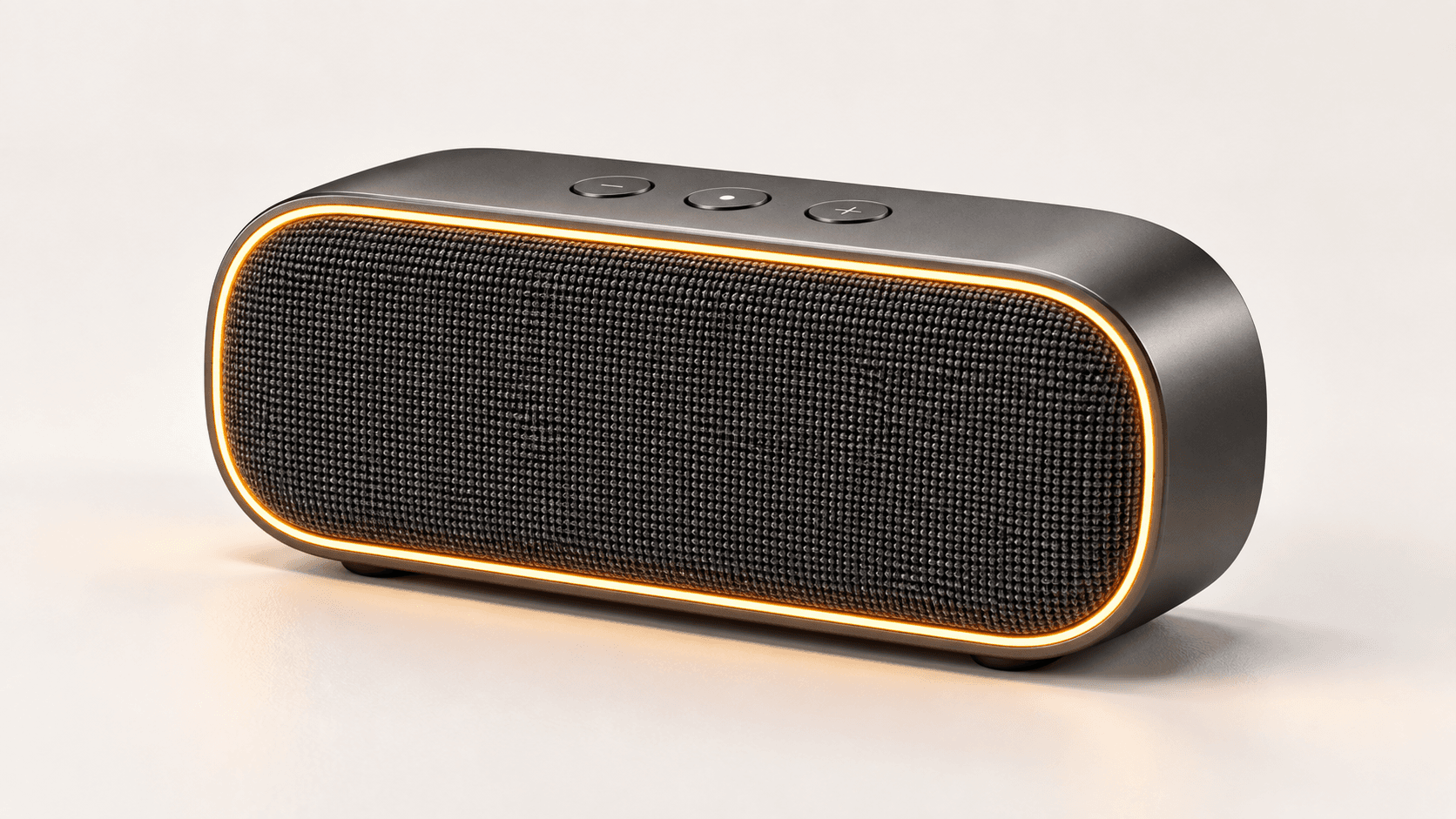
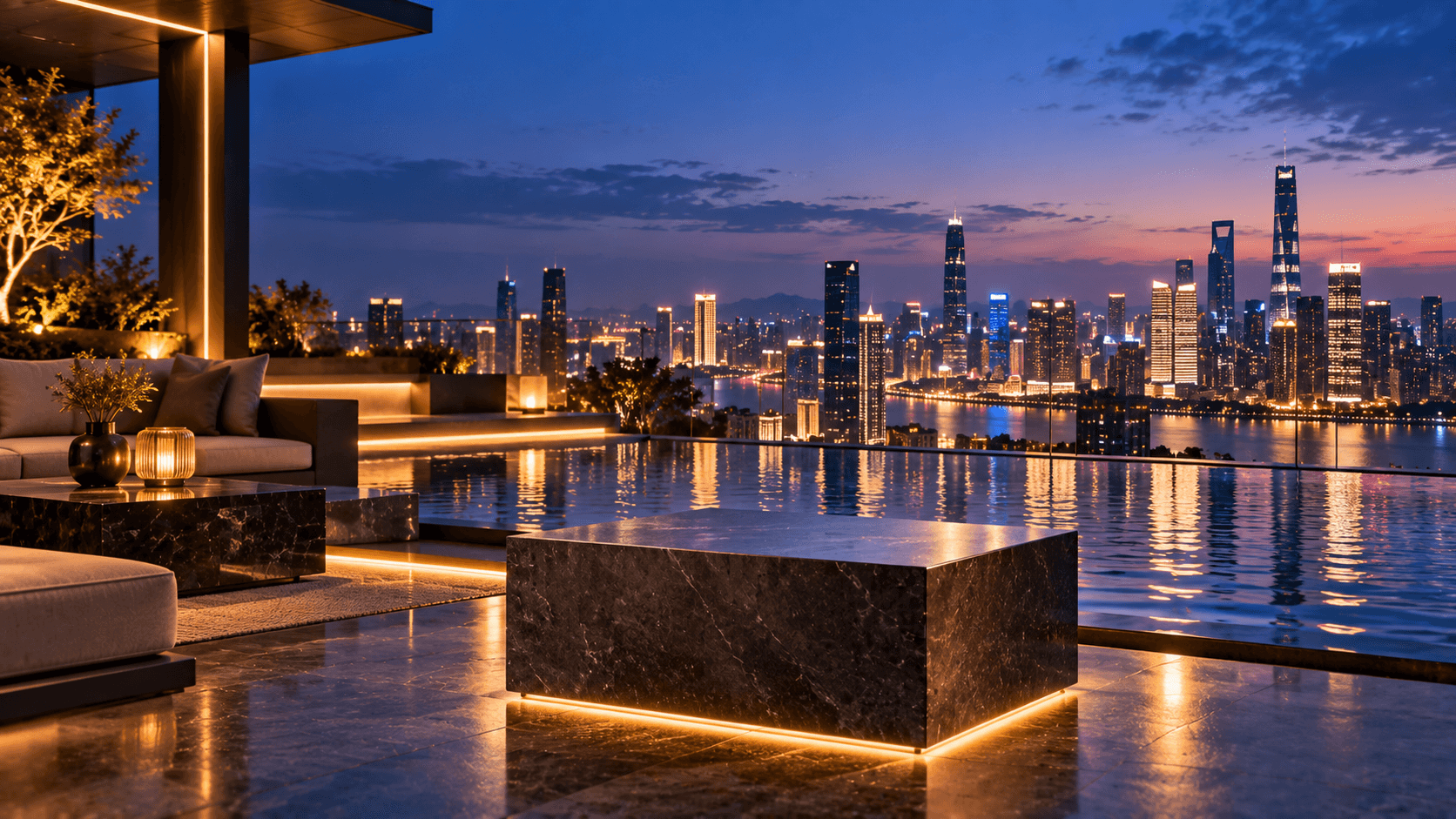
Use the supplied product reference to preserve the exact appearance and design of the wireless speaker. Use the supplied environment reference to guide the rooftop setting, architecture, lighting, materials, color atmosphere and composition. Place the same graphite wireless speaker naturally on the dark-stone pedestal beside the reflecting pool. Preserve its rounded rectangular shape, graphite aluminum body, dark woven acoustic mesh, amber LED strip, control buttons, proportions and materials throughout the entire sequence. The sequence begins with a medium-wide view of the rooftop lounge. The speaker's amber LED strip gradually turns on. The camera slowly pushes toward the speaker and then performs a gentle cinematic orbit around the product. As the camera moves, blue-hour city lights and warm architectural lighting create realistic moving reflections across the aluminum body. Subtle ripples move across the reflecting pool and distant city lights shimmer naturally in the background. Keep the speaker completely stationary on the pedestal. Maintain consistent product geometry throughout the entire video. Premium technology advertisement, physically accurate reflections, realistic materials, shallow depth of field, smooth controlled camera movement, cinematic commercial photography. Do not redesign, deform or replace the speaker. Do not change its color, proportions, LED placement or materials. No people, no hands, no readable text, no logos.
Replaces your current prompt, settings, and inputs. Review the estimate before generating; a new result may differ.
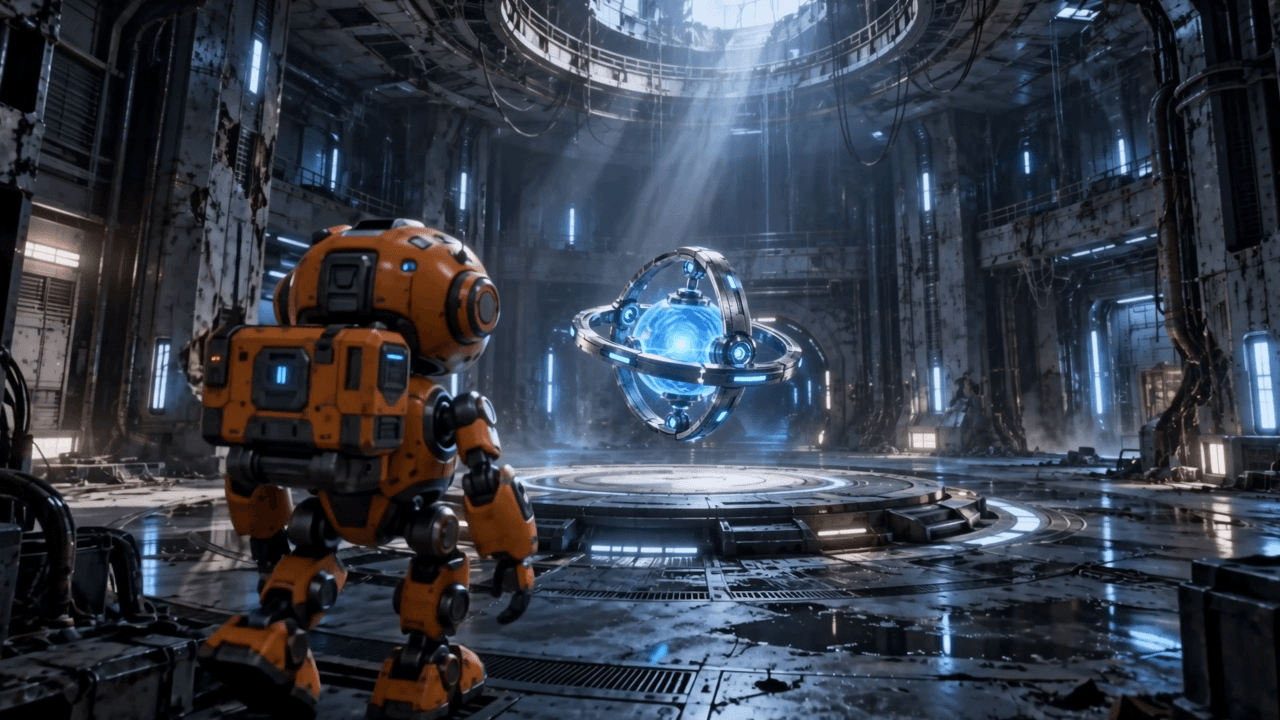
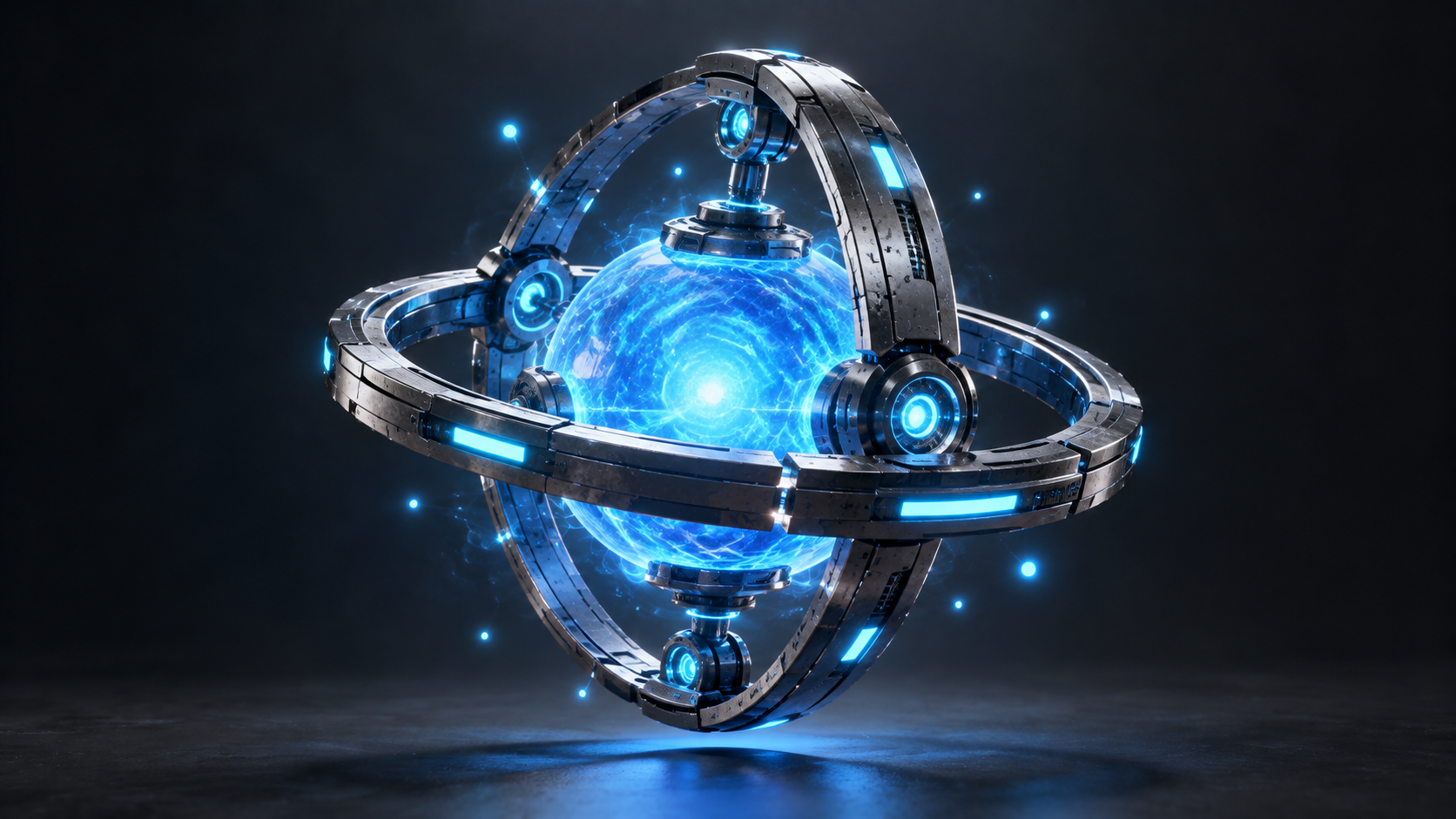
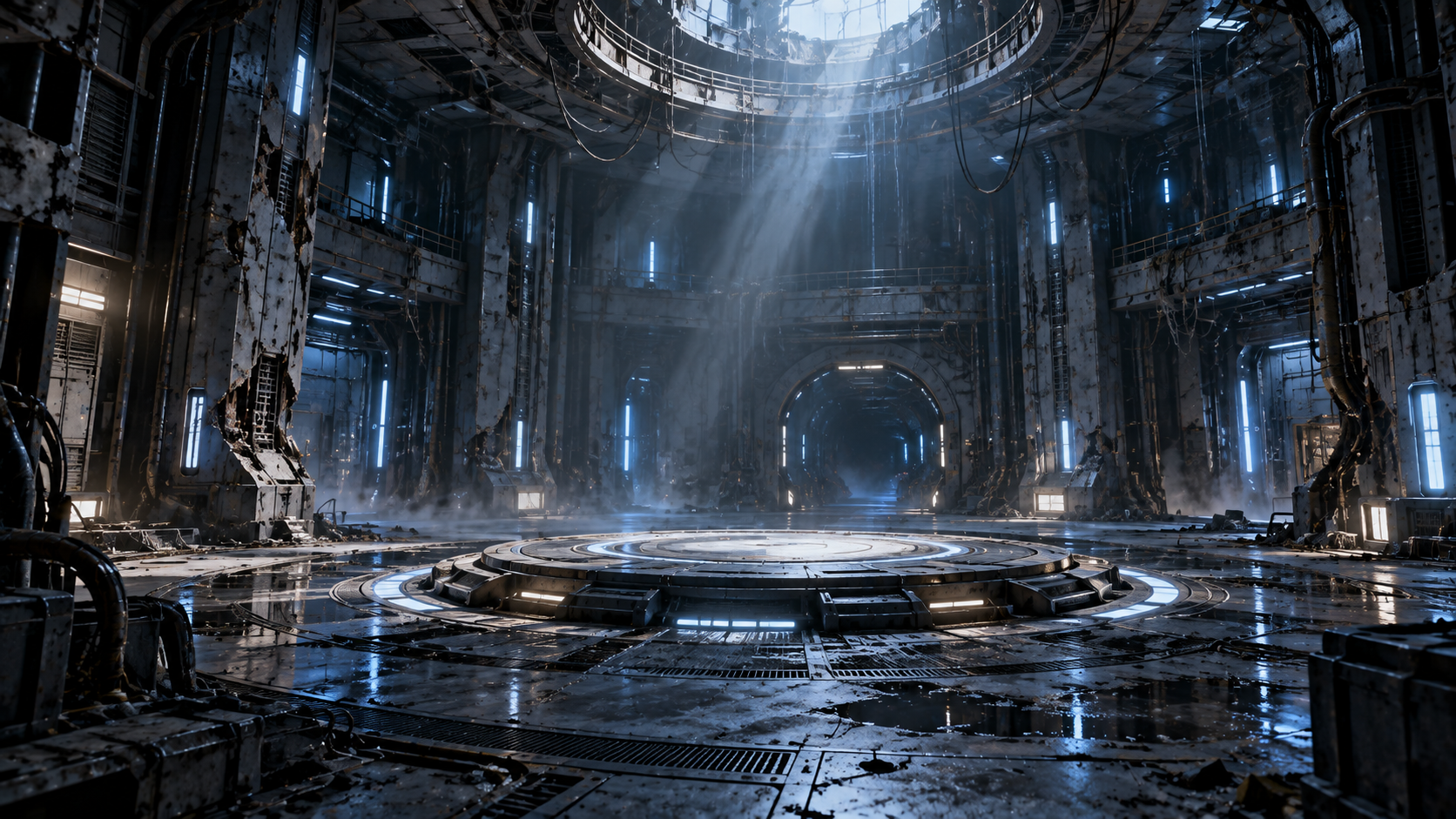
Use the supplied reference images to preserve the explorer robot, the blue energy core, and the abandoned underground facility. Create a continuous cinematic science-fiction sequence. The same orange exploration robot slowly enters the abandoned research chamber and walks toward the circular platform. Preserve the robot's orange mechanical shell, black face screen, cyan eyes, graphite joints, backpack module and proportions. The referenced blue energy core floats approximately one meter above the center of the platform. Preserve its glowing blue spherical center, three floating graphite rings, illuminated cyan details and overall design. As the robot approaches, the metallic rings around the energy core begin rotating slowly in different directions. The core gradually becomes brighter and releases subtle blue energy particles into the surrounding air. The robot stops several steps away, looks upward toward the core, then slowly raises one arm toward it without touching it. Blue light from the energy core gradually illuminates the robot, platform, nearby walls and metallic floor. The camera begins behind and slightly beside the robot, slowly tracks forward with it, then gently arcs around to reveal both the robot and glowing energy core in the same composition. Preserve the architecture and atmosphere of the supplied facility reference. Create synchronized cinematic environmental audio: distant mechanical ambience, subtle metallic room resonance, robotic footsteps, quiet servo movements, a low electronic energy hum, and a gradually intensifying electrical resonance from the core. No spoken dialogue and no music. Stable character identity, consistent prop design, realistic mechanical motion, physically believable lighting, cinematic volumetric atmosphere, smooth controlled camera movement. Do not redesign the robot, energy core or facility. Do not introduce additional characters. No humans, no readable text, no logos.
Replaces your current prompt, settings, and inputs. Review the estimate before generating; a new result may differ.
Choose an input path
Choose the mode by the anchor your shot needs. Extra media helps only when every file has a distinct job.
Use text when composition is open. Define one subject, one action, one camera move, the environment, and an ending state; avoid competing events in the same short shot.
Upload one required first frame; add one optional last frame only when the ending matters. Describe a plausible transition between anchors with compatible subject, light, geometry, and camera position.
Use mixed references when appearance, movement, or sound needs a separate source. Name each file's job and remove conflicts; the exact 10 / 5 / 5 limits are listed below.
Prompt-first starters
These are original preparation recipes, not prompts recovered from finished Wan 3.0 outputs. Choose Try prompt to move the full text into the workbench, then adjust the settings and review checkpoint for your own subject. Image recipes also require the clearly labeled reference input to be downloaded and uploaded by you.
Text to Video
4 starter recipesPractice a restrained product move in which the camera supplies motion while the object remains geometrically stable.
A single matte-black travel speaker stands centered on a pale stone plinth in a quiet daylight studio. Keep the speaker's rectangular proportions, grille pattern, controls, logo placement, and edges unchanged. The camera makes one slow 120-degree clockwise orbit at product height while a soft window reflection travels across the surface. No hands, no extra objects, no transformation, no cuts, no zoom. End on a clean three-quarter view with the full product inside frame.
Check the silhouette and grille before judging style; reject any orbit that bends the product, changes its details, or accelerates near the end.
Use one readable human action and a fixed camera to make facial, hand, and timing errors easier to identify.
Medium shot of an adult ceramic artist seated at a wooden workbench beside a north-facing window. The camera stays locked. The artist studies a small blue bowl, takes one calm breath, brushes a speck of clay from the rim with the right thumb, then looks toward the window. Natural overcast light brightens slightly across the shot. Preserve the same face, hands, clothing, bowl shape, and background layout. No dialogue, no camera movement, no additional action, no cut.
Review the face, thumb contact, bowl geometry, and gaze transition frame by frame; the beat should feel continuous rather than assembled from separate poses.
Build spatial clarity with one forward move, distinct depth layers, and a specified ending composition.
Early morning inside a narrow greenhouse aisle after rain. Begin behind out-of-focus fern leaves in the foreground, with rows of wet glass and terracotta pots forming the middle ground. Make one slow, level dolly forward as the leaves part naturally and reveal a gardener opening the far door. Condensation catches warm sunrise light while the floor remains cool and reflective. Maintain straight greenhouse frames and believable depth. No pan, no orbit, no cut. End with the gardener centered beneath the open doorway.
Verify that foreground, aisle, and doorway keep a coherent distance; the dolly should reveal the space without warping frames or jumping the gardener forward.
Coordinate visible motion with a few explicit sound beats while keeping the scene simple enough to audit.
Close three-quarter view of a small espresso machine on a quiet café counter before opening. A barista locks the portafilter with one firm click, presses the brew switch, and two thin streams of coffee begin together. Time the sounds clearly: metal click at the first action, low pump hum immediately after the switch, then a soft cup resonance as coffee lands. Keep the camera fixed and the machine, cup, hands, reflections, and counter geometry stable. No speech, no music, no cut.
Check whether each sound follows its visible cause and whether the streams begin together; the audio toggle is a request control, not a quality guarantee.
Image to Video
4 starter recipes Reference input
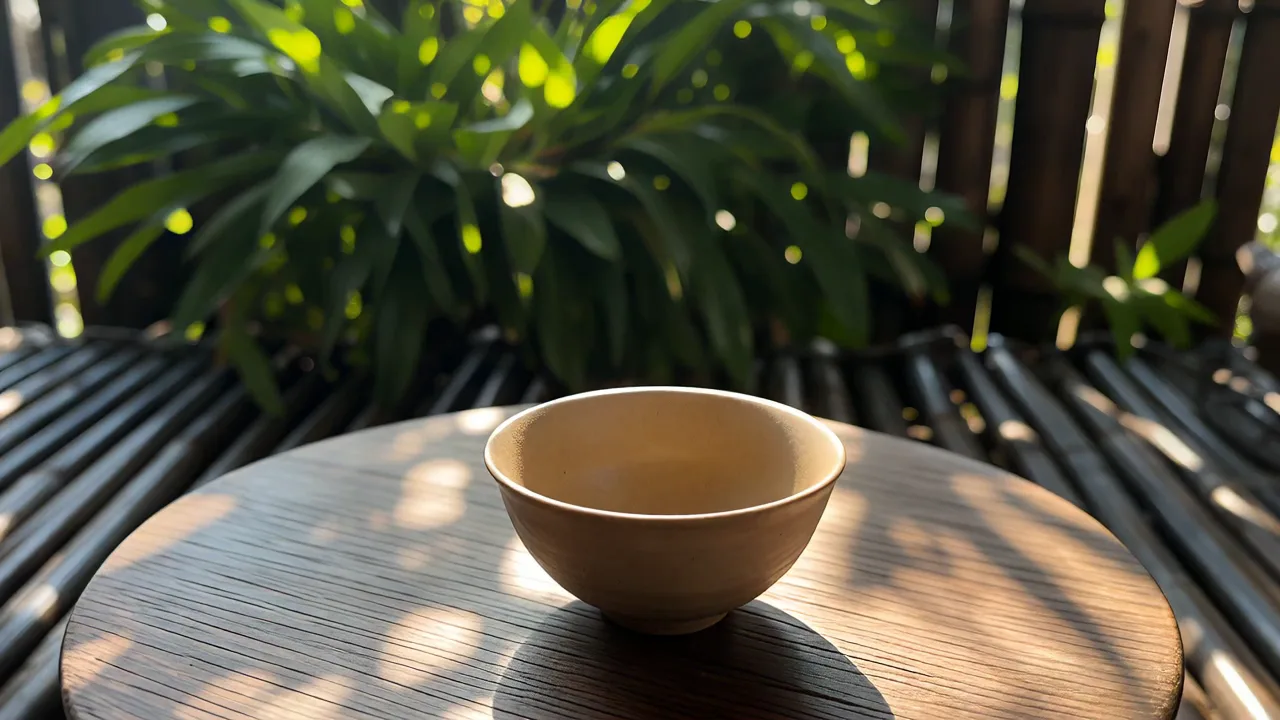
Animate only the hand, pour, steam, and changing highlights while protecting the still life's carefully placed geometry.
Reference input — prior Wan 2.7 frame; not a Wan 3.0 output.
Use the uploaded image as the first frame and preserve the exact cup, teapot, tray, railing, landscape, colors, and composition. Continue the tea pour with a small natural wrist movement. Let a thin ribbon of steam curl upward and drift slightly toward the valley while sunlight glints gently across the ceramic glaze. Keep the cup and pot shapes rigid, the horizon locked, and the camera almost still with only a very subtle forward ease. No new objects, no cut, no large parallax, no shape change.
Protect the cup rim, handle, teapot spout, railing, and horizon first; motion should remain local to the pour, steam, hand, and light.
Download this reference, then upload it as the first frame. Try prompt switches the mode and fills the text; it does not attach the file.
 Reference input
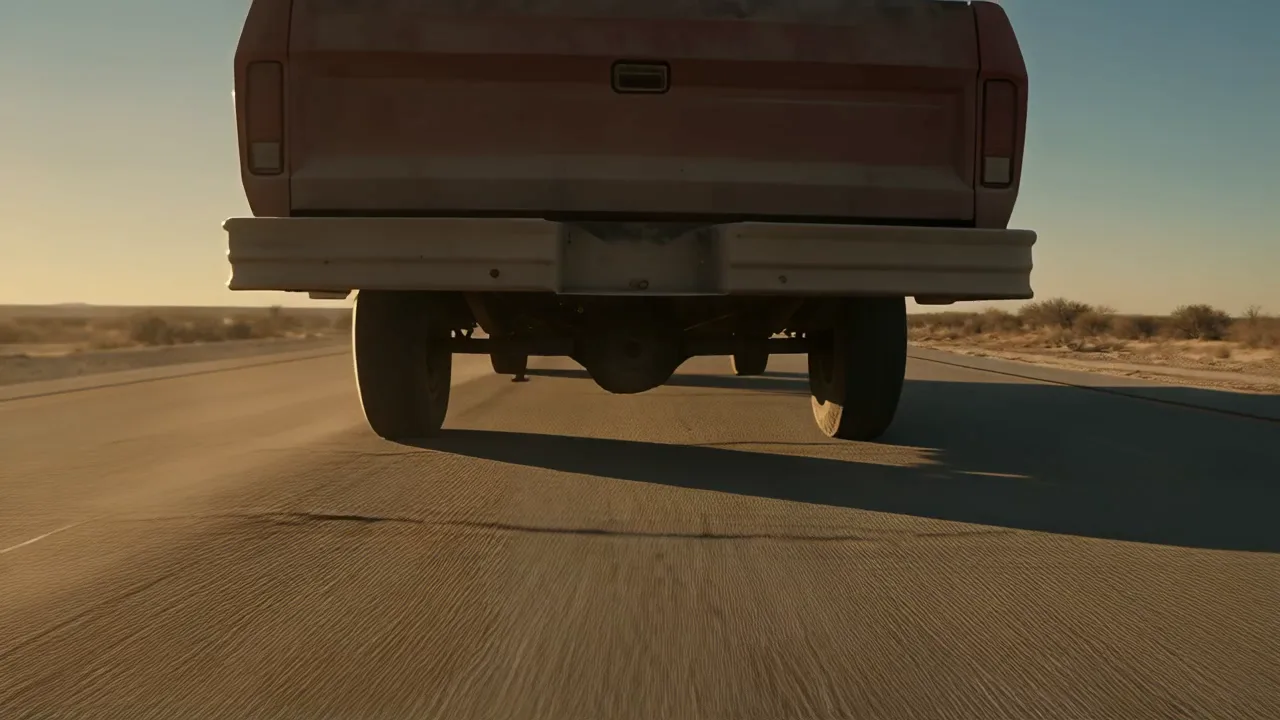
Move the vehicle away from the viewer while treating the road, horizon, and desert masses as stable anchors.
Reference input — prior Wan 2.7 frame; not a Wan 3.0 output.
Use the uploaded image as the first frame. Keep the same car, paint, road markings, mountains, desert palette, and wide composition. The car accelerates gradually away along the road while a low dust trail expands behind the rear wheels, thins in the crosswind, and catches warm side light. Hold the horizon and road perspective steady with a restrained telephoto follow, not a dramatic chase. Preserve vehicle proportions and wheel placement. No extra traffic, no camera roll, no terrain change, no cut.
Check the car scale against the road and confirm that the dust responds to its path without sliding the horizon or reshaping the vehicle.
Download this reference, then upload it as the first frame. Try prompt switches the mode and fills the text; it does not attach the file.
 Reference input
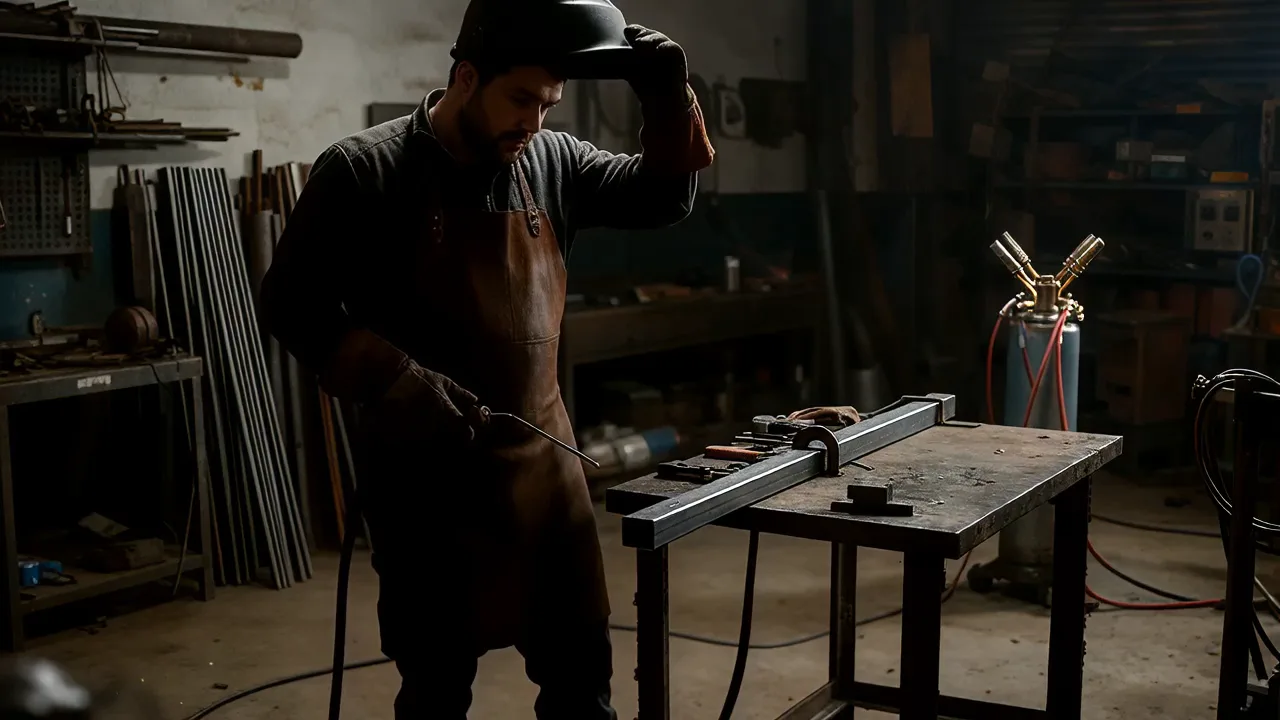
Add energetic sparks and a gentle camera push while locking the worker's equipment and the building's straight lines.
Reference input — prior Wan 2.7 frame; not a Wan 3.0 output.
Use the uploaded image as the first frame and preserve the worker's helmet, gloves, posture, welding tool, steel frame, tables, and workshop layout. The welding arc pulses as bright sparks scatter downward, bounce briefly, and fade before reaching the floor. Add a slow, level camera push of only a few centimeters. Smoke rises in a narrow plume and overhead light flickers subtly on nearby metal. Keep every beam straight and the protective equipment unchanged. No face reveal, no object duplication, no cut, no camera shake.
Inspect helmet and hand continuity, tool contact, spark direction, and beam geometry; reject motion that makes the workshop breathe or bend.
Download this reference, then upload it as the first frame. Try prompt switches the mode and fills the text; it does not attach the file.
 Reference input
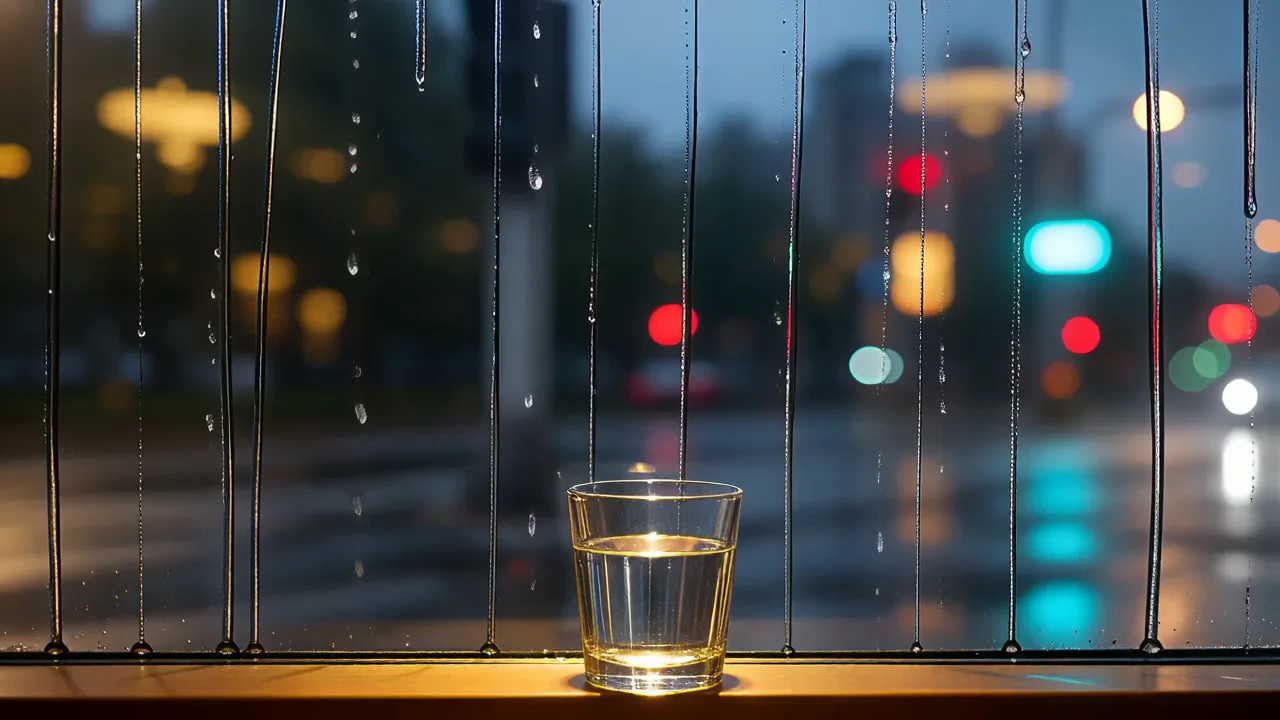
Separate foreground rain, distant traffic, and a fixed interior so atmospheric motion does not dissolve the composition.
Reference input — prior Wan 2.7 frame; not a Wan 3.0 output.
Use the uploaded image as the first frame. Keep the window frame, cup, sill, interior reflections, skyline, and overall color balance fixed. New rain beads gather on the glass, merge, and slide downward at different speeds while distant car lights drift softly along the wet street. Let focus breathe once from the nearest droplet toward the city and return. The camera remains locked. Preserve the cup shape and window lines. No lightning, no person entering, no large background movement, no cut.
Check that droplets move on the glass plane, traffic stays distant, and neither the cup nor the window frame drifts during the focus change.
Download this reference, then upload it as the first frame. Try prompt switches the mode and fills the text; it does not attach the file.
Mixed-reference planning
Give each source one reviewable role and state which source wins when references disagree.
| Source | Useful job | Current limit | Conflict check |
|---|---|---|---|
| Images | Protect appearance, identity, geometry, palette, or composition. | Up to 10 files | Name a priority when identity, viewpoint, light, or details differ. |
| Videos | Supply movement, camera behavior, timing, or interaction. | Up to 5 files | Choose compatible direction and tempo; say what to borrow. |
| Audio | Guide rhythm, atmosphere, event timing, or sound density. | Up to 5 files | Avoid several sources competing for the same beat. |
| Prompt | Name each file's role, the action, constraints, and final state. | One written direction | Resolve conflicts explicitly: appearance A, motion B, rhythm C. |
Output planning
Lock delivery settings before polishing the prompt. Runtime and resolution drive the client estimate.
Choose any whole-second duration from 2 through 30. Give short clips one action; divide longer clips into a beginning, change, and ending. Only output duration enters the estimate.
Use adaptive when input images define composition. Otherwise choose 16:9, 9:16, 1:1, 4:3, or 3:4, then write framing details for that destination.
Rates are 15 / 25 / 50 credits per output second. Five seconds estimates 75 / 125 / 250 credits; ten seconds estimates 150 / 250 / 500.
Enable audio only when sound belongs to the brief. The displayed total is a client estimate; the signed-in service response and actual debit are authoritative.
First-task workflow
A controlled first attempt tests one input structure and one set of settings. Change one cause at a time.
Define one shot, its destination, main action, and final state. Remove secondary events that cannot be reviewed inside the selected duration.
Choose text, frames, or mixed references. Upload authorized files, remove duplicates, and state what each surviving input controls.
Select frame, resolution, 2–30 second runtime, and audio. Read the estimate, then hold those choices steady while comparing prompts or references.
Sign in, then record acceptance, status, returned media, debit, and download. That complete live path remains unverified, so inspect observed behavior.
Task fit
Match the input mode to the fact that needs protection. These are preparation patterns, not performance claims.
Start with a clean 9:16 frame when identity or layout already works. Ask for one local movement; review continuity, edge crops, and negative space.
Use a first frame or consistent images to anchor shape, labels, materials, and color. Review silhouette, text, contact points, and reflections first.
Use start and optional end frames when both ends matter. Describe the connecting action; review spatial logic, identity, camera path, and the final transition.
Use audio when rhythm, atmosphere, or a cue is central. Review sound-to-motion timing, or compare another contract in the AI video generator workspace.
Evidence boundary
ZMS has implemented text, frame, and mixed-reference controls, upload handling for supported media, request and status mapping, output settings, audio intent, and a client estimate. These facts show what the page can prepare, not returned-video quality.
Still missing is a complete signed-in run in which the service accepts a task, reaches a terminal status, returns playable media, applies the debit, and permits download. No production readiness, speed, stability, or output-quality claim follows before that evidence exists.
For a batch, save the mode, prompt, inputs, settings, estimate, task ID, result, and balance change. The backend is the final authority; review current terms at ZMS AI pricing.
FAQ
Quick answers about modes, limits, settings, credits, recipe inputs, and verification.
It prepares Wan 3.0 tasks from text, a required first frame with an optional last frame, or mixed references. The controls and adapter exist; complete signed-in delivery and debit remain unverified.
Use text for an open composition, image mode when the first frame protects appearance or layout, and mixed references only when separate files have distinct jobs.
Yes. Image mode requires one first frame and accepts one optional last frame. Add the last frame only for a meaningful ending and describe a plausible transition.
Mixed-reference upload limits are ten images, five videos, and five audio files. At least one file is required, and every file should have a named role.
The interface lists 480p / 720p / 1080p; adaptive, 16:9, 9:16, 1:1, 4:3, and 3:4; 2–30 whole seconds; and generated audio on or off.
The client uses 15 / 25 / 50 credits per output second at 480p / 720p / 1080p. Reference duration is excluded; the backend debit is authoritative.
No. The starter images are prior Wan 2.7 frames, not Wan 3.0 results. Ten example videos on this page are supplied recordings with prompts and inputs, not a verified ZMS task, debit, and download. A complete signed-in run is also still unverified.