AI Image Generator for Creation and Editing

Prepare prompt-led image creation and reference-based edits in a focused workspace with GPT Image 2 selected by default.

Default model
GPT Image 2
Output
1K · 2K image
References
Up to 10

Loading generator…

AI Image Generator inspirations you can run

These eight stills were generated on ZMS AI from the prompt printed on each card. Filter by Portrait, Product, Editorial, or Scene, then send a prompt into the AI Image Generator above.

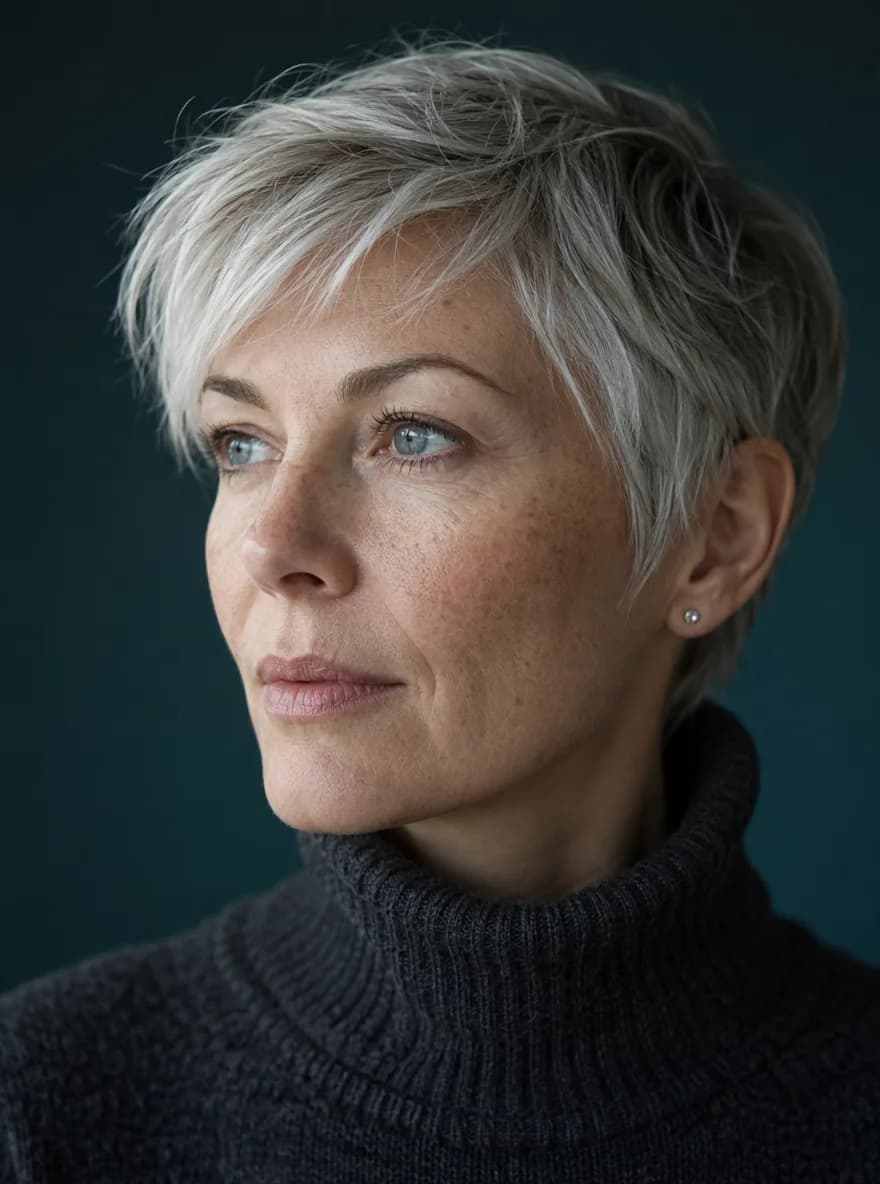
Close portrait of a woman with silver hair in warm window light against a teal backdrop
GPT Image 2text-to-image

Silver hair portrait

Close portrait of a woman with short silver hair and light freckles, turned three-quarter toward window light from the left. Visible skin texture, soft catchlights, charcoal turtleneck against deep teal backdrop. Medium lens, shallow depth of field.
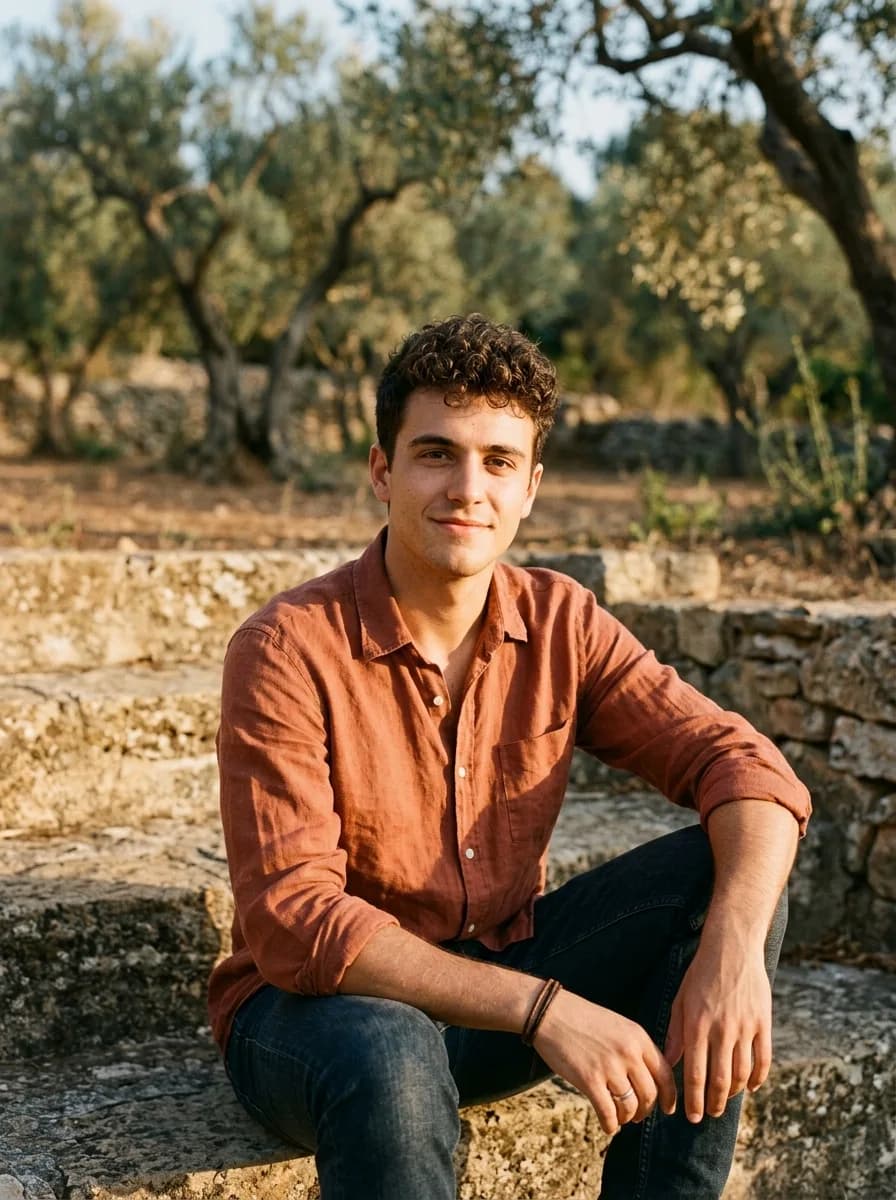
Portrait of a young man in a terracotta shirt on sunlit stone steps
Nano Banana 2text-to-image

Terracotta shirt portrait

Portrait of a young man in a terracotta linen shirt on outdoor stone steps at late afternoon. Warm golden sidelight, deep umber shadows, relaxed expression, short curly hair, blurred olive trees behind. Documentary color, medium close-up.

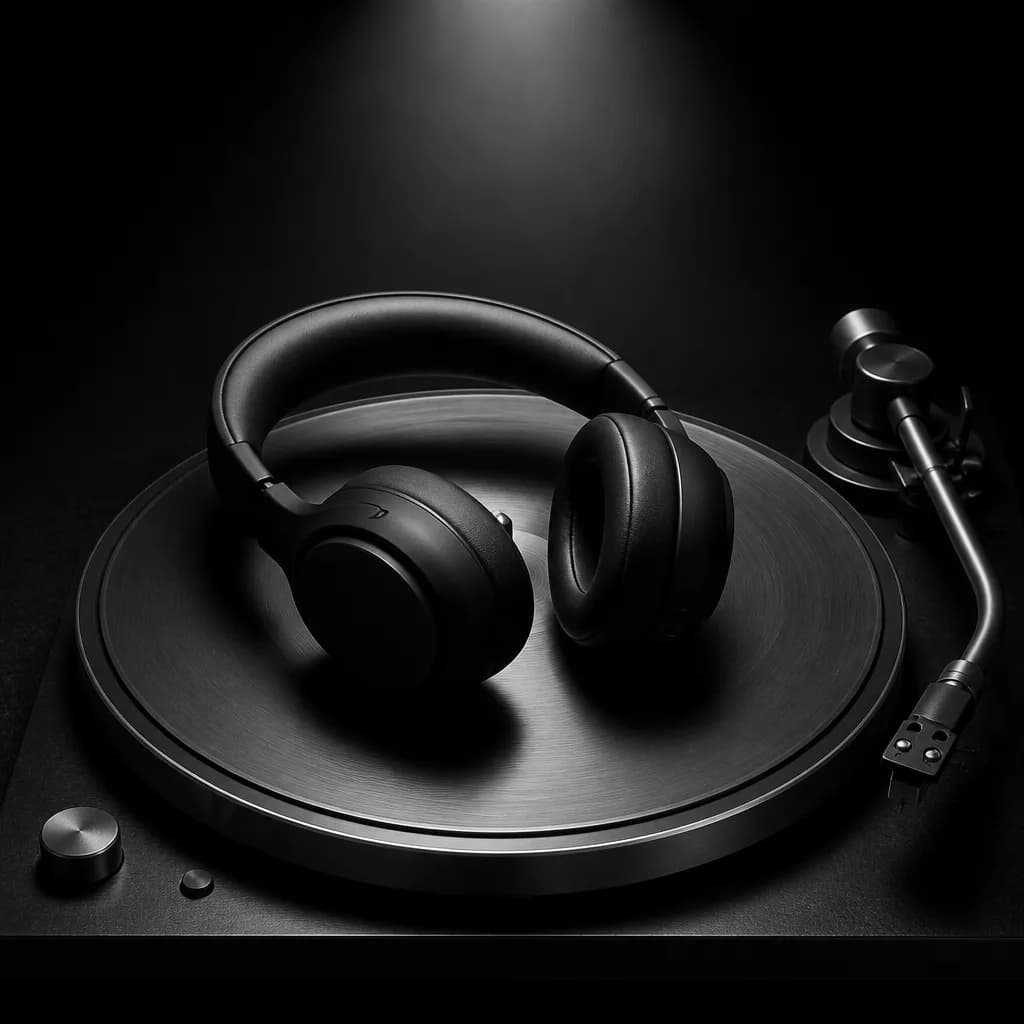
Matte black headphones on a steel turntable under a single spotlight
GPT Image 2text-to-image

Headphones spotlight

Matte black wireless headphones on a brushed steel turntable platter under a single overhead spotlight. High contrast, deep shadows on charcoal felt, crisp metal reflections, minimal composition, no logos or text, product photography.

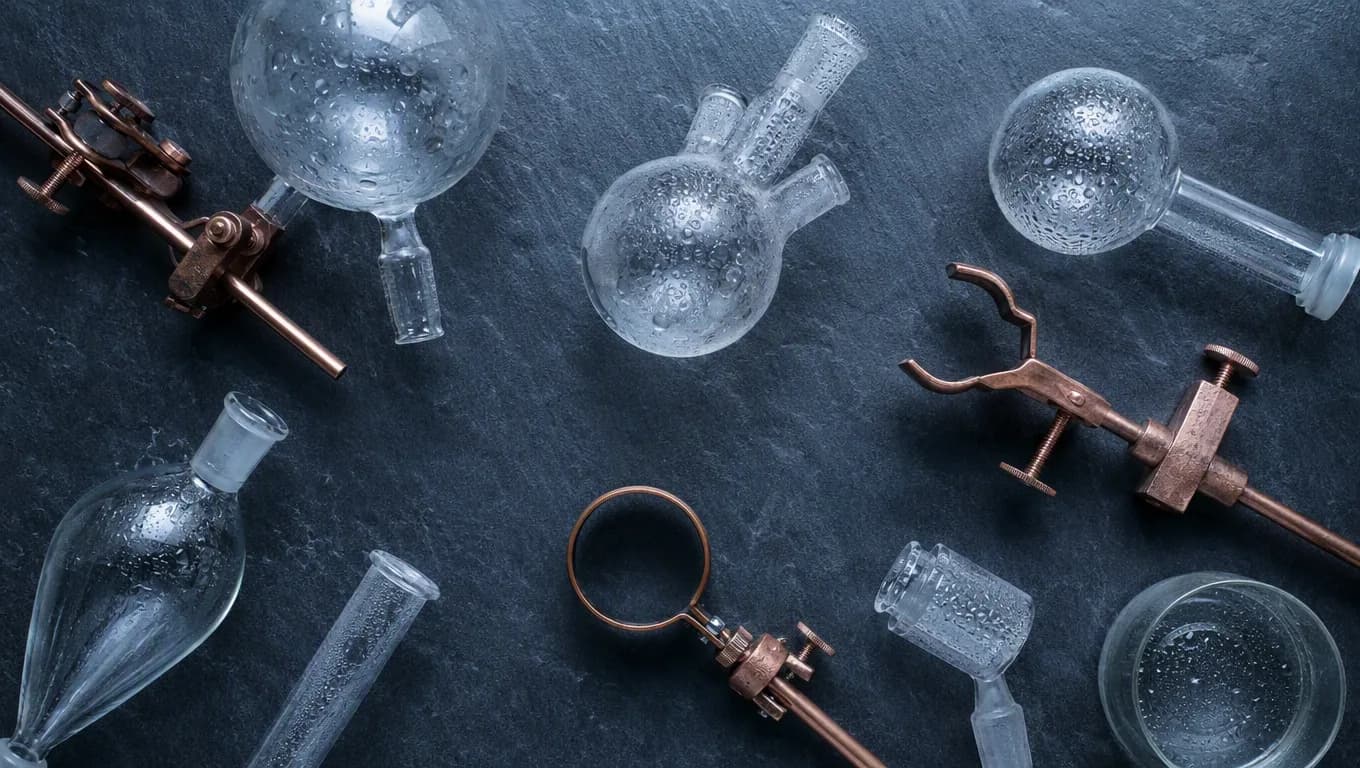
Overhead view of glass flasks and copper clamps on a slate lab bench
GPT Image 2text-to-image

Lab glassware flat lay

Overhead flat lay of clear borosilicate glass flasks and copper clamps on a slate lab bench, cool blue daylight from above. Condensation on glass, diagonal geometric arrangement, clinical precision, no labels or text.

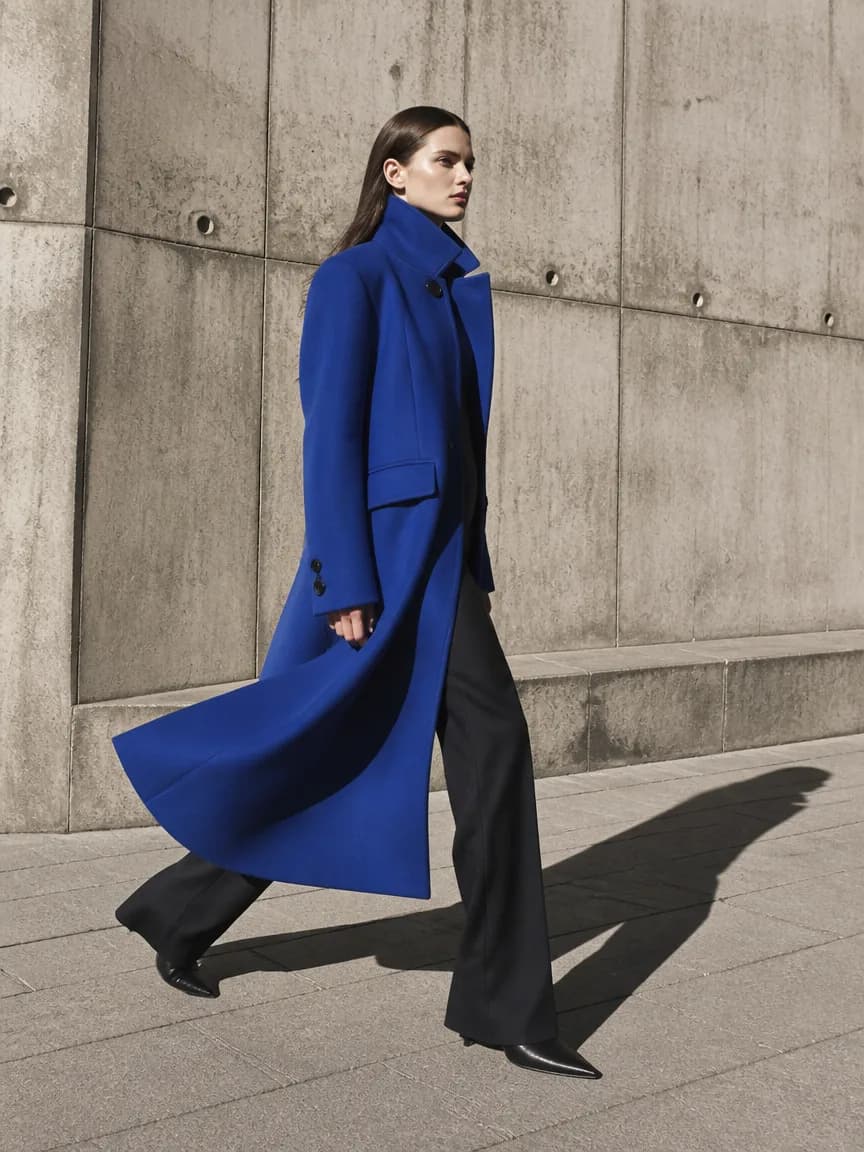
Full-length editorial of a model in a cobalt coat walking past a concrete wall
GPT Image 2text-to-image

Cobalt coat editorial

Full-length editorial of a model in a structured cobalt blue coat walking past a concrete brutalist wall. Hard noon sun, long crisp shadow, wind catching the hem, fashion magazine framing, muted gray pavement.

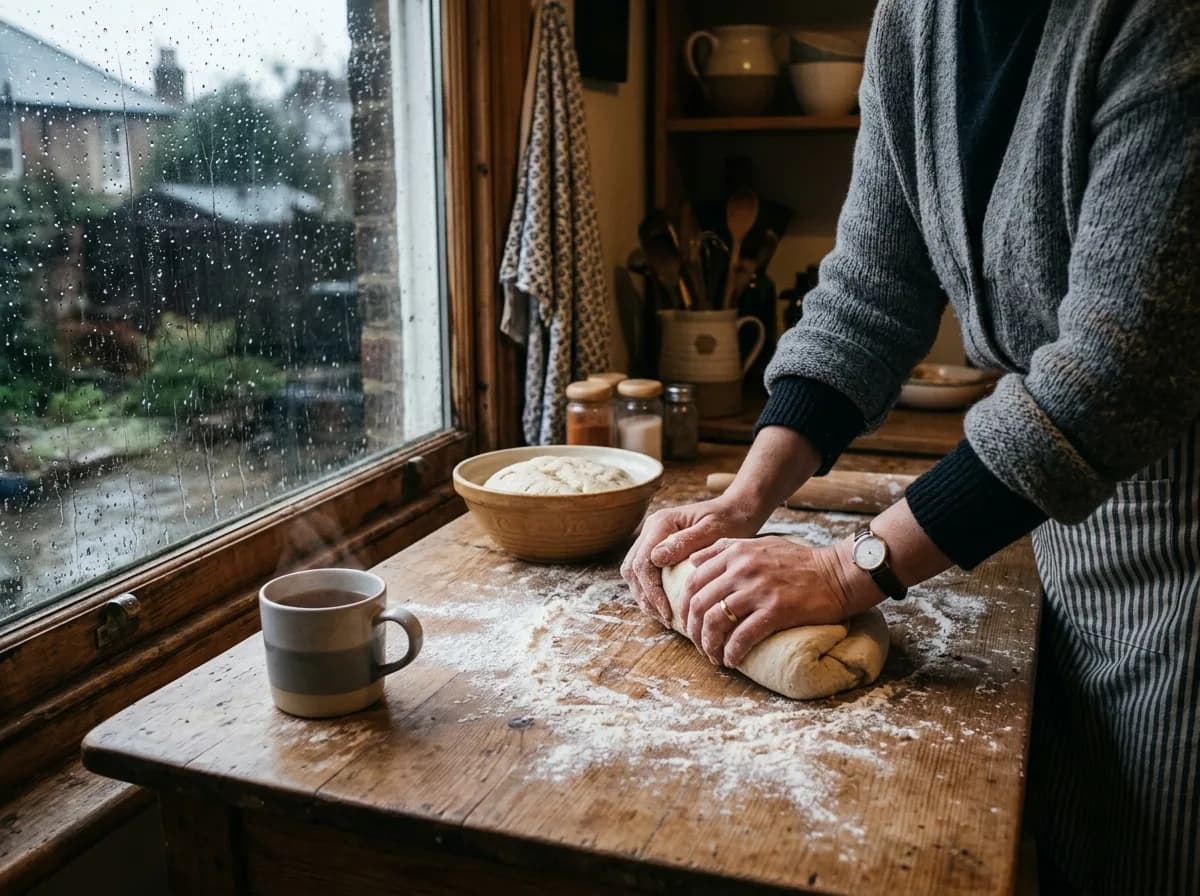
Hands kneading bread dough on a wooden table beside a rainy window
Nano Banana 2text-to-image

Bread kneading scene

Candid lifestyle frame of hands kneading bread dough on a flour-dusted wooden table beside a rain-streaked window. Cool overcast daylight, subtle steam, cozy gray and cream kitchen tones, overhead three-quarter angle.

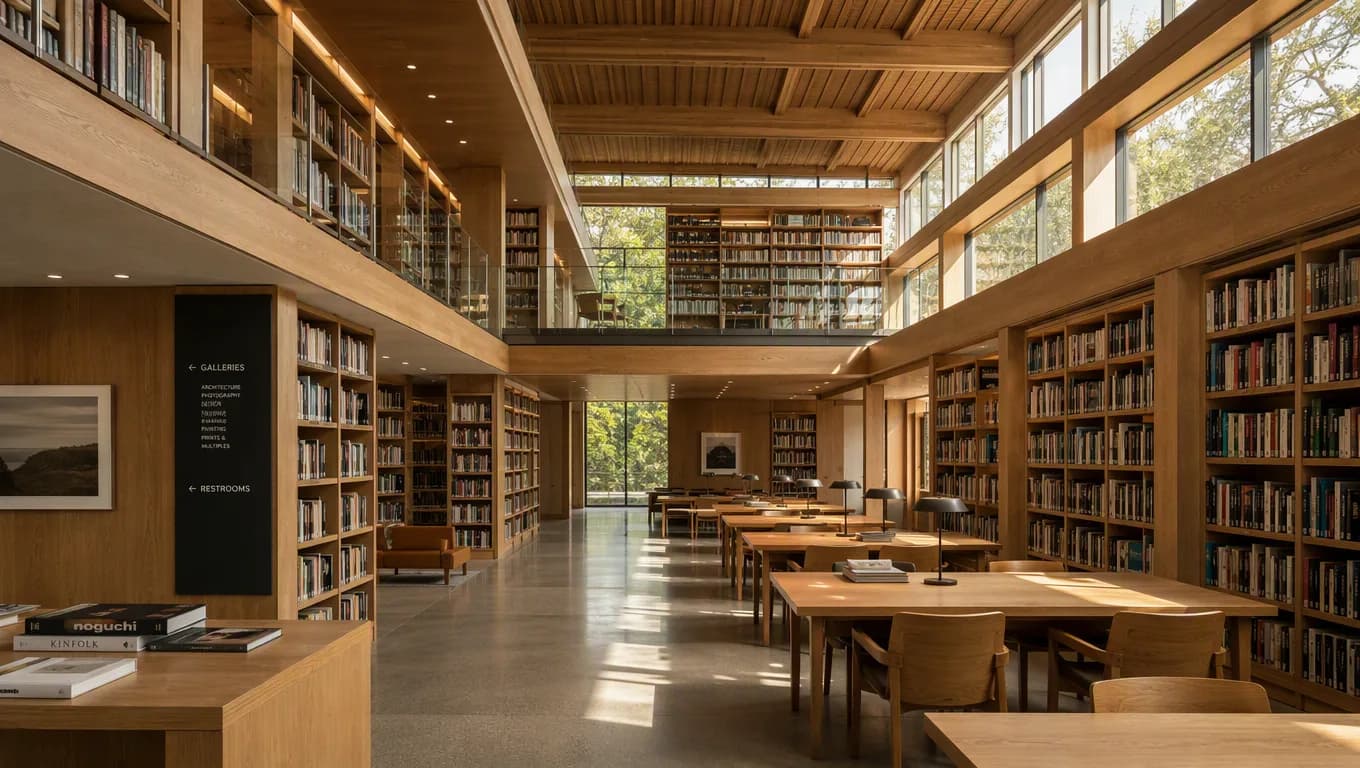
Wide interior of a timber library with morning light through clerestory windows
GPT Image 2text-to-image

Timber library interior

Wide interior of a contemporary library with double-height timber shelves and a glass mezzanine, morning sun through clerestory windows. Warm oak tones, reading tables midground, strong perspective, quiet atmosphere, no people.

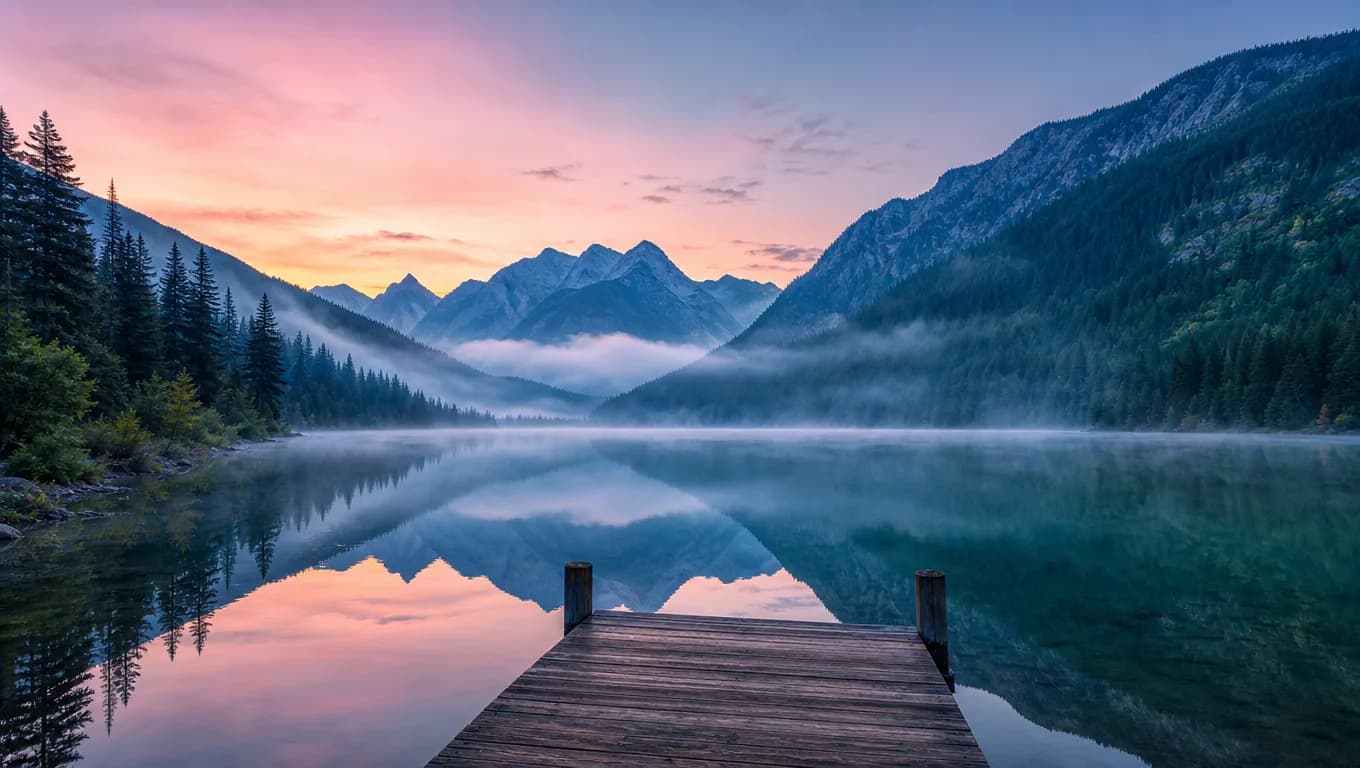
Misty mountain lake at dawn with a wooden dock and pine-covered slopes
GPT Image 2text-to-image

Mountain lake at dawn

Misty mountain lake at dawn with pine slopes reflected in still water, a wooden dock in the foreground. Cool blue haze in the distance, warm pink horizon light, wide landscape, no buildings.

What is the ZMS AI Image Generator?

The AI Image Generator is the shared image workspace on this site: one place to browse a prompt you can run, decide which image family fits the assignment, and start a task without leaving the page. It is not a version catalog. Version-level controls, unopened fields, and single-model FAQs live on the family and version pages. The default route opens GPT Image 2, which belongs to the GPT Image family.

Use the AI Image Generator when you still need to choose a family. The page keeps the default route practical: write a prompt, add references only when they have a job, and pick a frame that matches the real placement. It does not try to list every control that exists upstream. Those details belong on the family page once you know which house you are entering. If you already know the version, open that version page instead of repeating the same brief here.

A configured workspace is not the same as proven live delivery. The AI Image Generator has a registered driver and task routes, but a signed-in generation, returned image, live credit debit, and download have not yet been verified end to end. Treat the first account run as a path test, not as a production handoff.

Plan images around a real placement

An AI Image Generator is most useful when the intended channel decides the crop, empty space, and review points. Start with the placement and approval criteria instead of asking for a generally attractive picture.

01

Campaign concepts

Explore a visual direction for a landing page, announcement, or social campaign. Specify the audience, message hierarchy, focal subject, palette, and the empty area reserved for copy or interface chrome.

02

Product compositions

Plan a product-style scene with a deliberate camera angle, surface, reflections, scale, and light. Treat packaging, labels, geometry, and brand details as review points rather than guaranteed facts.

03

Reference-led variations

Keep named traits stable while changing one primary variable, such as background, material, crop, season, or lighting. Check every unchanged region after the edit so the variation did not drift.

04

Editorial exploration

Build mood, environment, and composition studies before a final production decision. Keep visual exploration separate from claims of documentary accuracy or real-world evidence.

Match the AI Image Generator to a model family

The AI Image Generator routes you to a family, not a version. Read the input type you already have, then open the family page when you need 1.5 versus 2 or a specific control list.

FamilyBest whenCurrent ZMS inputsCheck before Generate
GPT ImageThe brief starts as text, or you already have a hero and want a controlled edit of that one image.A written prompt plus optional reference images on the connected GPT Image workspaces.Confirm the assignment is a still, name the role of each reference, and keep version choice for the family page.
Nano BananaThe task depends on several references at once, or you want the other image family on ZMS AI.A written prompt plus reference images on the connected Nano Banana workspace.Confirm every upload is authorized and adds a distinct role before you leave this AI Image Generator.

Use the AI Image Generator in four reviewable steps

Finish the family decision on this page, then submit. Keep the deliverable, source rights, and review checklist stable while you change one important variable at a time. The AI Image Generator is for that first routing pass, not for rewriting a version page.

  1. 01

    Define the placement and the job

    Record the channel, crop, audience, and approval standard. Decide whether the AI Image Generator should create a new image or edit an existing one before you add any reference.

  2. 02

    Write an observable direction

    Describe the subject, setting, camera position, composition, light, materials, and empty space. Replace vague praise words with decisions a reviewer can see in the result.

  3. 03

    Choose a family from the table

    Match the input you already have against the family table above. Open a family page only when you need a version decision; do not treat resolution or ratio as a substitute for that choice.

  4. 04

    Submit, then review the full path

    For the first signed-in task, confirm submission, status, returned media, displayed credit behavior on ZMS AI pricing, and download. Then inspect the AI Image Generator result at full size before it enters production.

Give the AI Image Generator a compact art-direction brief

A useful brief separates required content, visual treatment, protected details, and exclusions. Copy a finished prompt from the gallery above when you want a runnable start; use a family page when you need version-specific field differences.

Subject and purpose

Name the main person, object, product, or scene and explain what the image must communicate. Include distinguishing traits that should remain stable across variations.

Composition and space

Define crop, angle, subject scale, foreground, background, depth, and empty zones for headlines or interface elements. Match these decisions to the real placement.

Light and materials

Describe light source, softness, contrast, palette, surface texture, and reflection behavior. These details create a more testable target than a long list of style adjectives.

Protected and excluded details

State which reference traits, brand colors, product forms, or layout zones must not drift. Add exclusions only when they address a likely failure mode in the requested image.

Bright three-panel editorial illustration of a reference-led image editing workflow

Assign one clear role to every reference

A reference can guide subject identity, product shape, material, palette, or composition. Tell the AI Image Generator which role each upload should play, and remove images that introduce duplicate or conflicting direction.

Original editorial artwork created for ZMS AI. It explains a reference-editing workflow and is not model output or evidence of a current live generation.

Choose an image family from the assignment

If the brief is only a written direction, start with GPT Image. If you already have a hero and need a controlled change, stay on that same family and give the existing image one clear role. If the assignment depends on several references at once, open Nano Banana and check that each upload adds a distinct instruction.

ZMS AI is an independent creative workspace. It is not affiliated with OpenAI or Google, and a family name on this AI Image Generator is a routing label, not a claim of official operation. Official model pages remain the primary references for what those systems can do upstream.

Whichever family you open, run a low-risk sample before committing a campaign or a batch. Confirm the full service path, inspect the image at delivery size, and document which prompt and references produced the approved direction. The AI Image Generator supports that first comparison; it does not replace rights, factual, safety, or brand approval.

AI Image Generator questions

Modality-level answers about what this workspace is, when to add references, how to choose a family, and how to review a result before publishing.

What is the ZMS AI Image Generator?

It is the shared image workspace on ZMS AI: a place to browse runnable inspirations, choose an image family, and prepare a prompt-led or reference-led still. It currently opens with GPT Image 2 selected. Version-level control lists live on the family and version pages.

Can I use reference images in the AI Image Generator?

Yes, when the selected family accepts them. Give each upload one role in the prompt—identity, product shape, material, palette, or composition—and upload only material you are authorized to use. Remove references that repeat or contradict each other.

Which image model family should I choose?

Match the input you already have. A text-only brief or a single-hero edit usually starts on GPT Image. A task that depends on several references at once is a reason to look at Nano Banana. Use the family table on this page, then open the family page for a version decision.

Is live image generation fully verified on ZMS AI?

No. The AI Image Generator has a registered driver and task routes, but a complete signed-in generation, returned image, live credit debit, and download have not yet been verified. Test the full account flow before production use.

How should I review an AI-generated image before publishing?

Inspect the result at full size for composition, faces, hands, text, symbols, object geometry, reflections, factual claims, and unintended edits. Confirm source rights and obtain human approval before publishing or delivering the image.