Your starting material
Both versions accept a written idea. One approved still fits the 3.0 image path; several images or a movement reference call for 4.0 Reference. Explain each file's role.
Compare Kling 4.0 and Kling 3.0, choose your input workflow, and create a video with a clear duration, output format, and credit estimate.
Loading generator…
Choose your starting point
Kling AI brings two video workflows into ZMS AI. Choose from the material you have: a written idea, one still, mixed visual references, or important moments defined by images. Match that starting point to the controls needed for your shot.
Kling 4.0 adds reference-led scenes and keyframes. Kling 3.0 offers shorter text or single-image tasks with Standard and Pro options. Keep version, inputs, and settings together when reviewing a result; a higher price alone does not establish better output.
What changes your choice
Choose a Kling AI workflow from its inputs and delivery controls. These four decisions help narrow the task.
Both versions accept a written idea. One approved still fits the 3.0 image path; several images or a movement reference call for 4.0 Reference. Explain each file's role.
Use keyframes when an opening, change, or ending needs visual guidance. Compatible images communicate the plan, but do not guarantee exact identity or flawless transitions.
Set time, framing, and output requirements first. A five-second action differs from a longer sequence. Flash, HDR, 4K, and extension controls are not offered here.
Kling AI estimates follow version and inputs. Sign-in and credits are required to generate. Review the displayed estimate and your balance before committing to a shot.
Match the inputs
Compare Kling AI inputs, timing, and cost to choose a version. These are workflow differences, not measured rankings of quality or speed.
| Version | Starting inputs | Output and sound | Current estimate |
|---|---|---|---|
| Kling 4.0 | Text, image/video references, or ordered keyframes. Choose it for a reference-led scene or a sequence of important moments. | 3–30 whole seconds; 720p/1080p. Output can include audio; reference-video audio retention is optional. | Without video: 20/25 credits/s at 720p/1080p. With video: 25/35 per combined billed second. |
| Kling 3.0 | Text or a single JPEG/PNG/WebP still. Choose it when one clear action and one starting input are enough. | 5 or 10 seconds; Standard 720p or Pro 1080p, without sound. Text has three ratios; image follows its crop. | Standard 40, Pro 50 credits per output second. The original examples do not establish either tier's quality. |
Make one useful decision
Choose the Kling AI version before refining a detailed prompt. Begin with materials, required control, and delivery constraints.
Separate an idea from an approved still, movement reference, or frame sequence. Use permitted material.
Decide whether words are enough or a subject, camera idea, or key moment needs visual guidance.
Match time, framing, resolution, and sound to a version. Give longer clips one coherent action.
Review its inputs and estimate, including every reference video's duration. Check your balance before submitting.
A clear brief
Plan a Kling AI shot around subject, action, camera, and reference roles. These suggested briefs are separate from the recorded examples below; Copy does not submit a task.
Suggested planning briefs
3 starter recipesUse either text workflow for a focused shot.
Name one subject and visible action. Describe the camera view, setting, and an ending that fits the selected duration.
Check that unrelated events belong in another shot.
Separate appearance from movement guidance.
Explain which image establishes appearance and which reference guides movement. Describe the action and the visual facts to preserve.
Prepare actual inputs before opening the reference workflow.
Anchor the scene without filling every slot.
Choose compatible opening, middle, and ending images. State how the subject and camera move between those visual anchors.
Check the frame count against output duration.
The product clip is an existing team Kling 3.0 example; the sea narrative is an official Kling 4.0 demonstration. Their different inputs and sources make them workflow illustrations, not a controlled quality comparison or ZMS generation results.

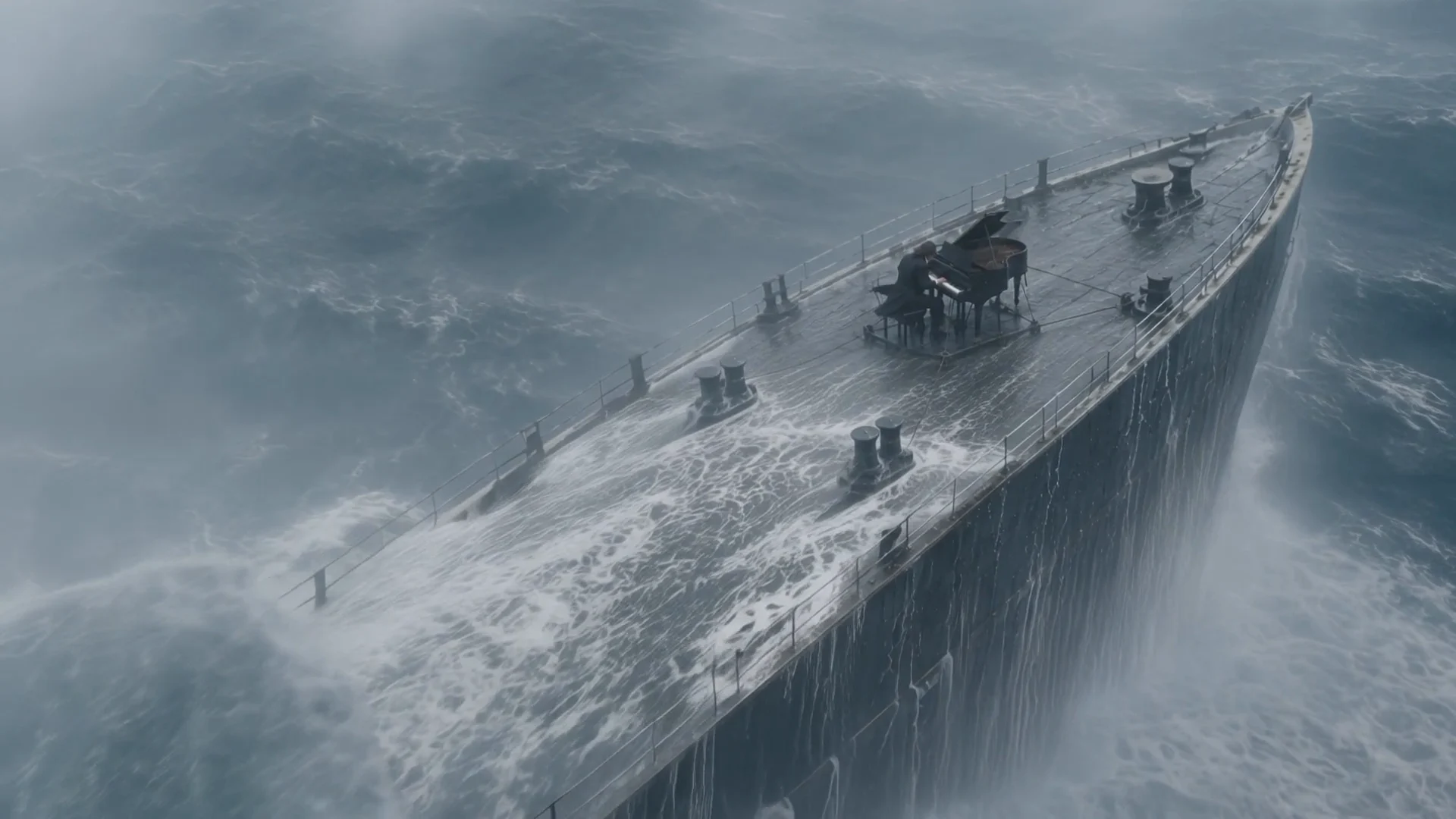
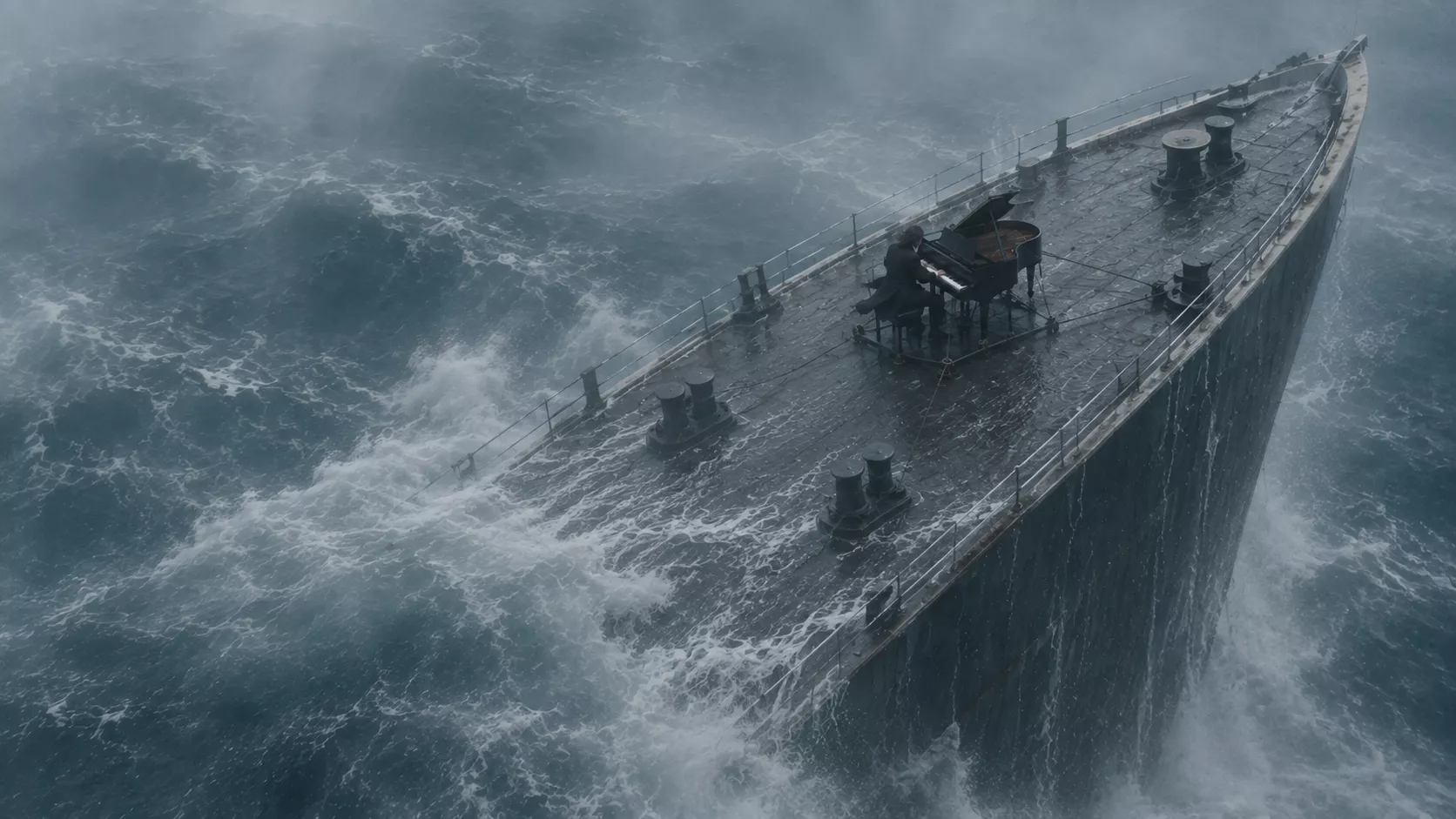
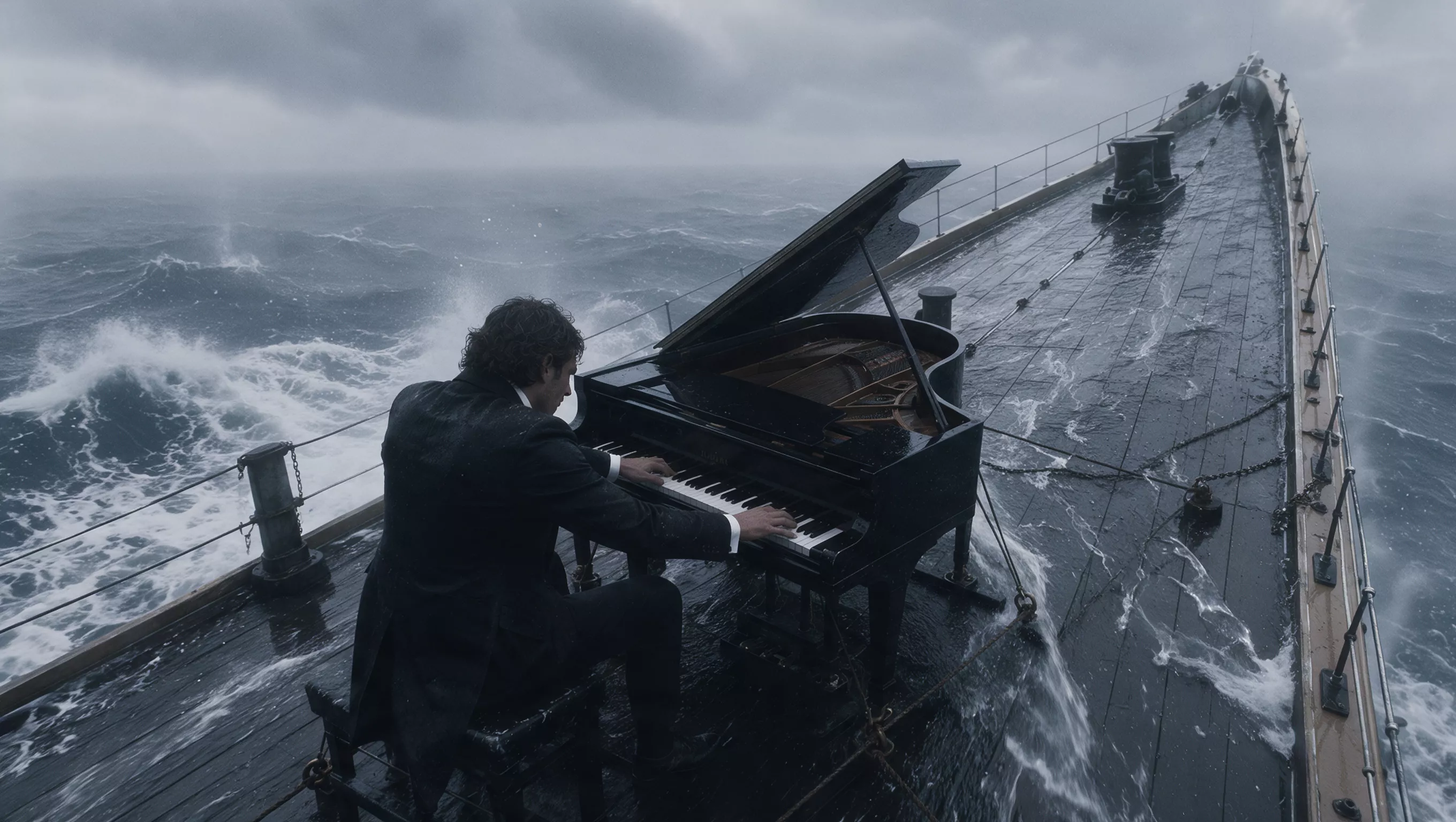
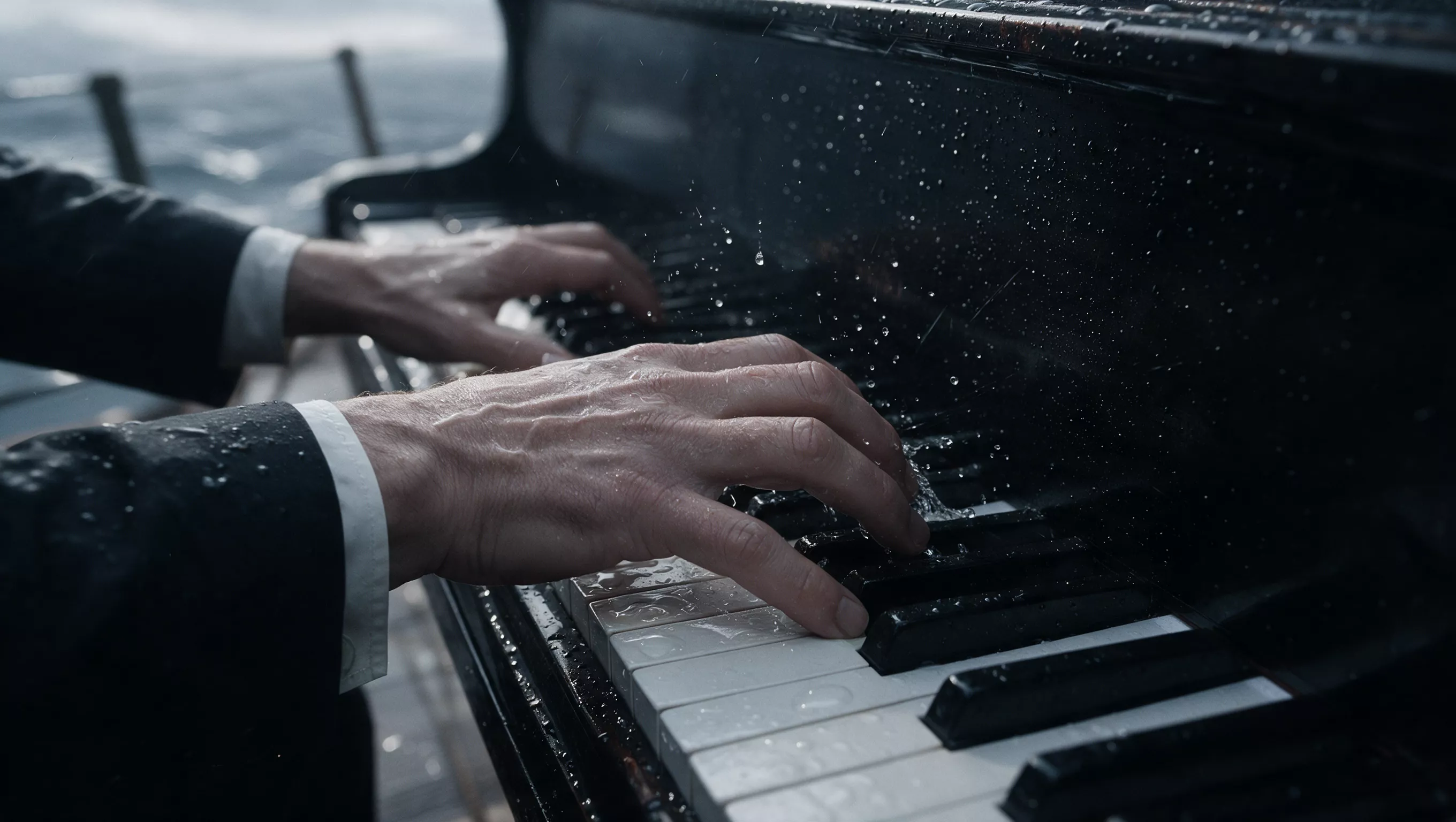
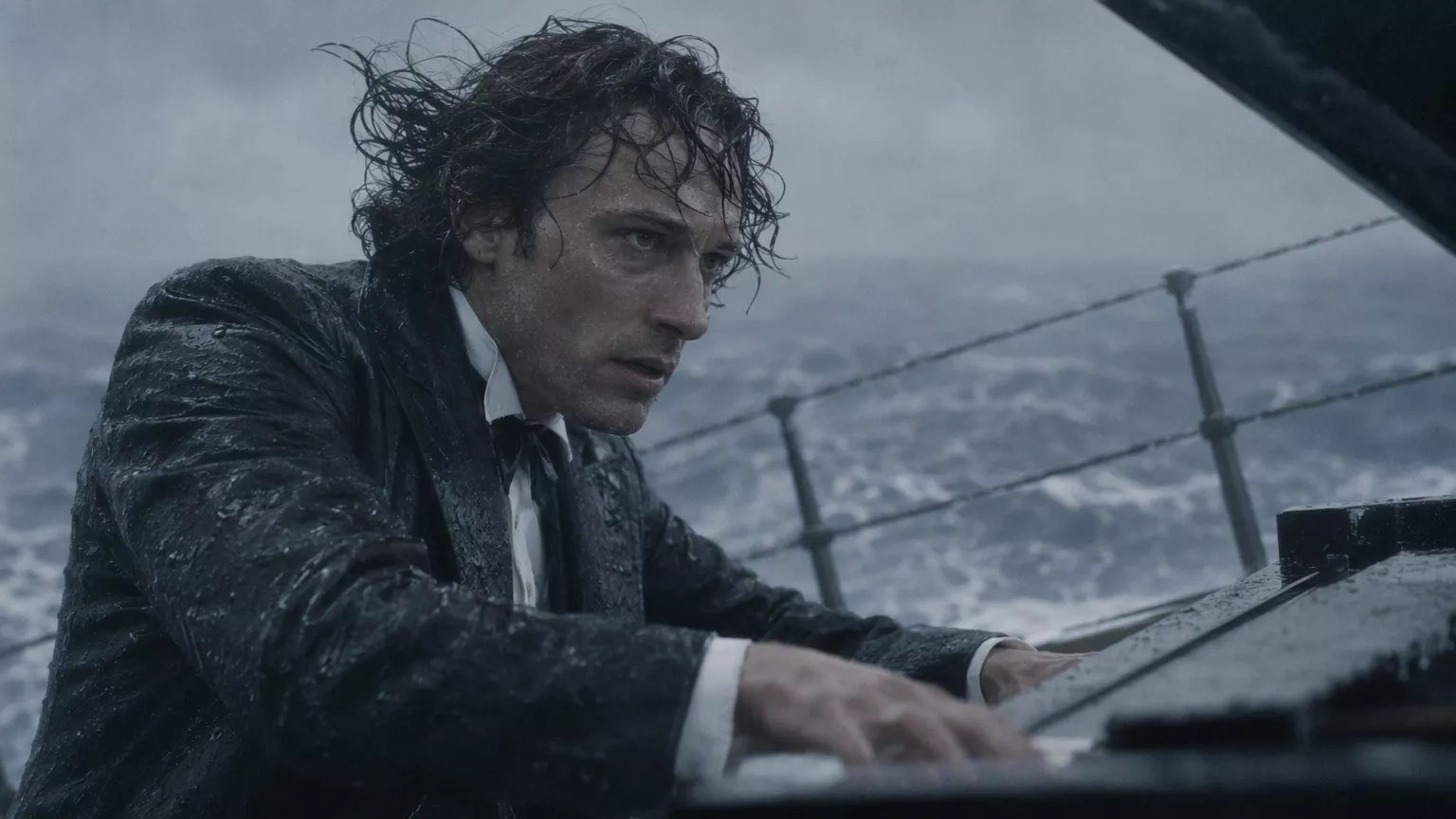
Watch for: The sequence moves from the ship in heavy seas to the pianist and his hands, then returns to a wide view.
Source: Kling AIReview before committing
Kling AI generation requires sign-in and sufficient credits. If neither version fits, compare the wider AI video workspace.
| Decision | Current fact | What to check |
|---|---|---|
| Input compatibility | Each version has its own file, count, timing, and framing limits. | Read the selected tool's limits before preparing a large set. |
| Credits and billing | 4.0 video references add their duration to the billable time; 3.0 follows tier and output seconds. | Review the updated estimate and balance, then explicitly submit one task. |
| Result review | Examples have separate model and source identities; they are not your current output. | Review the whole clip. Keep the task ID and account history if a task fails. |
Common decisions
Choose from the connected controls and source examples, then review your own complete Kling AI result.
Choose from your materials and required controls. 3.0 supports text or one still; 4.0 adds mixed references, keyframes, and a longer duration range.
No exact match is promised. Compare the complete returned clip with the brief, not merely with another model's sample or a poster frame.
Current 3.0 workflows are silent. 4.0 output can include audio, with optional reference-video audio retention. Review the returned track.
No. One is a team source-site 3.0 example; the other is an official 4.0 demo. Each is labeled with its source; neither is presented as a ZMS-generated example.
Yes. Sign in, choose a version, add valid inputs, and review the estimate before pressing Generate. Follow the task and inspect the full result.
Review the selected task estimate and ZMS AI pricing before planning a batch. Confirmed rates are distinct from a completed task's actual charge.