Holiday studio
Christmas AI
Christmas AI turns your own photo into a Christmas portrait, or a card with your own words. Pick a tool to start.

Christmas AI photos
AI Christmas Photo Generator
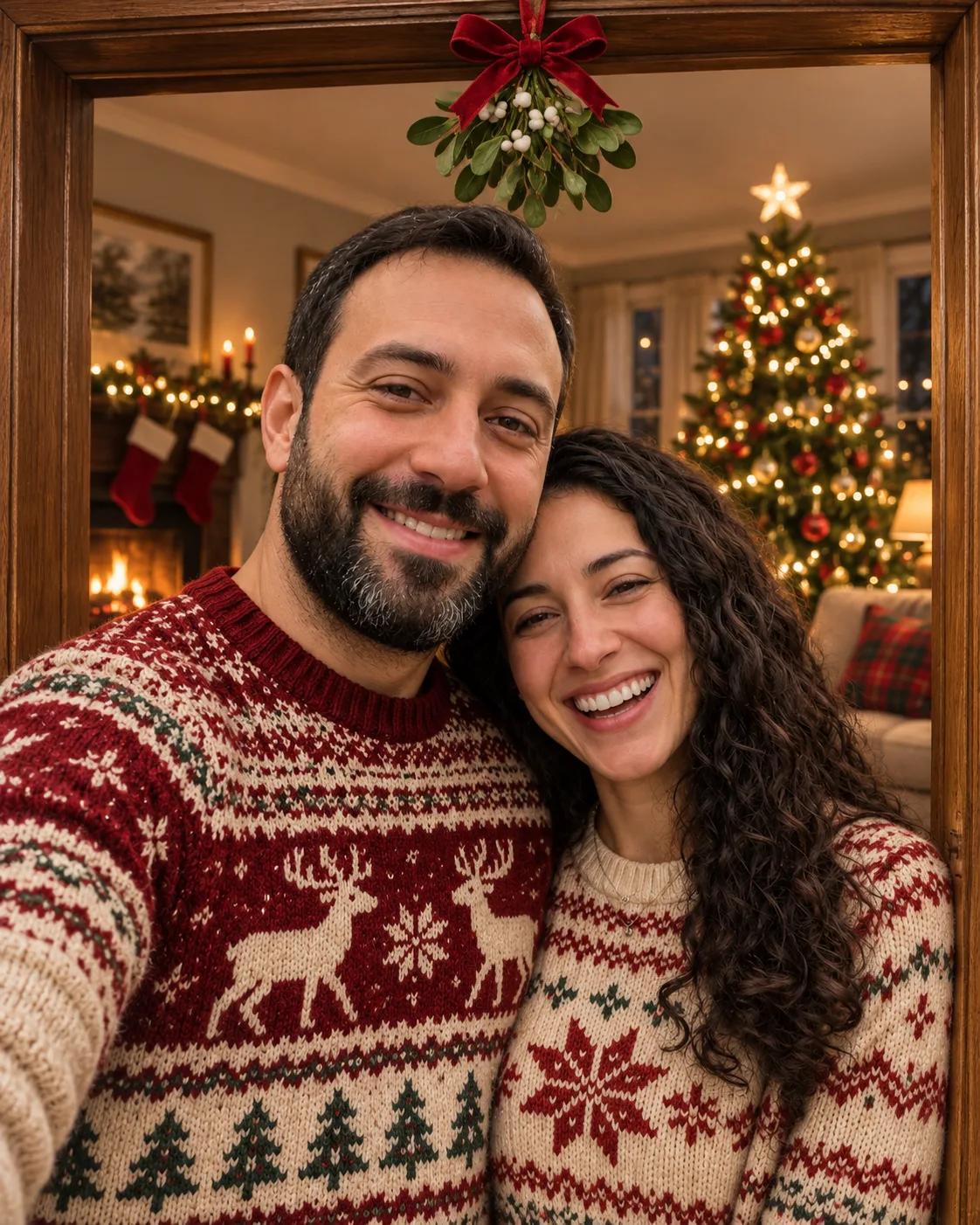
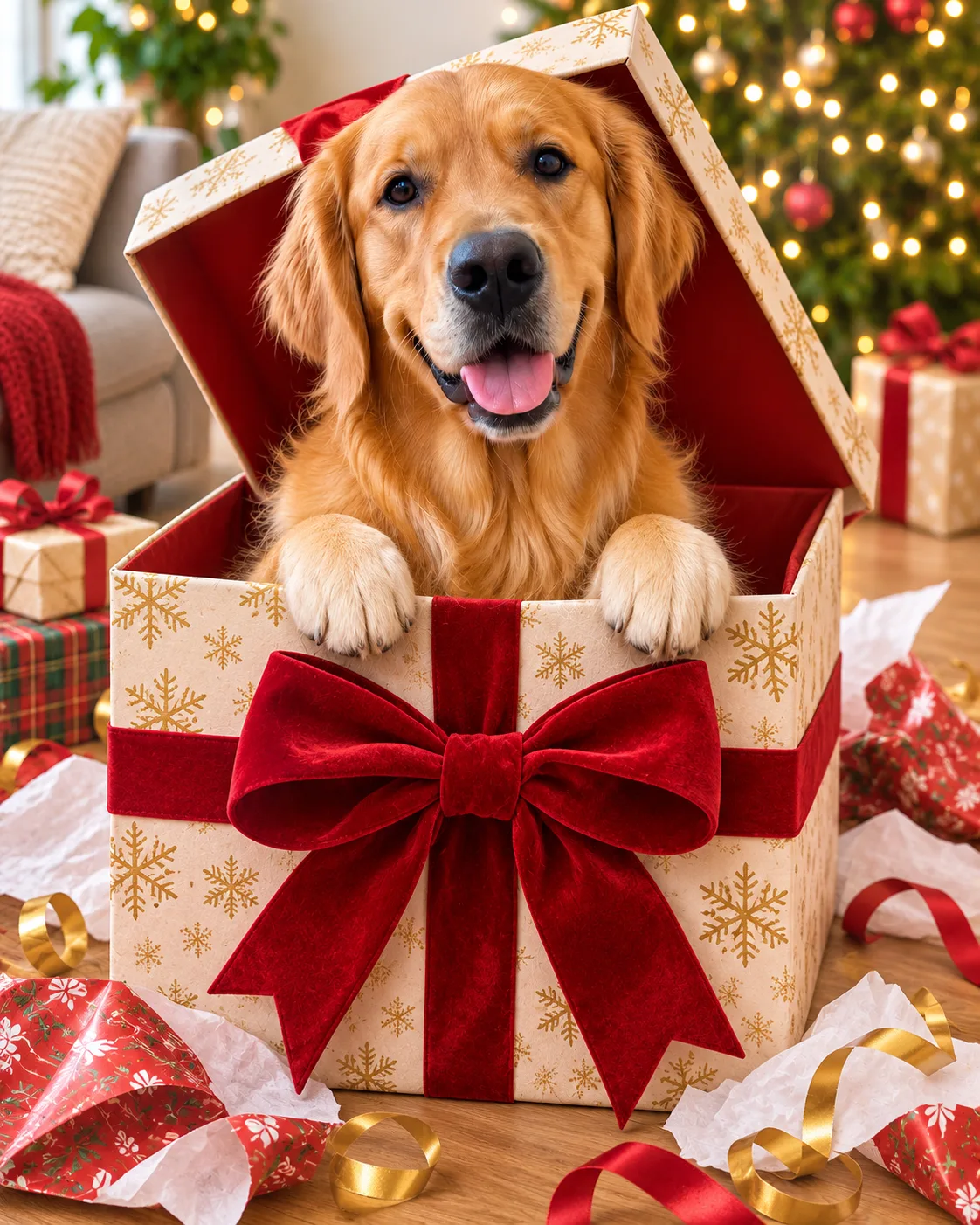
Turn a selfie, family, couple or pet photo into a Christmas AI portrait in one of 12 styles, or describe your own scene.
- From 12 credits
- Photo optional
- 1K or 2K
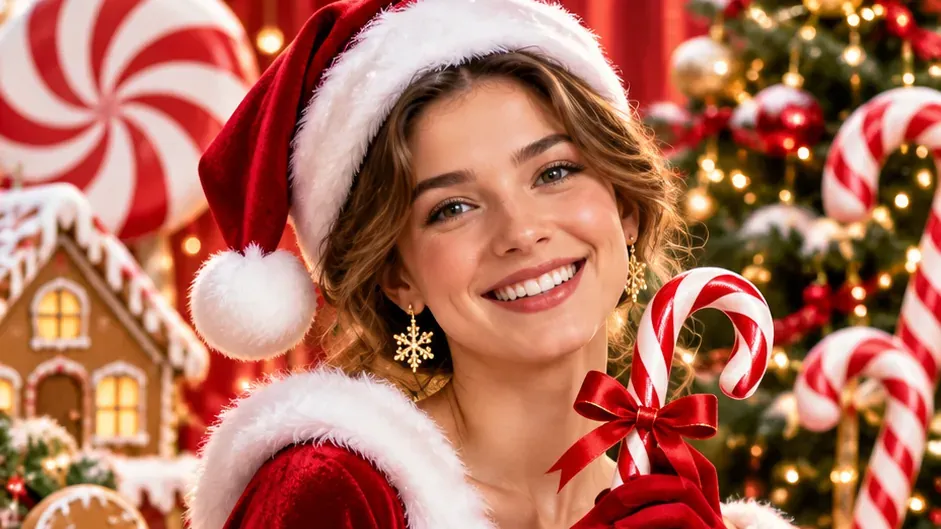
Christmas AI cards
AI Christmas Card Maker
Pick one of 6 card designs, add your photo and your greeting, and share your Christmas AI card as a link.
- From 12 credits
- Photo required
- Share link
Real results
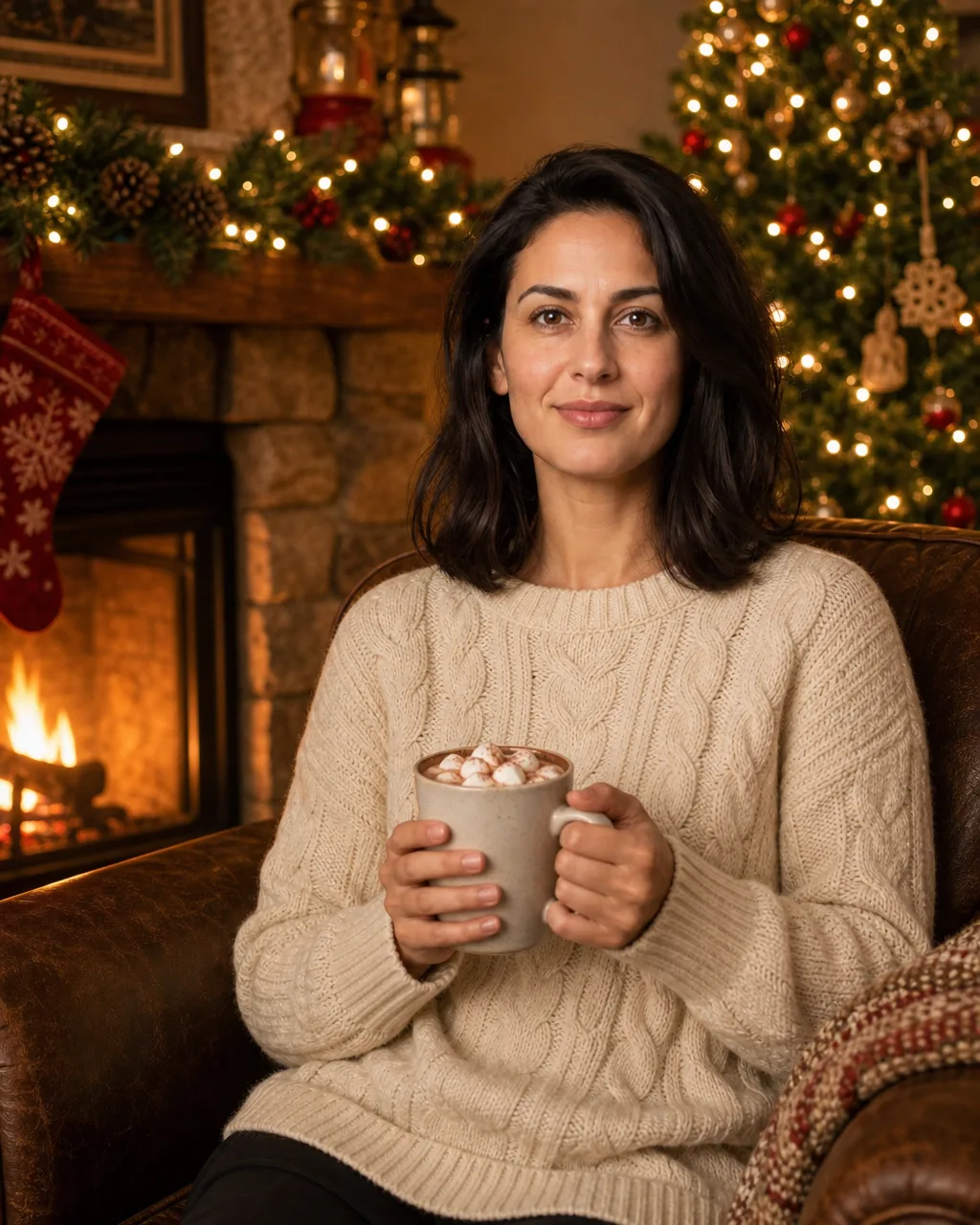
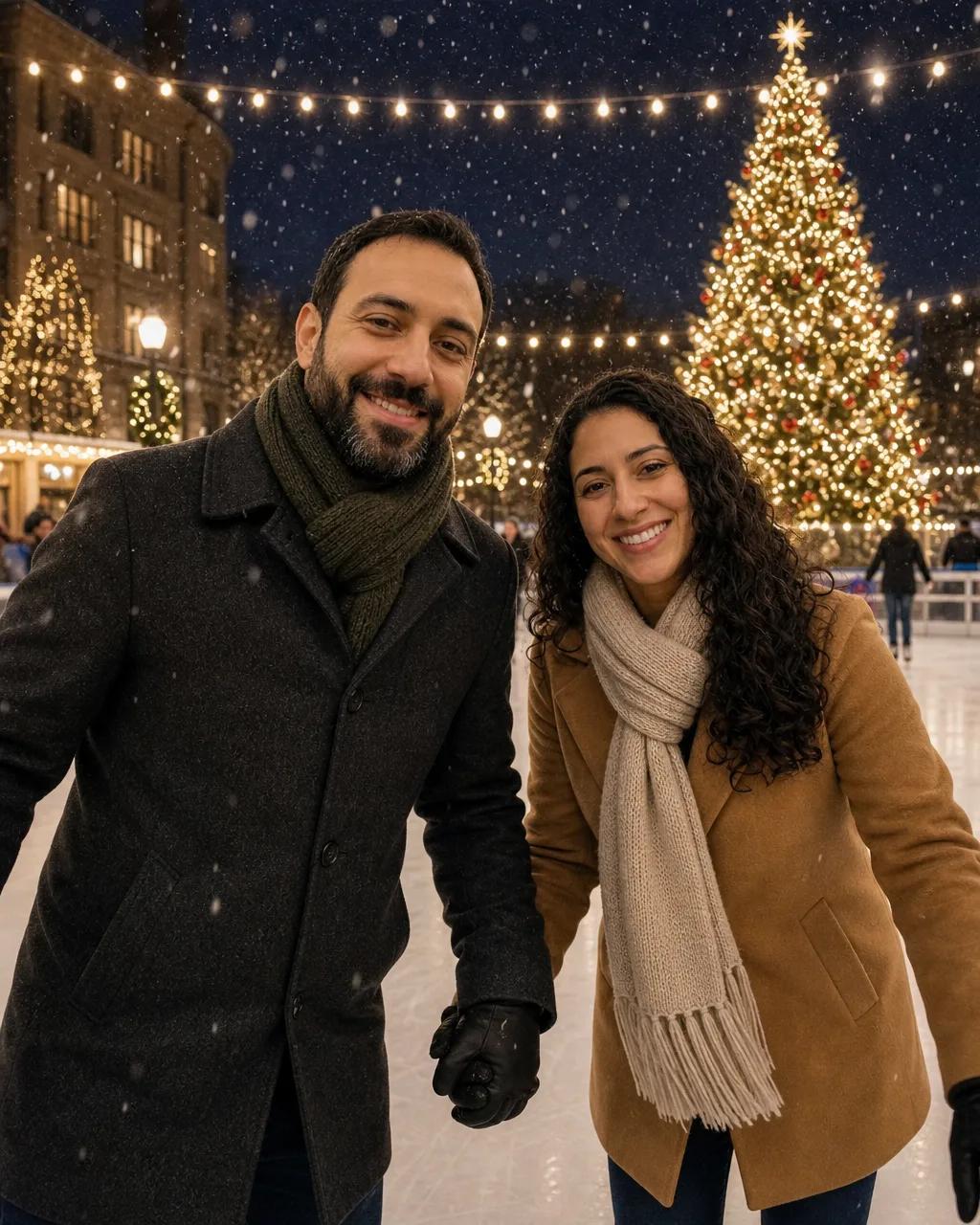
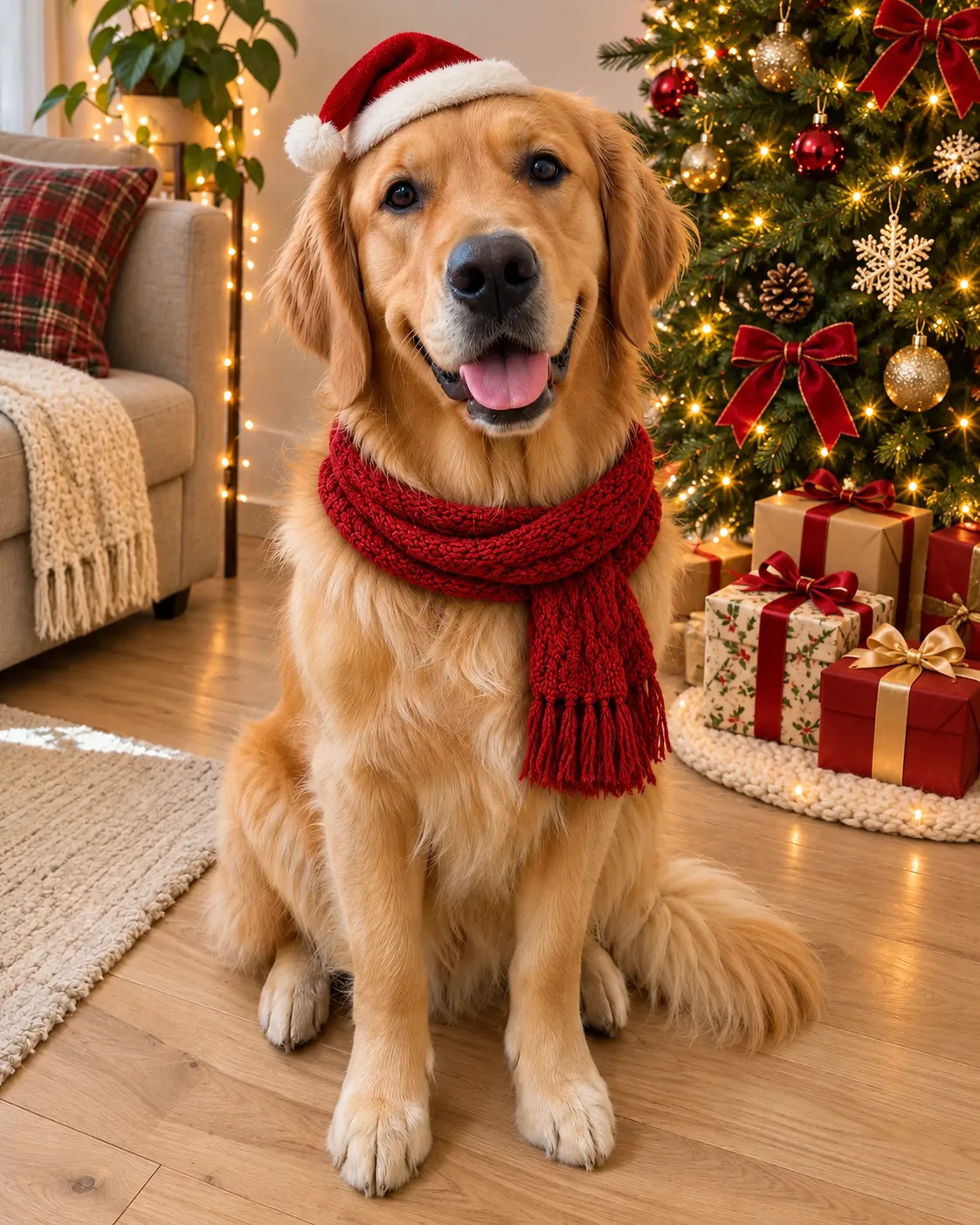
Christmas AI photos in 12 styles
Each picture is the real result of a Christmas AI style in the photo generator. Pick one to try it on your photo.
Christmas cards
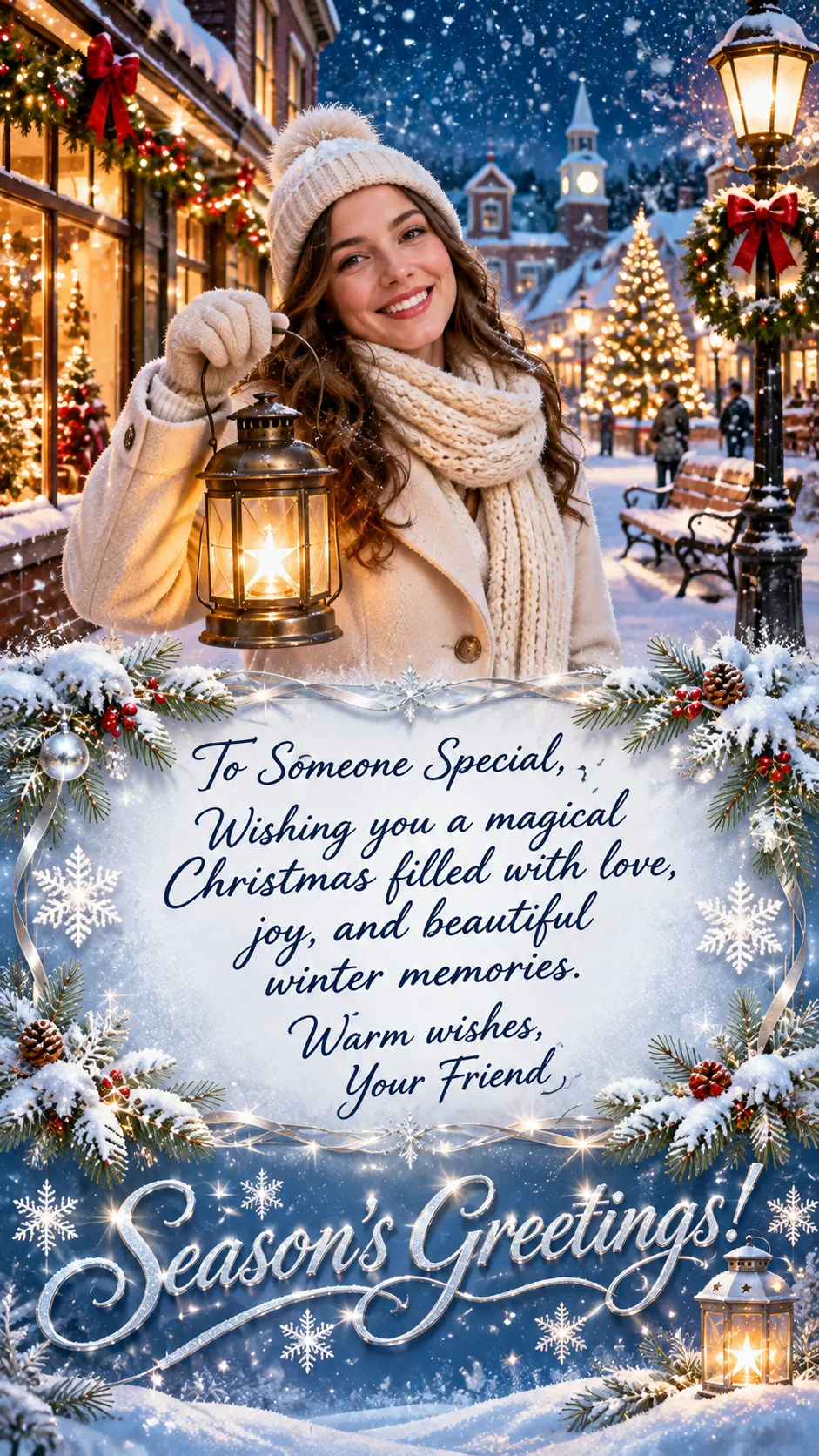
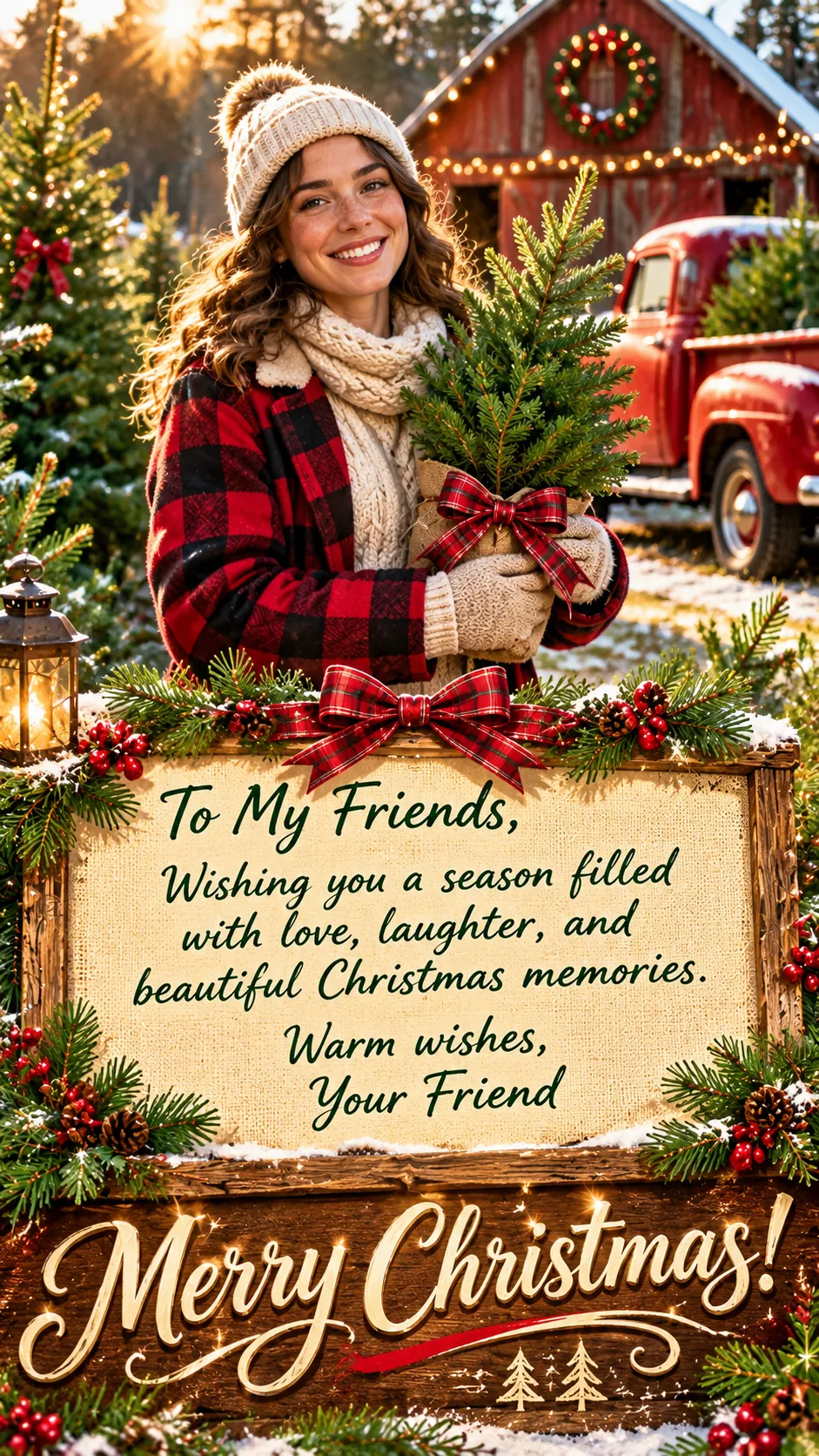
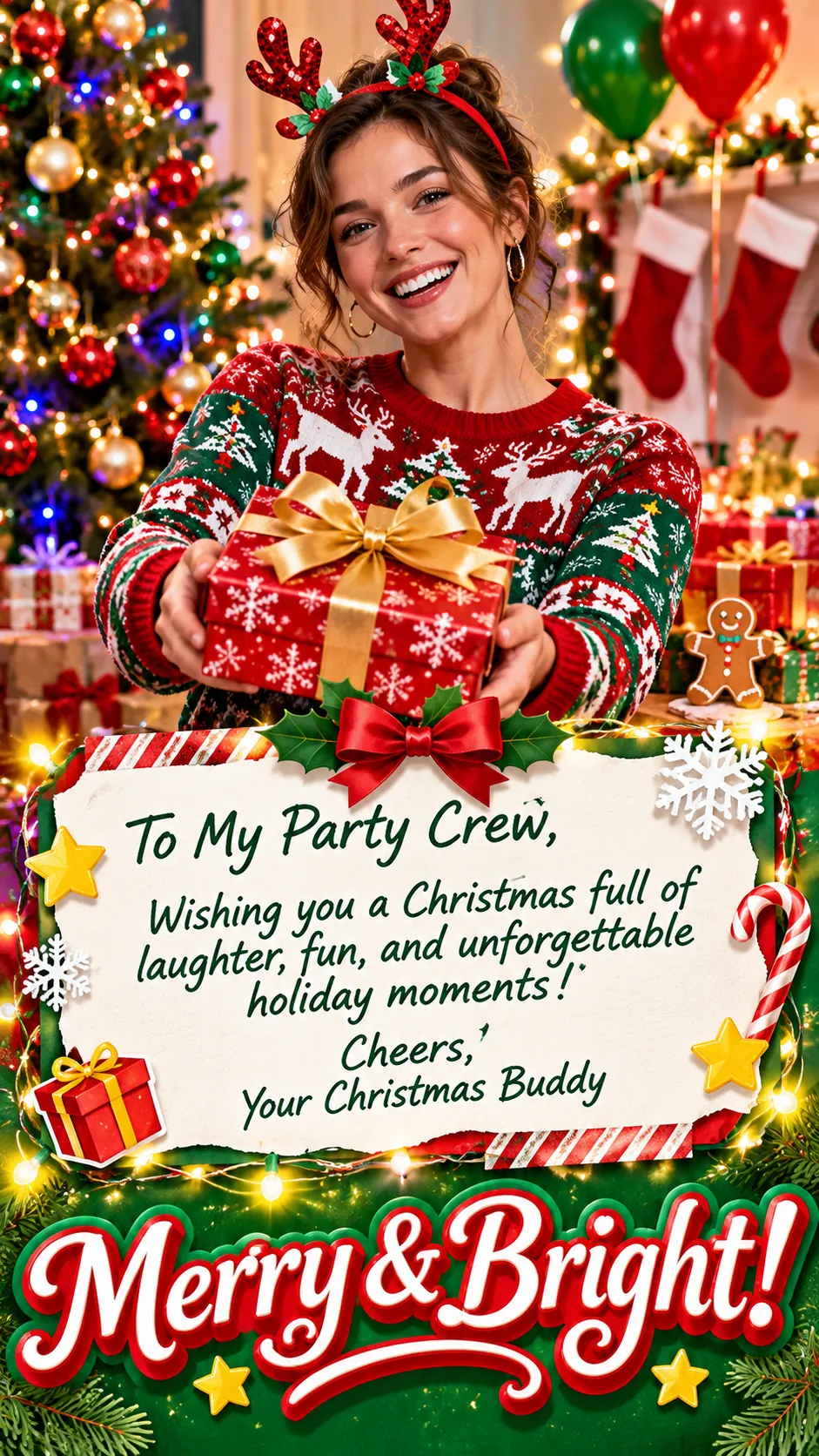
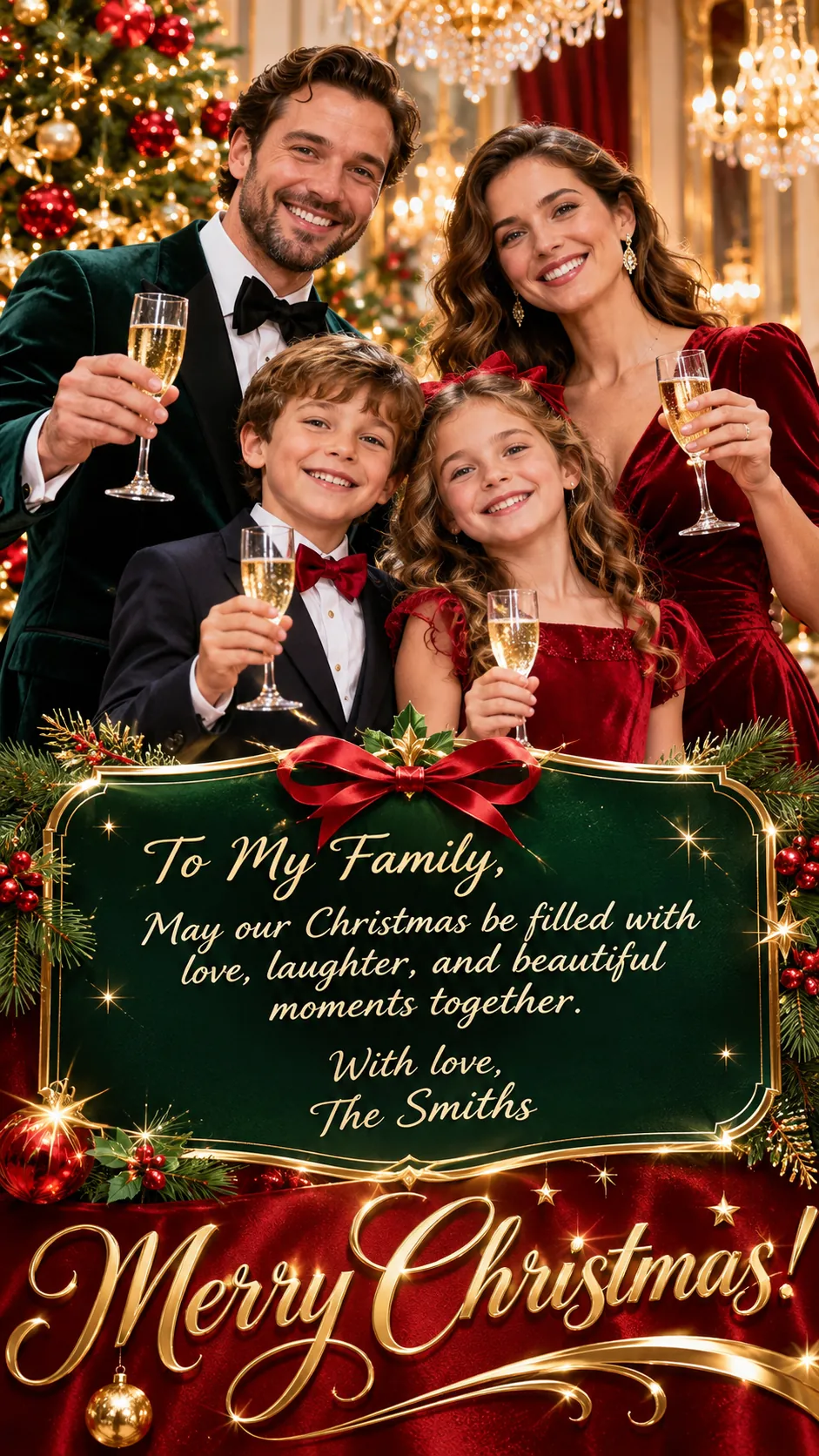
Christmas AI cards with your words
Every Christmas AI card design is shown with an example. Pick one to open the card maker with it.


How it works
How Christmas AI works
- Photo or card
Pick a tool
Choose the photo generator for a Christmas AI portrait, or the card maker for a finished card.
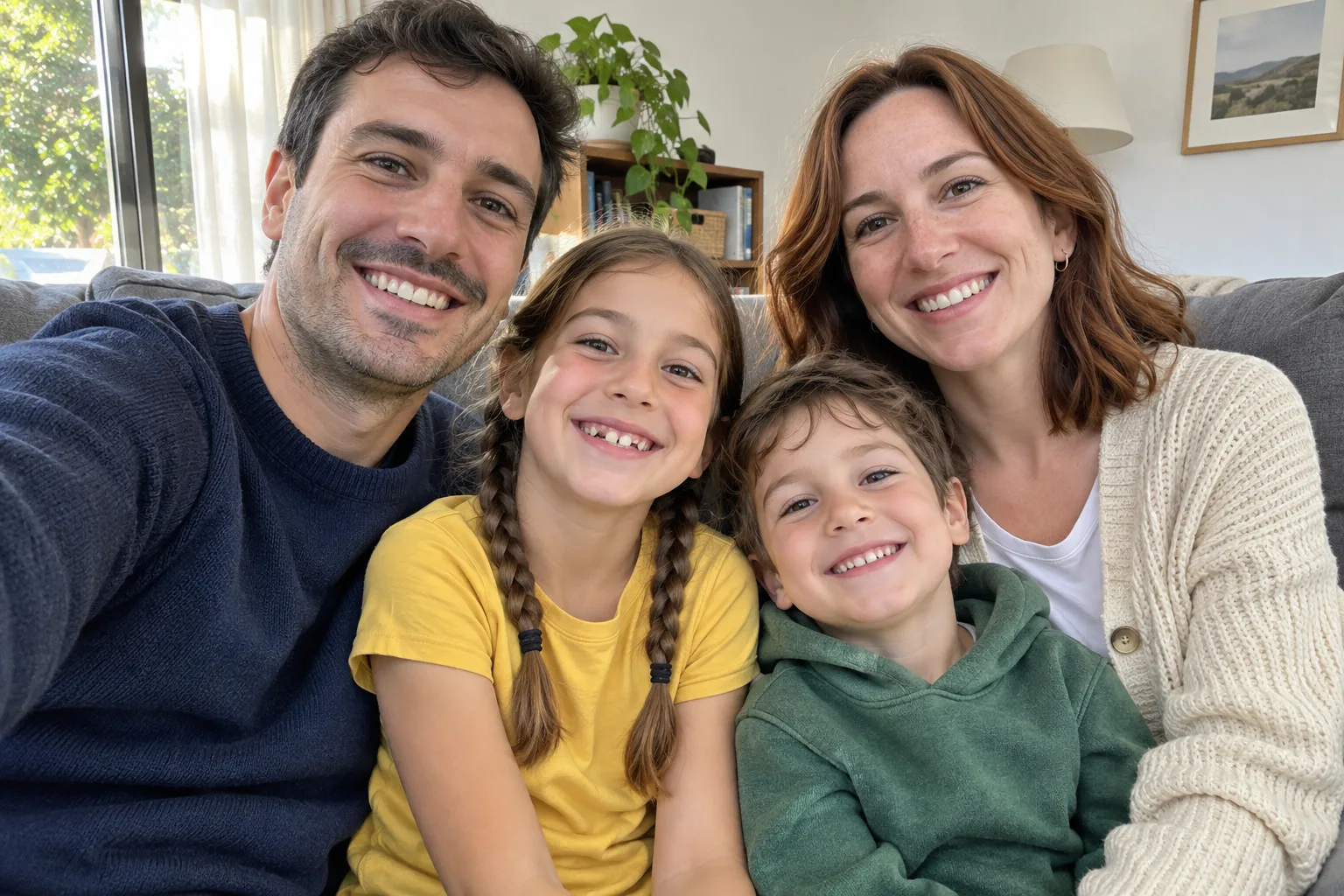 Your photo
Add your photo
A clear photo where every face is easy to see: you, a couple, your family or your pet.
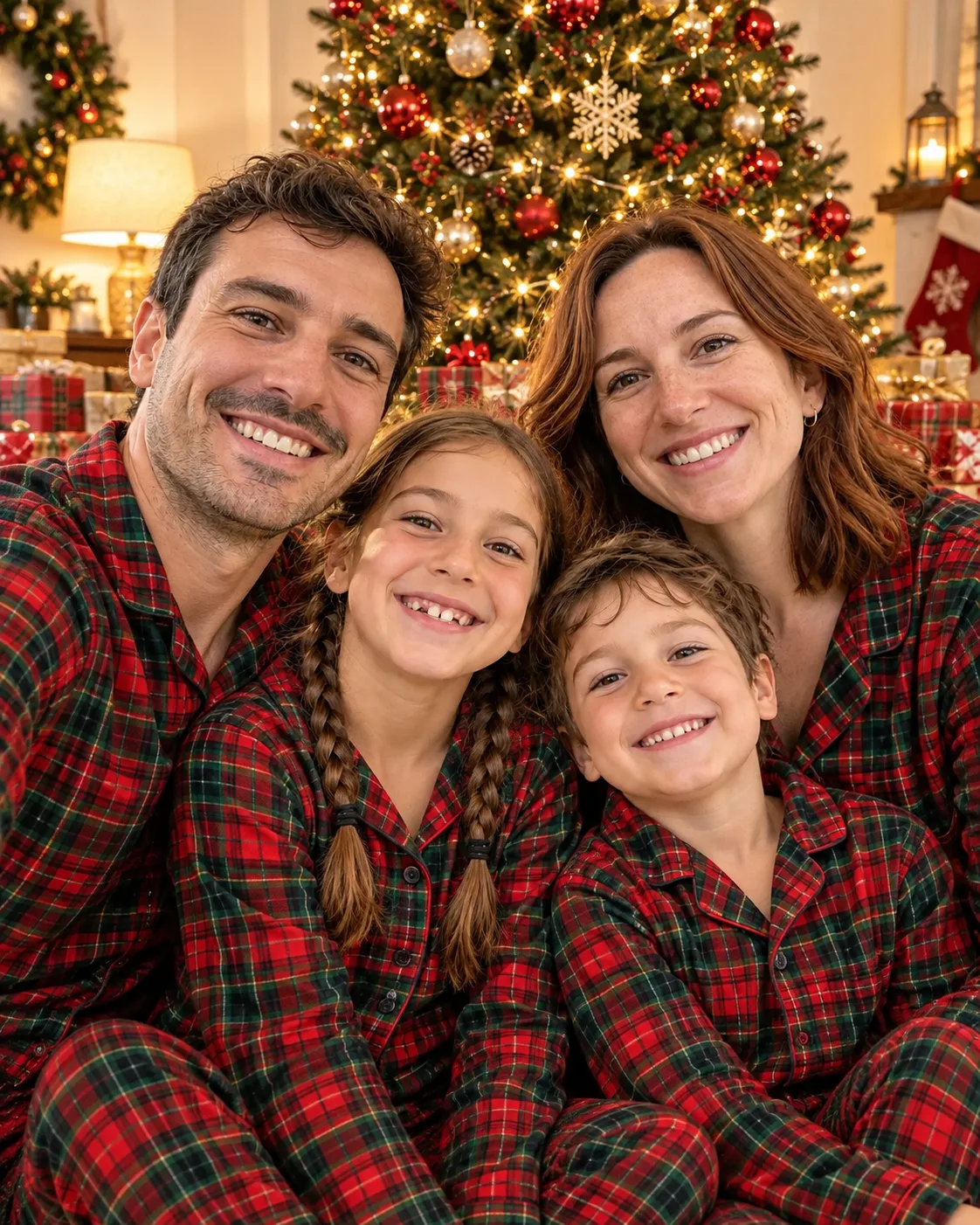 Result
Share it
A Christmas AI picture takes about a minute. Download it, or send a card as a link.
Made for the season
Where Christmas AI pictures go
About Christmas AI on ZMS AI
Christmas AI on ZMS AI is a small set of holiday tools that start from your own photo. Both run on GPT Image 2 and build the scene around the people in your picture.
A picture from a photo uses 12 credits at 1K or 20 at 2K, the better size for printing. Every Christmas AI picture is saved to My Creations, and Kling 4.0 can animate it into a greeting that moves.
Questions
Christmas AI FAQ
What is Christmas AI?
Christmas AI is two holiday tools on ZMS AI that start from your photo: the AI Christmas Photo Generator for portraits and the AI Christmas Card Maker for cards with your own words.
How much does Christmas AI cost?
A picture made from a photo uses 12 credits at 1K or 20 at 2K. The button shows the cost, and credits are only used when you press it. See credit packs.
Which photo works best for Christmas AI?
A clear, well-lit photo where every face is easy to see. Groups of up to four or five people work best.
Do I need to upload a photo?
For the card maker, yes: every design is built around the people in your photo. The photo generator can also work from your description alone.
Can Christmas AI put my own words on a card?
Yes. Each card maker design starts with a greeting, a message and a signature you can change. In the photo generator, put the words in quotes in your description.
Can Christmas AI make a video greeting?
Yes. Download your picture, open Kling 4.0, add it as the first frame, and describe the motion, such as falling snow or a wave.
Where do my Christmas AI pictures go?
Each one appears in the Tasks panel while it runs and is saved to My Creations when it finishes.

Your Christmas AI picture is a minute away
Pick a Christmas AI tool, add a photo, and see the result in about a minute.
Choose a tool