Kling 4.0 vs Seedance 2.5: Which Is Better on ZMS AI?
Kling 4.0 matches Seedance 2.5's quality in our tests at 40% of the cost, adding 1080p and keyframes, while Seedance 2.5 stands out for audio references and smoother motion.

Kling 4.0 vs Seedance 2.5: Quick Verdict
On ZMS AI, Kling 4.0 is the better default for most video projects: it costs less per second, reaches 1080p, and offers a dedicated multi-keyframe mode. Seedance 2.5 earns its place when your project depends on rich reference material, especially audio references, or when you want 480p drafts.
Both models generate videos from text and visual references, and both can combine images and videos in a single task. The real differences are price, maximum resolution, keyframe control, and what kinds of reference files each model accepts.
Comparison | Kling 4.0 | Seedance 2.5 |
|---|---|---|
Developer | Kuaishou | ByteDance |
Workflows on ZMS | Text to Video, Reference, Keyframes | Text to video, Image reference, Mixed references |
Resolutions | 720p, 1080p | 480p, 720p |
Duration | 3–30 seconds | 4–30 seconds |
720p price | 20 credits/second | 50 credits/second |
Mixed image + video references | Yes | Yes |
Audio references | No | Yes |
Keyframe control | Up to 10 keyframes | Not available |
Audio option | Yes | No separate audio switch |
Best for | Cost-efficient, high-resolution, planned sequences | Reference-heavy projects with images, video, and audio |
This comparison reflects the settings and credit rates shown in the ZMS AI workspace at the time of writing.
What Are Kling 4.0 and Seedance 2.5?
Kling 4.0
Kling 4.0 is an AI video model from Kuaishou. On ZMS, it offers three workflows:
Text to Video – generate a scene from a written prompt.
Reference – guide the result with images and videos in the same task.
Keyframes – supply ordered images that mark important moments in the sequence.
The Keyframes mode is what sets Kling 4.0 apart. It lets you plan how a shot develops instead of describing every change in text.
Seedance 2.5
Seedance 2.5 is an AI video model from ByteDance, which advertises joint audio-video generation as one of its core capabilities. On ZMS, it offers three workflows:
Text to video – generate a scene from a written prompt.
Image reference – animate a single reference image.
Mixed references – combine reference images, reference videos, and reference audio in one task.
Mixed references is Seedance 2.5's standout workflow. It is the only option of the two that accepts audio files as references.
New to Seedance? Our How to Use Seedance 2.5 on ZMS AI guide walks through each workflow step by step.
Credit Costs: Kling 4.0 Is Significantly Cheaper
At 720p, Kling 4.0 costs 20 credits per second and Seedance 2.5 costs 50, so the same clip on Seedance uses 2.5 times as many credits. Kling 4.0 at 720p is even cheaper than Seedance 2.5 at 480p, and Kling's 1080p rate matches Seedance's 480p rate.
Resolution | Kling 4.0 | Seedance 2.5 |
|---|---|---|
480p | Not available | 25 credits/second |
720p | 20 credits/second | 50 credits/second |
1080p | 25 credits/second | Not available |
Here is what common generations cost without video references:
Generation | Kling 4.0 | Seedance 2.5 |
|---|---|---|
5 seconds, 720p | 100 credits | 250 credits |
10 seconds, 720p | 200 credits | 500 credits |
10 seconds, best available resolution | 250 credits (1080p) | 500 credits (720p) |
30 seconds, 720p | 600 credits | 1,500 credits |
Cost With Video References
Both models charge more when you add reference videos.
Kling 4.0 switches to a higher rate: 25 credits per second at 720p and 35 at 1080p. It bills the output duration plus the reference-video duration, rounded up once. A 5-second 720p video with 3.2 seconds of reference footage is billed as 9 seconds, or 225 credits.
Seedance 2.5 also raises the estimate when reference videos are added in Mixed references mode. Check the live estimate on the Generate button before you run the task.
Tip: Start with a short, low-resolution test. On Seedance 2.5, a 4-second 480p draft costs 100 credits, while a 4-second 720p version costs 200.
Resolution and Duration
Kling 4.0 is the only one of the two that outputs 1080p on ZMS. Seedance 2.5 tops out at 720p but adds a 480p option for drafts.
Setting | Kling 4.0 | Seedance 2.5 |
|---|---|---|
480p | – | Yes |
720p | Yes | Yes |
1080p | Yes | – |
Minimum duration | 3 seconds | 4 seconds |
Maximum duration | 30 seconds | 30 seconds |
When 1080p matters: product pages, presentations, ads, and footage you plan to edit into a larger video. Resolution alone does not guarantee quality, so still check motion, subject consistency, and artifacts in the output.
When 720p or 480p is enough: social drafts, storyboards, and early concept tests. Here, Seedance 2.5's 480p option helps you iterate before committing to a full-price run.
Reference Inputs: Kling Reference vs Seedance Mixed References
Both models let you combine images and videos in one task. Seedance 2.5 goes one step further by also accepting audio references, while Kling 4.0 sets clearer limits on how much reference material you can add.
Kling 4.0 Reference Mode
Kling 4.0's Reference mode accepts up to 10 PNG or JPEG images and up to 5 MP4 or MOV videos, with a combined reference-video length of 30 seconds. You can mix both types in one task, for example:
A product photo to fix the subject's appearance.
A location photo to set the environment.
A short clip to show the camera move you want.
Your prompt then explains how the references should work together.
Seedance 2.5 Mixed References Mode
Seedance 2.5's Mixed references mode has three upload slots: reference images, reference videos, and reference audio. The prompt describes how each reference should guide the scene.
Audio references are the key difference. If you want a video to follow a particular sound, rhythm, or piece of audio, Seedance 2.5 is the only one of the two that can take it as input.
Seedance 2.5 also has a separate Image reference mode that takes a single image. Use it when you simply want to animate one picture.
What you need | Better fit |
|---|---|
Images and videos in one task | Both |
Audio as a reference | Seedance 2.5 |
Animate one image quickly | Seedance 2.5 (Image reference) |
Lower cost with video references | Kling 4.0 |
Verdict: Seedance 2.5 accepts more kinds of reference material. Kling 4.0 covers image-and-video references at a much lower credit cost.
Keyframes: A Kling 4.0 Exclusive on ZMS
Kling 4.0 is the only one of the two with keyframe control on ZMS. Seedance 2.5 currently has no first-frame, last-frame, or multi-keyframe workflow in the workspace.
In Kling 4.0's Keyframes mode, you provide:
A required first frame.
Up to 8 optional middle frames.
An optional final frame.
The total cannot exceed 10 keyframes or the output duration plus one, whichever is smaller. A 5-second video, for example, can use up to 6 keyframes.
This suits any shot that must follow a plan. A product video might open on a wide view, move closer, and end on a detail shot, with each stage set by an image rather than described in text.
If your project needs a defined start and end point, or several fixed moments in between, choose Kling 4.0.
Audio
The two models handle audio differently. Kling 4.0 gives you an audio option in its generation settings. Seedance 2.5 has no separate audio switch on ZMS, but it is the only one that accepts audio files as references, through Mixed references mode.
ByteDance advertises joint audio-video generation for Seedance 2.5. Kling 4.0 users can decide per task whether to include audio.
An audio option alone does not tell you how good the sound will be. If audio matters to your video, generate a short sample with each model and check:
Does the sound match the action on screen?
Does it stay consistent from start to finish?
Do ambient sounds feel natural?
Is the result usable for speech or dialogue, if you need it?
Hands-On Tests: Same Prompts on Both Models
We ran three matched tests on ZMS, using the same prompt, reference files, and settings on each model. The first two compare like-for-like workflows; the third shows how much shot control each model offers.
Test | Kling 4.0 | Seedance 2.5 | Kling cost | Seedance cost |
|---|---|---|---|---|
1. Night market vendor | Text to Video | Text to video | 100 credits | 250 credits |
2. Sneaker on a rooftop | Reference (2 images) | Mixed references (2 images) | 100 credits | 250 credits |
3. Vintage camera push-in | Keyframes (3 frames) | Image reference (first frame only) | 120 credits | 300 credits |
Test 1: Text to Video – Night Market Food Vendor
Settings (both models): Text to video · 5 seconds · 720p · 16:9
Prompt: A street vendor at a night market flips a scallion pancake on a sizzling griddle. Steam rises under warm string lights, and the handheld camera slowly pushes in.
What we checked: hand and food motion during the flip, how the steam and lighting behave, and whether every element of the prompt appears.
Kling 4.0: Completed the full flip. The pancake leaves the griddle, turns over, and lands browned side up under dense steam while the camera pushes in. The pancake blurs and loses its shape briefly in mid-air, and it looks slightly thicker after landing.
Seedance 2.5: Also completed a clean flip and landed the pancake golden side up. The lighting and push-in feel more cinematic, though the camera crops out the vendor's face and adds sesame seeds the prompt did not mention.
Edge: Close call. Seedance 2.5 looks a little more polished, while Kling 4.0 delivers a comparable clip for 100 credits instead of 250.
Test 2: Image References – Sneaker on a Rooftop
Settings (both models): 5 seconds · 720p · 16:9
References: a product photo of a white sneaker and a photo of a city rooftop at dusk. Kling 4.0 uses Reference mode; Seedance 2.5 uses Mixed references with images only.
Prompt: Place the sneaker from the first image on the rooftop from the second image. The camera slowly orbits the sneaker as the city lights come on behind it.
What we checked: whether the sneaker's shape, laces, and sole stay faithful to the photo, whether the rooftop setting carries over, and how smoothly the camera orbits the subject.
Kling 4.0: Delivered the orbit the prompt asked for. The camera circles the sneaker as the skyline lights switch on, and the shoe's shape, laces, and sole stay consistent as new angles appear. Extra rooftop details, such as a door and wall lamp, come into view as the camera turns.
Seedance 2.5: Kept the sneaker and rooftop stable from start to finish, with convincing wet-floor reflections and city lights that come on gradually. However, the camera barely moves: a slight drift, not an orbit.
Edge: Kling 4.0, for following the camera instruction. Seedance 2.5 is a safe choice when a near-static product shot is enough.
Test 3: Shot Control – Vintage Camera Push-In
Settings (both models): 6 seconds · 720p · 16:9
Kling 4.0 input: three ordered keyframes – a top-down wide shot of a wooden desk with a vintage film camera, a 45-degree medium shot, and a macro close-up of the lens.
Seedance 2.5 input: the first keyframe only, in Image reference mode, with a prompt describing the same move: the camera tilts from overhead to a side angle and pushes in to a close-up of the lens.
What we checked: whether the video ends on the intended close-up, and whether the camera stays consistent during the move.
Kling 4.0 (3 keyframes): Reached both planned stages, the side angle and the lens close-up, which Seedance 2.5 did not. The transition from the first to the second keyframe is the weak point: the camera briefly rotates into an unnatural position, and the strap color and background change. Keep your keyframe images closely matched, because differences between them carry into the video.
Seedance 2.5 (first frame only): Produced the smoothest, most consistent move of all six clips: a continuous push-in from overhead to a macro close-up of the lens, with the camera and strap unchanged. It never tilted to the side angle the prompt described.
Edge: Split. Keyframes got Kling 4.0 to the exact shots we planned; Seedance 2.5 gave cleaner motion but chose its own path.
Test Results
Neither model won outright. Seedance 2.5 produced the most polished and stable footage, especially in Test 3. Kling 4.0 followed camera directions more closely: it was the only model to orbit the sneaker and, through keyframes, the only one to reach every planned shot.
Test | Stronger result |
|---|---|
1. Night market vendor | Tie |
2. Sneaker on a rooftop | Kling 4.0 (followed the orbit) |
3. Vintage camera push-in | Split: Kling 4.0 for shot control, Seedance 2.5 for smoothness |
Seedance 2.5 costs 2.5 times as much, but that did not translate into a clear quality lead. For most projects, Kling 4.0 delivers comparable footage for far fewer credits. Seedance 2.5 is worth the extra credits when polish and stable motion matter more than precise camera direction.
Which Model Fits Your Project?
Project | Recommended model | Why |
|---|---|---|
Product videos and ads | Kling 4.0 | 1080p output, keyframes for planned shots, lower cost |
High-volume social content | Kling 4.0 | 20 credits/second at 720p keeps repeat runs affordable |
Storyboarded or multi-stage shots | Kling 4.0 | Up to 10 keyframes; Seedance has no keyframe mode |
Music-driven or sound-led videos | Seedance 2.5 | Accepts audio files as references |
Projects with many mixed references | Seedance 2.5 | Images, videos, and audio in one task |
Animating a single image quickly | Seedance 2.5 | Dedicated Image reference mode |
Cheap low-resolution drafts | Either | Seedance offers 480p; Kling 720p is still cheaper per second |
Comparing other options? See how Seedance 2.5 stacks up in Wan 3.0 vs Seedance 2.5 and MiniMax H3 vs Seedance 2.5.
Frequently Asked Questions
Is Kling 4.0 better than Seedance 2.5?
For most projects on ZMS, yes: Kling 4.0 is cheaper, supports 1080p, and offers keyframes. Seedance 2.5 is the better pick when you need audio references or want to combine many kinds of reference files.
Which model is cheaper on ZMS?
Kling 4.0. At 720p it costs 20 credits per second versus 50 for Seedance 2.5, so a 5-second 720p clip costs 100 credits on Kling and 250 on Seedance. Both models cost more when you add reference videos.
Which model supports higher resolution?
Kling 4.0 supports up to 1080p. Seedance 2.5 supports 480p and 720p.
Can both models combine image and video references?
Yes. Kling 4.0 does this in Reference mode, and Seedance 2.5 does it in Mixed references mode. Seedance 2.5 can also add audio references in the same task.
Does Seedance 2.5 support keyframes or first and last frames?
Not on ZMS at the moment. Keyframe control is available only in Kling 4.0, which accepts a first frame, up to 8 middle frames, and an optional final frame.
Can both models generate audio?
Kling 4.0 has an audio option in its settings. Seedance 2.5 has no separate audio switch on ZMS, though ByteDance advertises joint audio-video generation and it accepts audio references. Test both if sound quality matters to your project.
How long can videos be?
Kling 4.0 generates 3 to 30 seconds and Seedance 2.5 generates 4 to 30 seconds.
Final Verdict: Kling 4.0 or Seedance 2.5?
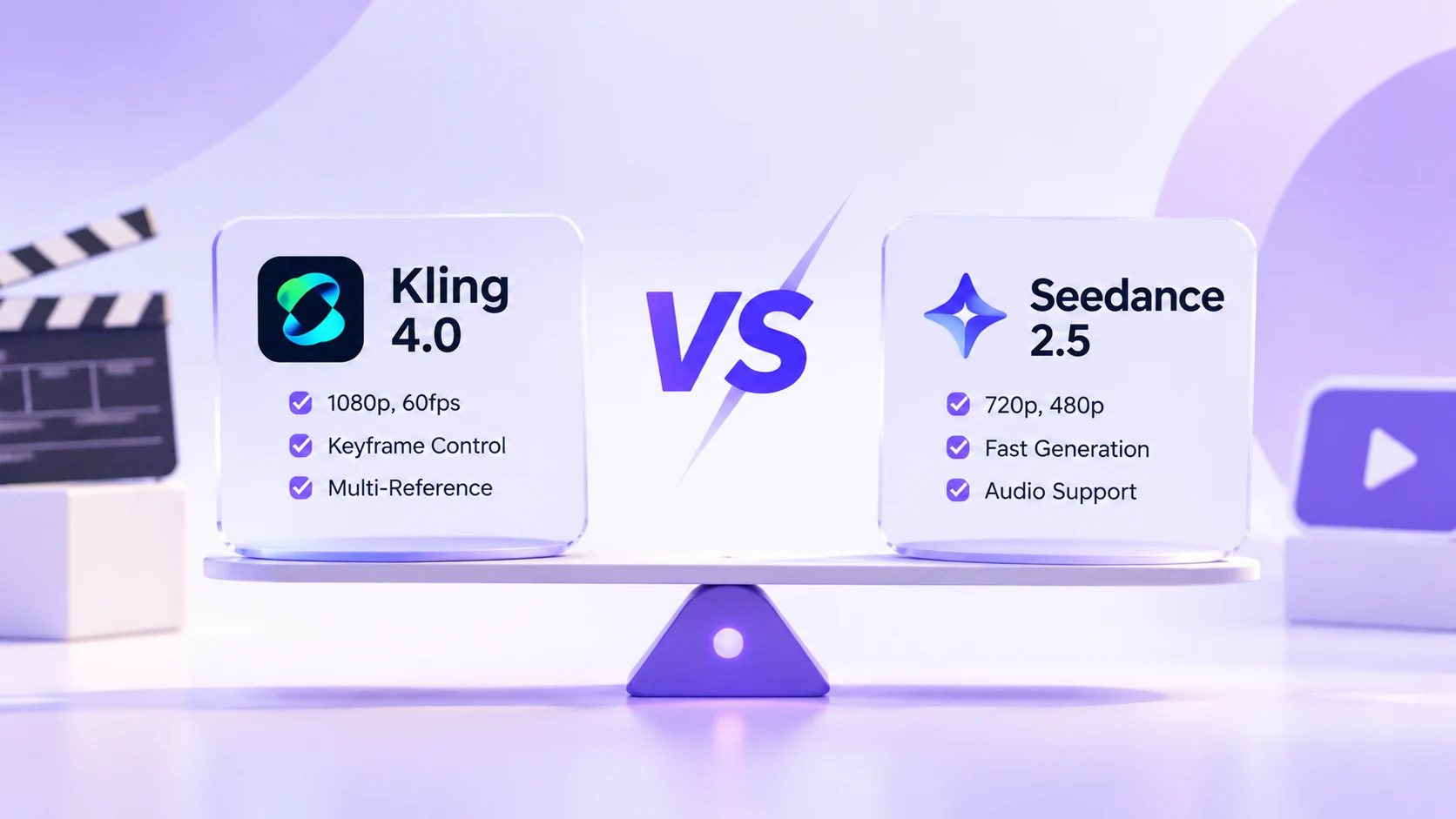
Choose Kling 4.0 for most projects on ZMS. It costs 60% less per second at 720p, is the only one with 1080p output, and is the only one with keyframe control.
Choose Seedance 2.5 when references drive the project, especially audio. Its Mixed references mode takes images, videos, and audio together, and its 480p option suits quick drafts.
Visual and audio quality still depend on your prompt and source material. The fastest way to decide is to run one short test with your own content on each model, then compare the results side by side.