Fast Video Generation
Explore short drafts with Turbo, which uses fewer output credits than Max at matching settings. Generation time varies with the task and service demand.
Create with MiniMax H3 Max or Turbo in one video workspace. Start with text, a first frame, or image-led references in Max, then choose your clip length, resolution, and scene direction.
Loading generator…
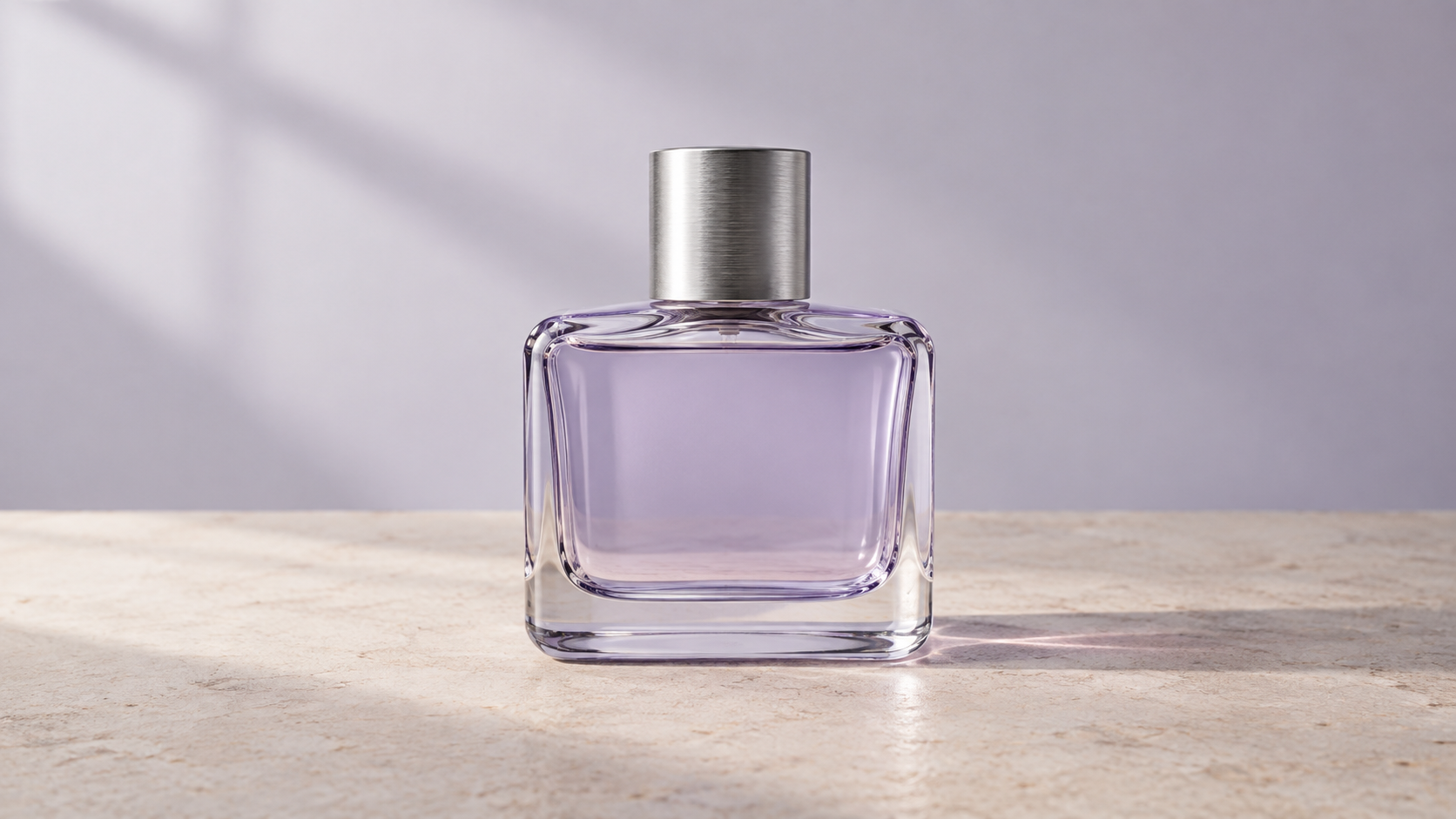
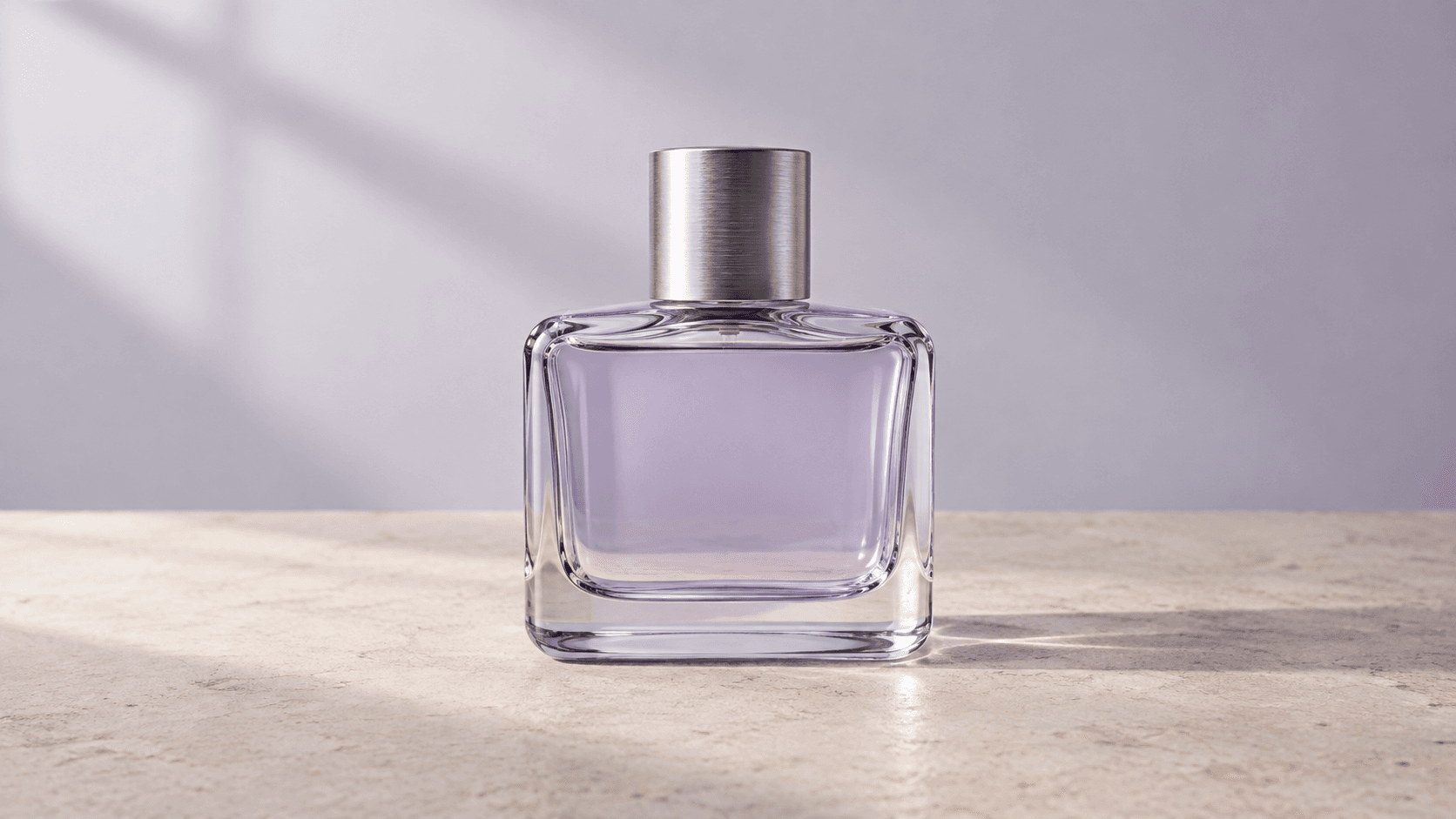
These MiniMax H3 Max examples were generated on ZMS AI. Inspect the perfume shot with its original input, then compare Max and Turbo using the same gallery prompt. Open a card to copy its prompt or load the recorded inputs and settings.
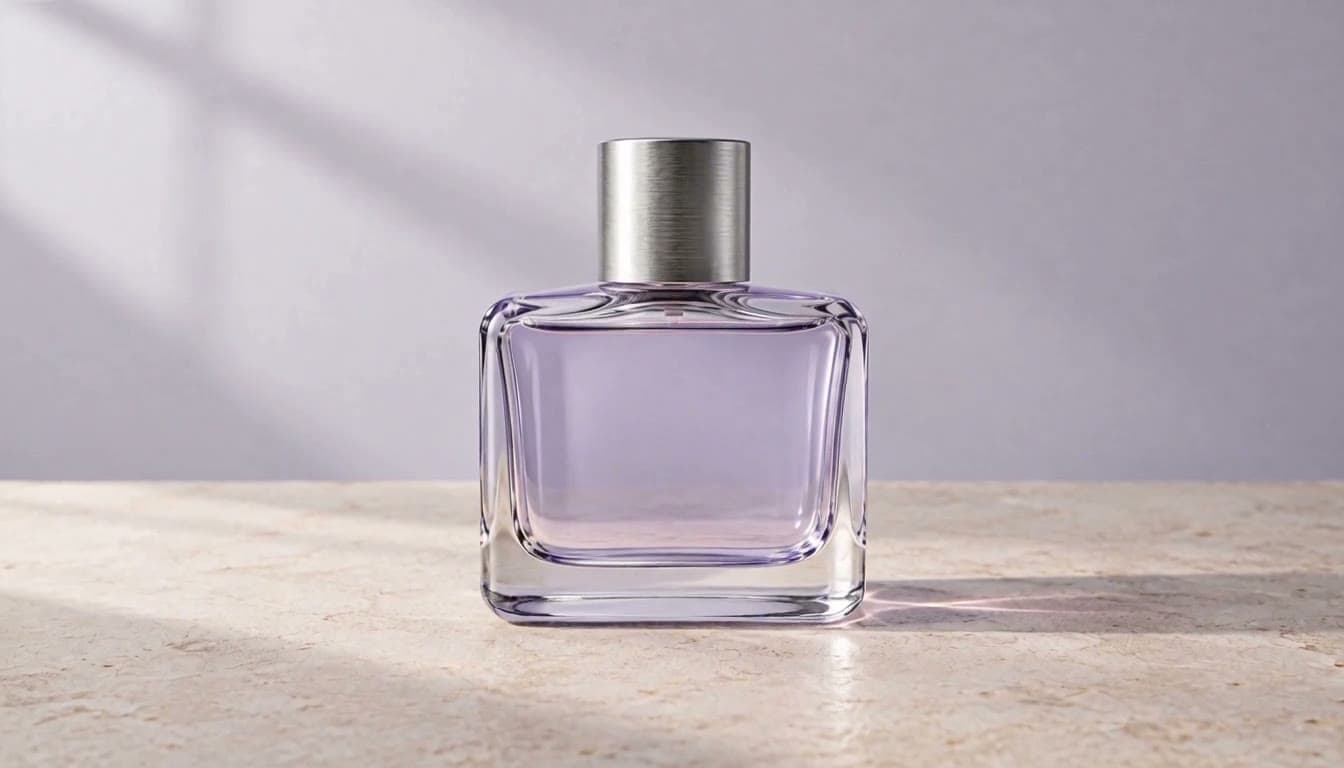
Keep the lavender glass perfume bottle and brushed silver cap exactly as shown in the starting image. The bottle remains upright and still on the limestone tabletop. Over one continuous five-second shot, make a very slow camera push-in with a slight move to the right, revealing soft shifting window-light reflections on the glass. Preserve the bottle silhouette, cap shape, lavender color, and clean background. Quiet studio room tone, no music or dialogue. No added labels, letters, logos, hands, extra bottles, scene cuts, or sudden movement.
Replaces your current prompt, settings, and inputs. Review the estimate before generating; a new result may differ.
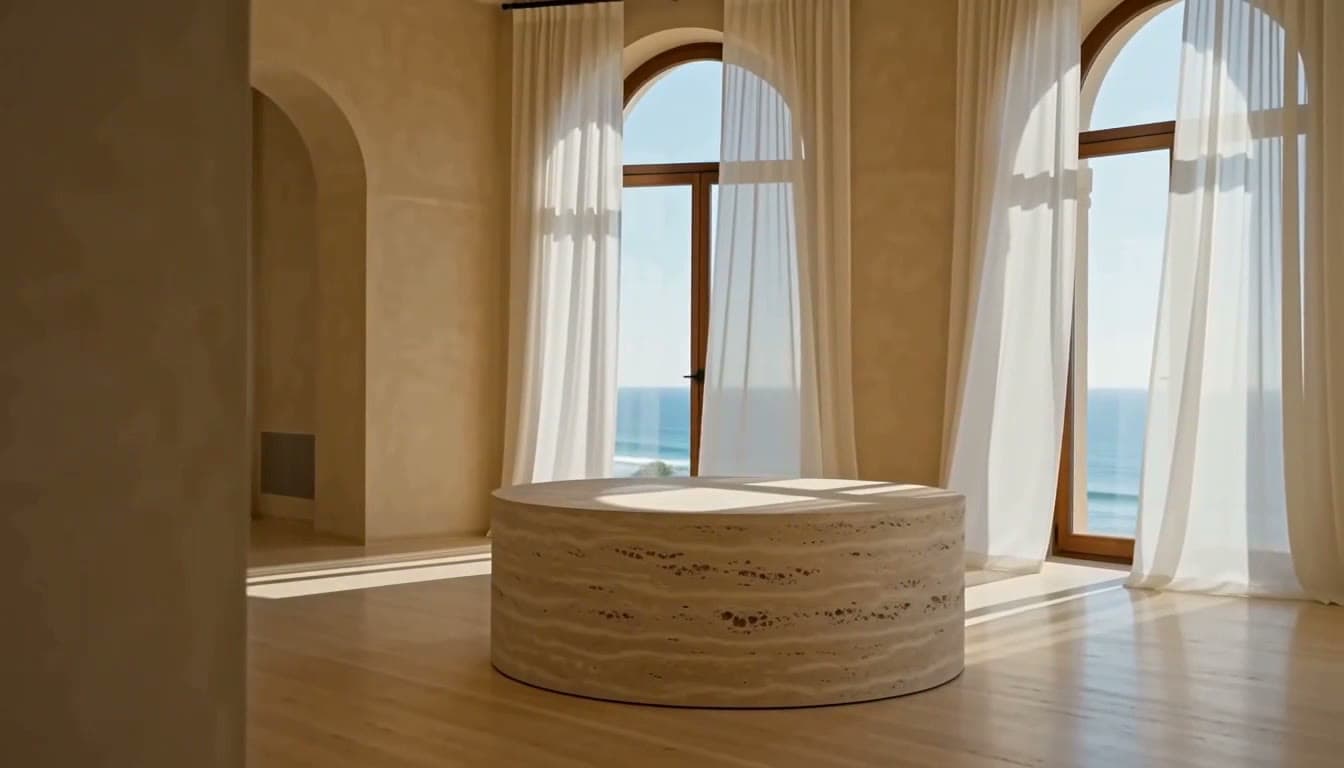
A sunlit coastal sculpture gallery with warm ivory limestone walls, a single empty round travertine plinth in the center, and tall arched windows overlooking a calm blue sea. Sheer linen curtains move gently in a light breeze. One continuous five-second shot: the camera glides slowly to the right while keeping the empty plinth centered, revealing soft window-light reflections across the stone floor. Natural proportions, quiet architectural photography, warm late-afternoon light. Soft distant surf and a subtle room tone, no music, no dialogue, no people, no on-screen text.
Replaces your current prompt, settings, and inputs. Review the estimate before generating; a new result may differ.
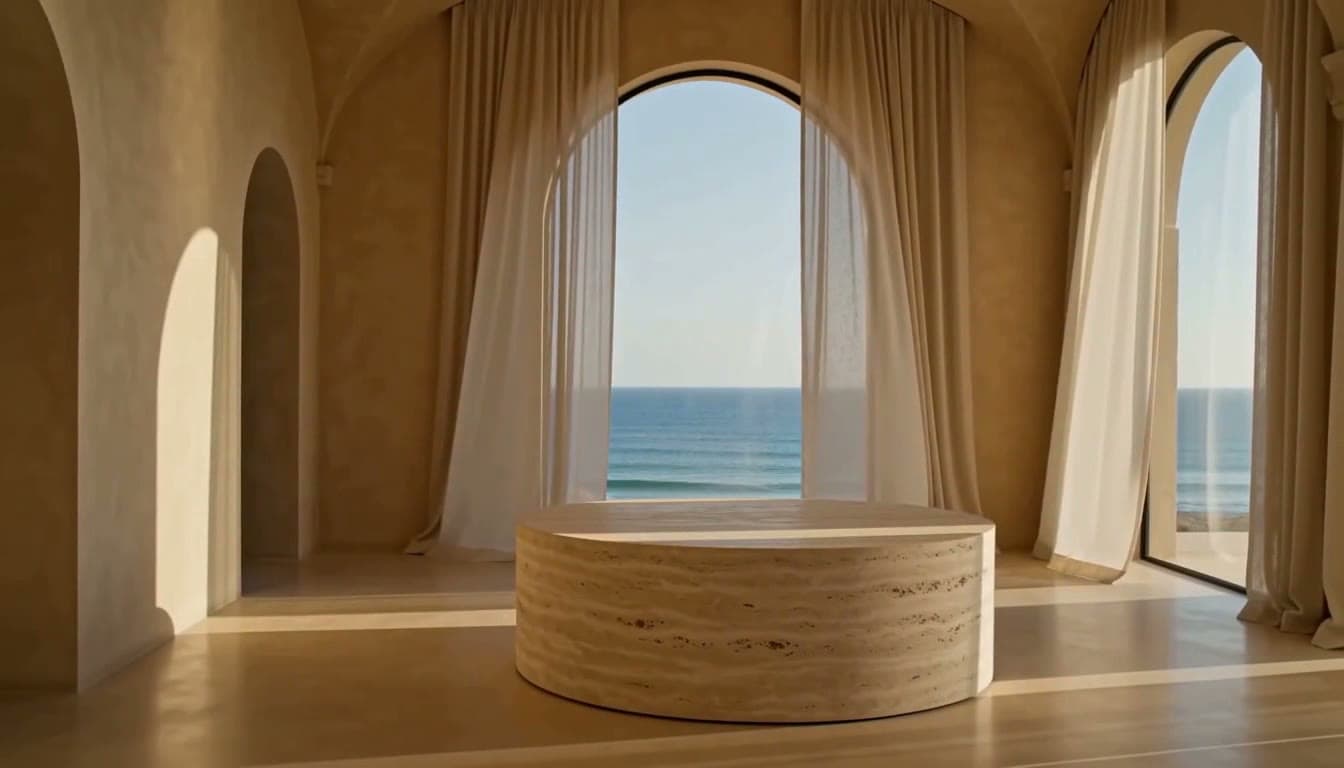
A sunlit coastal sculpture gallery with warm ivory limestone walls, a single empty round travertine plinth in the center, and tall arched windows overlooking a calm blue sea. Sheer linen curtains move gently in a light breeze. One continuous five-second shot: the camera glides slowly to the right while keeping the empty plinth centered, revealing soft window-light reflections across the stone floor. Natural proportions, quiet architectural photography, warm late-afternoon light. Soft distant surf and a subtle room tone, no music, no dialogue, no people, no on-screen text.
Replaces your current prompt, settings, and inputs. Review the estimate before generating; a new result may differ.
Explore short drafts with Turbo, which uses fewer output credits than Max at matching settings. Generation time varies with the task and service demand.
Guide actions, scene details, and camera movement with precise prompts. Give the subject one main action and describe how the shot ends. Change one instruction between takes so you can see which detail helped, instead of rewriting the entire brief.
MiniMax H3 Max is tuned for visual aesthetics. Specify the material, lighting direction, and framing that matter to your scene. Inspect fine edges and object shapes in the result; switching resolution alone does not resolve a conflicting scene description.
Describe dialogue, sound effects, and ambient audio alongside the action. Name the speaker and the sound you want at a specific moment. Keep a short clip focused on a clear sound event, then review the timing together with the video.
Start from text or animate a supplied image. Image mode requires a starting frame and accepts an optional ending frame to guide the transition. Match their framing and describe a plausible movement between them; an ending frame alone is not enough.
Max supports image, video, and audio guidance. In this workspace, use image-led references with optional audio; reference-video submission is currently unavailable. Assign each file a clear role, such as appearance or sound, instead of supplying several conflicting directions.
Compare MiniMax H3 Max, Turbo, and MiniMax H3 by input, resolution, and cost. These settings and estimates are specific to ZMS. The five-second text examples have no input charges.
| Compare | MiniMax H3 | H3 Max | H3 Max Turbo |
|---|---|---|---|
| Text-to-video | Supported | Supported | Supported |
| First / last frames | Starting frame, ending frame, or both | Starting image with an optional ending frame | Starting image with an optional ending frame |
| Mixed references | Up to 5 images, 3 videos, and 3 audio files | Up to 12 files total; use images and optional audio on ZMS. Video-reference submission is unavailable. | No mixed-reference input |
| Duration · ZMS options | 4–15 seconds | 5–15 seconds | 5–15 seconds |
| Resolution · ZMS options | 768p or 2K | 480p or 768p | 480p or 768p |
| 480p output · ZMS credits | Not offered | 15 credits / second | 8 credits / second |
| 768p output · ZMS credits | 20 credits / second | 20 credits / second | 12 credits / second |
| 2K output · ZMS credits | 35 credits / second | Not offered | Not offered |
| 5s text estimate at 768p | 100 credits | 100 credits | 60 credits |
| Best for | 2K output and flexible frame inputs | Scenes guided by multiple images and optional audio | Lower-credit text and image iteration |
Model sources: MiniMax H3 Max: text, image, frame control, and speed positioning; H3 Max technical specification: prompt adherence and aesthetics
Maintained by ZMS AI. Page updated .
Choose a brief with a clear subject and a single visual goal. MiniMax H3 Max can fit these short-form tasks; explore other AI video models when your project needs a different workflow or output format.
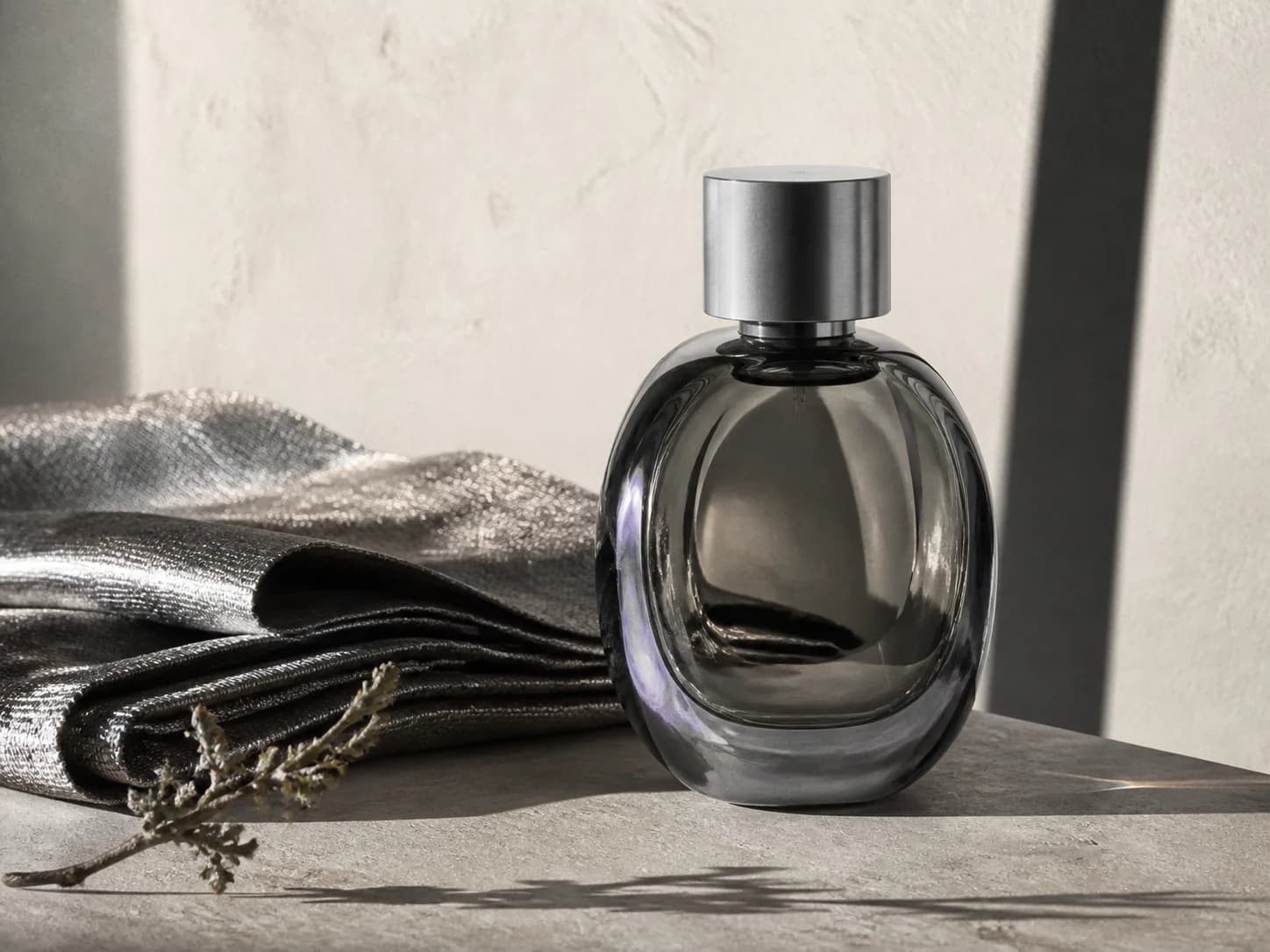
Create a reveal from a clear starting frame. Keep the complete product visible and describe one camera move or light change. Review the outline and packaging before using the clip in an ad; add exact promotional lettering in your edit.
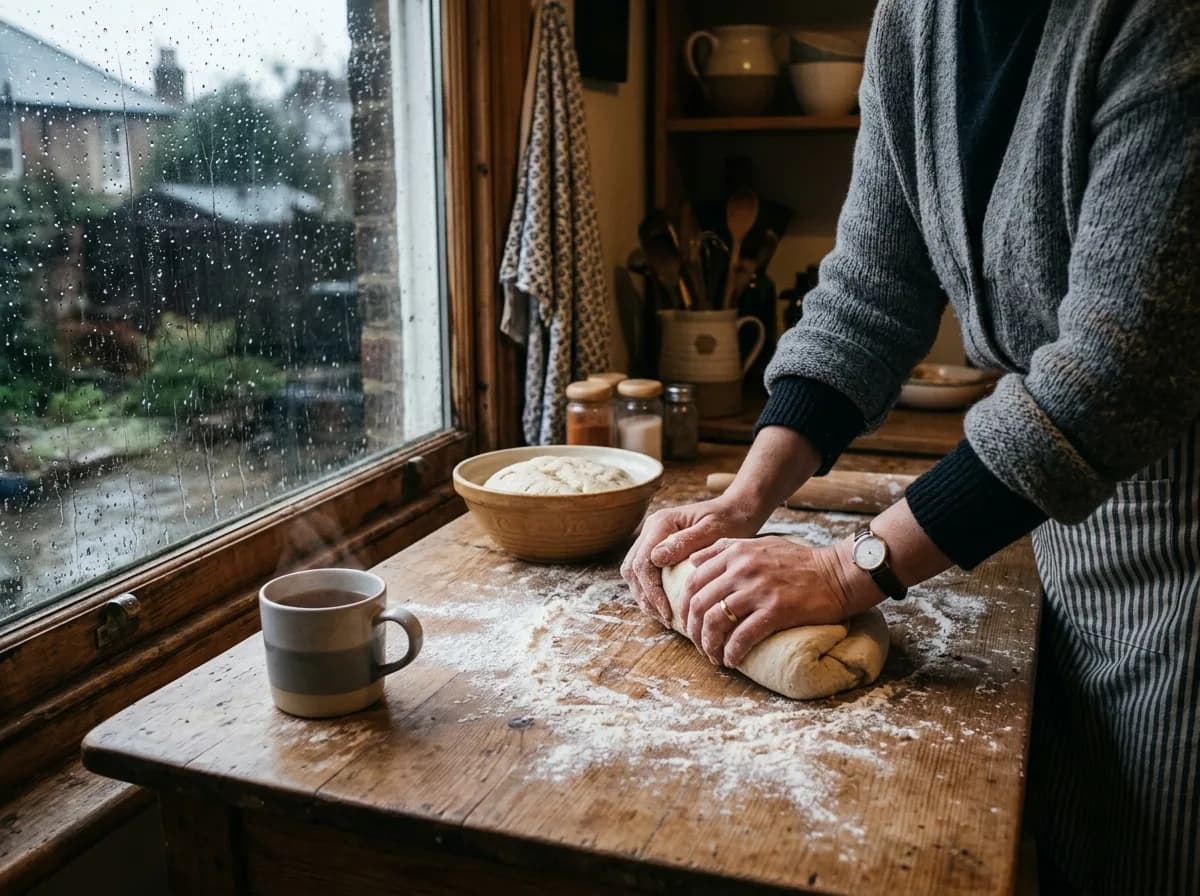
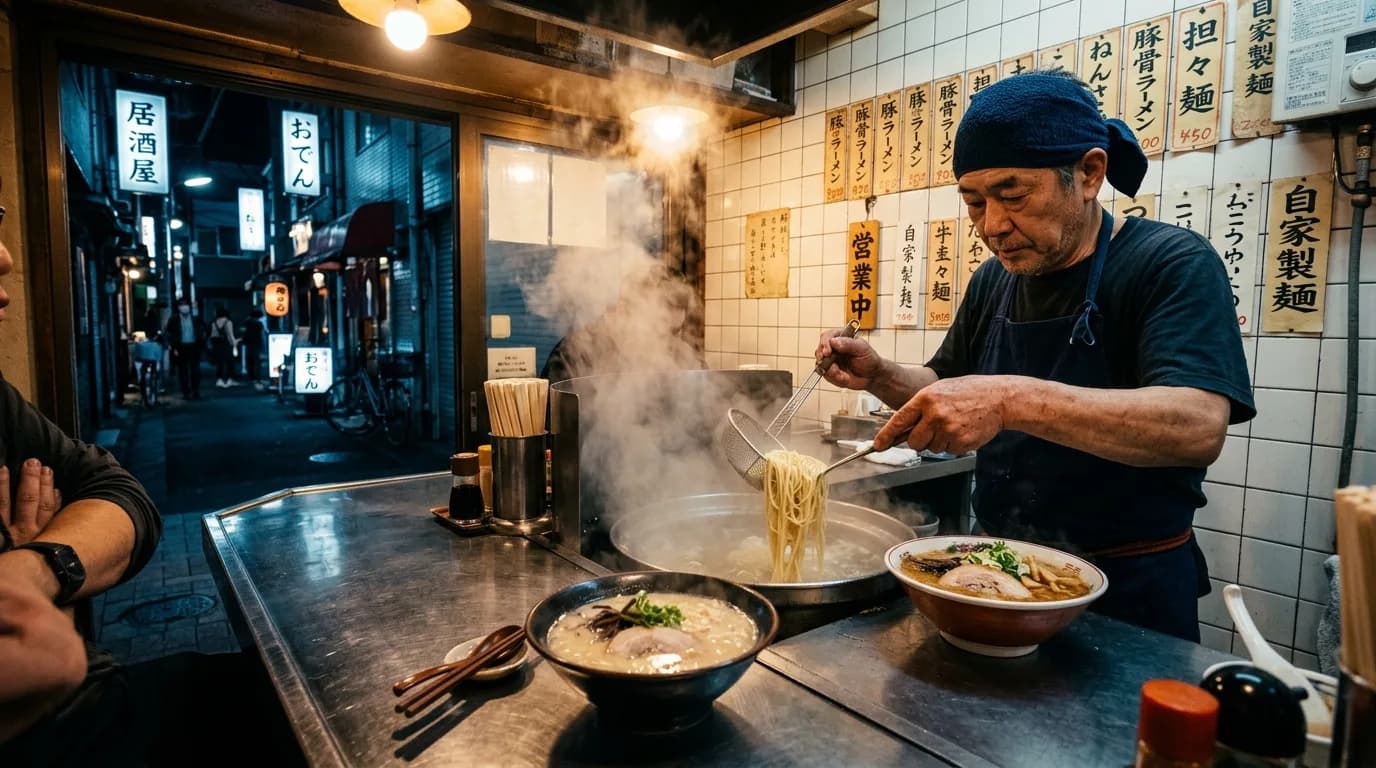
Focus on one moment: a cooking action, room reveal, or short line. Choose the destination's framing, separate dialogue from background sound, and leave room for captions. Check the opening seconds and sound timing before publishing.
Plan one action with a clear ending. Use images to guide appearance and optional audio for sound. Keep costumes and settings consistent; review faces, hands, and transitions. References do not guarantee identical characters across separate shots.
Prepare one manageable MiniMax H3 Max shot, then review the result before expanding the scene. Use materials you are entitled to upload and check the media usage terms for your project.
Select Max or Turbo, then choose text or first/last-frame mode. Use Max reference mode when several images or an audio reference help explain the scene. Begin with the materials you already have; video-reference submission is currently unavailable.
Name the subject, one action, the camera movement, and the ending. Add a starting image when using frame mode; a final frame is optional. In reference mode, explain what each image or audio file should guide. Describe dialogue and ambient sound in the prompt.
Choose 5–15 seconds and 480p or 768p. Set an aspect ratio for text or reference mode; image mode follows its starting image. Keep Balanced prompt expansion or choose another option deliberately. Wait for file checks to finish and review the estimate before selecting Generate video.
Open Task Center to follow progress. Use View output on a completed task, or open My Creations to inspect saved work and its download options. Check motion, object details, and sound. If you want another take, change one instruction while keeping the other settings comparable.
The MiniMax H3 Max estimate combines output seconds with the media you attach. Version and resolution set the output rate; starting and ending frames also count as input images. Compare like-for-like drafts and check the workspace estimate again whenever you change a setting or add a file.
| Cost item or example | Estimated credits | What is included |
|---|---|---|
| Max output | 15 / second at 480p; 20 at 768p | Multiply by the chosen output duration; input charges are added separately. |
| Turbo output | 8 / second at 480p; 12 at 768p | Applies to text and image modes, with the same duration choices. |
| Input images and audio | 15 / image; 1 / second of audio | The starting frame is included. Ending frames and mixed-reference images are charged. Reference audio uses its combined duration, rounded up to a whole second. |
| 5s text draft at 480p | Max: 75; Turbo: 40 | Output only, without starting frames or reference media. |
| 5s Max image draft at 768p | One frame: 100; two frames: 115 | Includes the starting frame; a second frame adds the ending-image charge. |
Reference-video generation is currently unavailable in this workspace. Use text, first/last frames, or image-led Max references instead. Choose shorter clips or 480p for early drafts. Compare ZMS credit plans
Both support text and first/last frames. MiniMax H3 Max supports image-led references with optional audio; Turbo uses fewer output credits for matching settings. Video-reference submission is currently unavailable.
Use text or a starting image with either version. MiniMax H3 Max references require an image; optional audio can guide sound. Audio alone is insufficient, and video-reference submission is unavailable.
A starting frame is required and included in the price. An optional ending frame adds 15 credits and guides the final composition.
MiniMax H3 Max and Turbo offer whole durations from 5 to 15 seconds at 480p or 768p. This workspace does not offer 1080p. Allow enough time for one clear action.
Text mode offers 21:9, 16:9, 4:3, 1:1, 3:4, and 9:16. Reference mode also offers Adaptive. Image mode follows the starting image, so prepare its composition first.
Max accepts up to 12 reference files combined, each at most 100 MiB. Each audio file must be 2–15 seconds, totaling no more than 15 seconds. Include an image; omit video references.
Balanced is the default. Balanced and Quality expand your description; Disabled turns expansion off. Keep other settings unchanged when comparing results. Quality does not guarantee a better take.
MiniMax H3 Max includes the starting frame. An ending frame or each mixed-reference image adds 15 credits; audio is charged by duration. Review the total after changing settings or inputs.
Read the error in Task Center. Confirm required images, completed file checks, supported settings, an available estimate, and sufficient credits. Remove video references. Avoid repeatedly submitting a failed task without checking its message.
Open Task Center and choose View output when completed. My Creations also provides saved results and download options. Check the full clip and sound before sharing; a successful task does not guarantee the intended composition.