4–15 seconds
Set a whole-second duration. Our product example requests eight seconds.
Create a MiniMax H3 video from text, first or last frames, or mixed references. Explore a real product shot, its prompt, and the details our test missed.
Loading generator…
Model overview
MiniMax H3 creates video from a written shot, frame anchors, or mixed media references in the ZMS AI workspace. Choose an input path, describe the motion and sound, then set a duration from 4–15 seconds at 768p or 2K.
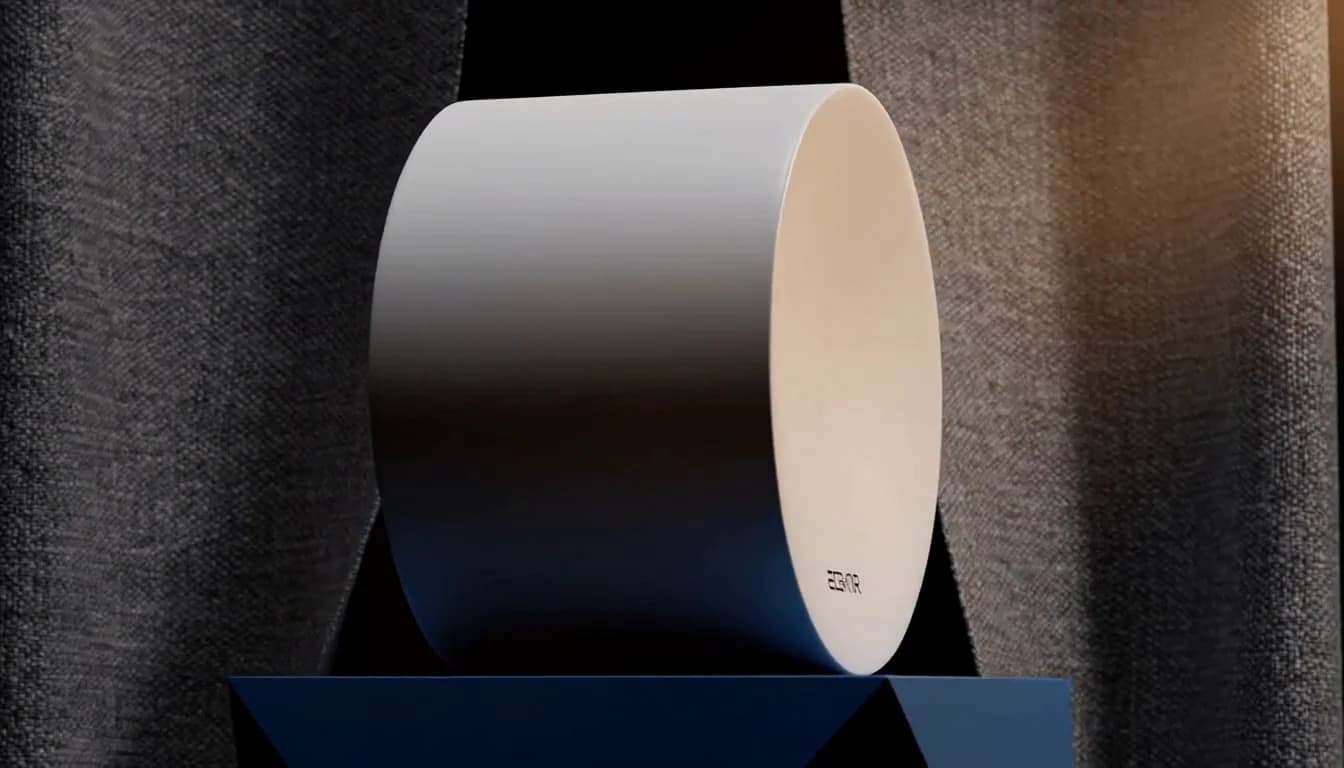
This frame comes from our eight-second text run. The product persists, but fabric placement and lettering miss the brief. One result does not establish performance across other prompts or modes.
Input paths
For another model, browse AI Video Generator.
| Mode | Prepare | Keep in mind |
|---|---|---|
| Text to video | Subject, action, camera, setting, and sound. | No uploads; six selectable text ratios. |
| First / last frame | One or both image anchors and intended motion. | At least one frame; framing comes from the anchors. |
| Mixed references | Up to 5 images, 3 videos, and 3 audio files. | Include an image or video; audio alone is insufficient. |
Output controls
Match each setting to your shot.
Set a whole-second duration. Our product example requests eight seconds.
768p costs less for a direction test. We have not compared the two resolutions here.
Choose 21:9, 16:9, 4:3, 1:1, 3:4, or 9:16 in text mode.
Reference mode also offers adaptive. Frame mode takes its composition from your supplied images.
Before submitting
Check the current estimate before generating. The final account debit is authoritative.
| Output | Rate | Estimate |
|---|---|---|
| 768p | 20 credits/second | Output seconds × 20, without reference video. |
| 2K | 35 credits/second | Output seconds × 35, without reference video. |
| Reference video | Selected resolution rate | (Output seconds + reference-video seconds) × rate. |
H3-01 estimated 160 credits and actually used 160: the balance moved from 502 to 342. Adding reference video changes the estimate.
Compare credit plansOne credited ZMS AI text run, then ten supplied recordings. They are not ZMS task records. Cards show the note and the measured file.
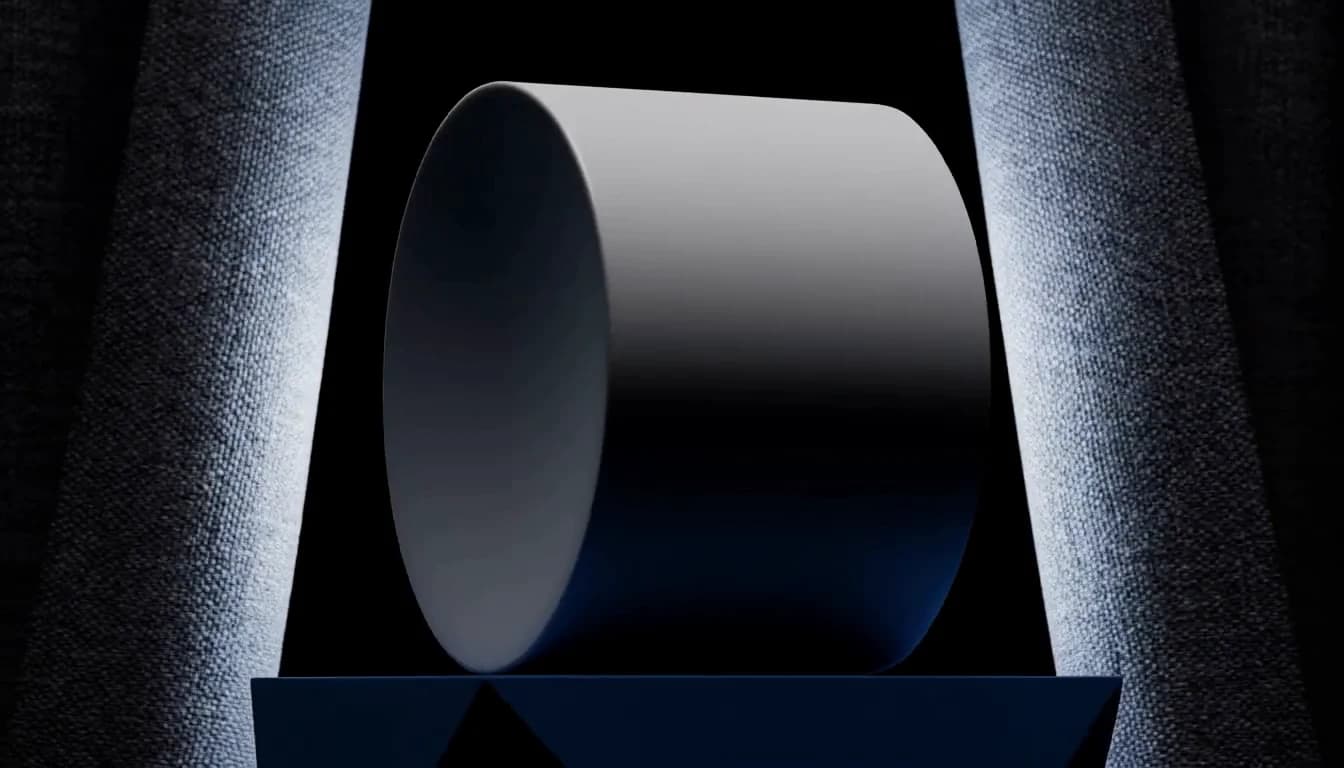
0–2s: a ceramic speaker rests on a blue plinth under rim light. 2–6s: orbit clockwise as fabric panels open. 6–8s: settle on the logo side under warm light. Sound: one synth pulse, then a quiet click; no dialogue.
Replaces your current prompt, settings, and inputs. Review the estimate before generating; a new result may differ.
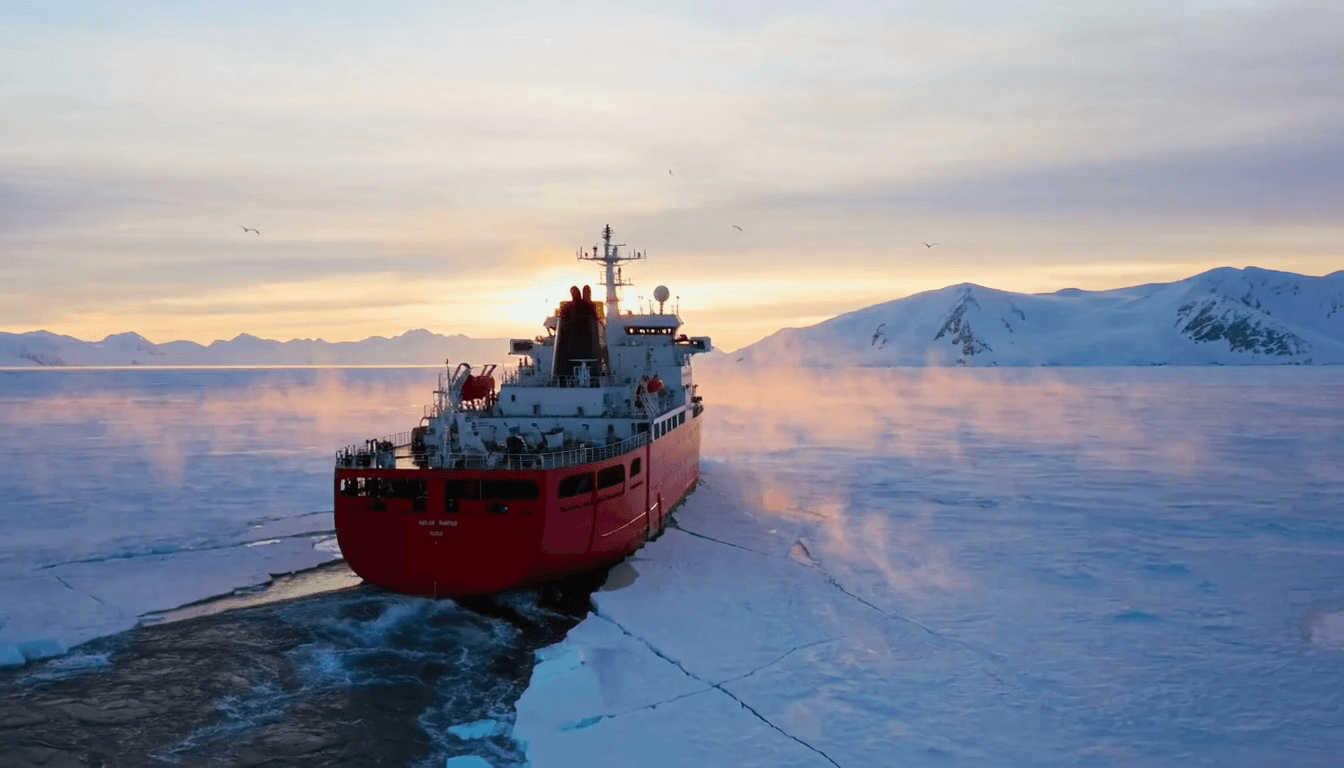
A massive red icebreaker moves through a frozen Arctic ocean at sunrise, breaking blue-white sea ice naturally along both sides of its hull. The camera follows smoothly from behind and above as the ship travels toward distant snow-covered mountains. Broken ice drifts naturally in the ship's wake while thin mist moves above the dark water. Golden sunrise light creates warm highlights on the red ship against the cold blue ice. Keep the ship stable and consistent throughout the shot. Photorealistic expedition cinematography, realistic ice and water physics, atmospheric morning light, smooth cinematic drone movement. No foreground people, no text, no logos.
Replaces your current prompt, settings, and inputs. Review the estimate before generating; a new result may differ.
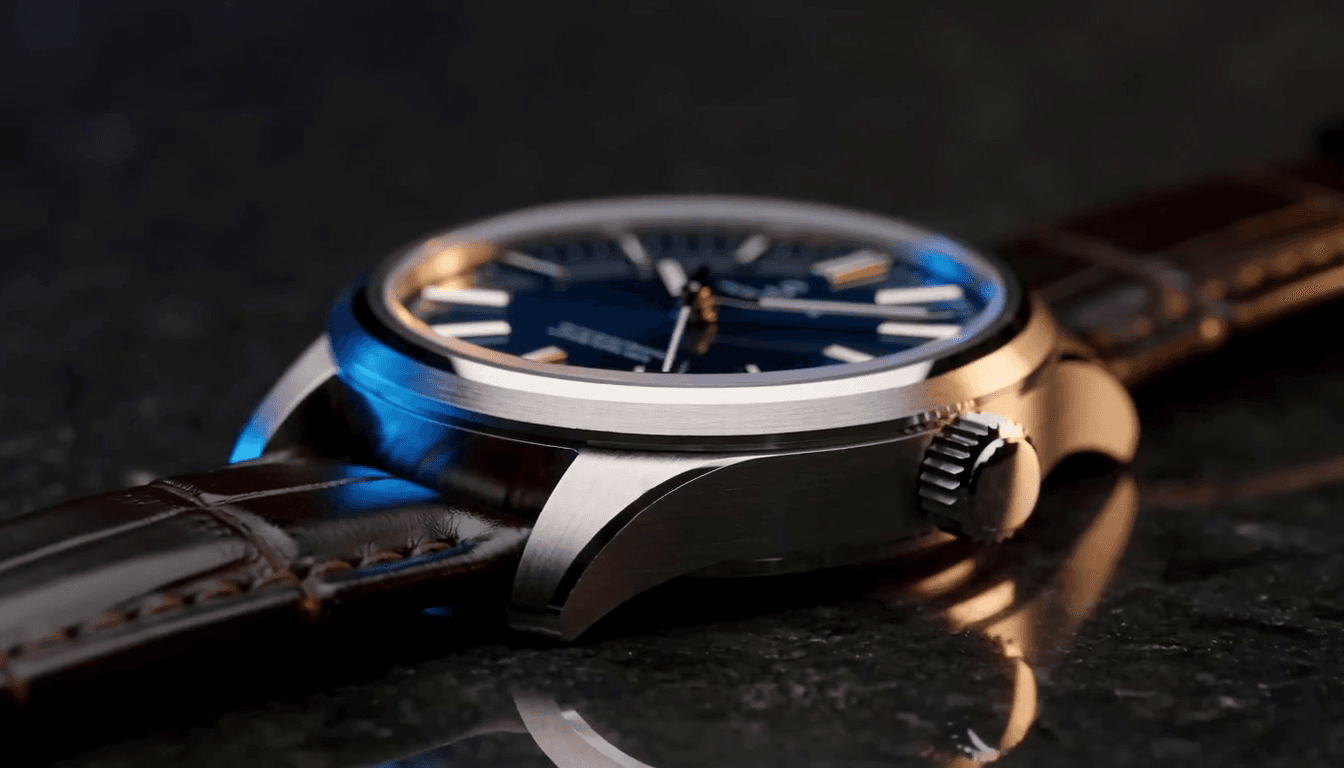
A cinematic macro product film of an original luxury mechanical wristwatch resting on dark polished stone. The watch has a brushed titanium case, deep midnight-blue dial, silver hands and markers, sapphire crystal, and a dark leather strap. The second hand moves smoothly while the camera performs a slow controlled slide across the watch face toward the crown. Soft warm highlights move across the metal and glass, with subtle cool-blue fill light and a faint reflection on the stone surface. Keep the watch design and geometry stable throughout the shot. Premium luxury advertising, extreme macro detail, shallow depth of field, realistic metal and glass, smooth cinematic movement. No people, no brand names, no text, no logos.
Replaces your current prompt, settings, and inputs. Review the estimate before generating; a new result may differ.
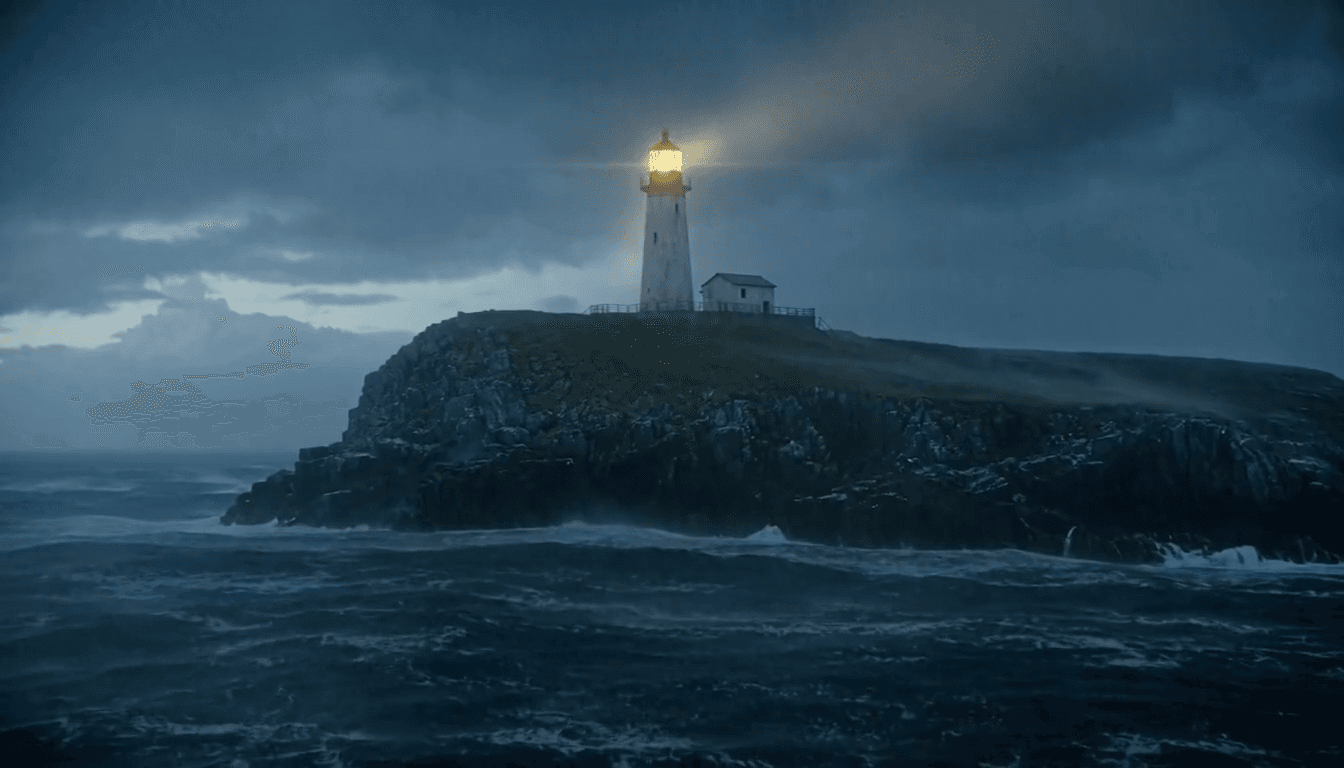
A tall white lighthouse stands on a dark rocky island during a violent ocean storm at dusk. Huge waves crash against the cliffs, sending sea spray into the air as heavy rain and mist move through the scene. The lighthouse remains stable while its warm rotating beacon sweeps slowly across the dark blue-gray ocean. The camera performs one slow, smooth push toward the lighthouse. Cold storm light contrasts with the golden beacon. Photorealistic maritime cinematography, realistic waves and sea spray, volumetric rain and mist, dramatic atmospheric lighting. No people, no ships, no text, no logos.
Replaces your current prompt, settings, and inputs. Review the estimate before generating; a new result may differ.
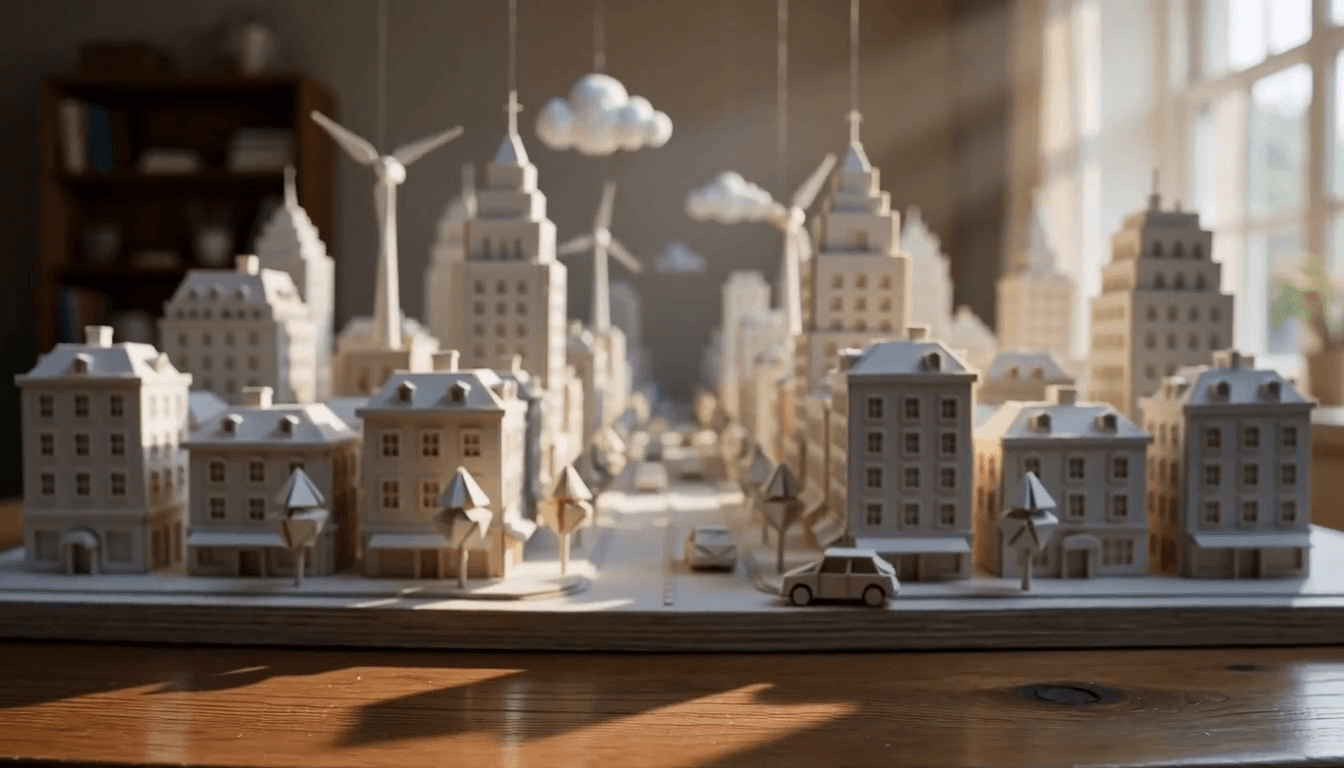
A handcrafted miniature city made entirely from white and warm-cream paper sits on a wooden artist's desk in soft morning sunlight. Tiny paper cars slowly move along the streets, paper wind turbines rotate gently, and small suspended paper clouds drift above the city. The camera slowly pushes forward toward the central street, revealing folded paper buildings, tiny trees, layered cardstock details, visible paper fibers, and handcrafted edges. Keep the miniature scale and paper material consistent throughout the entire shot. All buildings and objects must remain visibly made from paper. Warm natural sunlight, soft realistic shadows, shallow depth of field, premium stop-motion-inspired aesthetic, macro cinematography, smooth continuous camera movement. No people, no text, no logos.
Replaces your current prompt, settings, and inputs. Review the estimate before generating; a new result may differ.
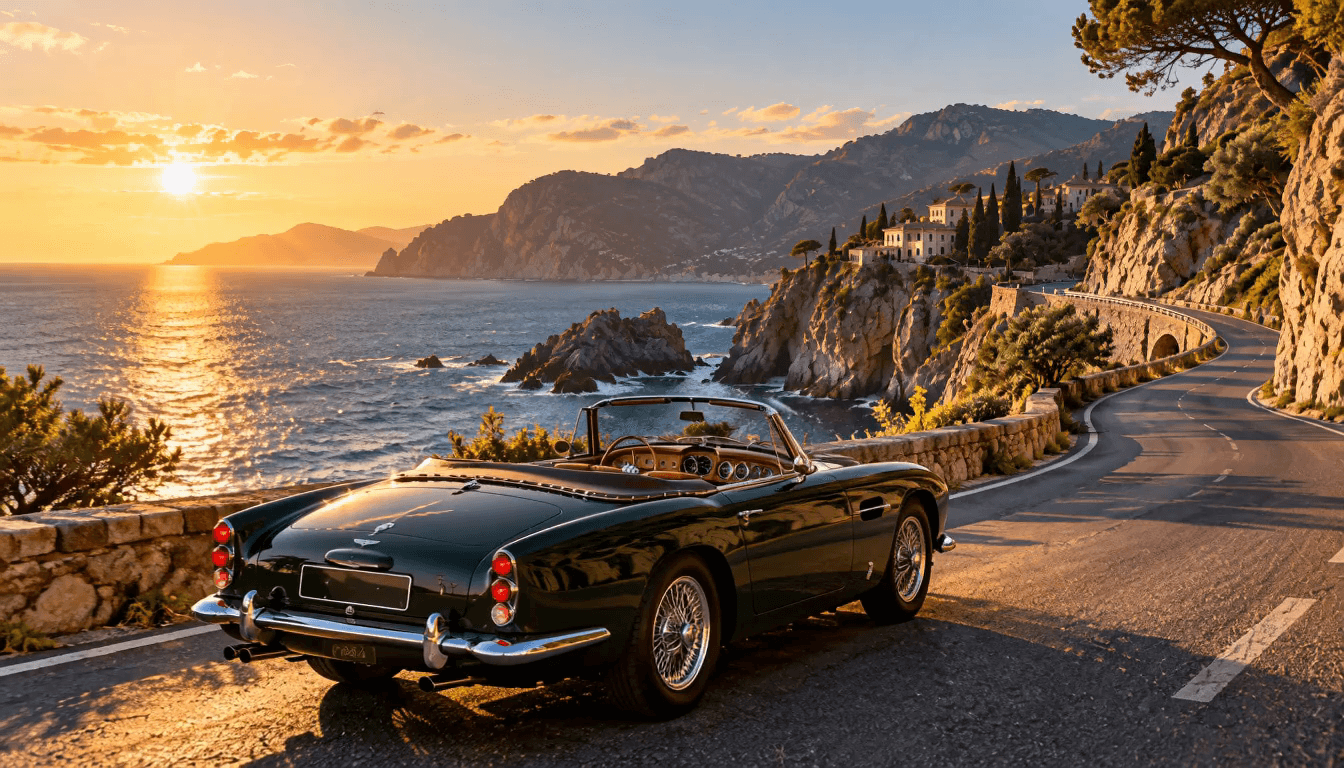
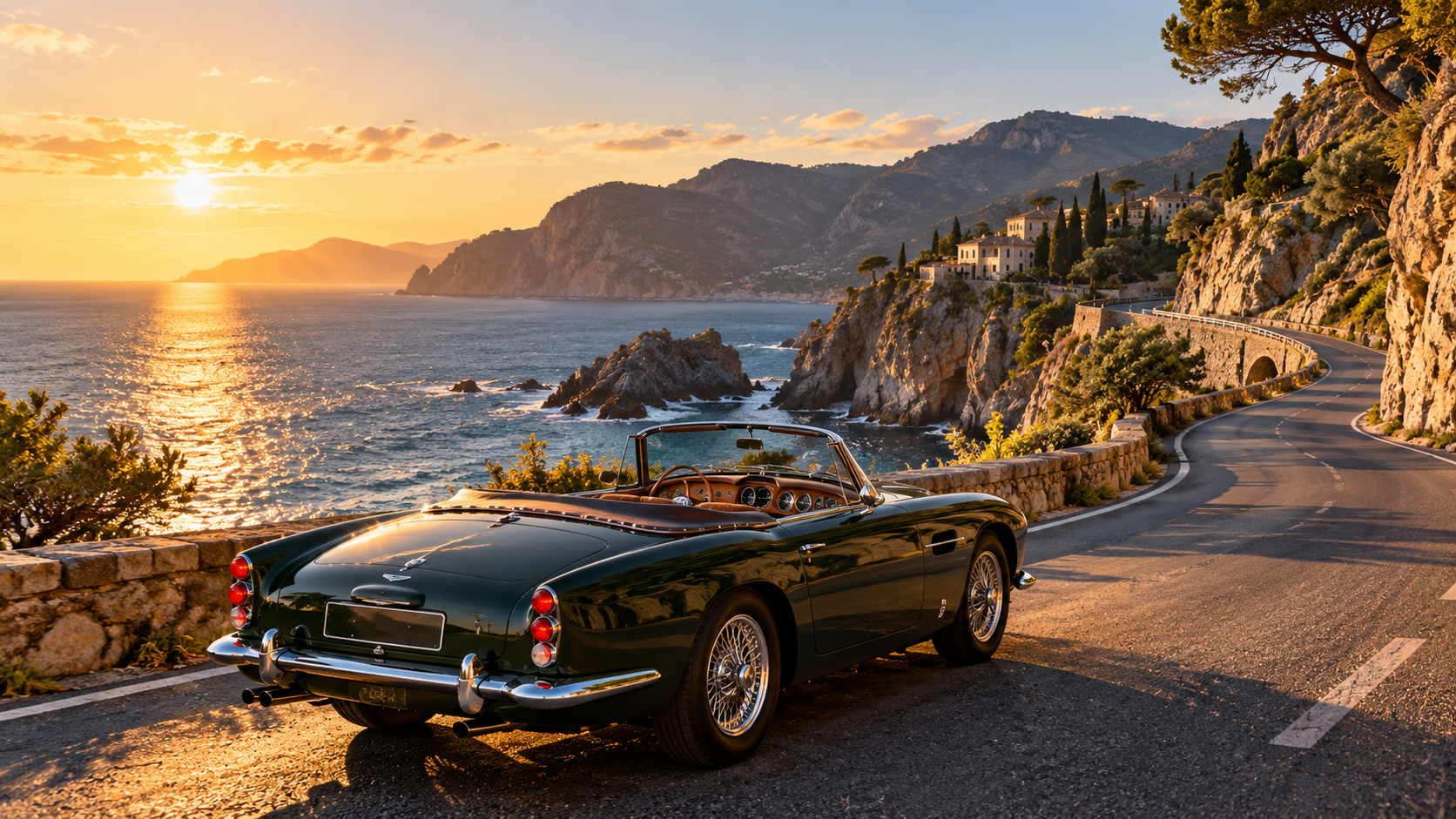
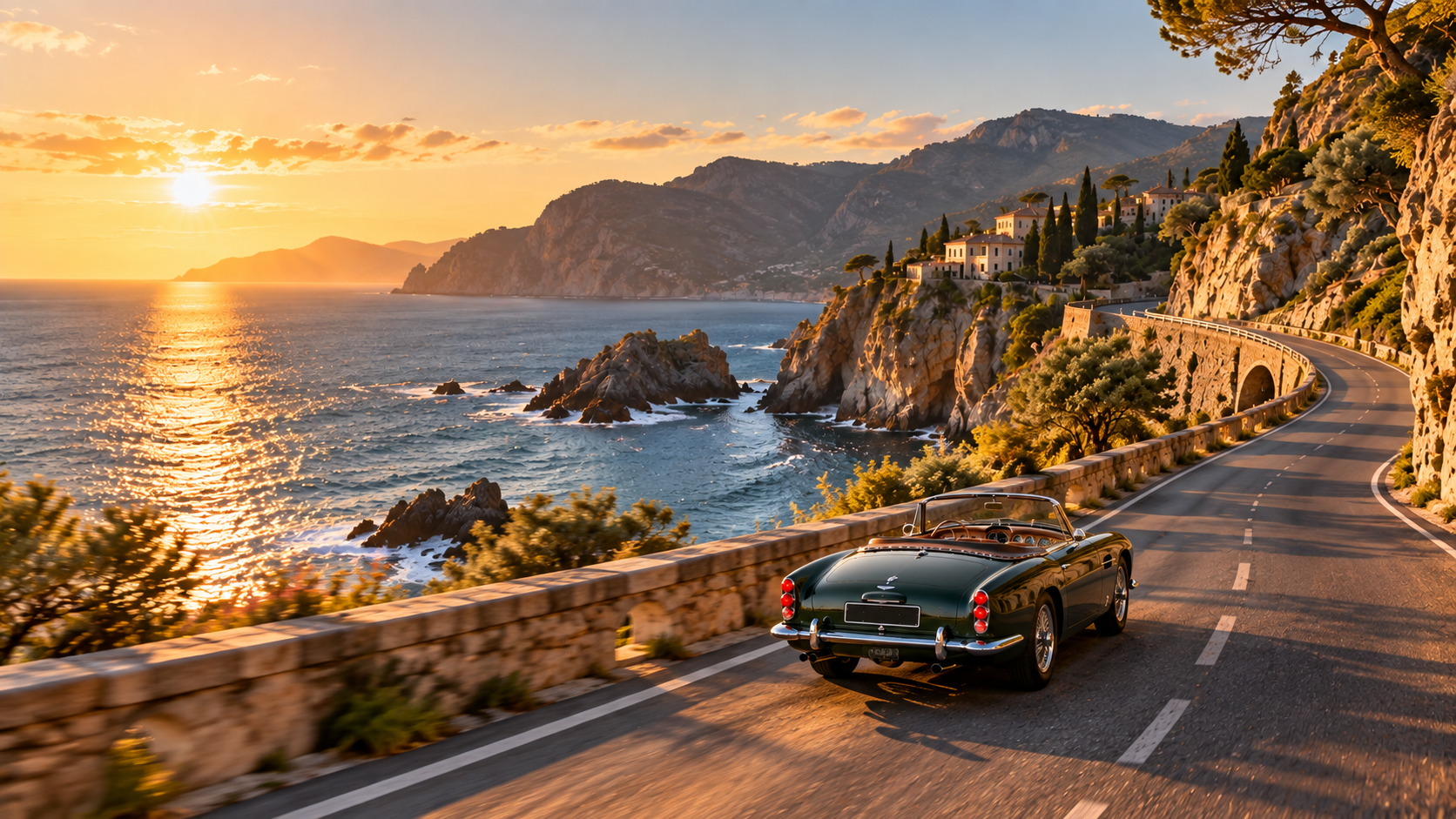
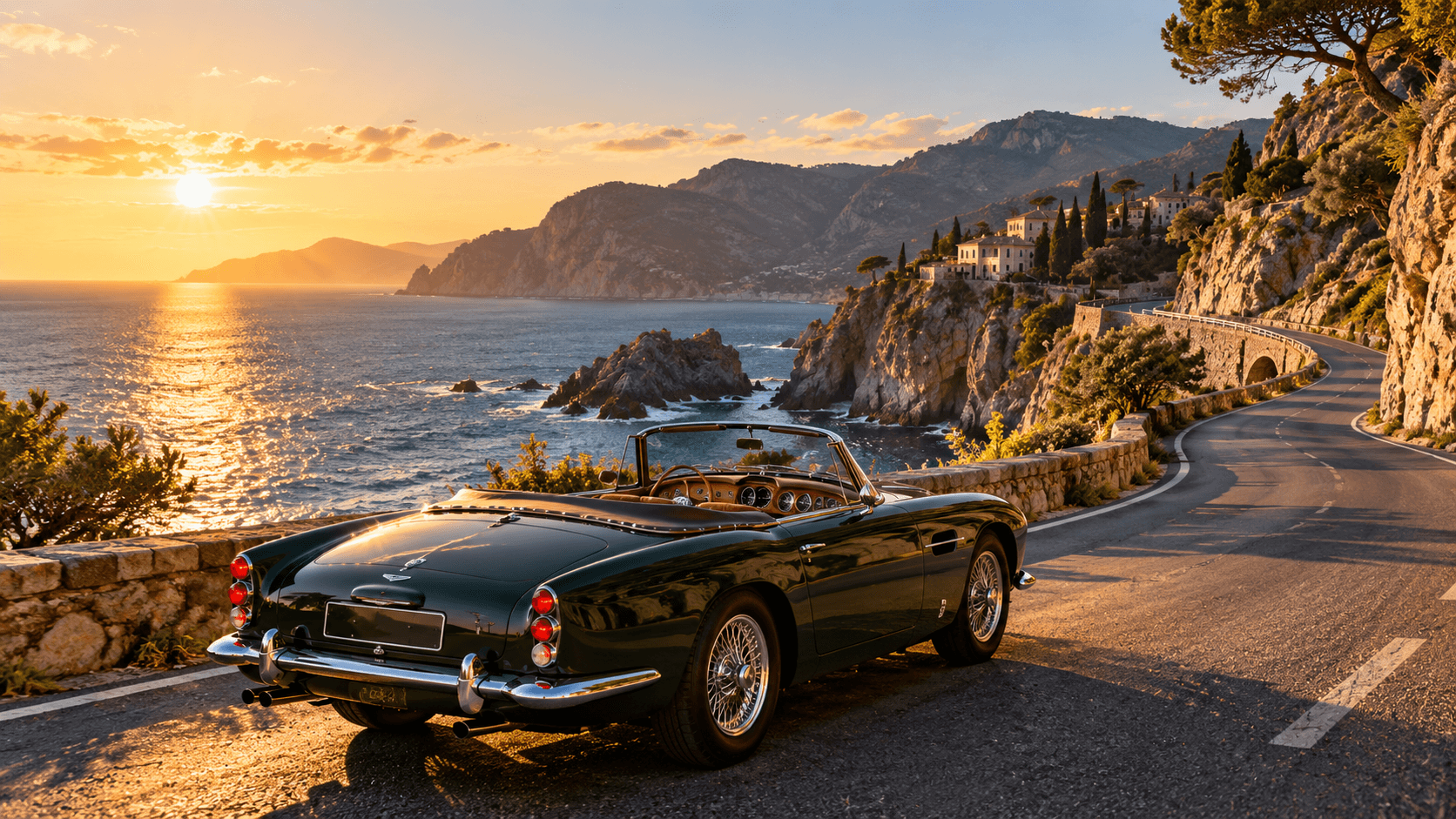
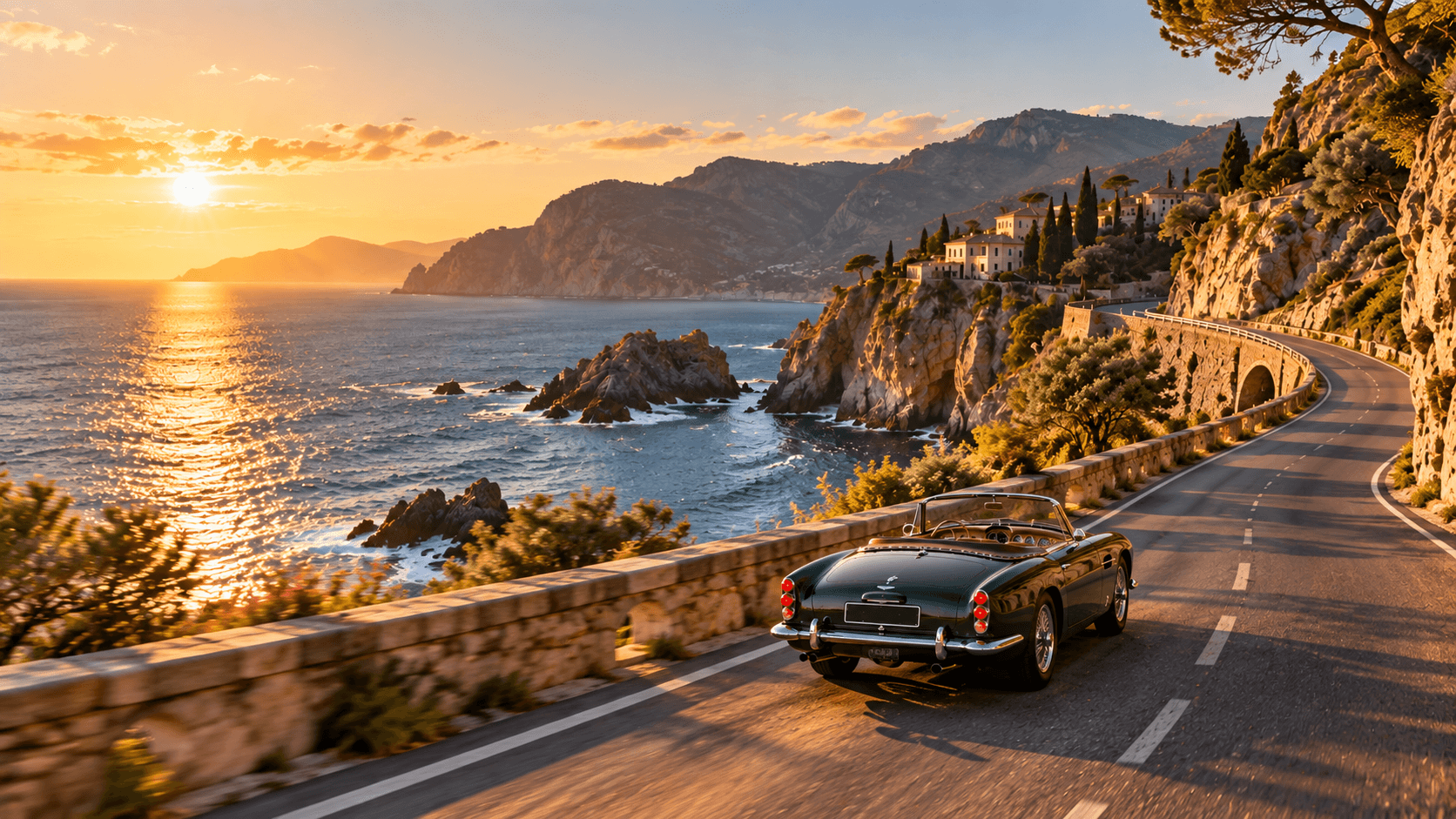
The vintage sports car smoothly accelerates from its starting position and drives away along the winding coastal road toward the final frame. Keep the car design, road, coastline, lighting, and environment consistent throughout the shot. The camera remains nearly stationary with a subtle cinematic push forward. Natural wheel rotation, realistic vehicle movement and suspension, warm golden-hour lighting, photorealistic automotive cinematography. No people, no text, no logos.
Replaces your current prompt, settings, and inputs. Review the estimate before generating; a new result may differ.
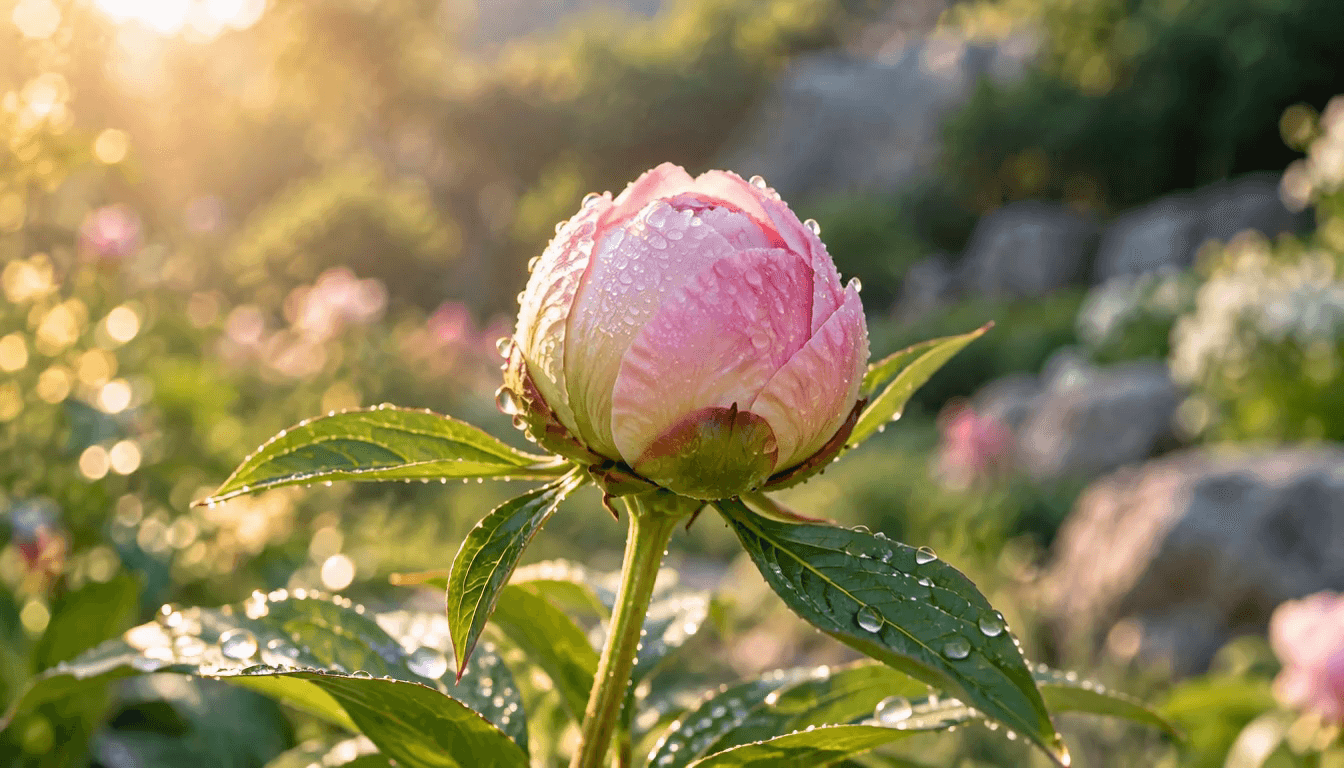
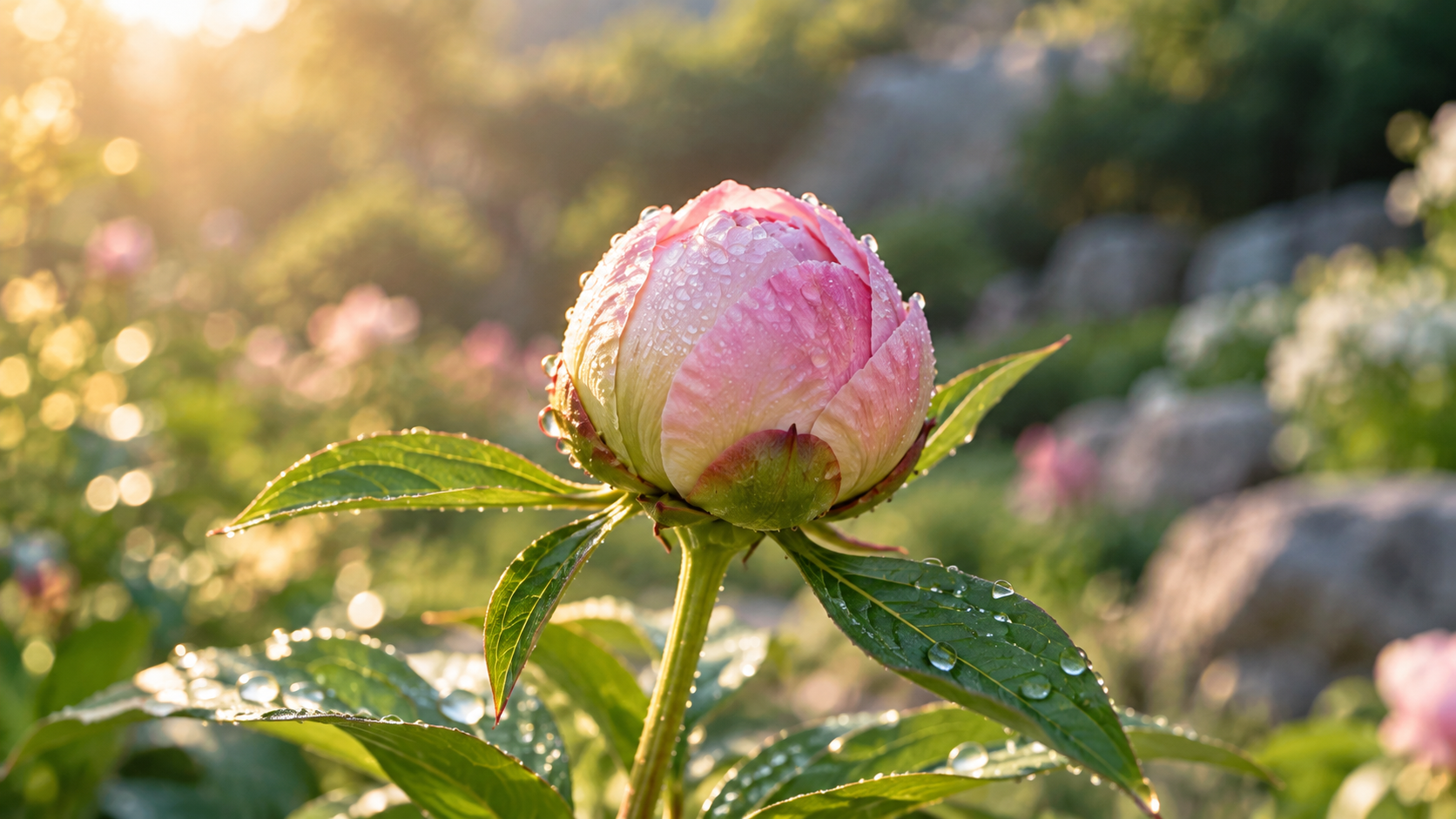
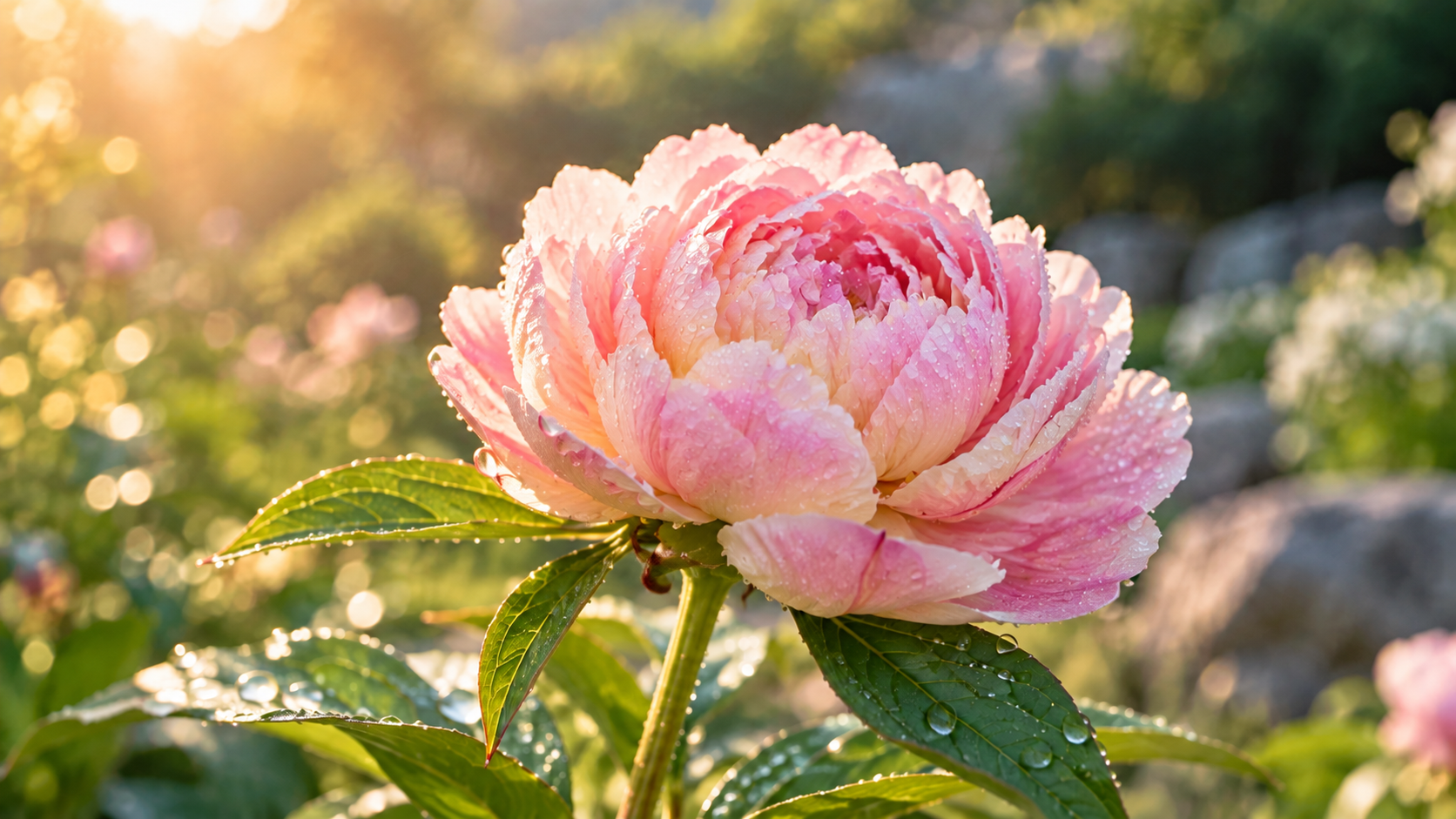
The closed peony bud gradually blooms into the fully opened flower shown in the final frame. Petals unfold naturally from the center outward while the stem and leaves remain stable. Keep the camera, background, lighting, and flower position consistent. Smooth organic motion, realistic petal movement, gentle morning breeze, photorealistic botanical macro cinematography.
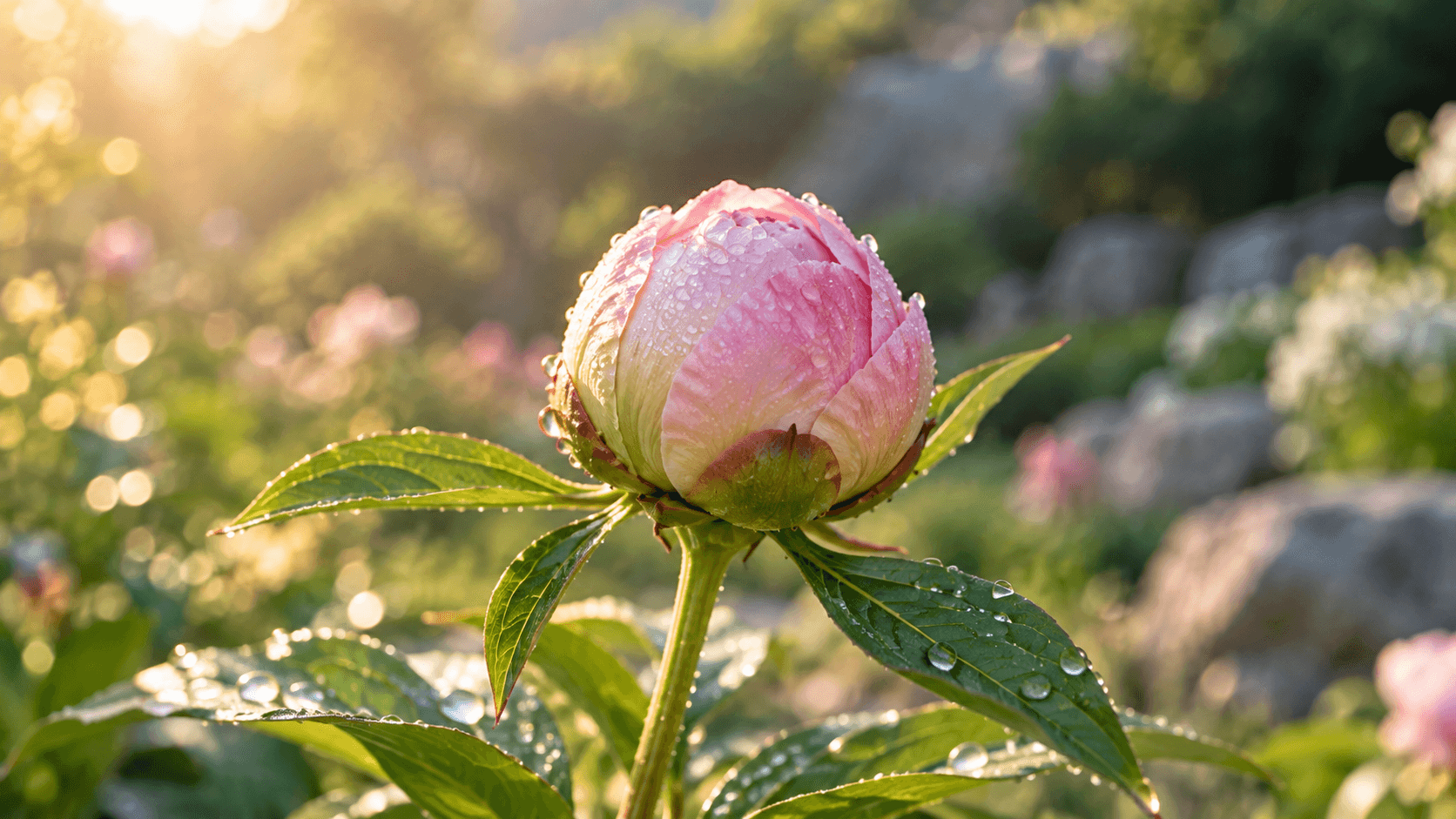
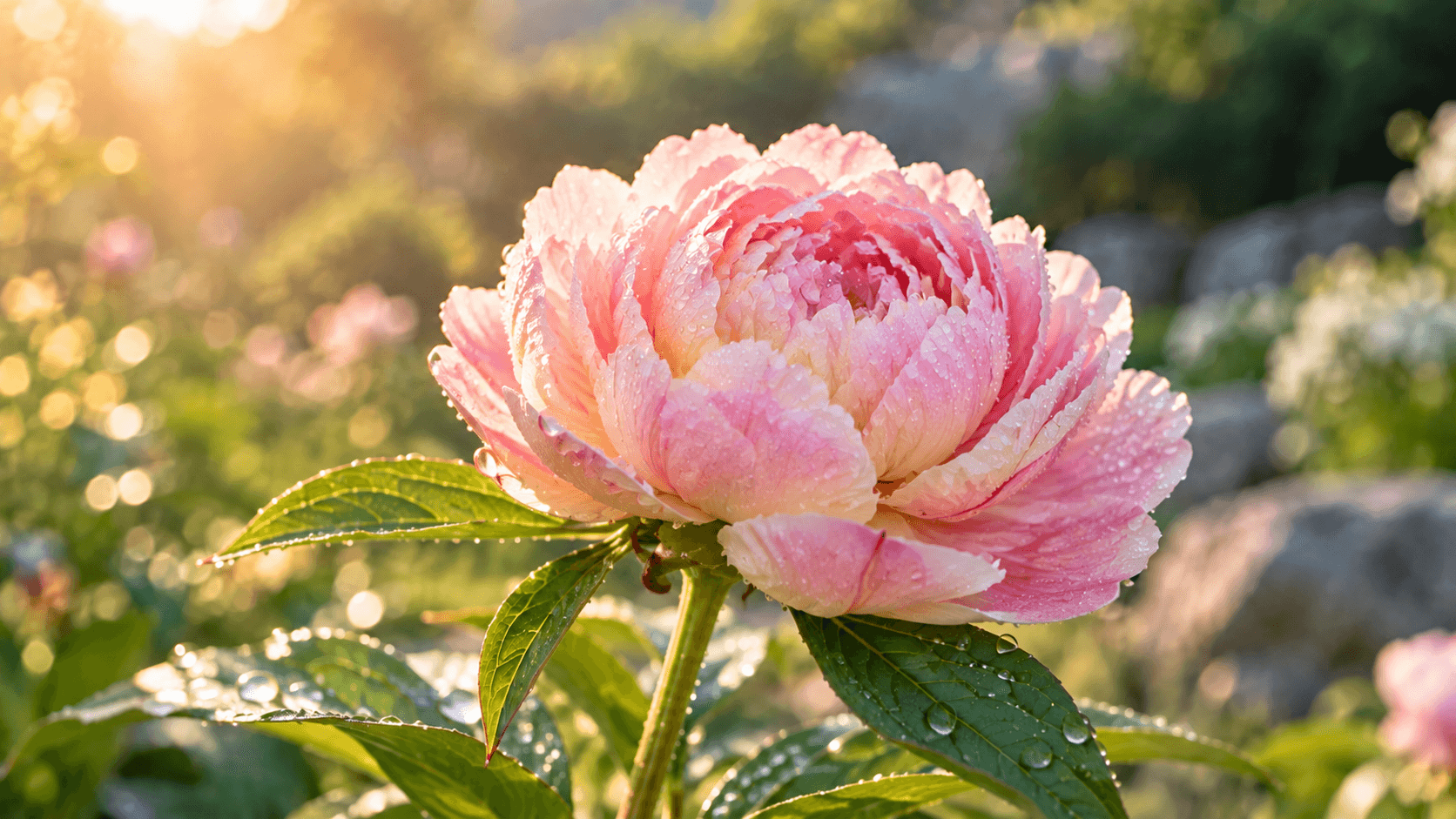
Replaces your current prompt, settings, and inputs. Review the estimate before generating; a new result may differ.
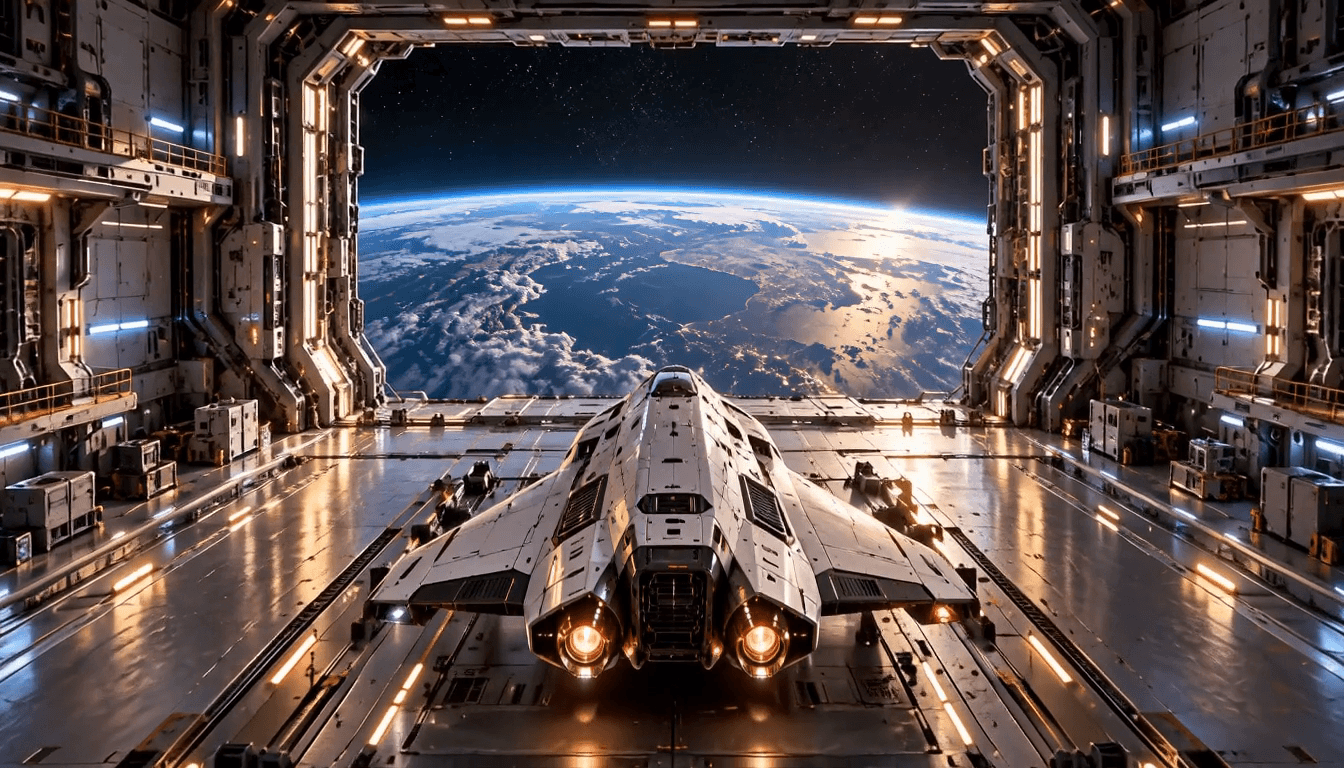
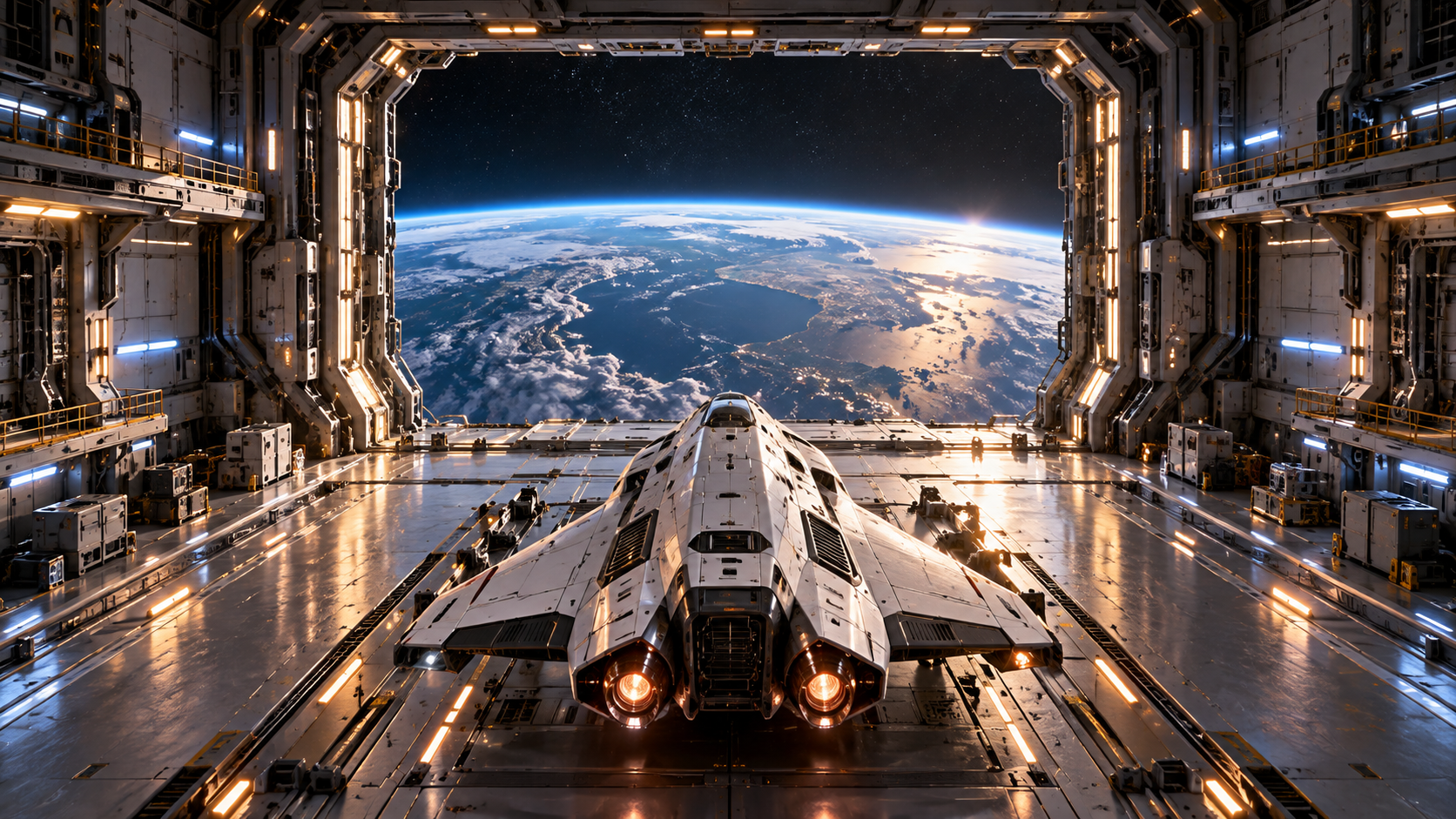
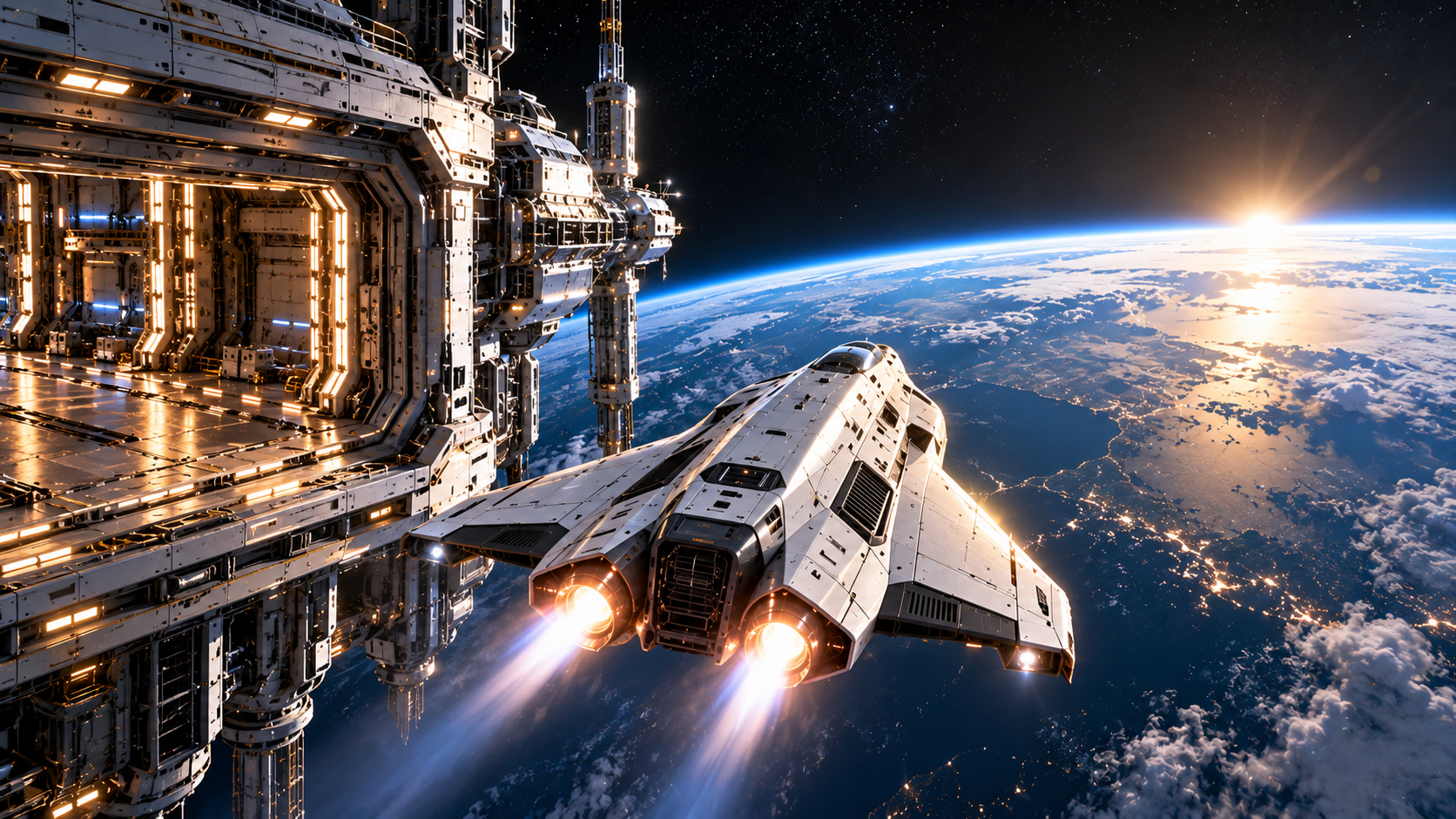
The spacecraft launches smoothly from the hangar and flies forward into open space toward the final frame. Keep the spacecraft design consistent throughout the shot. The hangar gradually moves behind the spacecraft as Earth becomes more visible ahead. Smooth acceleration, subtle thruster glow, stable cinematic camera, realistic orbital lighting and spacecraft motion.
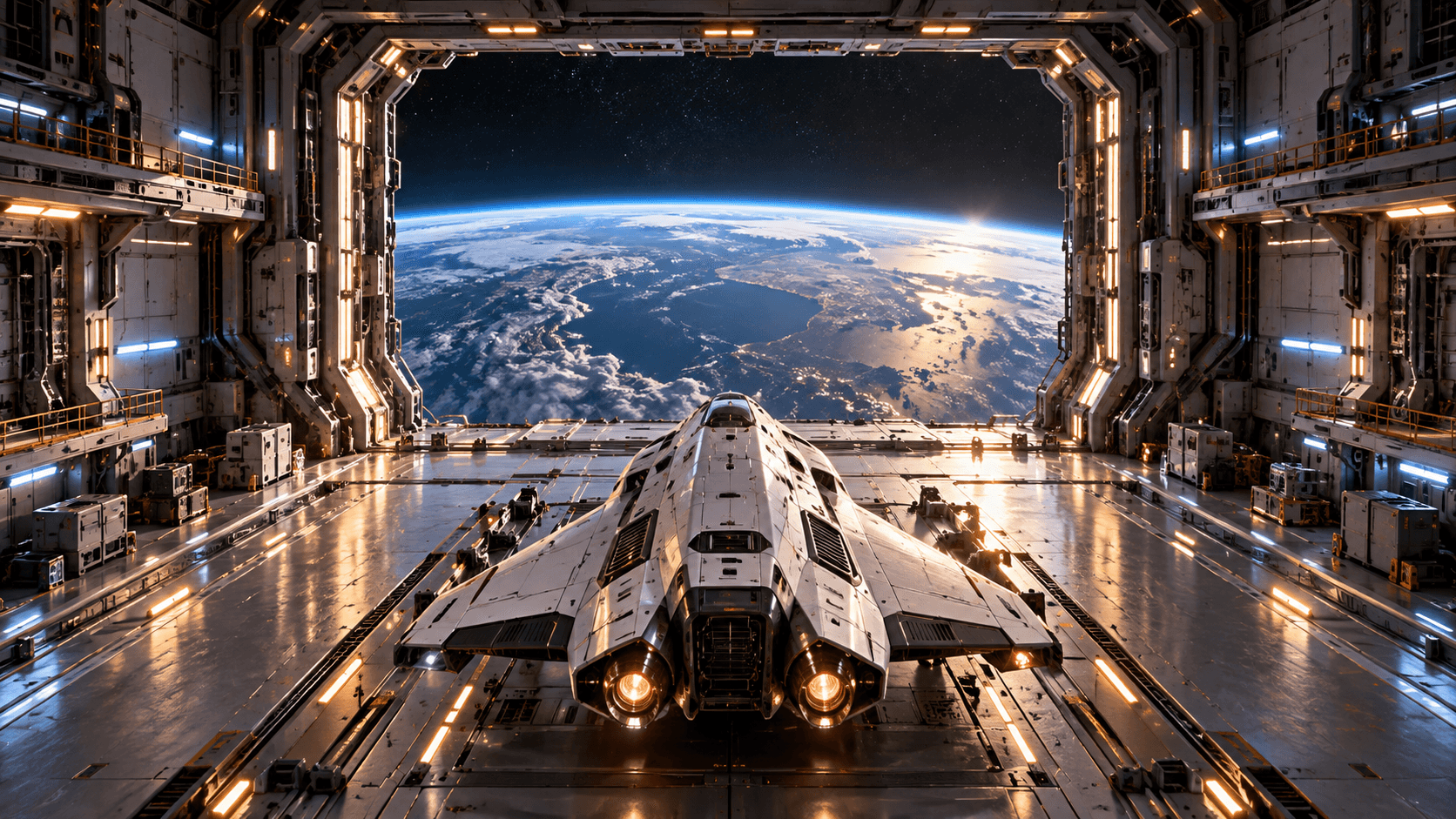
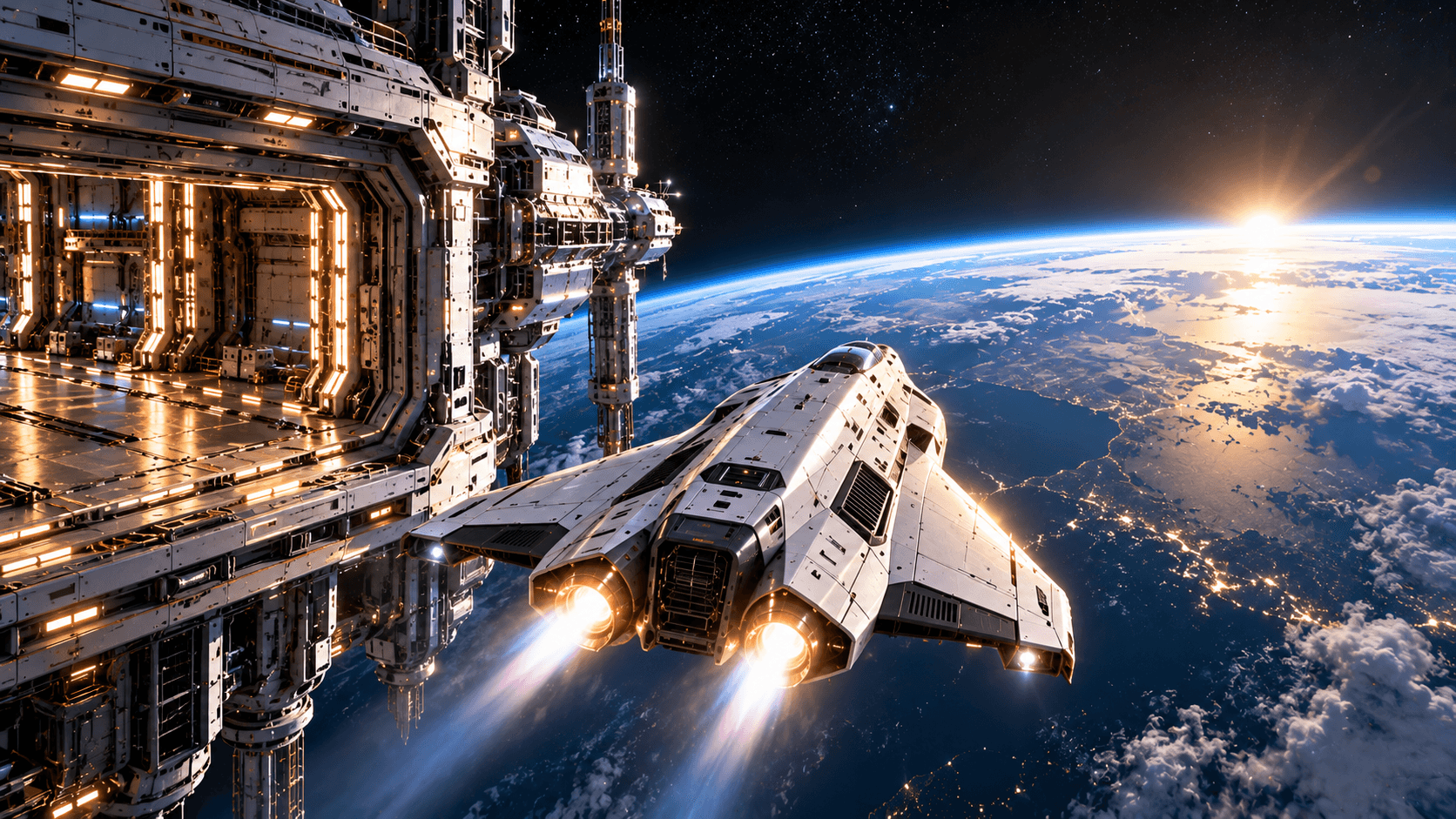
Replaces your current prompt, settings, and inputs. Review the estimate before generating; a new result may differ.
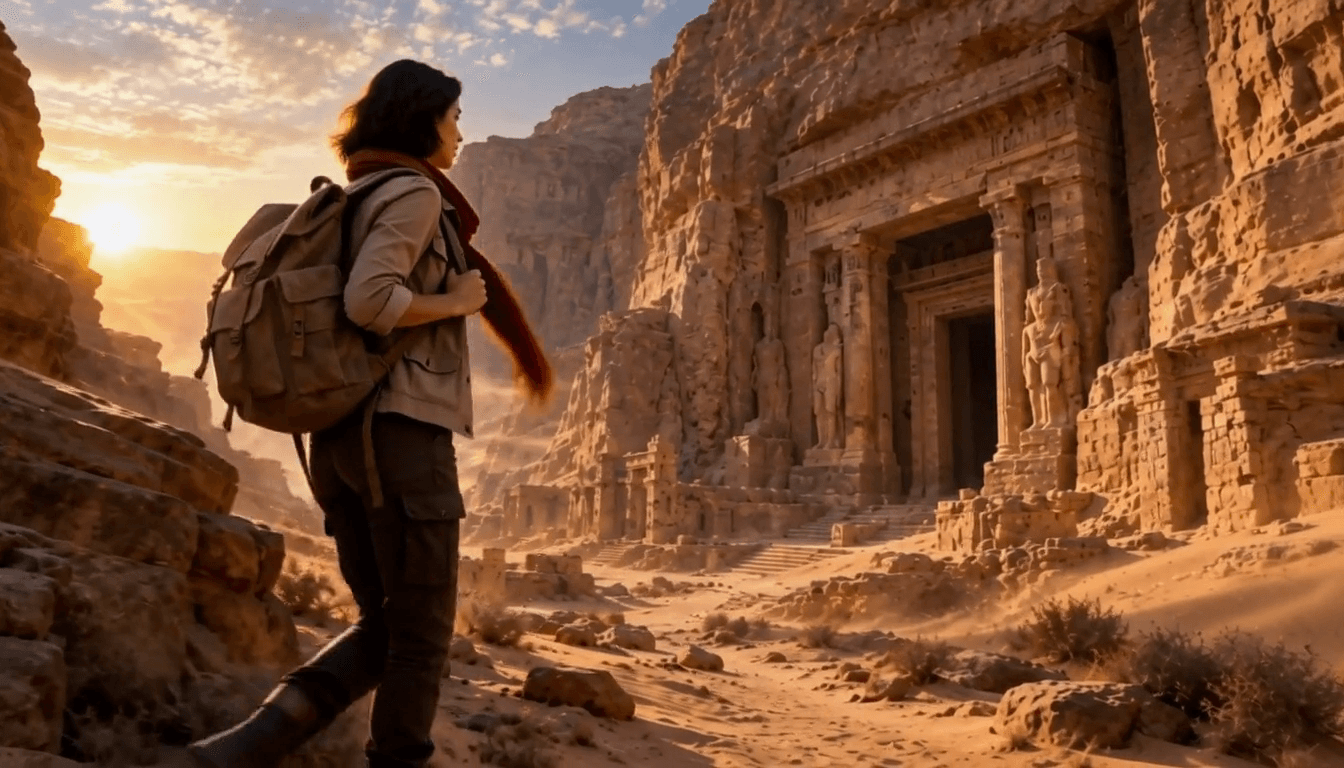
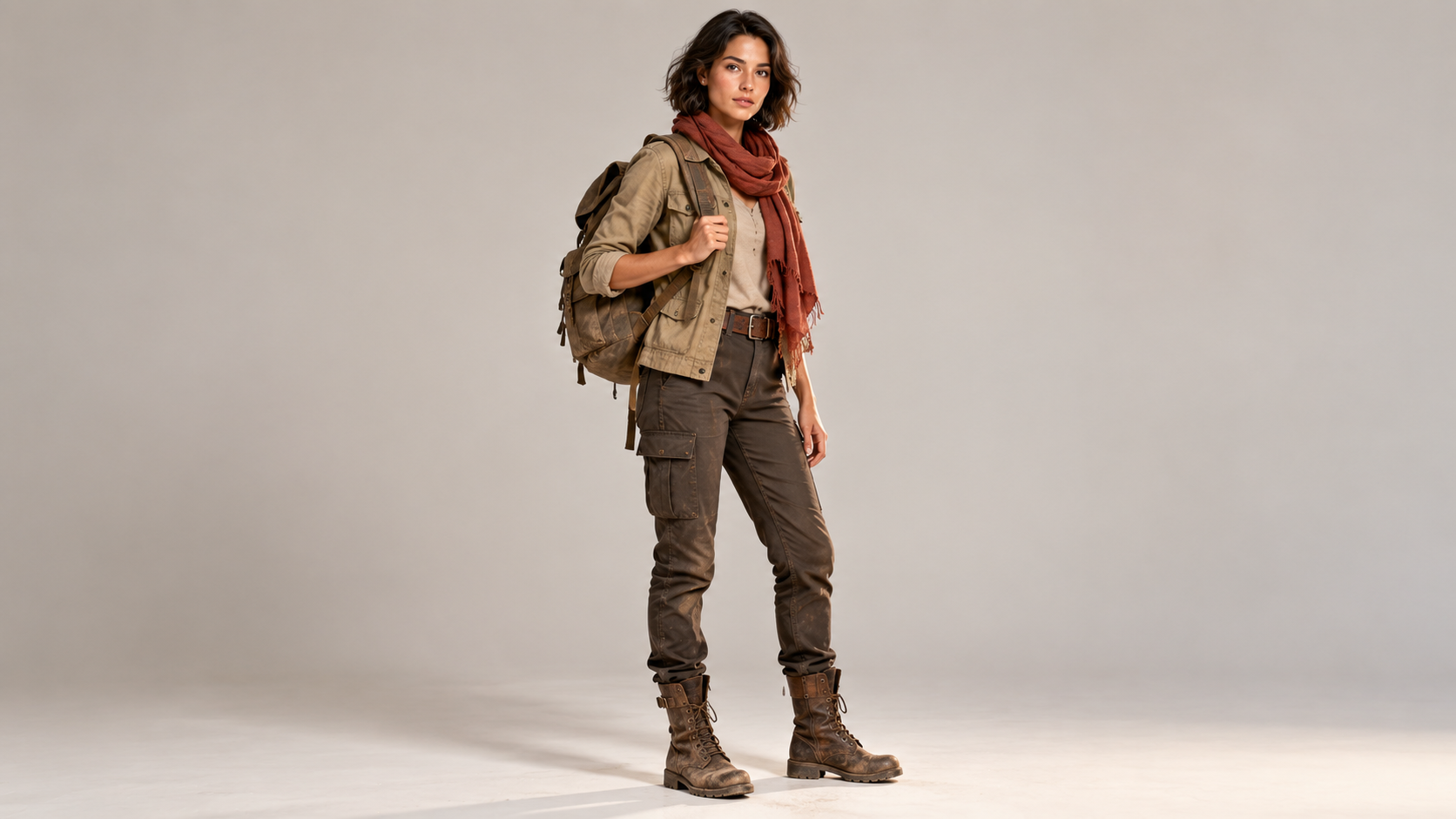
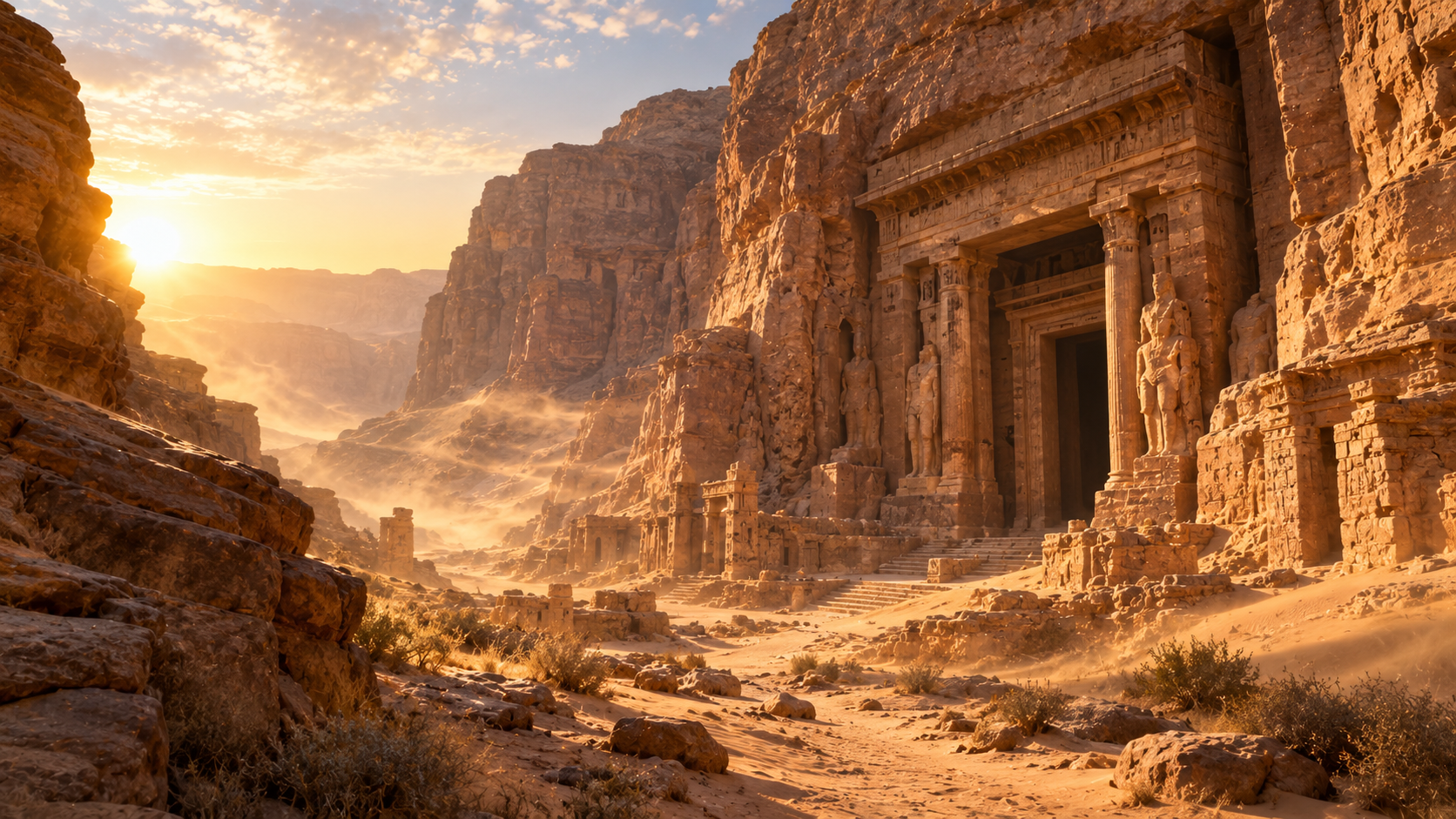
The woman from the character reference walks slowly through the desert canyon toward the ancient temple. Keep her face, hairstyle, clothing, red scarf, backpack, and body appearance consistent with the reference. Her scarf and clothing move naturally in the desert wind as sand drifts across the path. The camera follows smoothly from a three-quarter angle. Photorealistic adventure-film cinematography, warm golden-hour light.
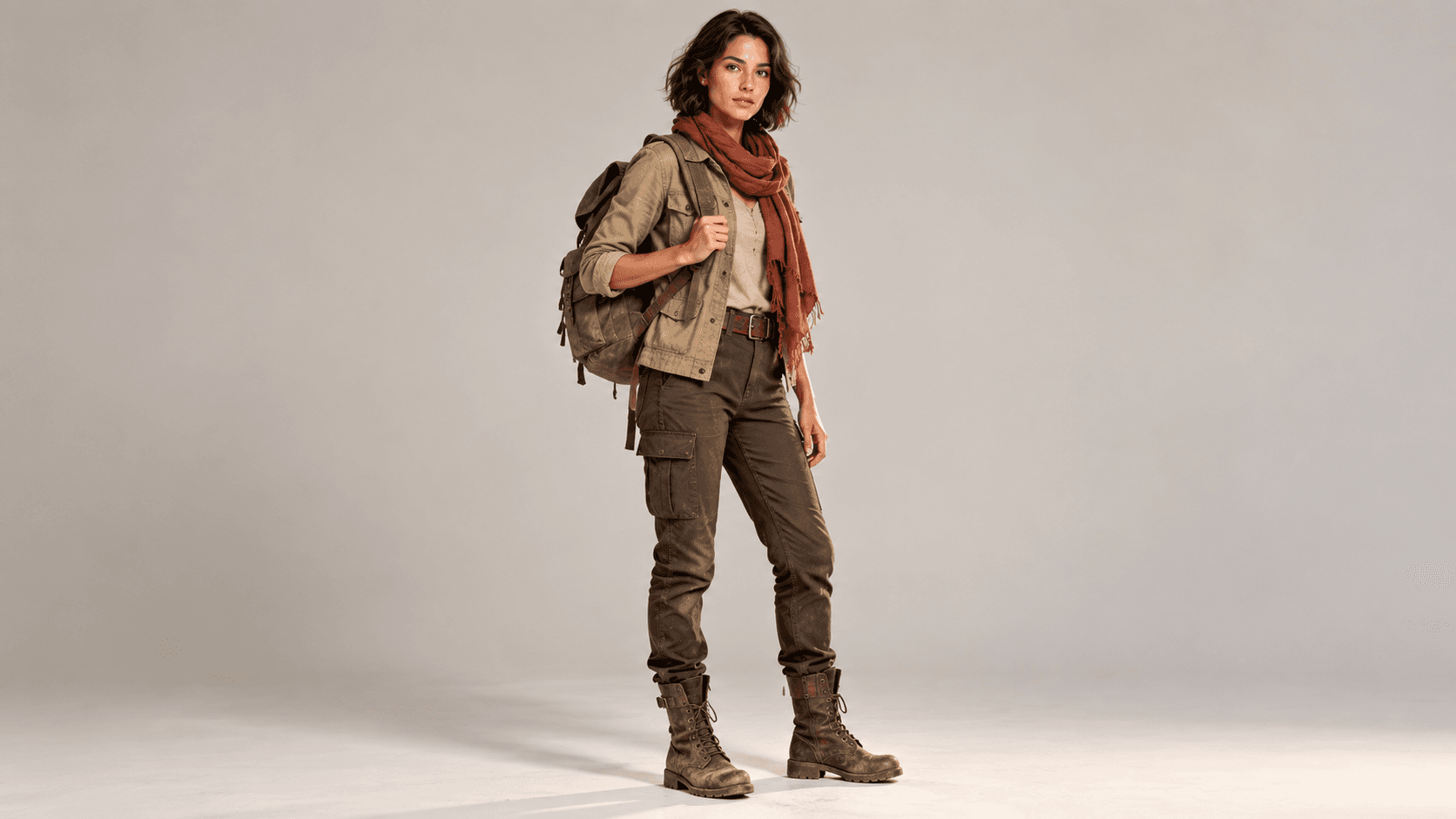
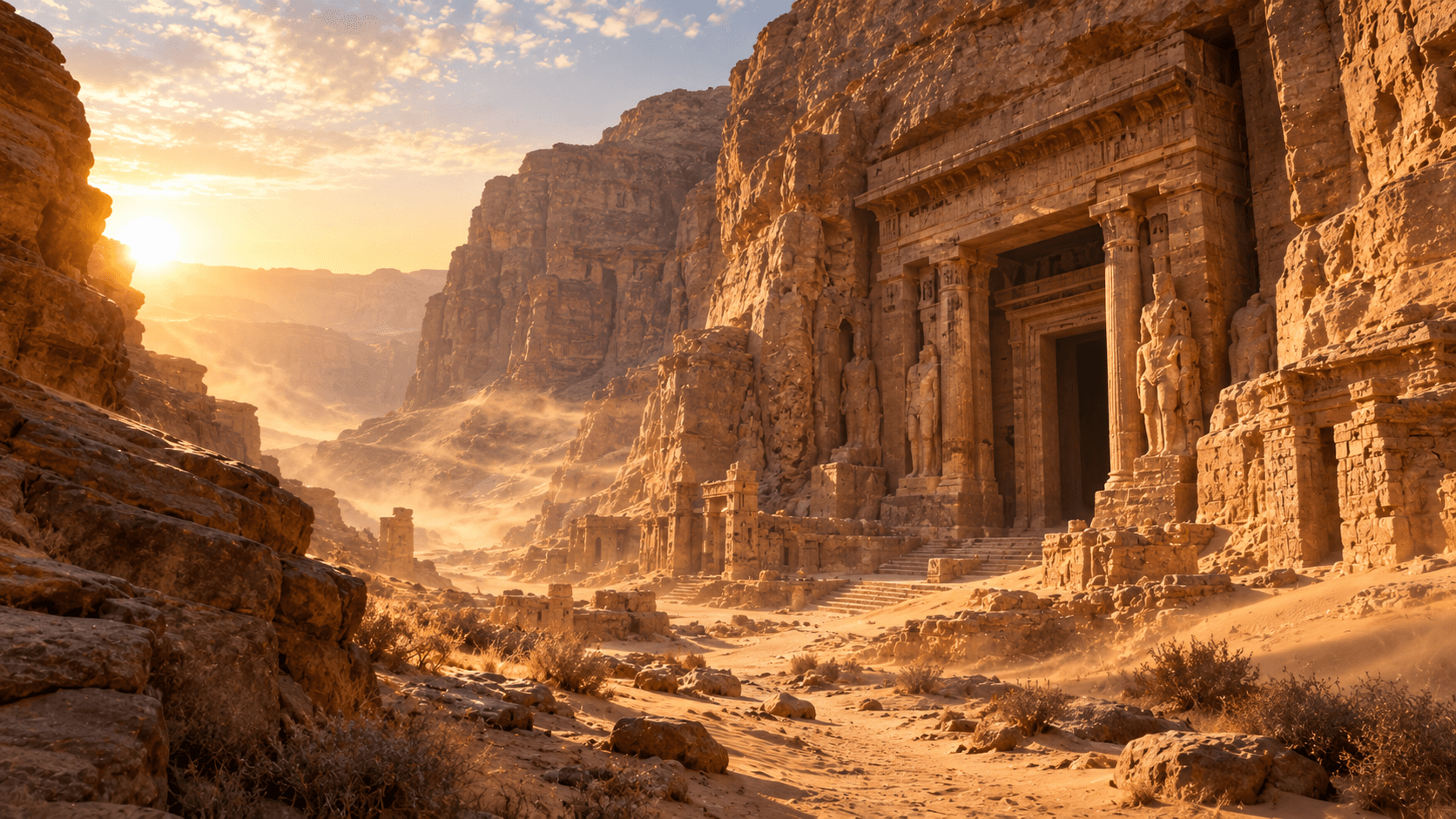
Replaces your current prompt, settings, and inputs. Review the estimate before generating; a new result may differ.
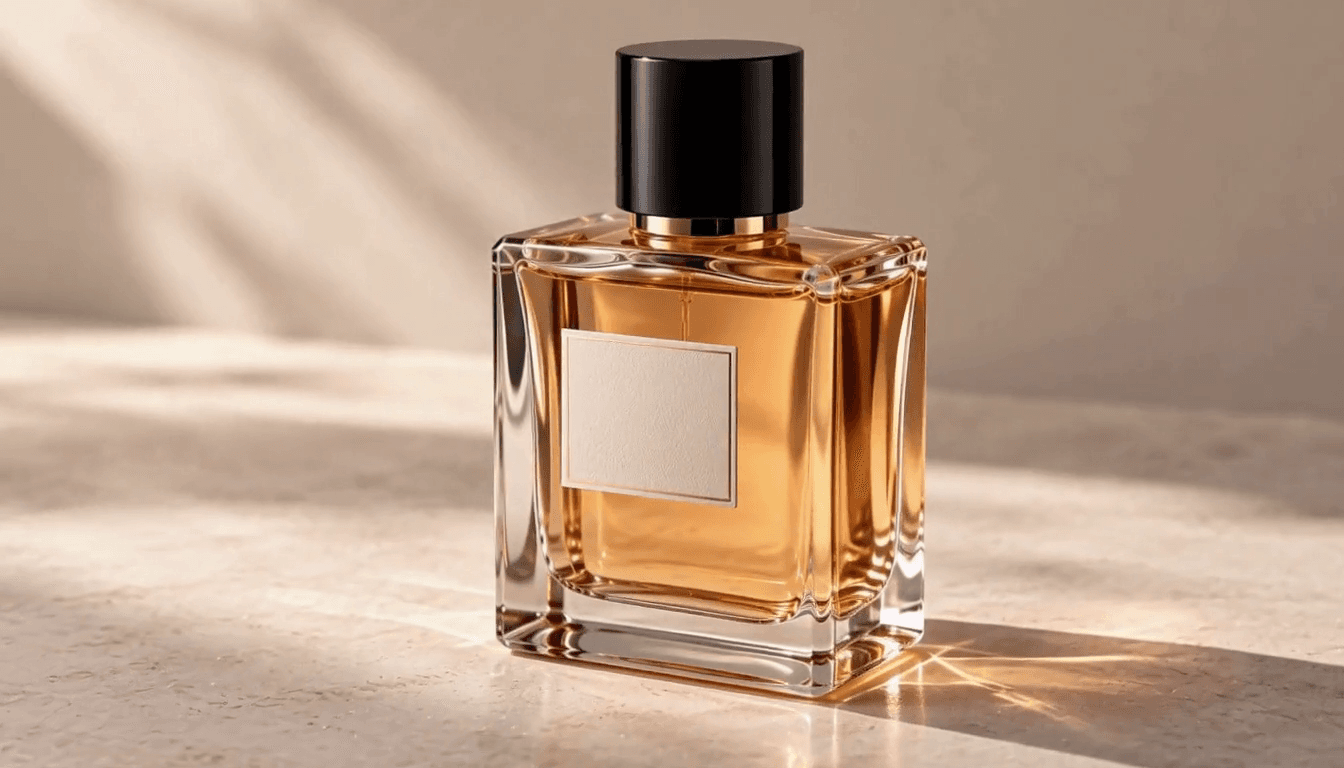
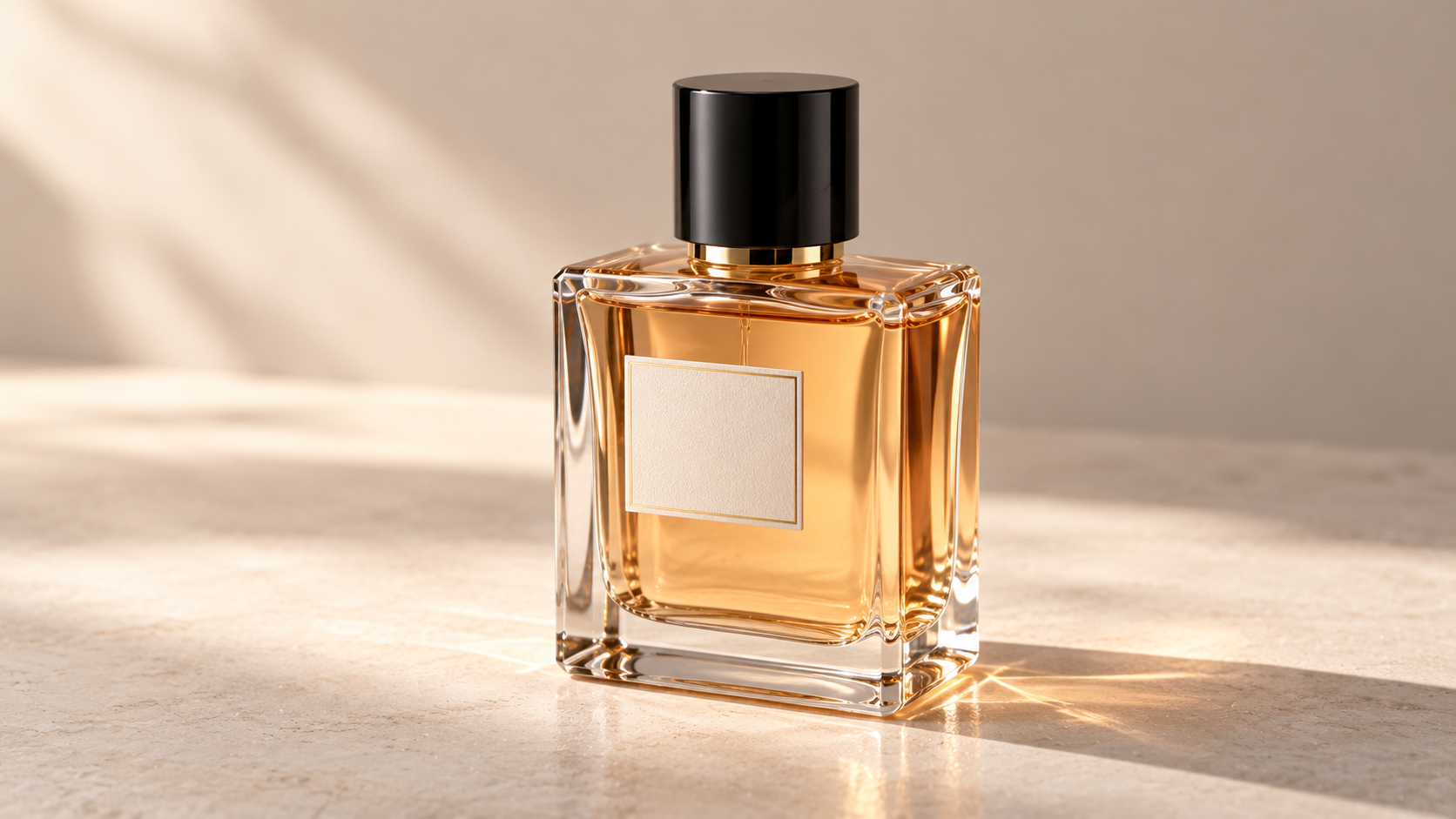
Create a cinematic product shot using the perfume bottle from the image reference. Keep the bottle shape, amber liquid, black cap, and label design consistent. Follow the smooth orbiting camera movement from the video reference while the perfume bottle remains stationary. Soft reflections move naturally across the glass. Luxury commercial lighting, realistic glass refraction, shallow depth of field.
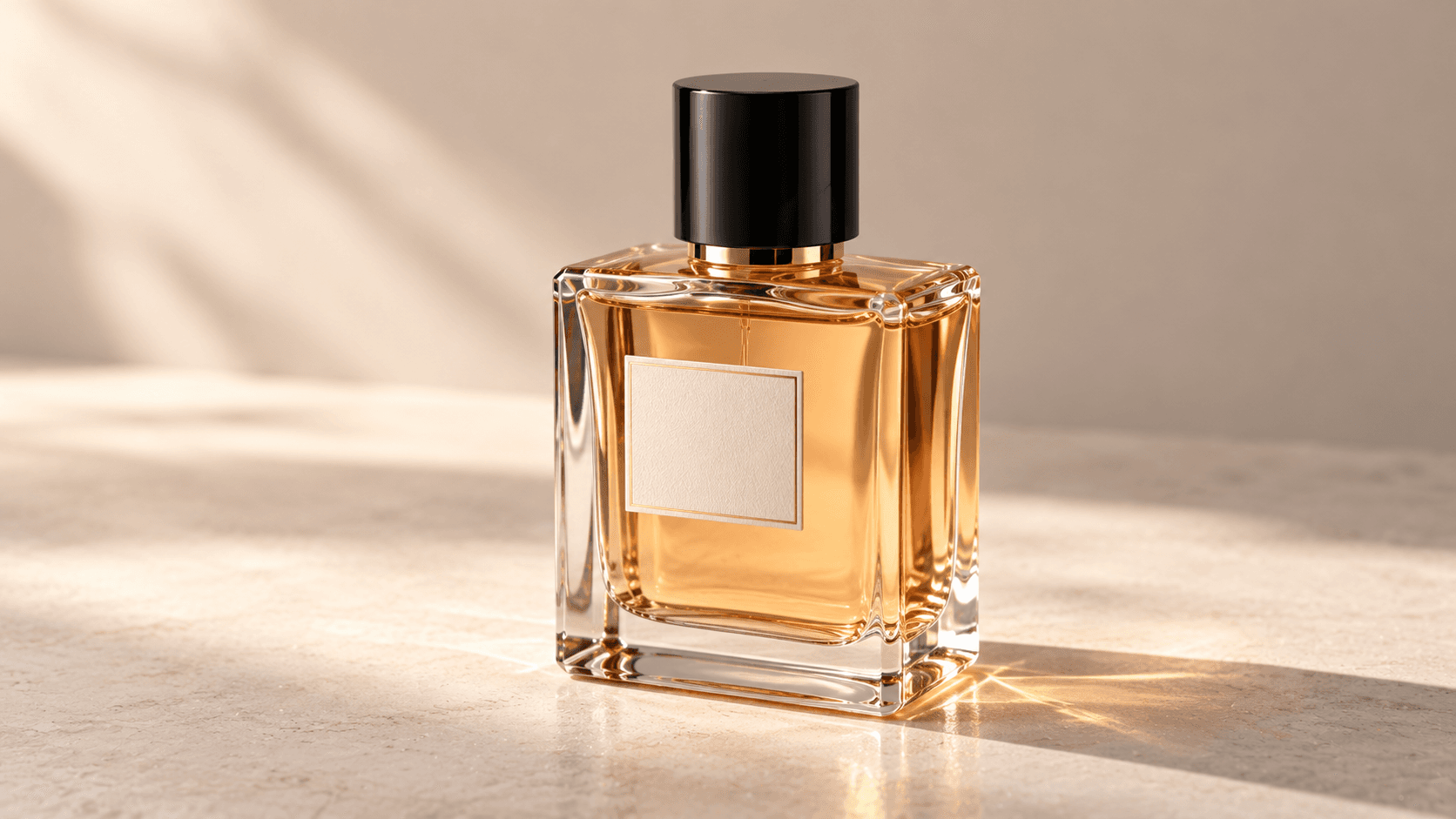
Replaces your current prompt, settings, and inputs. Review the estimate before generating; a new result may differ.
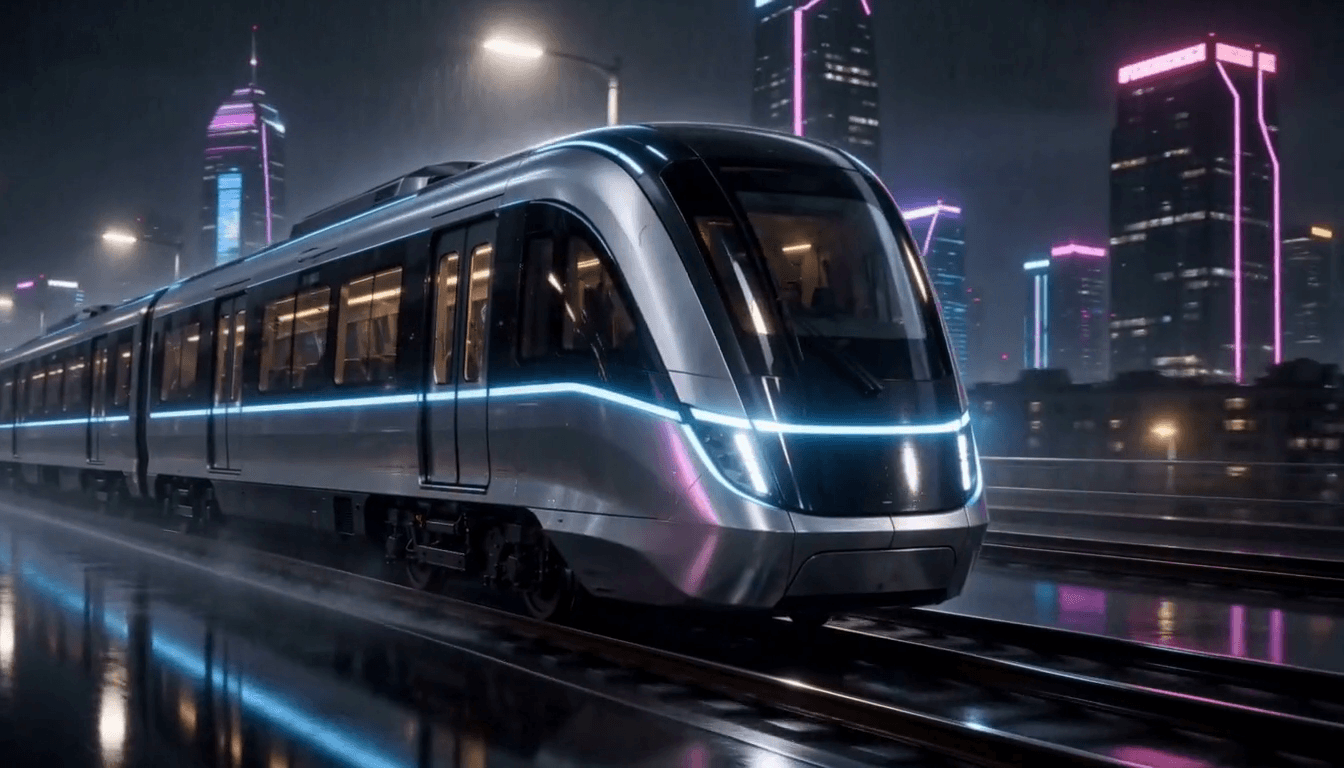
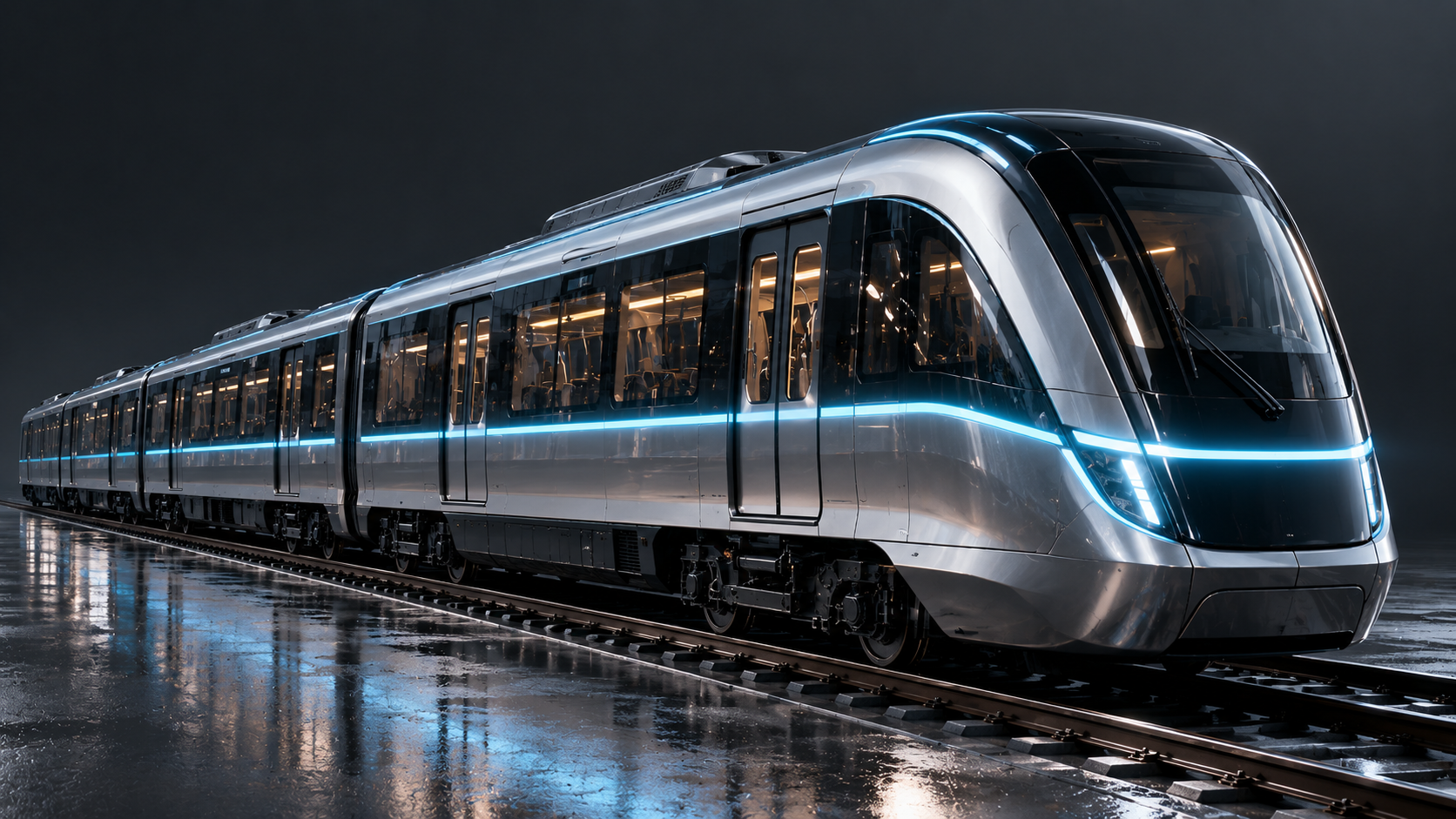
The train from the image reference travels through a futuristic city at night in steady rain. Follow the smooth side-tracking camera movement from the video reference. Keep the train design consistent while neon city lights reflect naturally across its wet metallic surface. Use the audio reference to guide the rainy railway atmosphere. Photorealistic cinematic night scene, realistic rain and reflections.
Replaces your current prompt, settings, and inputs. Review the estimate before generating; a new result may differ.
Untested starters
Untested suggestions requiring your own inputs. Compare the mixed-reference workflow.
Frame and reference starters
3 starter recipesPrepare one first-frame image.
Continue the supplied first frame. Follow the traveler toward a fruit stall. Preserve face, coat, layout, and afternoon light. Add footsteps; no dialogue.
Check face, clothing, hands, and background continuity.
Supply both compatible frame anchors.
Bridge the daylight and night rooftop frames with a gentle push. Accelerate clouds and illuminate windows. Preserve skyline, railing, and lens height.
Inspect the transition and final-frame match.
Assign each upload one clear role.
Use image 1 for the coat, image 2 for the station, and video 1 for tracking. Follow the traveler across the platform as a train arrives.
Include a visual reference; keep motion and identity roles separate.
Four steps
Before uploading personal or third-party media, check the ZMS AI terms and your usage rights.
Use text for an open brief, frames for anchors, or references for distinct media roles.
Write one clear action, camera move, and ending. Add timed sound instructions when needed.
Match duration, resolution, and framing to your inputs. Check uploads and the estimate.
Follow the real task status, then review the whole clip, final frame, and sound before publishing.
One recorded run
These observations describe H3-01, not a general model rating.
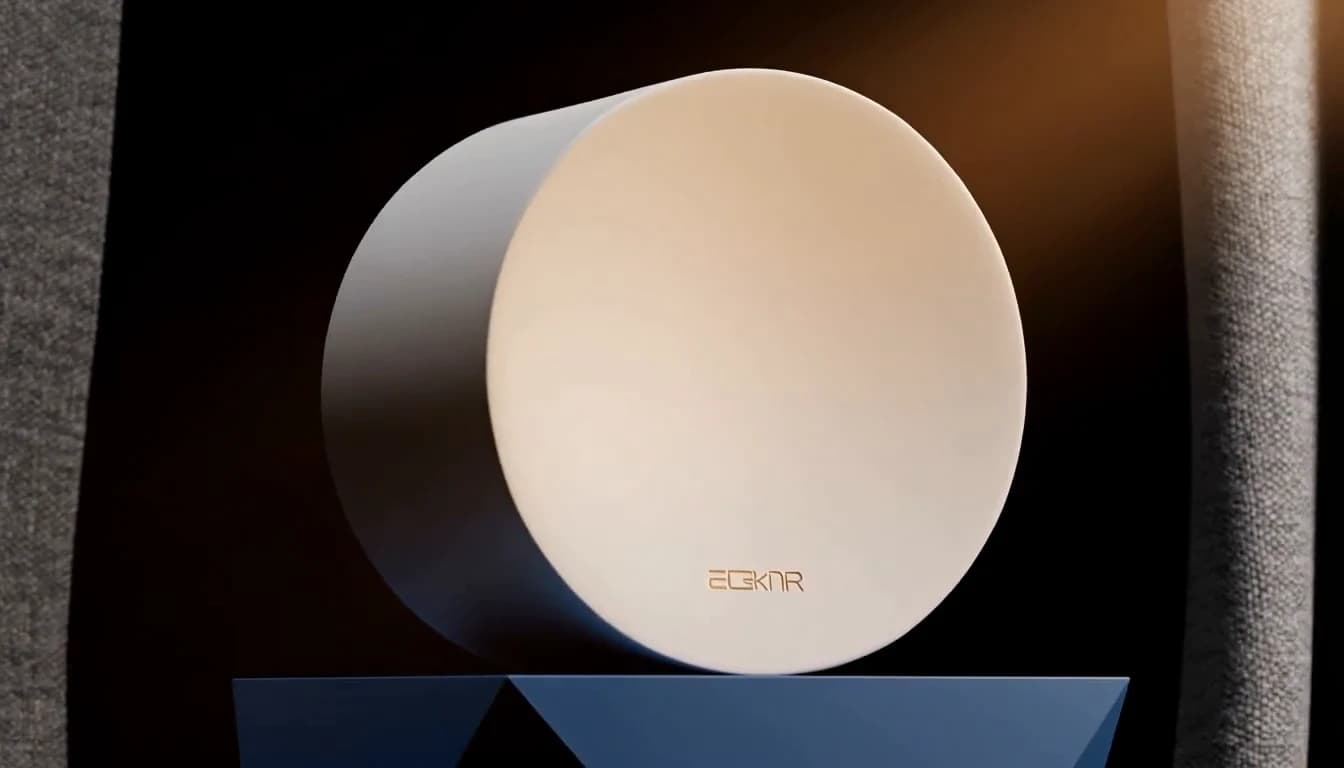
Observed frame
The subject persists; its small generated mark is unreadable.
H3-01 at 7.5s · 8.0s output · 1344 × 768 · 160 credits| Review point | Observed in this run | Practical next step |
|---|---|---|
| Subject continuity | At 0.5, 4.0, and 7.5s, the cylinder and plinth persist through the orbit. | Inspect the full clip; three samples cannot prove complete consistency. |
| Missed instructions | Fabric becomes background curtains, already open at 0.5s. The final small mark is unreadable. | Specify the fabric's role and review lettering before publication. |
| Audio and scope | AAC stereo is present; content and timing remain unassessed by listening. | Listen before publishing. One text run says nothing about frame/reference reliability. |
FAQ
Answers about this workspace and its recorded example.
Yes. One recorded text task returned downloadable video and used 160 credits. Ten more clips on this page are supplied recordings, not a verified ZMS task and debit.
Text for a written brief, First/last frame for anchors, or Reference for distinct media roles.
Five images, three videos, and three audio files. Mixed mode requires an image or video.
4–15s at 768p or 2K. Six text ratios; adaptive for references. Frame anchors set their own composition.
20 credits/second at 768p; 35 at 2K. Reference-video seconds also count. Check the final debit.
The studio product clip is one ZMS AI run on 28 September 2026. Ten more clips are supplied recordings with their prompts and inputs. The three suggested recipes remain untested.