MiniMax H3
MiniMax H3 vs Seedance 2.5: Which AI Video Model Wins?
A side-by-side comparison of MiniMax H3 and Seedance 2.5 — duration, resolution, native audio, and reference handling — to help you pick the right model for a shot.
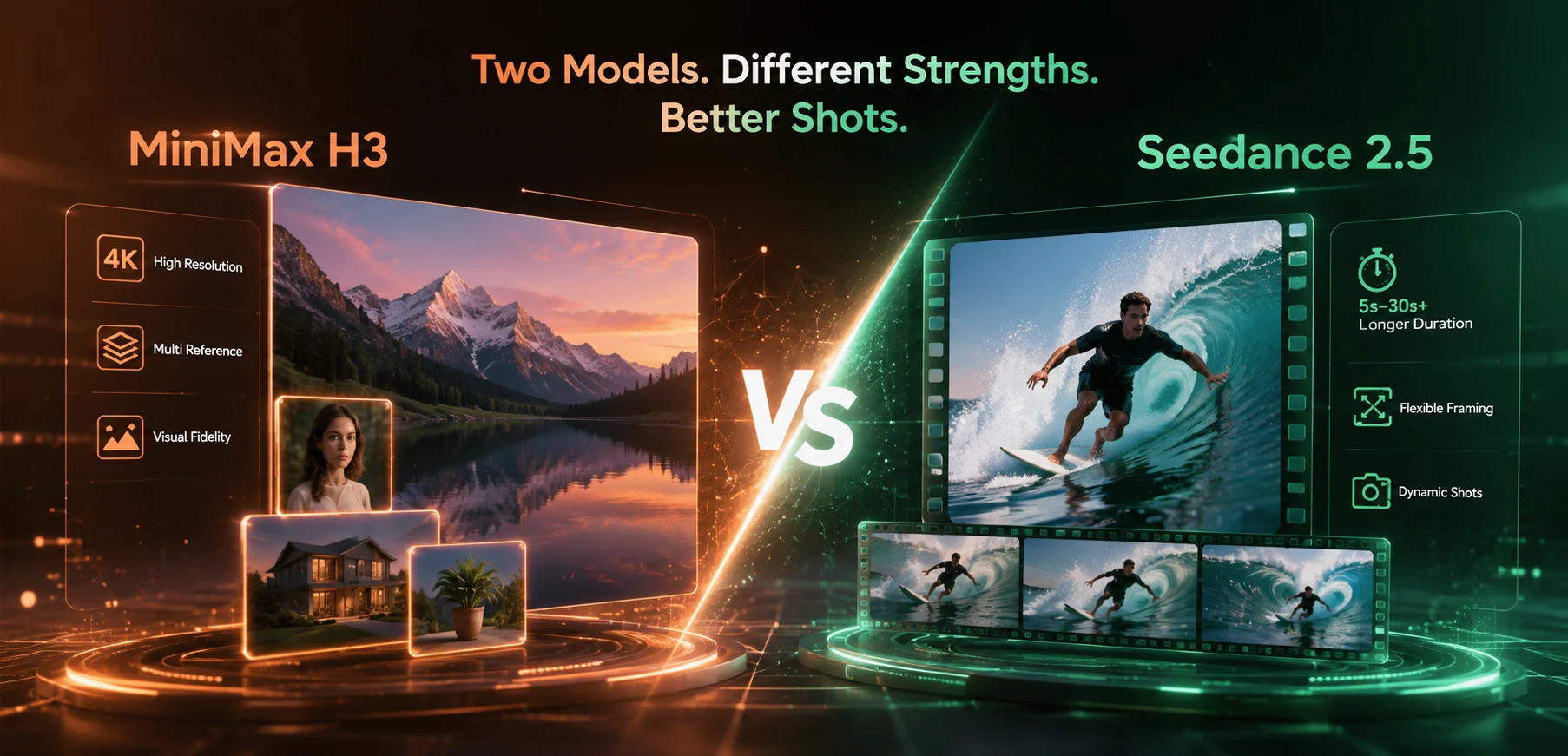
MiniMax H3 and Seedance 2.5 solve a similar problem in different ways: both generate video with synchronized audio and both accept reference material to hold a subject consistent, but they land on different tradeoffs — resolution and reference range on one side, duration range and framing flexibility on the other. Both are available now in the AI Video Generator workspace on ZMS AI, alongside Veo and Wan. This comparison lines up the two models on the specs that actually change what you can shoot with them.
Quick Comparison
MiniMax H3 | Seedance 2.5 | |
|---|---|---|
Resolution | Up to 2K (1440p short edge), 24fps | 480p or 720p |
Duration | Up to 15 seconds | 4–30 seconds |
Audio | Native stereo audio, generated jointly with video | Optional audio-generation toggle |
Aspect ratios | 21:9, 16:9, 4:3, 1:1, 3:4, 9:16 | 21:9, 16:9, 4:3, 1:1, 3:4, 9:16, adaptive |
Reference inputs | Up to 9 images, 3 video clips, 3 audio clips (12 files max) via omni-reference mode | Up to 30 images or 10 videos |
First/last frame | Supported (0, 1, or 2 input images) | Supported (first frame required, last frame optional) |
License | Open-sourced under a community license | Proprietary |
Both figures come from each model’s own published documentation — MiniMax’s official model card and GitHub release notes for H3, and the output settings in the Seedance 2.5 workspace on ZMS AI.
Where MiniMax H3 Pulls Ahead
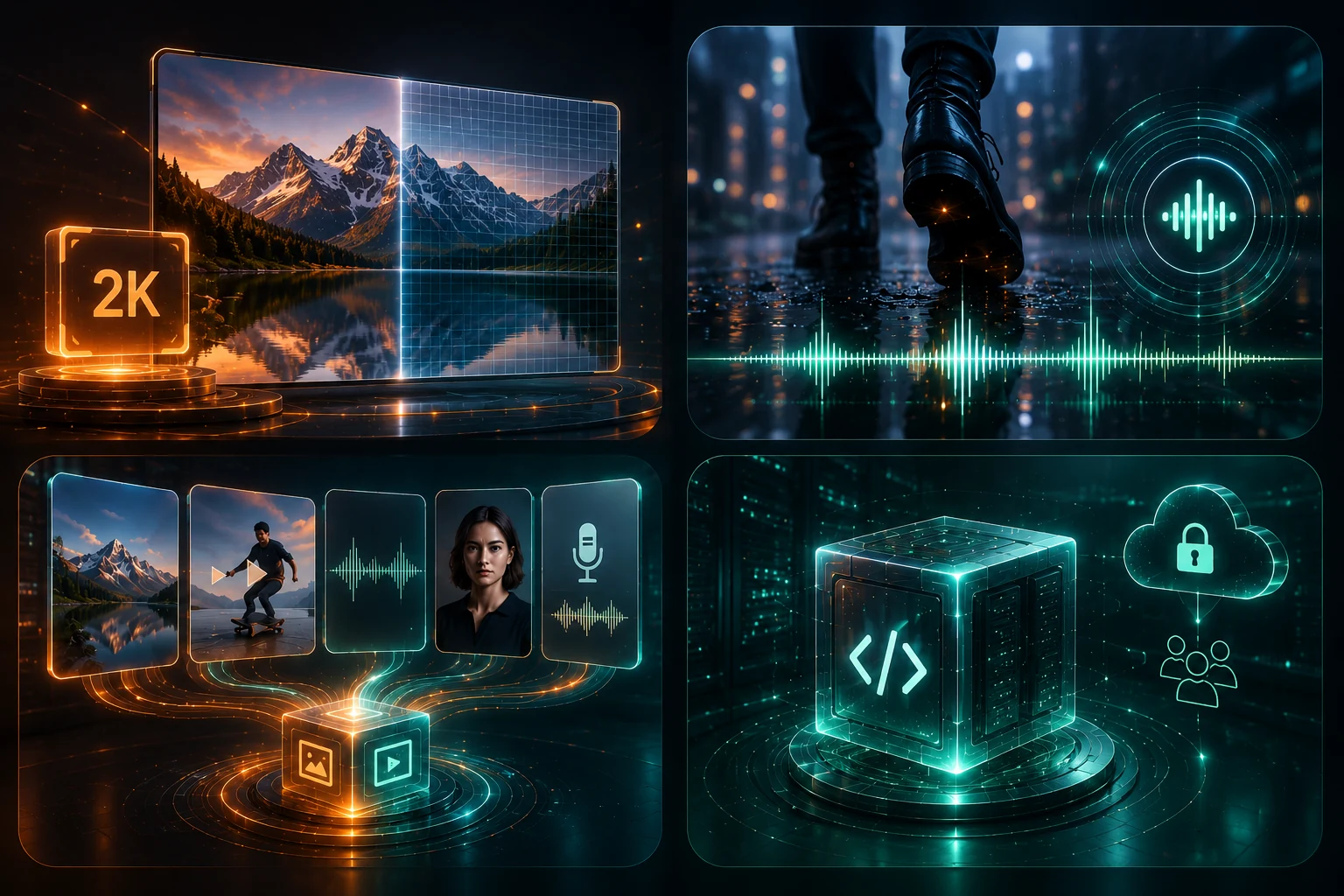
Resolution. 2K is a real step up from Seedance 2.5’s 480p/720p ceiling — if the final deliverable needs to hold up on a large screen or survive heavy cropping, H3 has more room to work with.
Native audio quality. H3 generates stereo audio jointly with the video by design, rather than as a toggle layered on top — its architecture treats video and audio as one prediction, which tends to produce audio that’s more tightly locked to on-screen action (footsteps landing on frame, a door closing in sync).
Multimodal references. H3’s omni-reference mode accepts a mix of images, video clips, and audio clips in the same task — up to 12 files total — including reference audio for voice or sound matching. That’s a different kind of control than reference images alone: you can hand it a motion reference, a face reference, and a voice sample together.
Open weights. H3 is released under a community license, so teams with the infrastructure for it can self-host rather than relying entirely on a hosted API.
Where Seedance 2.5 Pulls Ahead
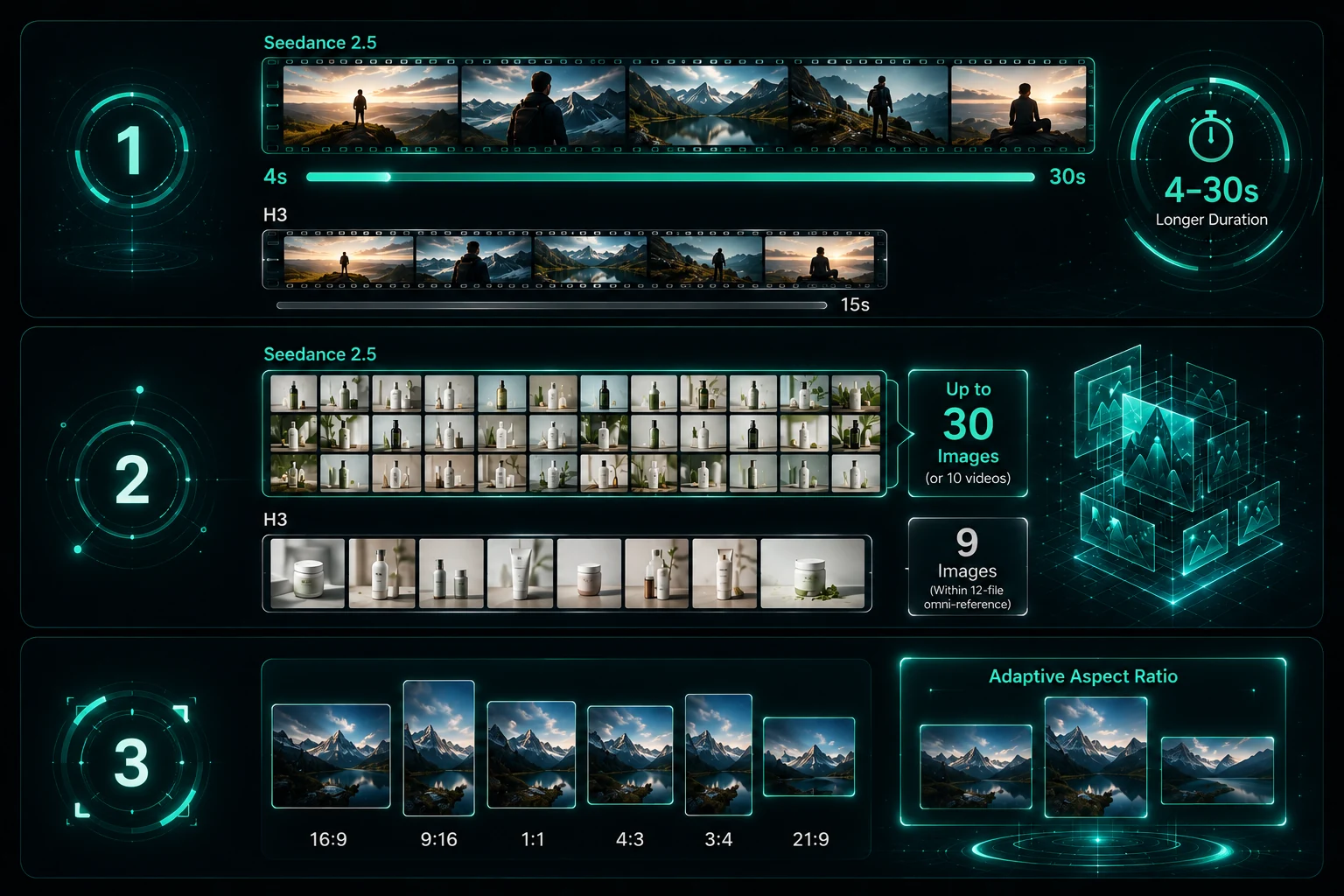
Duration range. 4–30 seconds against H3’s 15-second ceiling — for a shot that needs a real beginning, development, and resolution rather than a short beat, Seedance 2.5 has roughly double the room.
Reference volume for images. Up to 30 images (or 10 videos) is a much larger set than H3’s 9-image cap within its 12-file omni-reference limit — useful when a brand kit or product line has more assets than a smaller reference cap can hold at once.
Adaptive framing. Seedance 2.5 offers an adaptive aspect-ratio option alongside its six fixed ratios, useful when you want the model to choose framing based on the prompt rather than committing to a ratio upfront.
Which One Fits Your Shot
Choose MiniMax H3 when:
The final resolution needs to be 2K, not 720p
You have a voice, sound effect, or motion reference you want the model to match, not just a visual one
The shot is 15 seconds or shorter
You want the option to self-host or work with open weights
Choose Seedance 2.5 when:
The shot needs more than 15 seconds to develop — a full narrative beat, not a single gesture
You’re working from a large set of brand or product reference images
You want adaptive framing rather than committing to a fixed ratio
Plenty of teams end up using both — H3 for shorter, resolution-critical, sound-forward shots, Seedance 2.5 for longer sequences and larger reference sets. Since both sit in the same ZMS AI workspace, switching between them for a given shot doesn’t mean rebuilding your prompt from scratch.
How Prompting Differs Between the Two
Even though both models respond to natural-language prompts, the shape of a good prompt changes with the constraints above.
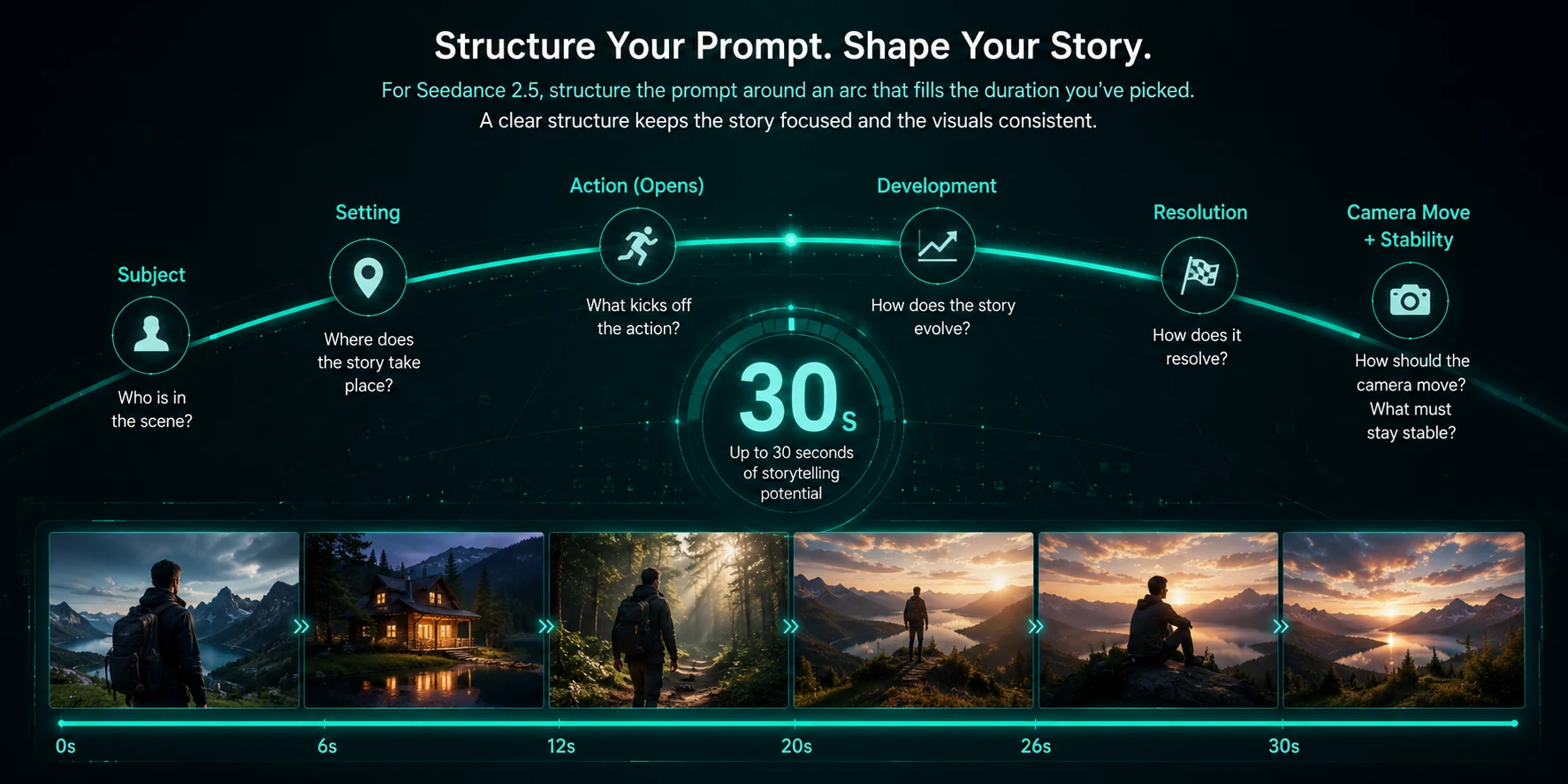
For Seedance 2.5, structure the prompt around an arc that fills the duration you’ve picked: a subject, a setting, an action that opens, develops, and resolves, a camera move, and an explicit note on what must stay stable. With up to 30 seconds available, an underspecified prompt tends to wander once the obvious motion runs out — see the Seedance 2.5 guide for the full prompt formula and examples.
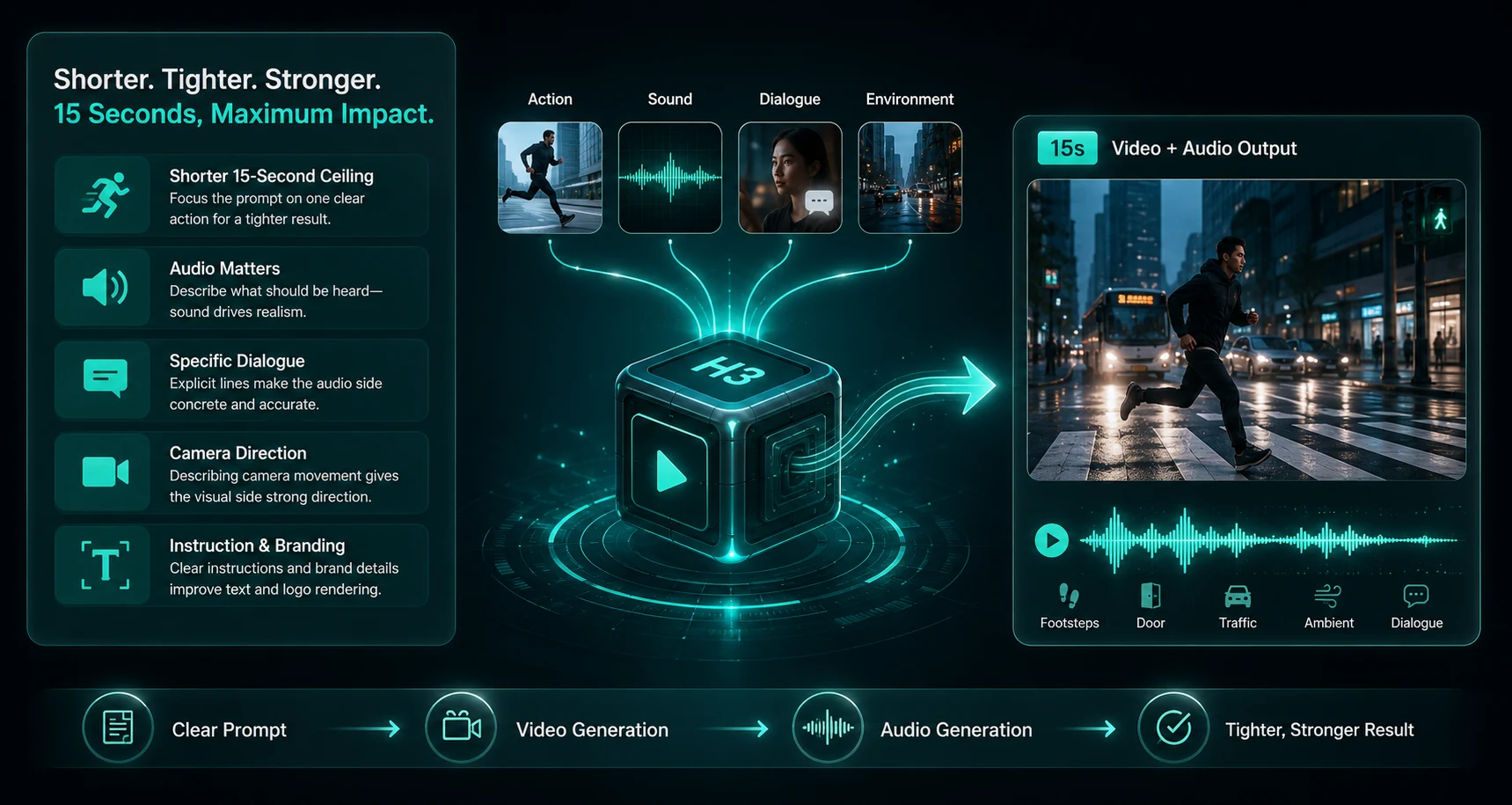
For MiniMax H3, the shorter 15-second ceiling means the prompt can stay tighter — one clear action rather than a multi-beat sequence — but it’s worth writing the sound into the prompt explicitly if audio matters to the shot. Because H3 generates video and audio jointly, describing what should be heard (footsteps, a door, ambient traffic, a specific line of dialogue) gives the audio side of the generation something concrete to work from, the same way describing the camera gives the visual side direction. MiniMax’s own materials highlight strong instruction-following and accurate text and brand rendering as particular strengths — worth leaning on for shots where a label, sign, or logo needs to render correctly.
If you’re using H3’s omni-reference mode, treat each reference the way you would in Seedance 2.5’s reference tasks: give every image, clip, or audio file a specific job in the prompt — “match the camera move from the video reference,” “use the voice from the audio reference” — rather than uploading a pile of material and hoping the model sorts out which one matters for what.
Cost Considerations
Generation cost on ZMS AI depends on the model and settings selected, and the estimated cost is shown before you generate — check it against your credit balance before committing to a higher resolution or a longer duration on either model. See ZMS AI pricing for how the shared credit system works across all connected models.
For context on the underlying models: MiniMax has positioned H3 as notably cost-efficient at the model level, citing per-second pricing at 2K that undercuts many mainstream models — worth factoring in, since higher resolution doesn’t automatically mean a higher relative cost with H3.
Use Cases Worth Planning For
Product demo with a voiceover-matched sound design. H3’s joint video-audio generation and voice-reference support make it a natural fit — hand it a product shot, a motion reference, and a voice sample, and get a clip where narration and visuals are generated together rather than assembled afterward.
A 20-second brand story. This sits outside H3’s 15-second ceiling, so Seedance 2.5 is the fit — a longer arc with a clear opening, development, and resolution, built from a larger set of brand reference images if needed.
A quick social cutdown that needs to read clearly at small size. H3’s stronger instruction-following and text/brand rendering may hold up better for shots where an on-screen label or logo has to stay legible — worth a side-by-side test against Seedance 2.5 for the same brief.
A campaign with more than 10 reference assets. Seedance 2.5’s 30-image or 10-video reference ceiling comfortably covers this; H3’s 9-image, 12-file-total omni-reference cap would require trimming the reference set down to its most essential pieces.
FAQ
Is MiniMax H3 available on ZMS AI? Yes. MiniMax H3 is available in the AI Video Generator workspace on ZMS AI, alongside Seedance, Veo, and Wan.
Does MiniMax H3 generate audio automatically? Yes. Audio is generated natively alongside the video as part of the model’s design, rather than as a separate optional step.
Can both models start from a reference image? Yes. Seedance 2.5 supports a required first frame with an optional last frame, or up to 30 images / 10 videos as references. MiniMax H3 supports zero, one, or two images for first/last-frame tasks, or up to 9 images plus 3 video clips and 3 audio clips in omni-reference mode.
Which one is better for a 4K final deliverable? Neither reaches native 4K — H3 tops out at 2K and Seedance 2.5 at 720p. For a 4K commercial deliverable, Seedance 2.0 is the closer fit on ZMS AI.
Does MiniMax H3’s open license mean anything for how it works on ZMS AI? Not for how you use it day to day — on ZMS AI, both models are prepared and generated through the same hosted workspace and credit system. The open license mainly matters to teams who want the option to self-host H3 independently, outside ZMS AI.
Will prompts I write for Seedance 2.5 work the same way on MiniMax H3? The core instinct — describe subject, action, camera, and constraints — carries over, but H3’s shorter duration favors tighter prompts, and it’s worth explicitly describing sound if audio matters, since video and audio generate jointly.
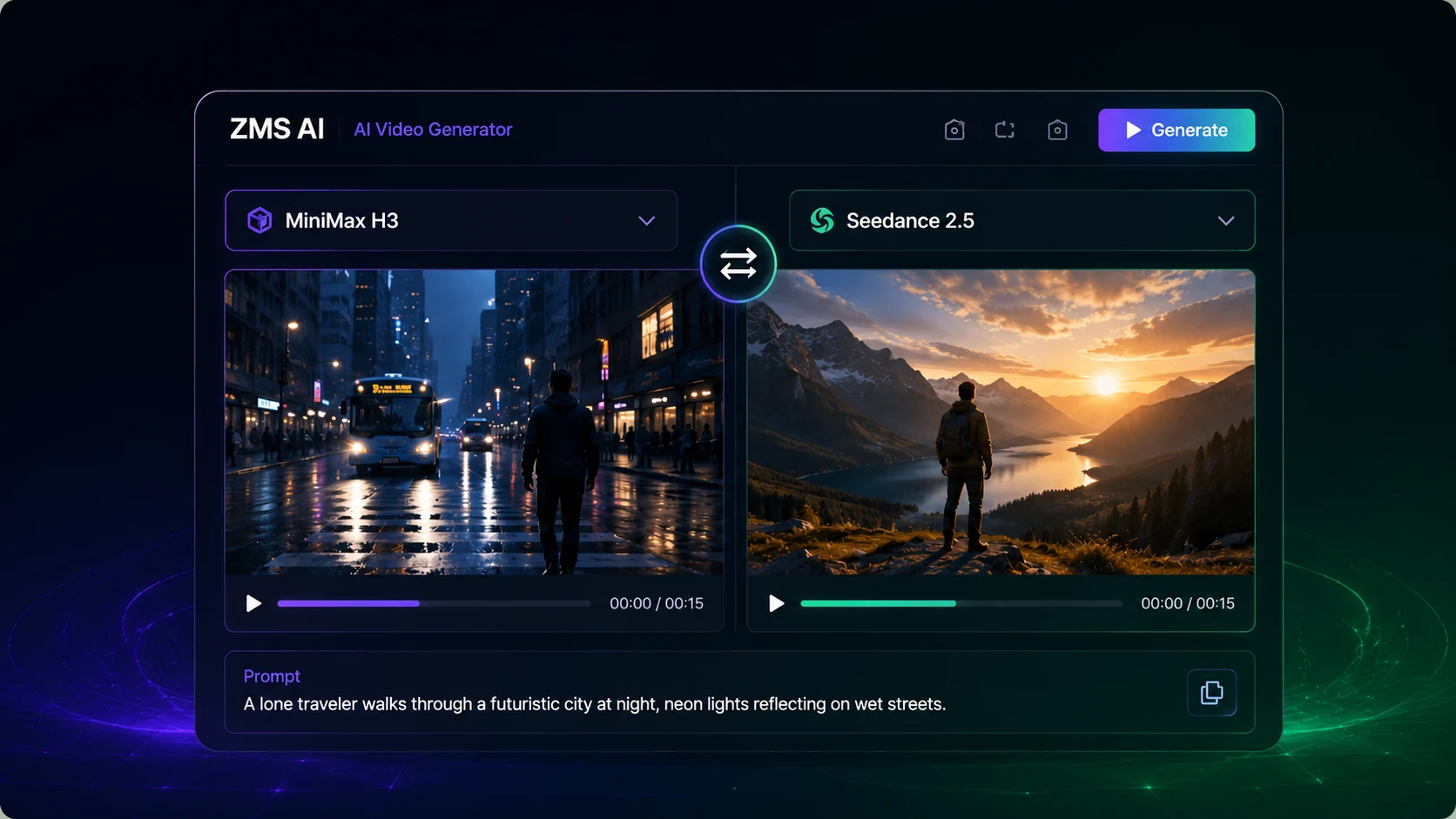
Try Both on ZMS AI
Open the AI Video Generator on ZMS AI and switch between MiniMax H3 and Seedance 2.5 for the same brief — the fastest way to see which one actually fits your shot.
Use this guide
More from Seedance